
Overview
In this article we will go over how to check your employees on-boarding status for self- enrollment for payroll. If the status is not complete, refer employees to employee on-boarding.
Reviewing Employees Payroll Status
- Log in as an administrator or manager.
- Click "My Team," and then "Team Directory".
- Under payroll status, you can review if employees have completed on-boarding documents.
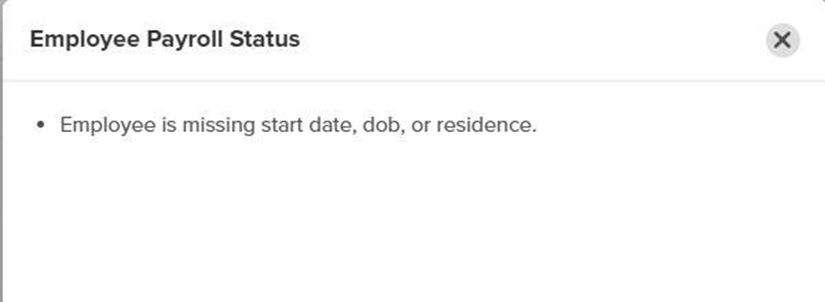
- Blocking: Indicates there is missing information on the employee profile.
- Complete: Indicates the employee is fully on-boarded.
Example of Blocked Status

Example of Successful On-boarding
