Skip to content
BUILT FOR CLEANING BUSINESSES

Cleaning crews move fast. Your time tracking should too

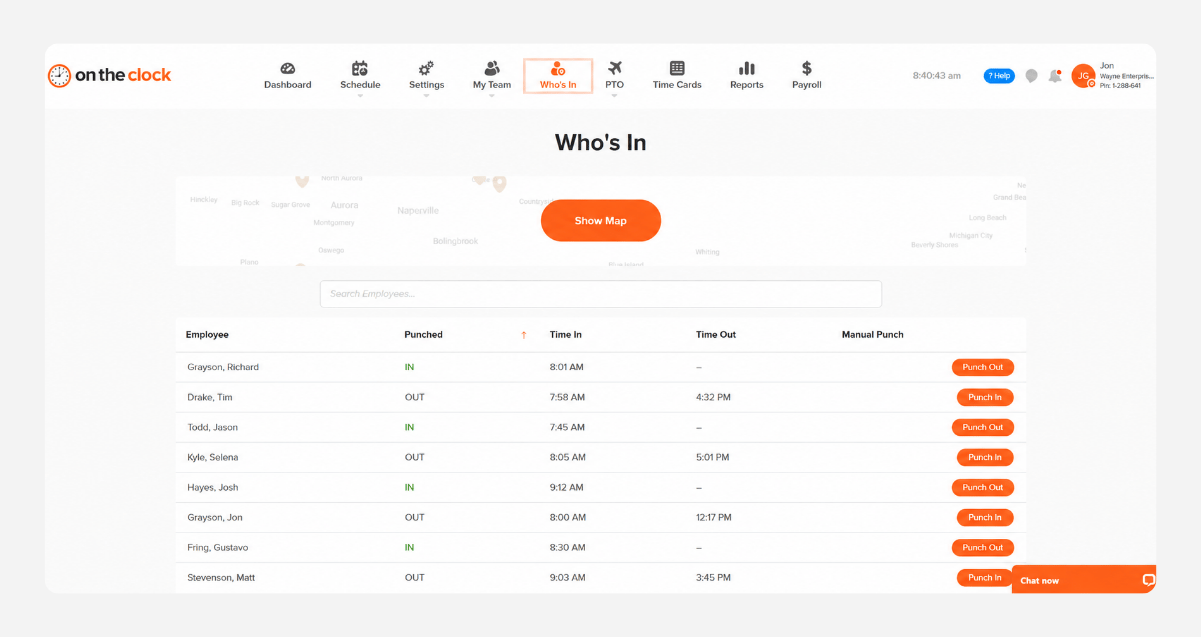
With OnTheClock, you can see where your team worked, track hours by job, and handle payroll in minutes.
No credit card required
Cancel anytime
5-minute setup
cleaning-time-tracking-app (772 x 695 px)
18,000+
Companies rely on OnTheClock Everyday
160,000+
Employees Punching in Daily
★★★★★
4.8
Capterra
★★★★★
4.5
G2
BUILT FOR FIELD CREWS

Everything a cleaning business needs to track time accurately.

From solo cleaners to 50-person crews across multiple buildings, OnTheClock makes it easy to track every hour, every job, and every location without the usual stress.

GPS-Verified Clock-Ins

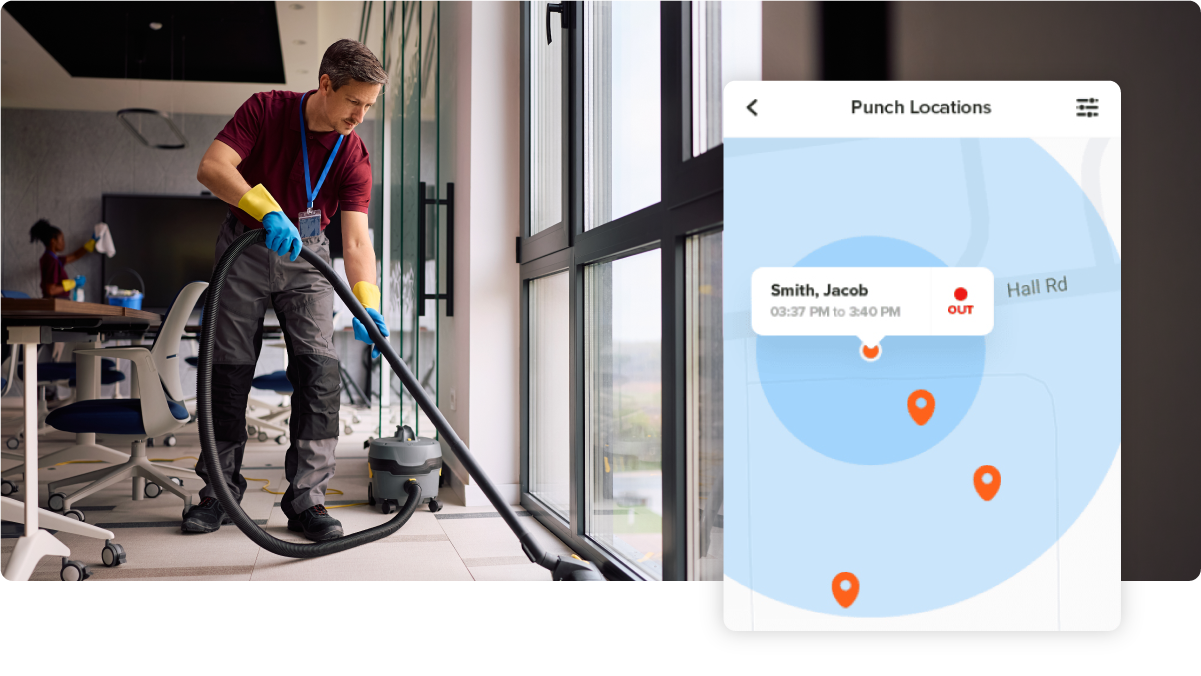
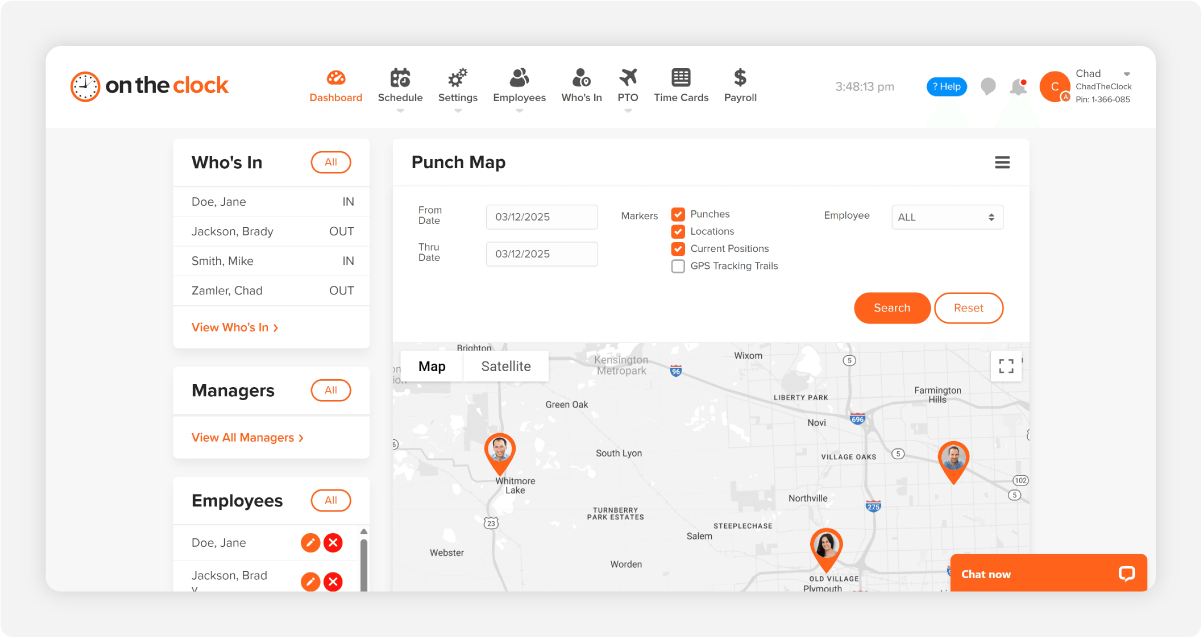
See exactly where each cleaner punched in and out. Geofences keep clock-ins tied to the actual job site, not the parking lot down the street.

Per-Job Hour Tracking

Track hours by client, building, or route so you can bill accurately, price the next bid right, and spot jobs that quietly lose money.

Mobile App for Crews

Cleaners clock in from the phone they already carry. No shared kiosk, no paper sheets, no waiting on a supervisor to text in hours.

Stop Buddy Punching

Photo capture and GPS lock-in make it easy to track who’s really on the job, so you’re only paying for the hours actually worked.

Overtime Alerts

Get notified before someone hits 40 hours so you can adjust the schedule instead of dealing with overtime later.

One-Click Payroll Export

Push approved hours straight to QuickBooks, Gusto, or ADP. What used to take a Saturday morning now takes about five minutes.
BEFORE & AFTER

Sound familiar? 

If you run a cleaning business, you’ve probably felt every one of these headaches. Here’s how things get easier once you switch.

Without OnTheClock
With OnTheClock
You’re piecing together hours from texts, screenshots, and a paper sheet every Monday morning.
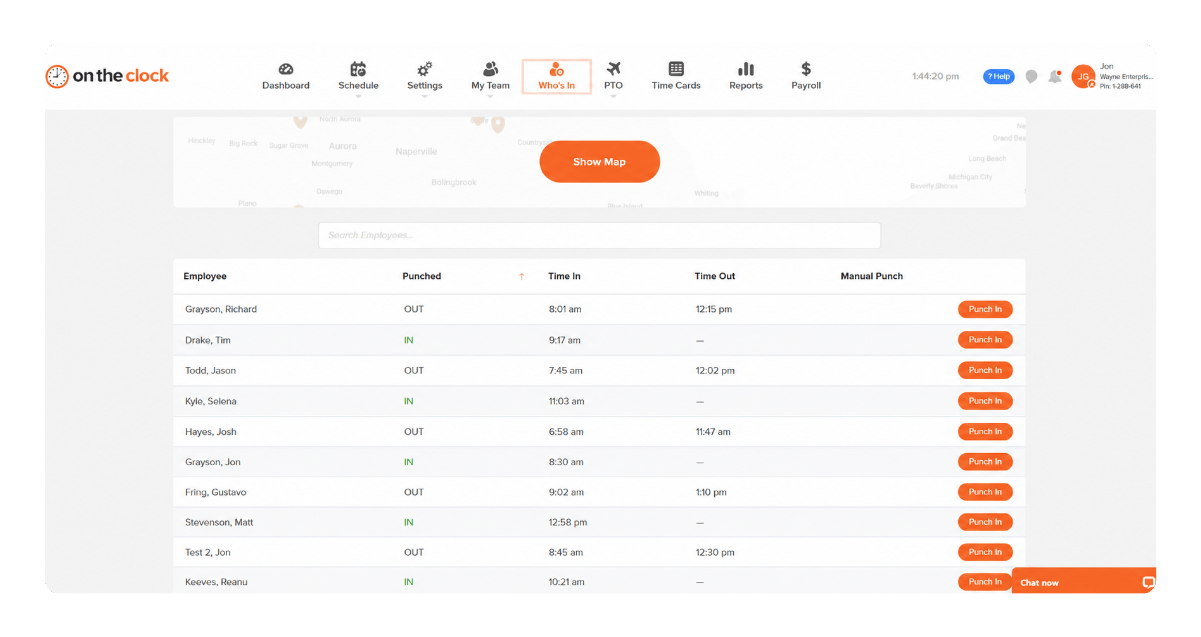
Every clock-in shows up in one dashboard in real time, tied to the job and ready for payroll.
A cleaner clocks in from the car, then drives 15 minutes to the property and you end up paying for that time.
GPS geofences only let your team clock in once they’re actually on the client’s property.
One crew lead clocks in for everyone, even when half the team is late
Photo verification and individual mobile logins make buddy punching nearly impossible
You can’t tell which jobs are profitable because hours aren’t tied to clients
Per client and job reports show which accounts actually make you money and which don’t
Surprise overtime hits every other Friday, and you only notice after payroll runs.
Real-time overtime alerts help you adjust schedules before anyone hits 40 hours, not after.
Saturday is payroll day, four hours of typing, totaling, and chasing missing punches.
Approve hours in one screen and export to QuickBooks or Gusto in one click. You’re done in under 30 minutes.
HOW IT WORKS

Set up tonight. Run cleaner payroll tomorrow.

Made for busy owners who don’t want complicated systems
01 — Clock In

Crews Clock In From the Job Site

Cleaners open the app, tap clock in, and location is verified. No need to watch over them.
MOBILE APP KIOSK MODE WEB BROWSER
02 — Schedule

Assign Jobs and Schedules

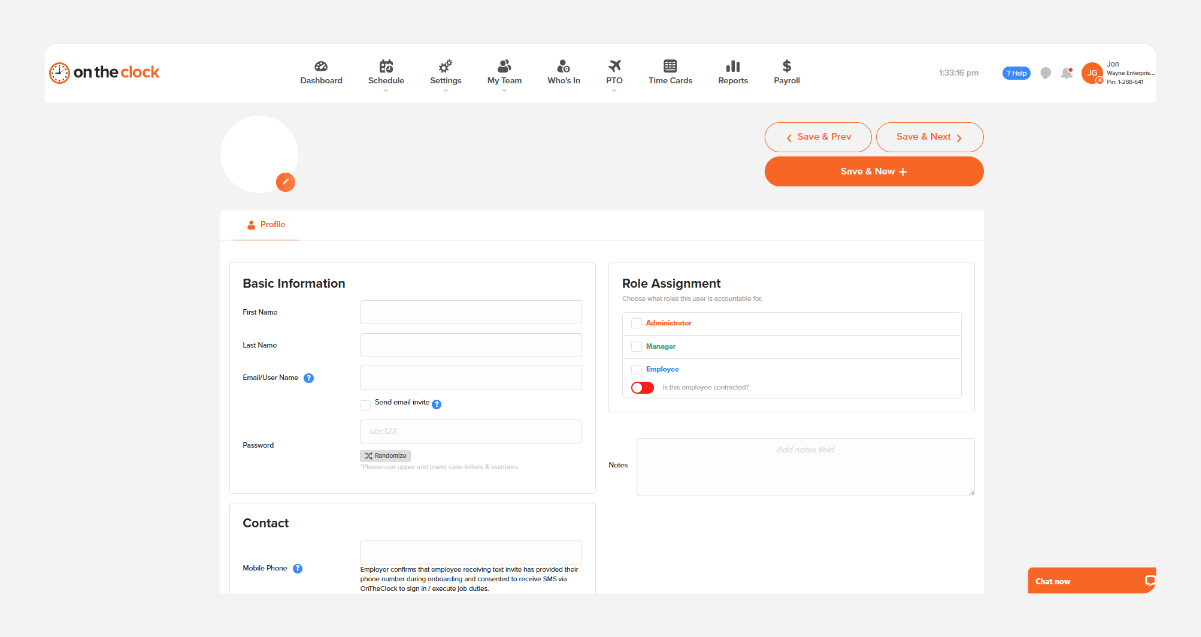
Assign crews to buildings or recurring jobs in seconds. Cleaners get their schedule on their phone, with the address ready to go.
Drag & Drop Shift Swaps On-Call Mgmt SMS Alerts
03 — TRACK

See Hours Per Client in Real Time

Watch hours update in real time by job, building, or crew. See when a crew is running long before it cuts into your profit.
Auto-Accruals FMLA TrackingSelf-Service Requests
04 — Run Payroll

Approve and Export in One Click

Review the week, approve everything in one place, and send it to payroll. What used to take all Friday now takes minutes.
QuickBooks Gusto ADP Native Payroll Direct Deposit
Get Started Today

Stop guessing. Start knowing where every hour went.

Free for the first 30 days. No credit card. Setup in five minutes from your phone.
FROM REAL CLEANING COMPANIES

Cleaning business owners who got their time back.

★★★★★
"I looked at quite a few time card systems - including ones that were more expensive. OnTheClock was the best bang for the buck. I love how employees have it on their phone for easy punch in and punch out. Add tasks to know what people are working on and attribute time to it. If someone forgets to punch in or out, it is easy to fix and have hours recalculate. This is an excellent tool for keeping track of employee and contractor hours."

MR
Merance
★★★★★
"We only have a couple of contract employees, but this saves me a lot of time in figuring checks. A+"

KF
Kathy Fortner
★★★★★
"OnTheClock is a great tool for any small business or independent contractor to manage time spent on projects. I highly recommend it - especially to any independent contractors out there!"

JN
James Nichols
Get Started Today

Your cleaning crew is ready. Setup takes 5 minutes.

No credit card. No contracts. No IT required. Just a cleaner, more accurate way to manage your team's hours.

Common Questions

Questions from electrical contractors

A 15-person cleaning business pays about $65/month — that’s $5/month per active employee, with the first two employees free. There are no setup fees, no contracts, and no per-feature upcharges. GPS, geofencing, and payroll exports are all included.
Most cleaning business owners are up and running in under an hour. You add your crew, draw a geofence around each job site, and your team downloads the app. You can run your first payroll the same week.
Yes. OnTheClock pushes approved hours directly to QuickBooks Online, QuickBooks Desktop, Gusto, ADP, Paychex, and SurePayroll. No more typing hours into your payroll system on Friday afternoon.
Will GPS work when my crew is cleaning inside a building with bad signal?
Yes. The app records the GPS location at clock-in and clock-out, and queues punches locally if the signal drops mid-shift. Once the phone reconnects, everything syncs automatically — no lost time.
OnTheClock only records location when an employee clocks in or out — not while they’re off the clock and not in between punches. You see where work happened, not where your crew lives or shops.
Yes. You can mix W-2 employees and 1099 contractors on the same account, with different pay rates per person and per client. Part-time, on-call, and fill-in cleaners all use the same simple mobile app.
Each cleaner has their own login on their own phone, with optional photo capture at clock-in. Combined with GPS verification, it’s nearly impossible for one person to punch in for another without you knowing.
No contracts. Cancel anytime from your account settings — you keep access through the end of the month you paid for. Most cleaning businesses stay because the math works, not because they’re locked