Calculate daily hours, lunch breaks, and overtime with our easy-to-use Excel time sheet.
Calculate weekly payroll hours in seconds
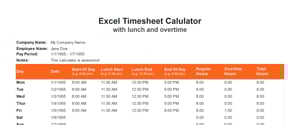
Completing time sheets quickly and accurately is critical in any industry. With our easy-to-use Excel time sheet, you can easily track weekly time totals, including daily hours, lunch breaks, and overtime:
Enter company and employee details
Enter time in, time out, and lunch break for each day worked
Add overtime hours if applicable
Print or export to PDF
The faster way to finish time sheets
With OnTheClock, you get everything you need to track employee time, handle payroll, and build a thriving business.
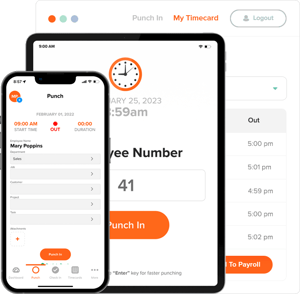
Clock-in on any device
Make it easy for your team to track time. Your employees can clock in and out wherever they are, all from one app. And with GPS restrictions to prevent time theft, you’ll feel confident your team’s time is tracked down to the minute.
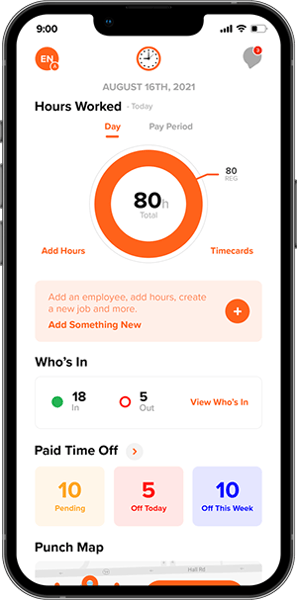
Track time off effortlessly
Don’t waste hours adding up time off in Excel. Tracking time off is automatic and totally transparent with our easy-use dashboard. Set time off policies, view up-to-date totals, and approve requests all in one place.
Turn out timesheets 10X faster
Finally, a smarter way to do payroll. Integrations with QuickBooks, Gusto, and other leading payroll providers make it simple to generate time sheets faster than you ever thought possible.