
One Time Passcode Best Practices
This guide explains how to securely log in to your OnTheClock account using a One-Time Passcode (OTP). This method increases account security and removes the need for a permanent password.
When to Use This
- You selected “Request One-Time Passcode” on the login screen.
- You do not remember your password.
- Your account requires OTP verification.
- You want the fastest and most secure login method.
How It Works
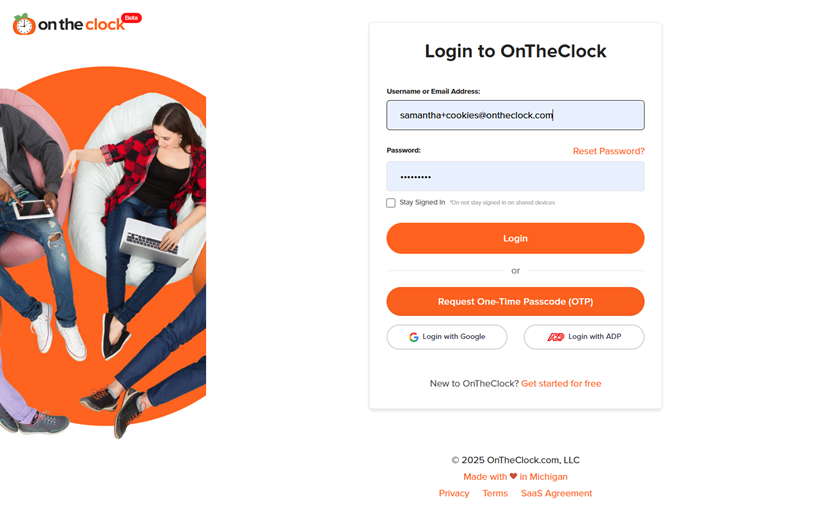
Step 1: Request a One-Time Passcode (OTP). On the login page, click Request One-Time Passcode (OTP).
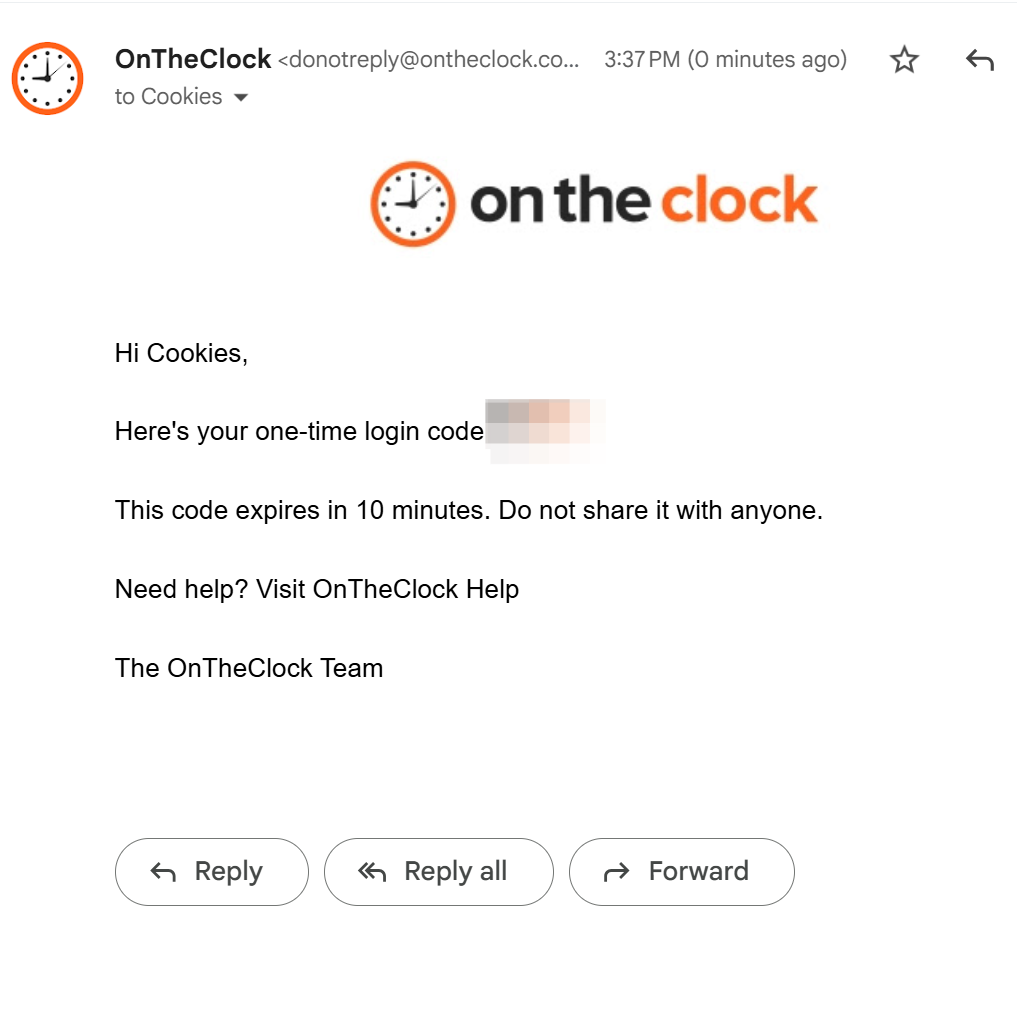
Step 2: Open Your Email and Copy the Code. Find the email titled Your OnTheClock Login Code and copy the 6-digit code.
Step 3: Paste Your Code Into the OTP Field. Return to the login screen and paste your code into the verification field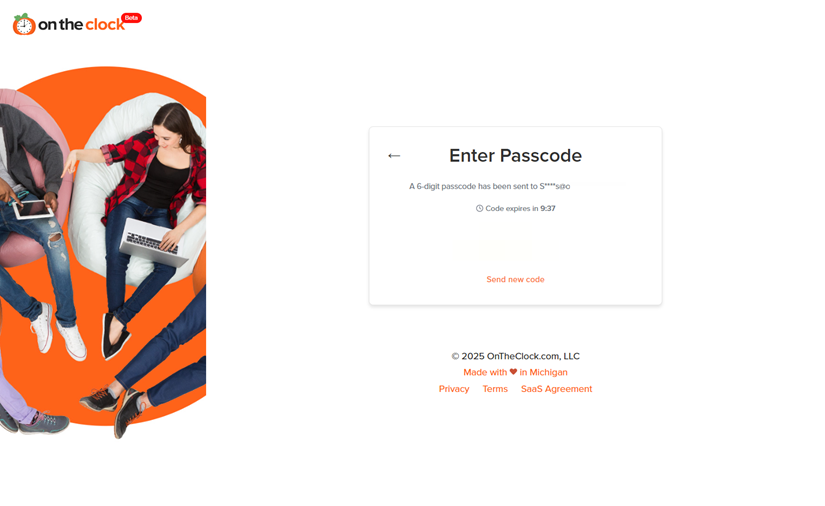
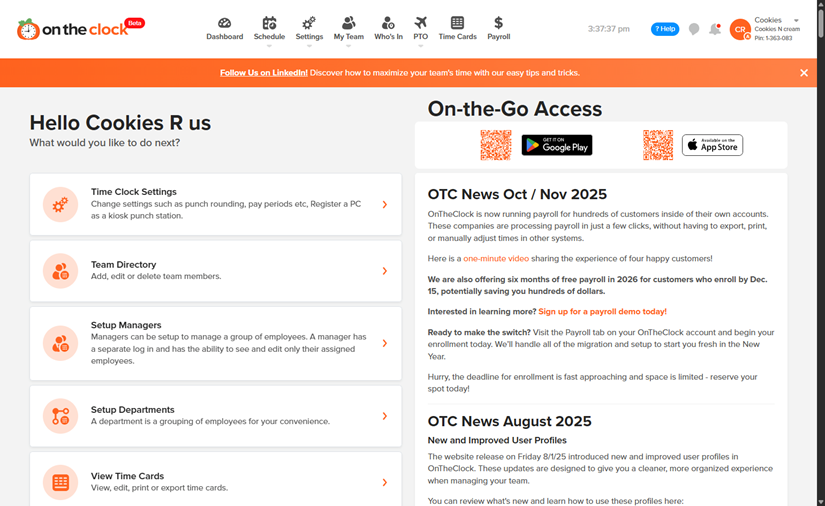
Step 4: You’re In! After verification, you’ll be automatically logged in and redirected to your account dashboard.
I didn't receive my code
- Check your spam or junk folder.
- Verify your email address is correct.
- Wait 1–2 minutes for processing.
- Click “Request New Code” (generates a fresh OTP).
My code isn’t working
- The code may have expired.
- A newer code was generated—use the latest one.
- Ensure no extra spaces were included when pasting.