Skip to content

Free Employee Scheduling Tool

Record daily shift hours with OnTheClock's Free Scheduling Tool


Copy of Facebook Post 5 - OnTheClock Employee Time Tracking

Record employee shift schedules easily

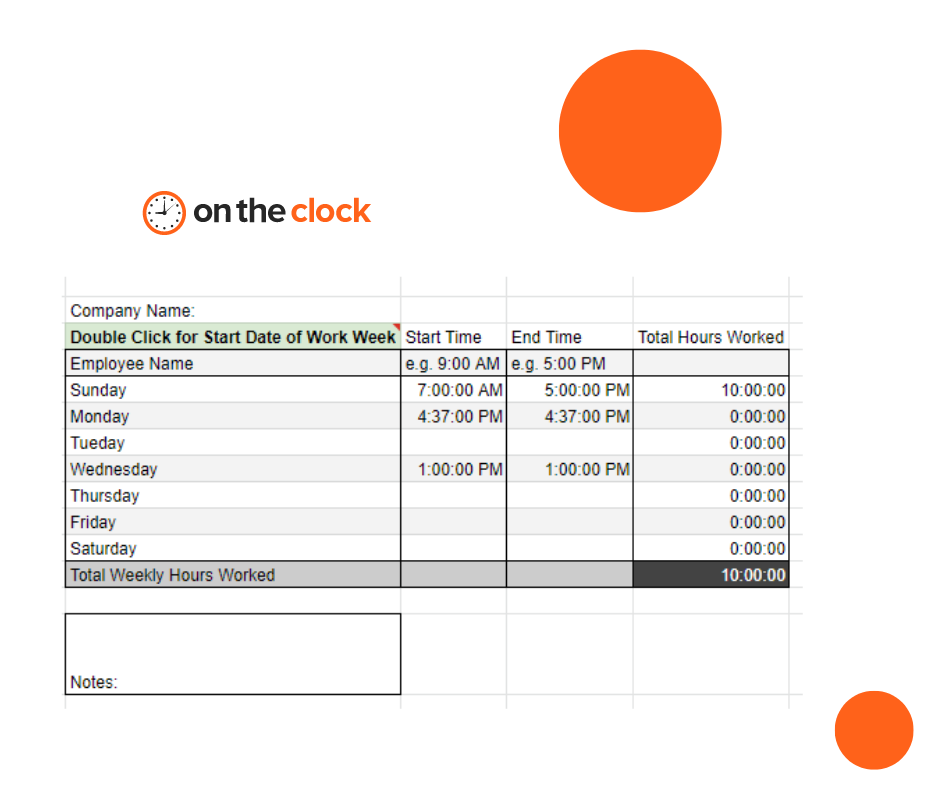
Organize employee shifts with this easy-to-follow template we have created for weekly totals. OnTheClock's Free Scheduling Template will help you manage the number of hours an employee is set to work for each workweek.

Fill out the correct pay period range.

Fill out the employee's name.

Enter the start time.

Enter the end time. Note: you can use military time or add AM or PM to the end of the time you are filling out. The final rows and columns will automatically calculate the total hours for you.


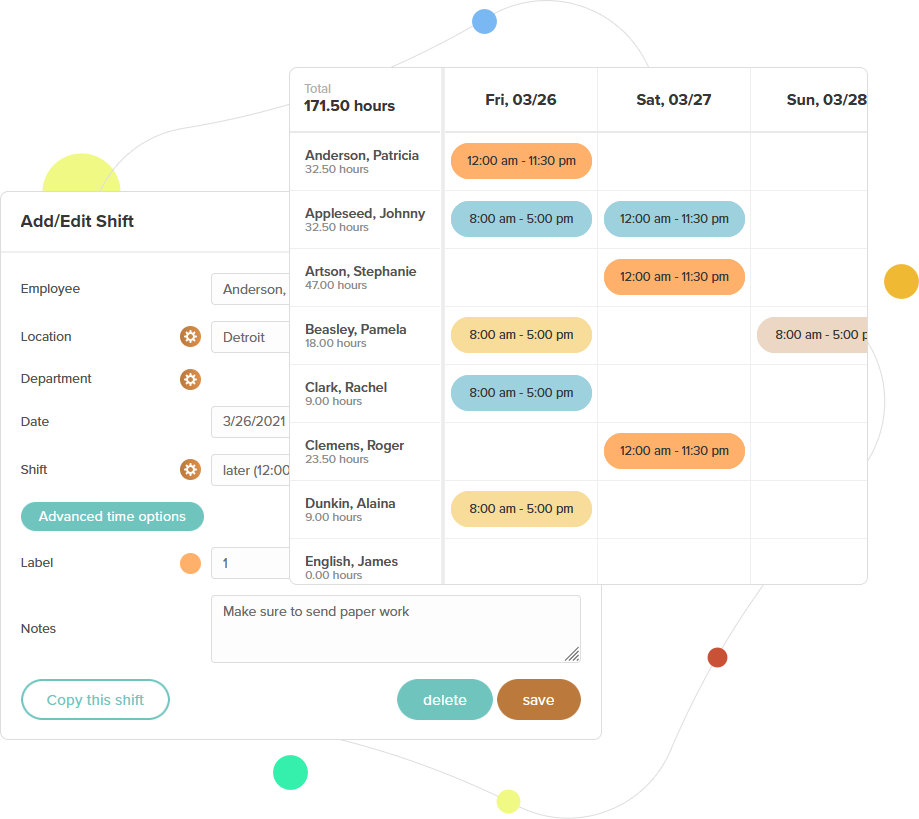
The faster way to schedule employees

With OnTheClock, you can enter an employee schedule, publish it out, and it's distributed in seconds!
employee-shift-scheduling


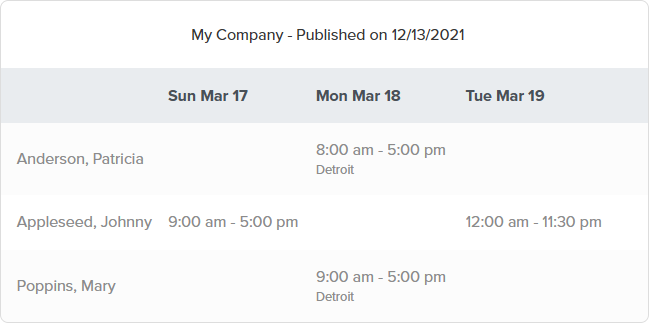
View the schedule anywhere

Published schedules are readily available for employees and managers. Simply log in on a web browser or via the app to see who's in today, tomorrow, or later this week.
what-employees-see

Helpful resources at your fingertips


Over 15,000 companies track time effortlessly with OnTheClock

Simplify employee schedulingwith OnTheClock