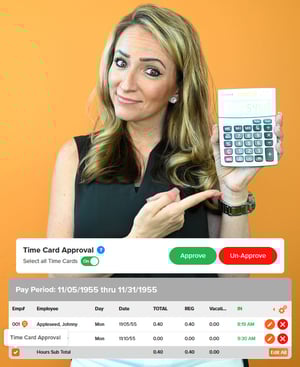
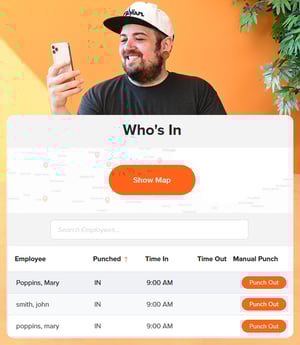
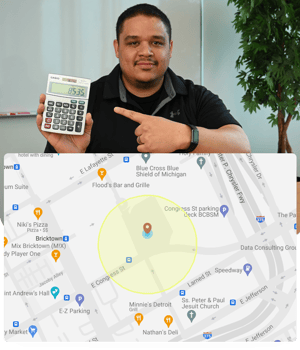
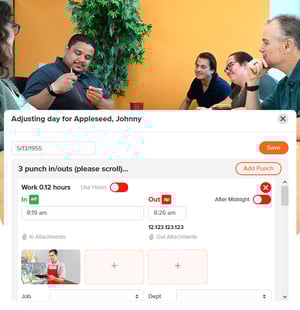
OnTheClock uses a combination of clock-in and clock-out features, GPS and geofencing capabilities, and automated time calculations to collect, record, and analyze employee hours. Once an employee punches in, the software takes care of the rest.
Can OnTheClockm differentiate between regular hours and overtime?
Yes. Administrators and managers can customize the software to define the threshold between regular hours and overtime. Additionally, alerts can be configured to notify employees and managers if and when an individual is approaching that threshold.
Can employees access their own time records with OnTheClock?
Yes. Employees have access to current and historical timecards at all times. They can view their clock-in and clock-out times, total hours worked, and any adjustments made by managers.
Is OnTheClock free?
OnTheClock is free for the first 30 days. After that, the fee varies based on the number of employees. For more information, visit our pricing page.
Does OnTheClock integrate with popular payroll providers?
Yes. OnTheClock seamlessly integrates with various payroll systems, helping to reduce administrative workload, minimize errors, and ensure consistent and reliable payments to employees.
Can managers generate time reports on employees?
Yes. OnTheClock provides comprehensive reporting features that allow businesses to generate detailed reports on employee hours, overtime, PTO, and more.