Skip to content

Time Tracking for Landscaping

Track Your Crew’s Location, Tasks, and Hours in Real Time

With OnTheClock's time tracking software for landscaping crews, you can track every punch, every team, and job in real time, all from one simple tool built for the field.
No credit card required
ontheclock-landscaping-crew-mobile-clockin
16,000+
Companies rely on OnTheClock Everyday
16,000+
Employees Punching in Daily
★★★★★
4.8
Capterra
★★★★★
4.8
Capterra

Simplify Time and Payroll, So You Can Focus on Growing Your Business


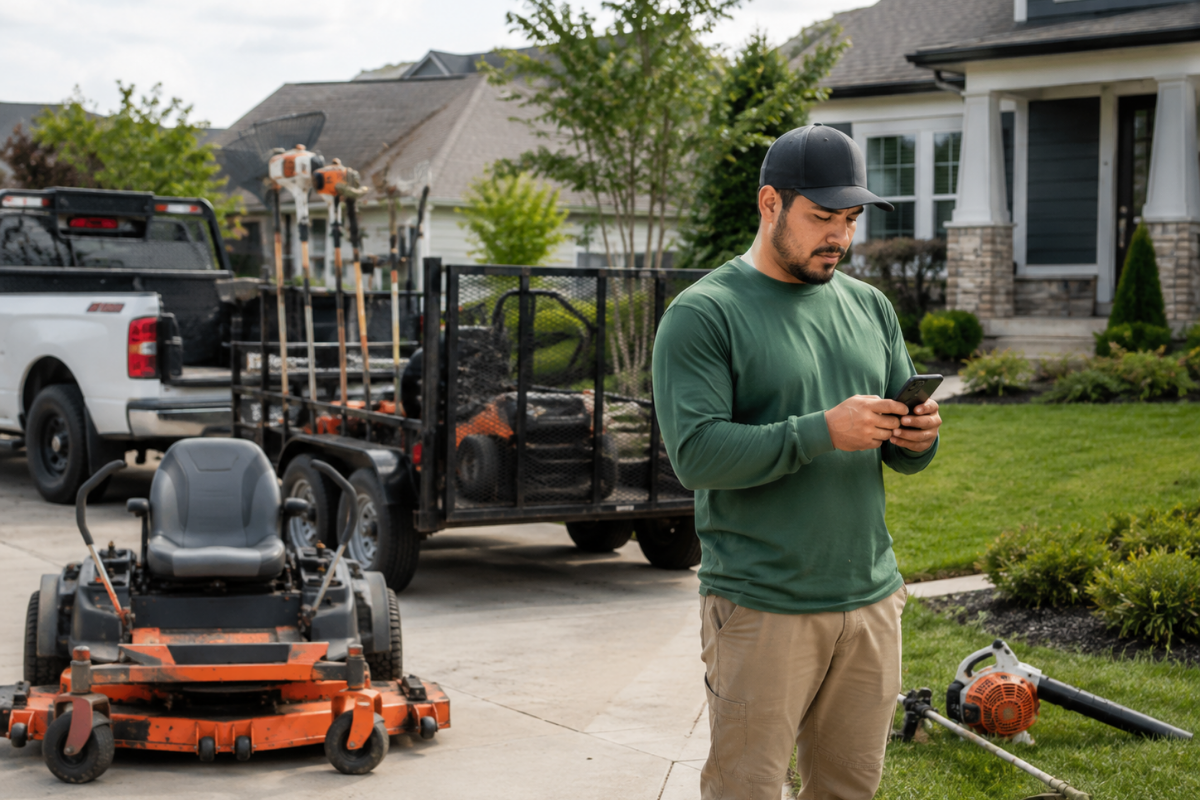
Your crew starts the day at the yard. After loading the trailer, they scatter across a dozen properties by 9 a.m. Without a way to verify where they actually are, you're stuck trusting a text message or a guess: "Yeah, we're at the Hendersons' now."

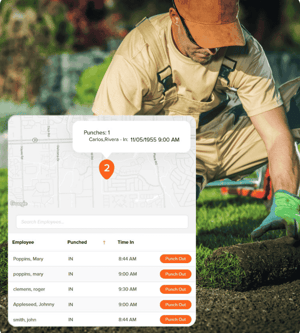
OnTheClock replaces that guesswork with GPS-verified punches, so you know who's on which property and when, without a single phone call.
ontheclock-quickbooks-timesheet-export-ipad-1
landscaping-schedule-tracking

Built for Crews That Move All Day

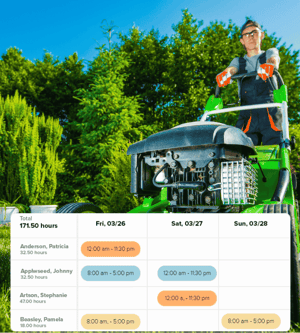
As landscaping scheduling software, OnTheClock keeps your crew organized without slowing them down, whether you're running mowing routes or full landscape installs.

  • Route-ready scheduling: Drag and drop crew assignments for mowing routes or seasonal jobs, all from one view.
  • Adapt on the fly: Rain delay? Crew swap? Update schedules and notify the team instantly; no group texts required.
  • Mobile-ready access: Crews check schedules and clock in from any smartphone, eliminating the need for clipboards or calls.

Track Every Hour From Arrival to Cleanup

OnTheClock stays out of your crew's way while delivering real-time labor data straight from the property.

  • Simple punch-ins: Clock in and out with a few taps, even when hopping between properties in a single day.
  • GPS time tracking software: Know who's on-site (and who's not) with verified, location-based punches through GPS and geofencing. Note: GPS tracking only occurs when the employee is on the clock. There is no tracking during lunch breaks or after punching out.
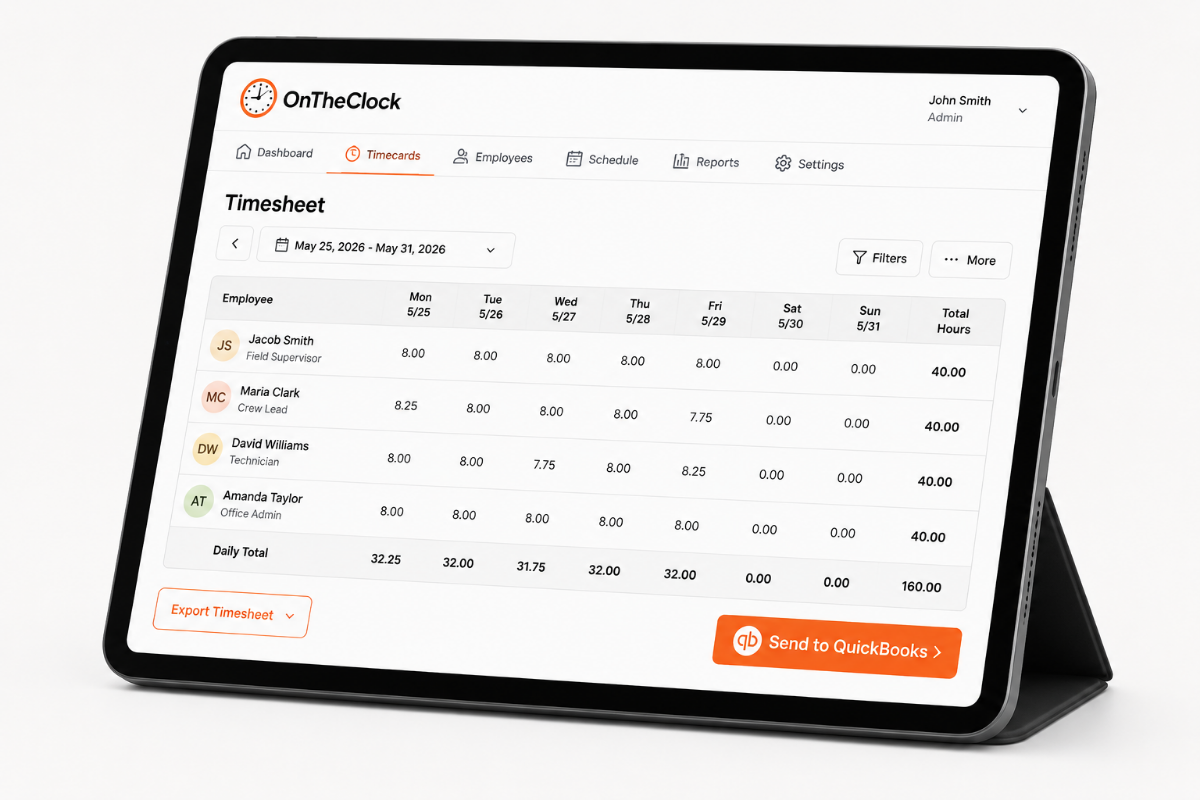
  • Built-in calculations: Track employees' time with automatically calculated regular and overtime hours, plus detailed break tracking.
landscaping-employee-time-tracking
employee-payment-notification-on-phone

Payroll That Keeps Up With a Seasonal Crew

OnTheClock keeps landscaping payroll software fast, accurate, and fully in your control, whether you're paying full-time crew leads, seasonal hires, or subcontractors.

  • Run payroll in minutes: Review, approve, and process hours all within OnTheClock. No exporting is needed.
  • Track labor by property: Know exactly how much time was spent on each job, which is useful for estimating and billing.
  • Stay compliant: Keep up with labor laws, break tracking, and timecard records, and avoid costly slip-ups.

How Landscaping Businesses Track Employee Time With OnTheClock

1
Create an account
2
Invite your team
3
Employees log their hours
4
Pay your staff

Before OnTheClock vs. After OnTheClock

Without OnTheClock
With OnTheClock
You trust a text saying they arrived, with no way to verify they’re actually at the property.
GPS-verified punches show where employees clock in and out at every property.
Schedule changes mean group texts and phone calls, hoping everyone gets the update.
Drag-and-drop scheduling lets you make changes and send updates instantly.
You spend time manually adding up paper timecards and checking the math before payroll.
Employee hours are calculated automatically and ready for you to review.
You’re guessing how many labor hours went into each property and whether the job was profitable.
Labor hours are tracked by property, so you can see exactly where your team’s time goes.

Best Landscaping Time Tracking Software: How OnTheClock Compares

Feature OnTheClock Clockify Buddy Punch
Starting price (10 employees) $45/month $130/month $70/month
GPS + geofencing Included Included Included
PTO tracking Included Limited Included

 Built-in payroll 

(OnTheClock Payroll) Not available (add-on)
 Best for  Small, hourly, shift-based crews that want time tracking and payroll in one affordable tool Crews that need continuous GPS breadcrumb tracking throughout every shift Crews prioritizing job costs per property
OnTheClock is best for small landscaping businesses that want GPS-verified time tracking, job-level reporting, and payroll integration at a transparent flat rate with no upsells and real support.

What Landscaping Businesses Say About OnTheClock

★★★★★
""So easy to use and a great way to keep track of all my employees' time, as well as PTO time. This has helped alleviate the burden of making sure all my employees' timecards are totaled correctly and has saved me so much extra time that I was spending each week.""

MD
M. McDaniel
★★★★★
OnTheClock is a great tool for any small business or independent contractor to manage time spent on projects. I highly recommend it - especially to any independent contractors out there! "

JN
James Nichols
★★★★★
We only have a couple of contract employees, but this saves me a lot of time in figuring checks. A+"

RC
Kathy Fortner
Transparent pricing

Simple pricing. No feature tiers. No surprises.

Time tracking costs $5/month base fee + $4 per employee for time tracking. GPS tracking, geofencing, scheduling, and PTO management are included from day one. There are no tiers or per-feature upgrades.
$0 /mo
0 active employees

Need payroll, too?

OnTheClock Payroll runs $40/month plus $6 per employee, with direct deposit, automated tax calculations, and the same dashboard your crew already uses for time tracking.

There are no feature upgrades. No plan switching. No "GPS is a Pro feature" surprises.
Start your free 30-day trial
No credit card required at sign-up.

Ready to Stop Chasing Your Crew for Hours?

OnTheClock is a time tracking platform built for small businesses with hourly and field-based employees. More than 16,000 businesses use OnTheClock to track crew hours, manage scheduling, and run payroll, all in one place.

Common Questions About Time Tracking for Landscaping Crews

OnTheClock requires an internet or Wi-Fi connection to punch.
Yes, hours can be tracked and reported by job, so you can see labor cost per property or route.
Yes. You can add and remove workers as your crew size changes with the season.
 OnTheClock records location at punch-in and can restrict clock-ins to a defined property radius through geofencing. 
 OnTheClock's U.S.-based support team is available by live chat, phone, and email, with most issues resolved in three to four minutes.