

Jump to section
A Better Time Clock for Small Business
Track hours, manage schedules, and simplify payroll with one easy-to-use time clock.
Try It FreeMost small business owners don't choose their time tracking solution; they inherit it. The previous manager used a spreadsheet, the building came with a punch clock, or the team was small enough that sticky notes “work just fine.” But cracks start to form when an employee errantly claims he or she worked until 6 p.m., creating a payroll dispute.
The best time clock for your small business isn't necessarily the most expensive or complex. This breakdown covers several major small business time tracking solutions, what each does well, where each falls short, and which type of business each one fits best.
| Service | Best for | Capterra Rating | Starting Cost | Free Trial? |
|---|---|---|---|---|
| OnTheClock | In-the-field businesses and part-time shift-based teams in industries, like construction, home services, and retail | 4.7 | $5 per month + $4 per employee per month | Yes - 30 days |
| Buddy Punch | Small and mid-sized businesses with field teams | 4.8 | $19 per month + $4.99 per user per month | 14 days |
| Connecteam | A strong all-in-one solution | 4.6 | Free for up to 10 users, paid plans start at $29 per month for the first 30 users | 14 days |
| Homebase | Retail and restaurant teams with integrated scheduling | 4.6 | Free Basic plan for one location with up to 10 employees; paid plans start at $30 per location per month. | 14 days |
| uAttend | Small and mid-sized businesses that want a physical time clock | 4.5 | $29 per month for up to nine users + $195 minimum for time clocks | None; demo available |
| Jibble | Teams seeking customizable features | 4.8 | Free plan available; paid plans start at $4.99 per user per month with monthly billing. | 14 days |
| TimeCamp | Time tracking with built-in invoicing | 4.7 | Free; paid plans start at $3.99 per user per month when billed annually | 14 days |
| Timely | Automatic time tracking | 4.7 | $11 per user per month | 14 days |
| QuickBooks Time | Existing QuickBooks payroll users | 4.7 | $20 per month + $10 per user per month + QuickBooks Online subscription | 30 days |
| Time Clock Wizard | Small businesses that want basic time tracking | 4.4 | Free; paid plans start at $34.95 per month | 14 days |
| Clockify | Basic hour tracking for small teams | 4.8 | Free; paid plans start at $4.99 per user per month | Seven days |

OnTheClock: Best for in-the-field businesses and shift-heavy industries
- Best for: In-the-field businesses and shift-heavy industries, like construction, home services, medical, and retail.
- Capterra rating: 4.7
- Starting cost: $5 per month (base fee) + $4 per employee per month
- Free trial: 30 days, no credit card is required at sign-up
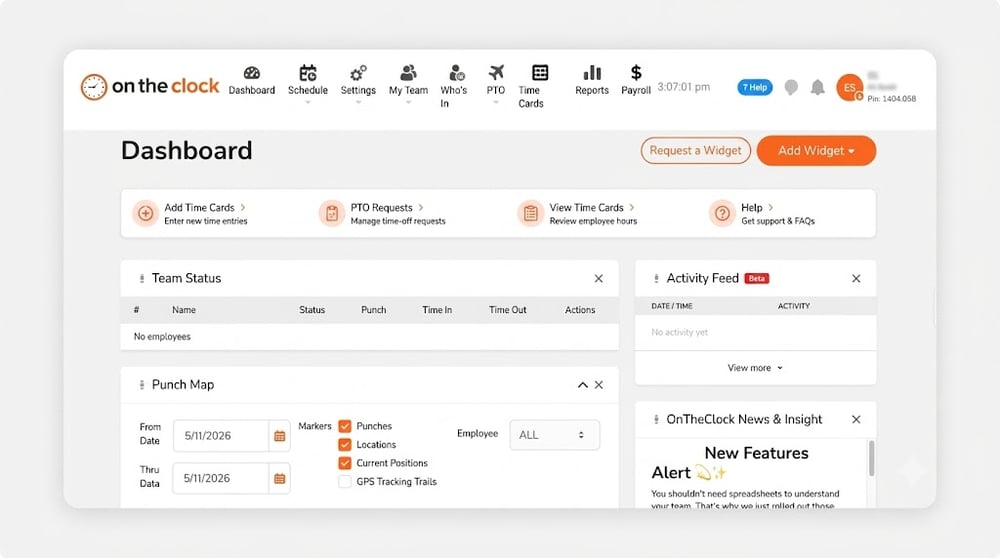
OnTheClock is time clock software for small business owners with shift scheduling, payroll, and automatic PTO management. More than 16,000 companies trust OnTheClock across shift-heavy industries, like construction, home services, and retail. Our easy and accurate time management tool helps cut administrative time and reduce errors.
Whether you’re running a 15-person plumbing crew or a staff of more than 50 people, this tool fits without needing to learn enterprise software. Capterra reviews paint the same picture: Fast setup, intuitive mobile apps, and GPS verification that other providers hide behind higher tiers. And since it starts at $5 plus $4 per employee per month, you don’t need to spend a lot to get it.
This value shows through our work with the Billy T. Cattan Recovery Outreach Center, a Texas facility that helps people overcome substance use disorders. For years, relying on a paper system, employees often forgot to turn in their hours, leaving payroll to clean up the mess.
After switching to OnTheClock, payroll wrapped up in around 30 minutes to an hour. No more piecing hours together from memory. A lot of this speed comes from how we connect to the payroll providers that businesses already use, including QuickBooks, Gusto, Square, ADP, Thomson Reuters, ConnectPay, and Payroll Connect.
Even if your provider isn’t here, you can export your data via a clean CSV and upload it on their end. But, if you’d rather keep everything in one place, OnTheClock Payroll is available for $40 per month plus $6 per employee.
Key Features

Buddy Punch: Best for small and mid-sized businesses with field teams
- Best for: Small and mid-sized businesses with field, remote, or distributed teams that need multiple clock-in verification methods.
- Capterra rating: 4.8
- Starting cost: $19 per month + $5.49 per user per month
- Free trial: 14 days
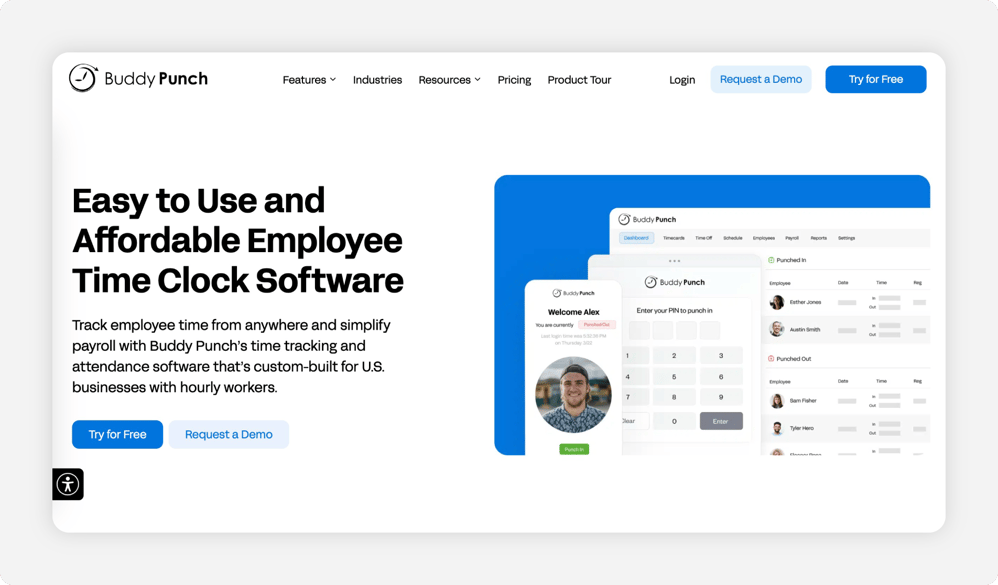
Buddy Punch is a flexible, mobile time clock app built for small and mid-sized teams that work remotely or from multiple sites. It works in web browsers, on shared tablets, and in mobile apps. Customers have highlighted its ease of use, good service, solid value, and facial recognition functionality.
However, Buddy Punch tends to fall short on cost-to-value. Many of its best-known features, like geofencing and advanced GPS time clocks, are hidden behind the Pro (about $7 per user per month + $19 per month) and Enterprise ($12.99 per user per month when billed annually + $19 base fee) tiers.
If you’re a small business owner with a team of 10 employees, that’s around $89 or more a month.
Key Features

Connecteam: Best all-in-one for deskless teams
- Best for: Deskless teams that want communication, scheduling, time tracking, and basic HR tools rolled into one mobile app.
- Capterra rating: 4.6
- Starting cost: Free for up to 10 users, paid plans start at $29 per month for the first 30 users.
- Free trial: 14 days
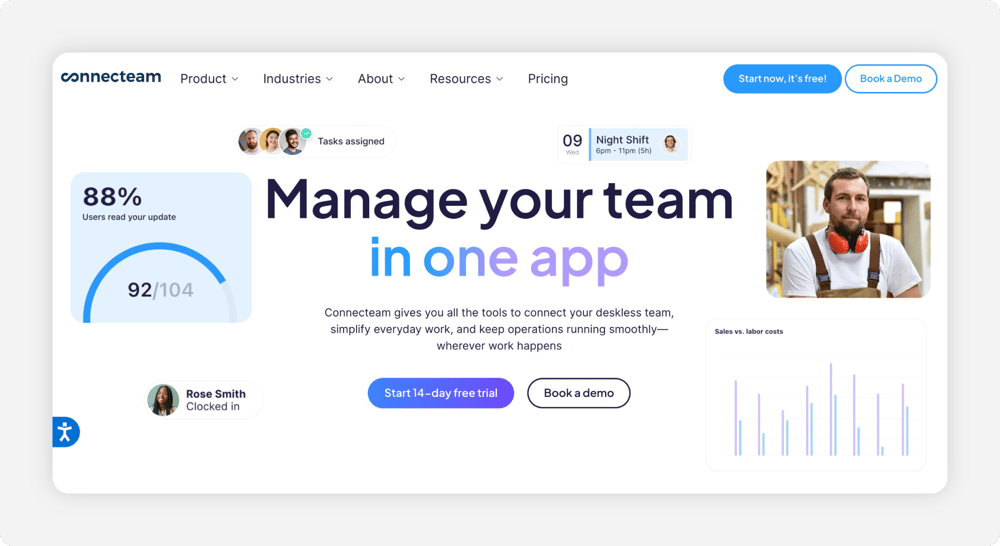
Connecteam is a time tracking app ideal for tracking remote employees and deskless teams. It includes features like GPS time tracking, in-app chat, training, and digital form storage. Checklist-based cleaning crews can handle all of this without leaving the app, while teams with fewer than 10 people benefit the most from its free plan.
The product may frustrate small business owners due to its complexity and extensive feature set. It's split into hubs with separate subscriptions, which can add up quickly. Reviewers have also found basic scheduling issues, slow notifications, and limited native PTO tracking.
Key Features

Homebase: Best for single-location restaurants
- Best for: Single-location restaurants, cafes, and retail shops that want scheduling, a basic time clock, and hiring tools in one place
- Capterra rating: 4.6
- Starting cost: Free Basic plan for one location with up to 10 employees; paid plans start at $19.95 per location per month
- Free trial: 14 days
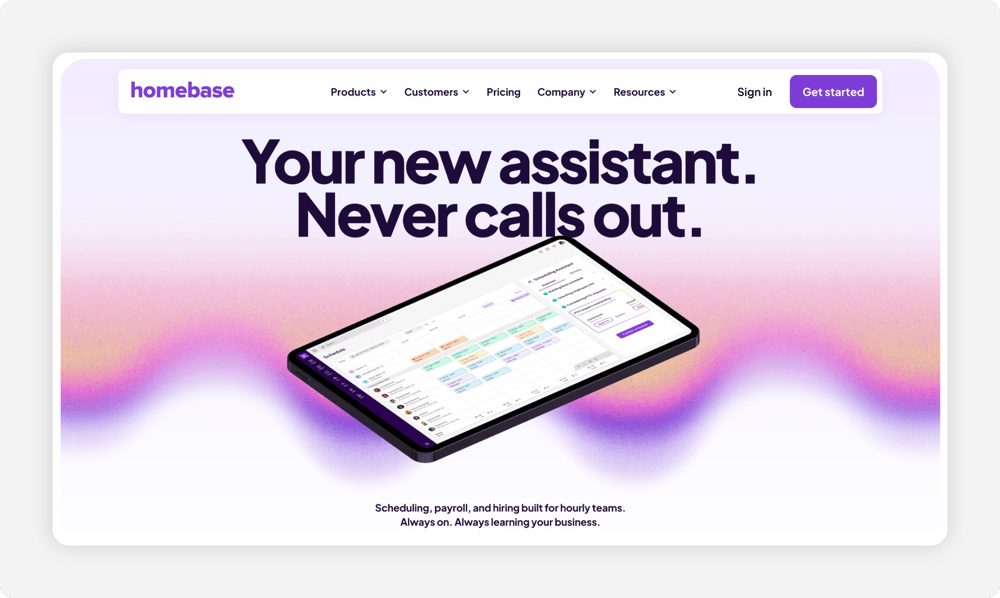
Homebase is an hourly time tracking tool built for restaurants and other shift-based businesses. Owners with fewer than 10 employees who operate a single restaurant with no plans to expand will likely benefit the most thanks to its free plan. It’s also appreciated for its POS integrations with Toast, Square, and Clover.
If you do plan to expand, know that Homebase bills per location. This means employers with multiple locations and small teams at each location pay the most for the least amount of coverage. Reviewers have also found issues, including app lag, auto-logout, and weaker reporting.
Key Features

uAttend: Best for small and mid-sized businesses that want a physical time clock
- Best for: Small and mid-sized businesses that want a physical, biometric time clock at a fixed location, like a manufacturing floor, medical office, or warehouse.
- Capterra rating: 4.5
- Starting cost: Plans start at $29 per month for up to nine employees; time clock hardware sold separately
- Free trial: None; demo available
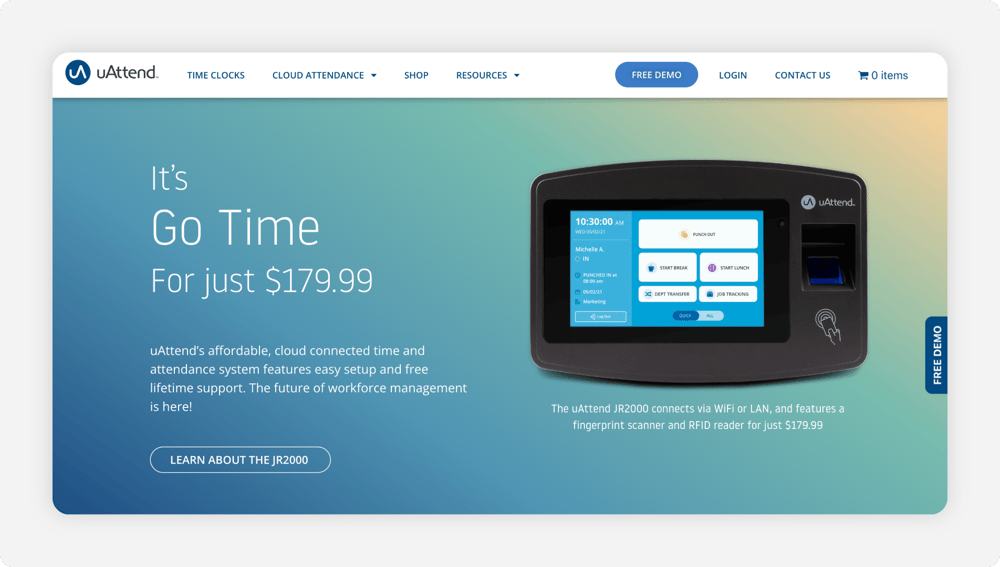
uAttend takes a different approach compared to most on this list, pairing cloud-based time clock software with physical, wall-mounted time clocks that support fingerprint scans, RFID card swipes, and voice commands. While employees can punch in through a mobile app, customers choose uAttend for its reliance on hardware and the lifetime warranty that comes with it.
Because of the physical clock, uAttend takes more time to set up than its competitors. Reviewers have found that the platform has no “undo” function for accidental changes. They’ve also found that businesses running overnight shifts found issues as the clock strikes midnight, complicating payroll for 24/7 operations.
Key Features

Jibble: Best for small teams that want flexible time tracking
- Best for: Remote, hybrid, and office-based small teams that want flexible time tracking with Slack or Microsoft Teams integration.
- Capterra rating: 4.8
- Starting cost: Free for unlimited users; paid plans start at $2.49 per user per month (annual billing)
- Free trial: 14 days
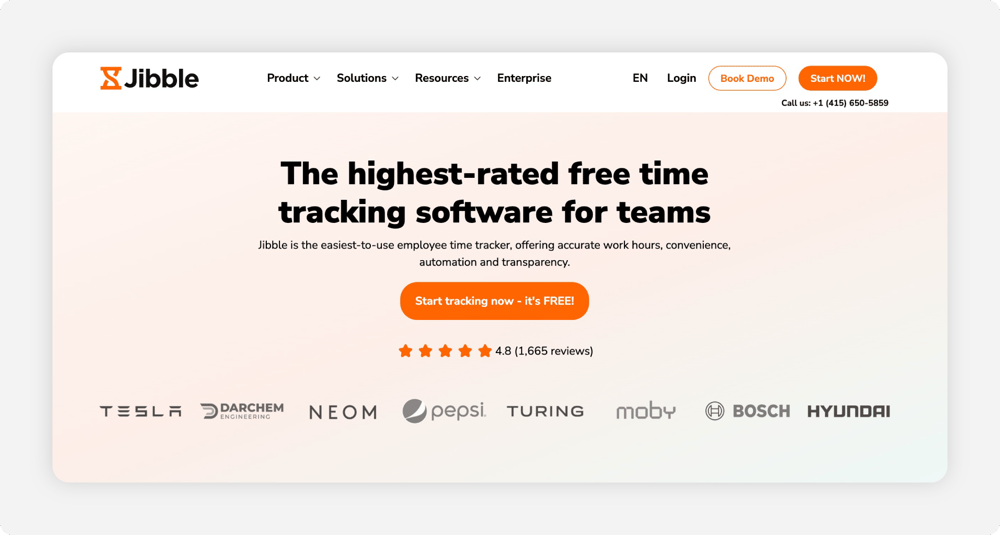
Jibble is a basic time-tracking tool that supports unlimited users with no time limits. It supports web, desktop, mobile, kiosk, and Chrome extensions. The tool also integrates with Slack and Microsoft Teams and offers up to two geofenced locations, making it a solid choice for hybrid office environments, such as IT teams.
The free plan limits users to basic features, removing overtime rules, unlimited geofencing, time-off accruals, live GPS, and project tracking. Many reviewers have also found that reporting is scattered across different feature sections, wasting time they could’ve spent on other tasks.
Key Features

TimeCamp: Best for businesses that want time tracking with built-in invoicing
- Best for: Agencies, freelancers, and professional services firms that want automatic time tracking with built-in invoicing for billable hours.
- Capterra rating: 4.7
- Starting cost: Free; paid plans start at $3.99 per user per month.
- Free trial: 14 days
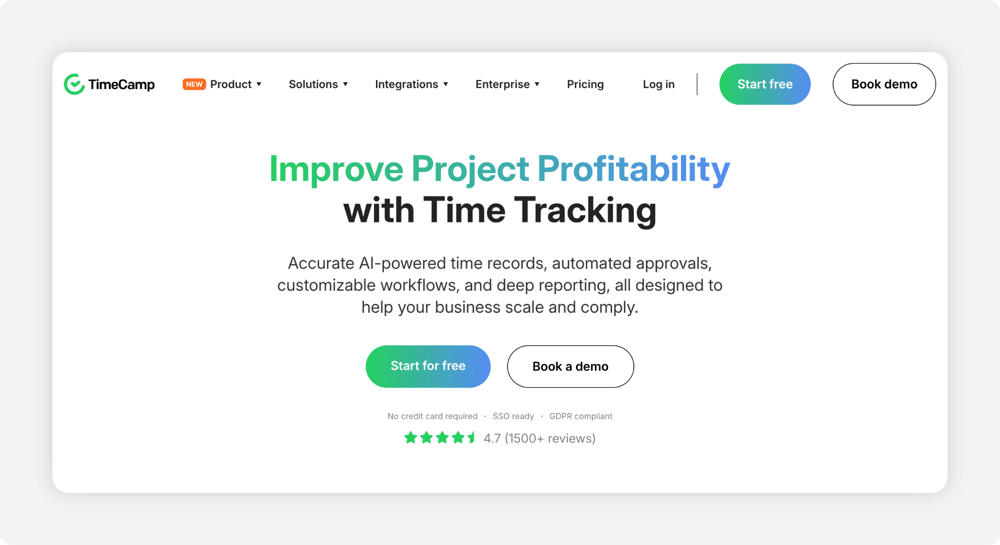
TimeCamp is an automated, keyword-based time tracking tool. It relies on AI to analyze your activity, automatically track it, and assign it to different keywords. It's ideal for freelancers and professional services with clients, especially with the invoicing and billable rate tools available with paid plans.
What TimeCamp offers in convenience, it takes away on the management side. Many reviewers have cited less-than-helpful customer support. Its mobile app is also more limited than the desktop version, so on-the-go tracking is much more difficult.
Key Features

Timely: Best for professional services that want AI to track their time automatically
- Best for: Consultants, lawyers, and agency teams who want AI to automatically draft time sheets for billable hours
- Capterra rating: 4.7
- Starting cost: $11 per user per month
- Free trial: 14 days
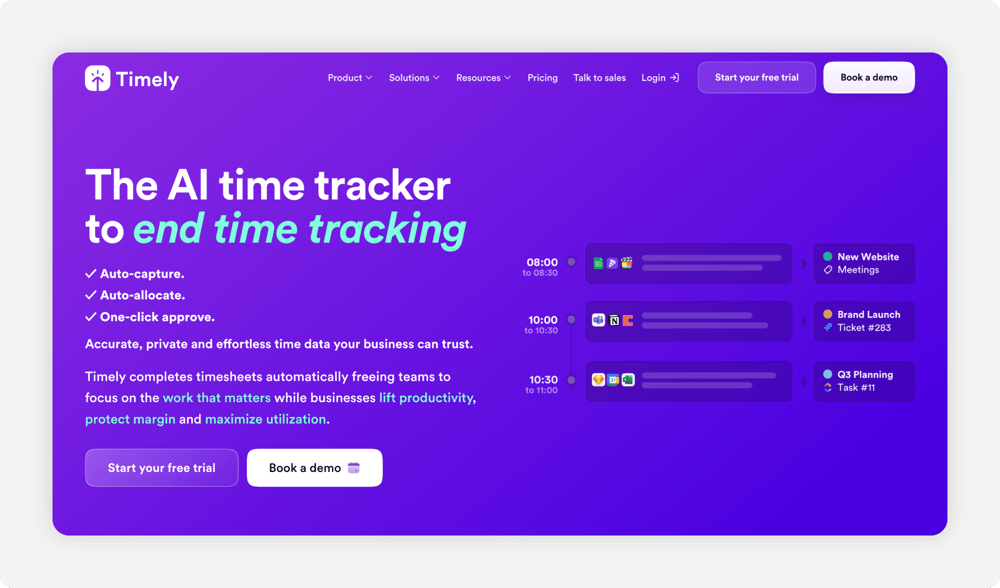
Like TimeCamp, Timely relies on AI to capture every document, meeting, and browser tab to suggest time sheet entries you can approve or edit. These monitoring tools make it useful for consulting businesses whose owners often forget to track time.
Many reviewers report that the AI sometimes misclassifies time tracking and often misses short calls or admin work. There are also limited mobile features and thin integrations, making it a less-than-ideal tool if you already rely on payroll or HR systems.
Key Features

QuickBooks Time: Best for small businesses already running on QuickBooks
- Best for: Small businesses already running on QuickBooks Online for accounting.
- Capterra rating: 4.7
- Starting cost: $20 per month + $10 per user per month + QuickBooks Online subscription
- Free trial: 30 days
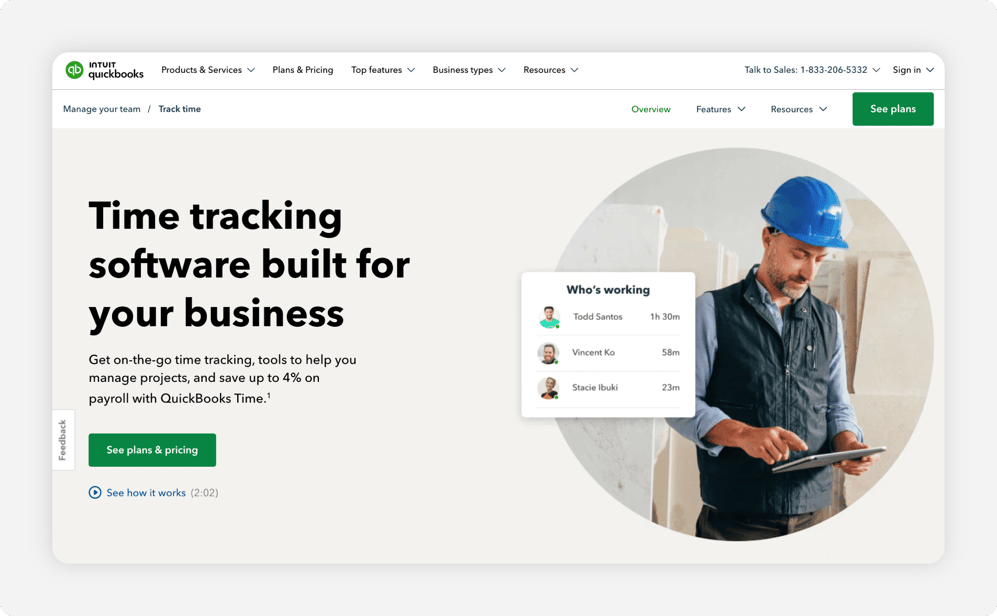
QuickBooks Time is the time tracking arm of Intuit’s QuickBooks ecosystem. If you’re already using it, the two integrate well together without any extra steps to export or move your data. This saves your bookkeepers' time so they can focus on the job you hired them for.
QuickBooks Time requires users to pay for an additional QuickBooks Online subscription to use the platform, which can add up very quickly. Even smaller teams could see monthly costs exceeding $200. Many reviewers also found the customer support quality had dropped since Intuit acquired TSheets, the former company name for QuickBooks Time.
Key Features

Time Clock Wizard: Best for small businesses that want basic time tracking
- Best for: Small businesses that want basic time tracking, scheduling, and PTO in one place.
- Capterra rating: 4.4
- Starting cost: Free; paid plans start at $34.95 per month
- Free trial: 14 days
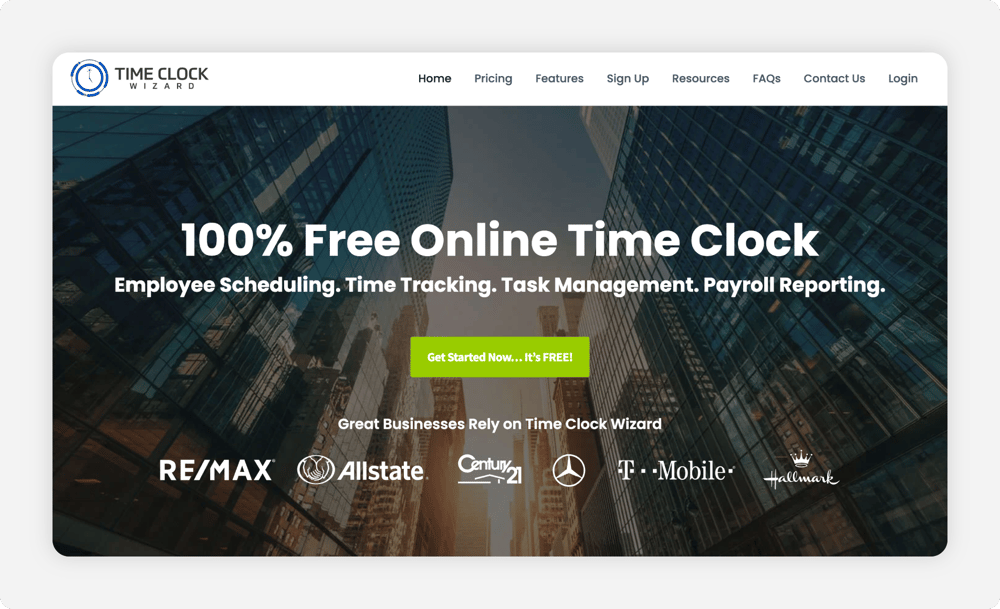
Time Clock Wizard is a simple, entry-level time clock that charges a flat rate for time tracking, scheduling, and payroll reporting. The free version offers basic time tracking, while the paid version includes reporting, scheduling, and customer support. The cost savings are potentially significant for large teams with a limited payroll budget.
Time Clock Wizard is straightforward, but it lacks some of the features you get with other providers, including geofencing and deep integrations. Some features are only available to high-tier subscribers, such as the hourly paycheck calculator and the full-service payroll tool.
Key Features

Clockify: Best for freelancers and small teams on a tight budget
- Best for: Small businesses that want a free time tracker.
- Capterra rating: 4.8
- Starting cost: Free for up to five users; paid plans start at $4.99 per user per month with monthly billing.
- Free trial: Seven days
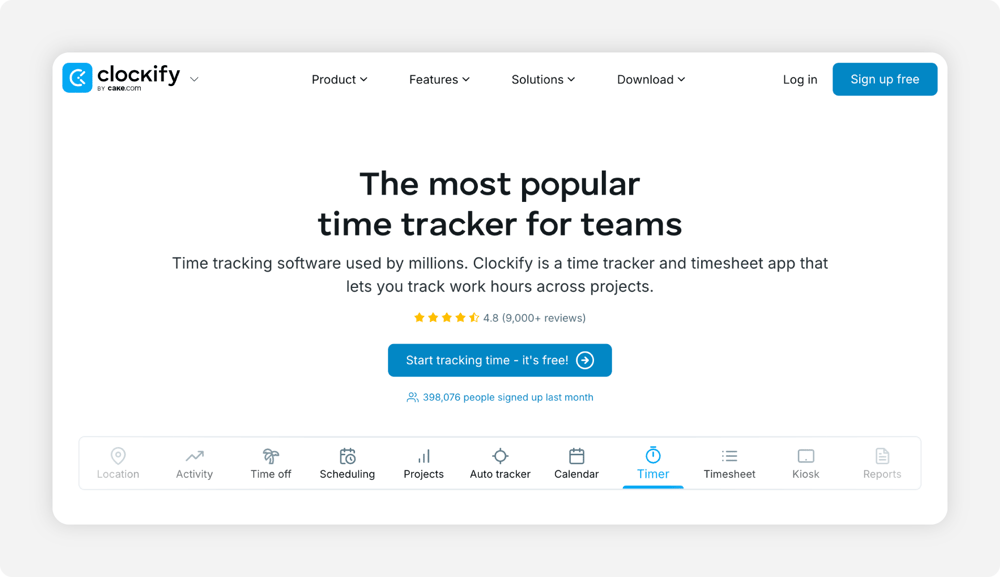
Clockify offers a free plan for teams of up to five users, with paid plans available for larger teams and additional features. Smaller teams benefit the most from Clockify, limiting the “per user” cost that can add up quickly.
But reputation isn’t everything. Simple features, like time approvals, scheduling, GPS tracking, and invoicing, are available only on paid plans starting at $4.99 per user per month. Many reviewers have also found that Clockify has a dated interface, syncing issues between different app platforms, and slower customer service.
Key Features
How to Pick the Best Small Business Time Clock Systems
With a wide range of options on the market, the best fit for one team may be a poor fit for another. Here’s what to keep in mind when picking the best time clock for your small business.
Assess the True Cost
The cost of time tracking tools ranges from free to several hundred dollars per month. Free tools can be a boon early on, but gate the features you need as your team grows. For instance, Clockify is free at first, but it lacks geofencing tools to help hold employees accountable.
When picking a tool, make sure you choose one that keeps costs predictable. OnTheClock starts at $5 per month for base pricing, plus $4 per user. For a 10-person team, you start at $45 per month, less than half of what many other providers charge.
In-the-Field Features
Mobile clock-in and geofencing features make the difference if you’re running a trade or service business. That way, you can hold your team accountable while removing a common source of payroll errors: employees punching in from home.
Check each provider's current integration list to confirm it supports the payroll, accounting, POS, or HR system your business uses. This helps prevent buddy punching, when a friend of an employee logs in for them to clock in from the job site. That way, employees know they’re working from the right job site.
Hardware Versus Software
Initial hardware costs for kiosks and tablets range from $150-$500, depending on the verification method. While these tools are helpful for single-site operations in industries like manufacturing, they’re less helpful for businesses that need more flexible solutions.
Thankfully, most tools that offer hardware provide a software alternative. These include both uAttend and OnTheClock.
Software-only options, like Connecteam and Jibble, skip the physical purchase completely so you can use what your employees already have: their phones. Even if they don’t have a phone, these platforms support desktop and tablet punch-ins and sometimes include biometric verification on their software.
Scalable
A time clock that fits a five-person team won’t always be as efficient when you’ve reached 50 people. Keep the per-user pricing in mind and look for tools with a transparent feature ladder, so you aren’t caught off guard by the sudden lack of tools you can actually use without overpaying.
Tools like QuickBooks Time and OnTheClock grow with your team. With clear per-user pricing and pertinent features, you don’t have to guess whether or not your crew has the necessary reports that shift-heavy retail or construction companies need in time tracking software.
Integrations
A good time tracking tool integrates with what you’re already using without any unnecessary setup headaches. Look through the tools' integrations list to see what it offers. At the very least, your time tracker should export clean CSV files so you don’t have to re-enter all of your employees' hours.
For instance, if you’re already using QuickBooks, Gusto, or ADP, look for a time clock that integrates with your payroll provider and sends your data automatically. Other useful integrations include POS systems, like Square, or HR systems, like Sage. Thankfully, tools like OnTheClock and Connecteam work with all these providers.
Let Your Employees Track Time Anywhere with OnTheClock
Small business owners benefit from tools that offer features they’ll actually use, such as tracking employee locations, capturing accurate punches, and feeding clean data into payroll. If you’re a shift-based business owner, a good time clock works in your employees’ pockets as well as on a desktop or web app, so you don’t have to chase around people for late time sheets.
If you’re ready to stop second-guessing every time sheet, OnTheClock is just what you’re looking for. As an affordable time tracking platform with geofencing, mobile clock-ins, and PTO management, your small business can flourish when you can remove less important tasks like administrative paperwork and focus on running your business.
No credit card is required at sign-up, and you'll be set up in minutes. Start your free, 30-day trial today to see why businesses prefer OnTheClock.
Small Business Time Clock Frequently Asked Questions
Do You Need to Pay Monthly for a Time Clock System?
While some time tracking apps offer free plans, most that don't require gated features require a monthly subscription. If you’re considering paid plans, most charge a per-user monthly fee, a monthly base fee, or both, so your total cost depends on your team size.
How Can I Track My Employees’ Hours for Free?
Free tools like Jibble offer unlimited users on their free tiers, and Clockify’s free plan covers up to five users, making them a good fit for tight budgets. Just know they lack vital features, like unlimited geofencing, scheduling, and payroll exports. For most businesses, this means spending more time in exchange for paying less money.
What Time Clocks Integrate With Payroll Software?
Time clocks like OnTheClock, Homebase, Connecteam, and Buddy Punch integrate with well-known payroll providers like QuickBooks, Gusto, and ADP. Some even offer their own native payroll add-ons in addition to third-party syncing.
Are Spreadsheets Good Enough to Track Time?
Spreadsheets are fine at tracking time if you’ve got a handful of salaried office employees. Beyond that, an hourly team of any size will find them a hassle to work with, especially once employees forget to log hours.
