Time Tracking Software for Field Workers
GPS-verified clock-ins. Hours tracked by job site. Payroll without the Friday scramble.
OnTheClock gives you real accountability for a crew you can't physically watch without adding a single step to their day.
No credit card required
Cancel anytime
5-minute setup
Why time tracking is different for field workers
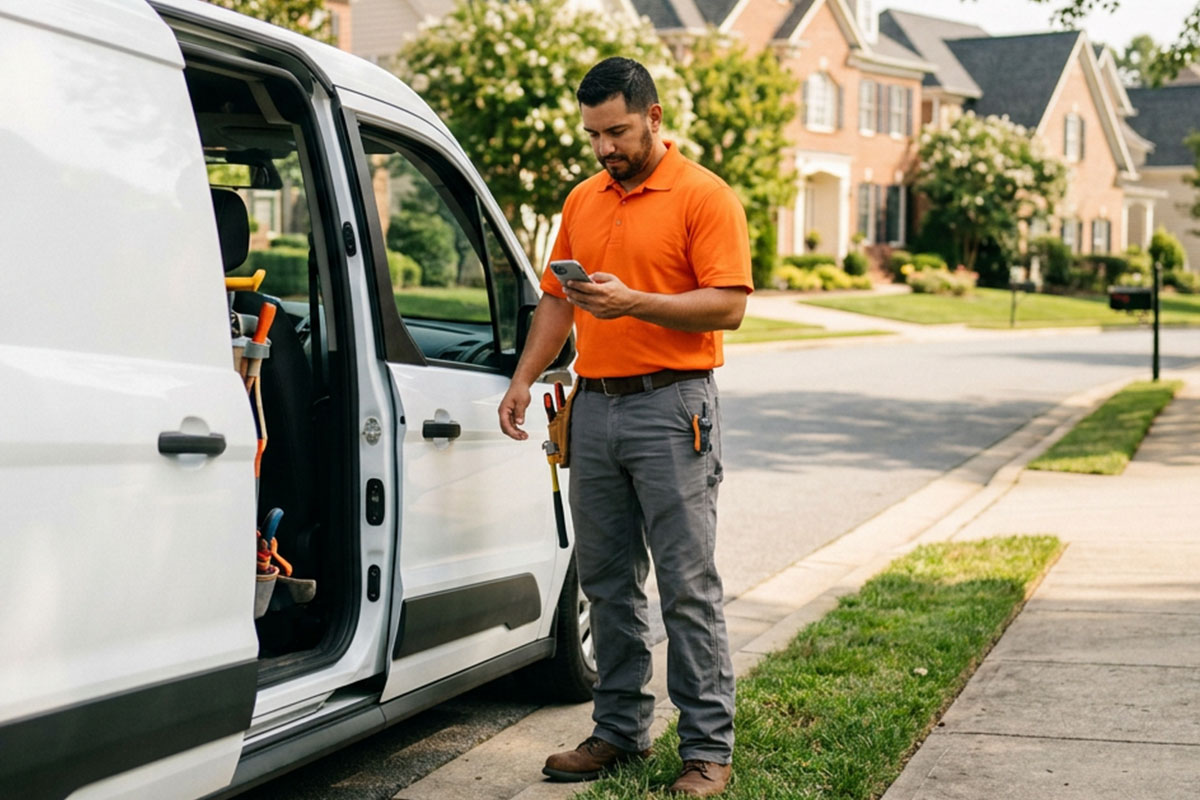
Your crew leaves the shop at 7 a.m. By 7:30, they're supposed to be on-site. But you're not there, and you won't be there. And when Friday rolls around, someone texts you hours that don't quite add up.
This is the fundamental problem with field work: You're managing people you can't see with a time tracking system built for people who sit at a desk. Paper timecards, group texts, and the honor system work fine until they don't, and when they break down, it usually shows up in your payroll.
How it works
01
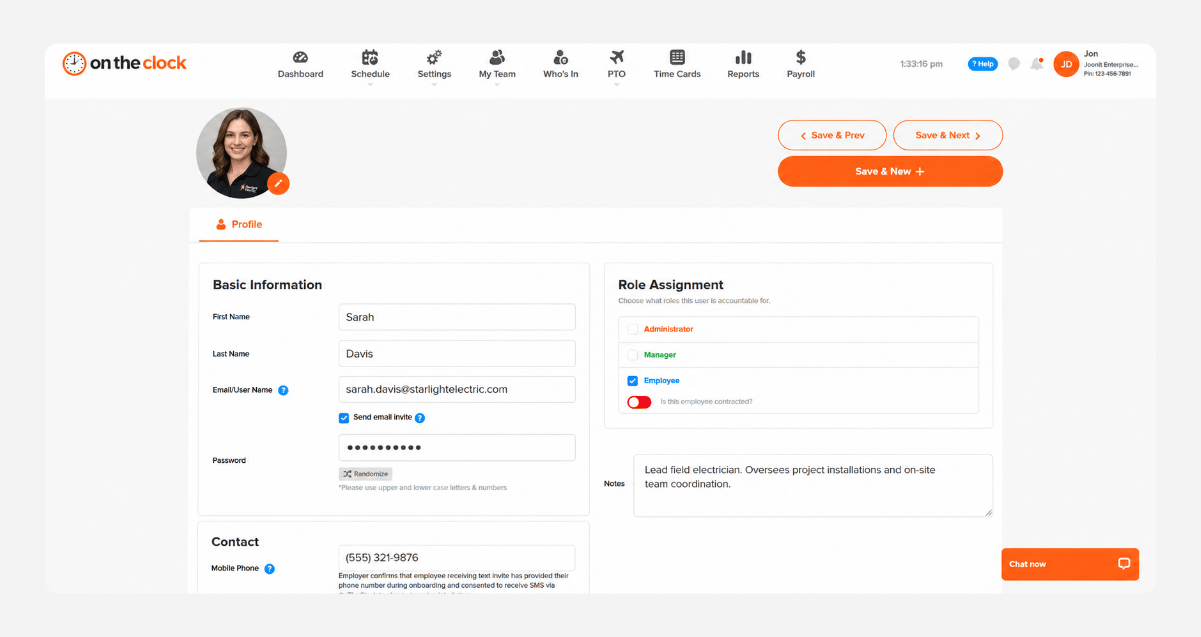
Add your crew and set up your job sites
Create your OnTheClock account, add your field workers, and draw a geofence around each job site or client property. Set up takes most owners about 30 minutes. Your crew downloads the app on their own phones; there’s nothing to install on your end.
02
Workers clock in from the job site
When a field worker arrives on-site, they open the OnTheClock app and tap clock-in. The GPS location is verified instantly. If they're not within the geofence, the punch doesn't go through – no manual review required.
03
Watch hours by job in real time
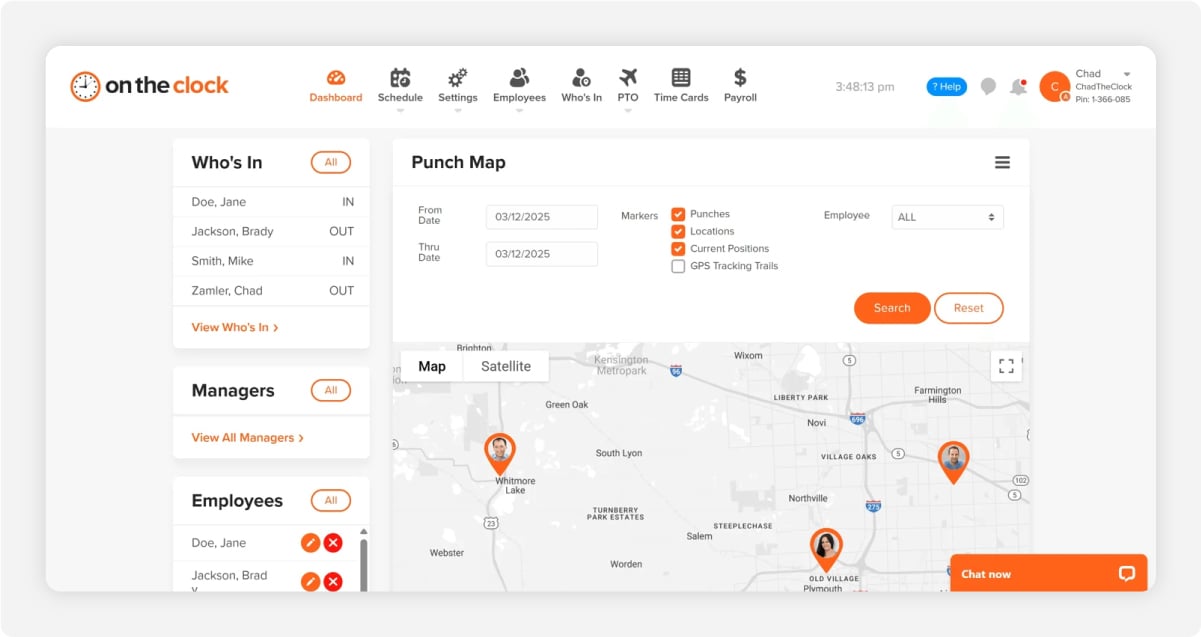
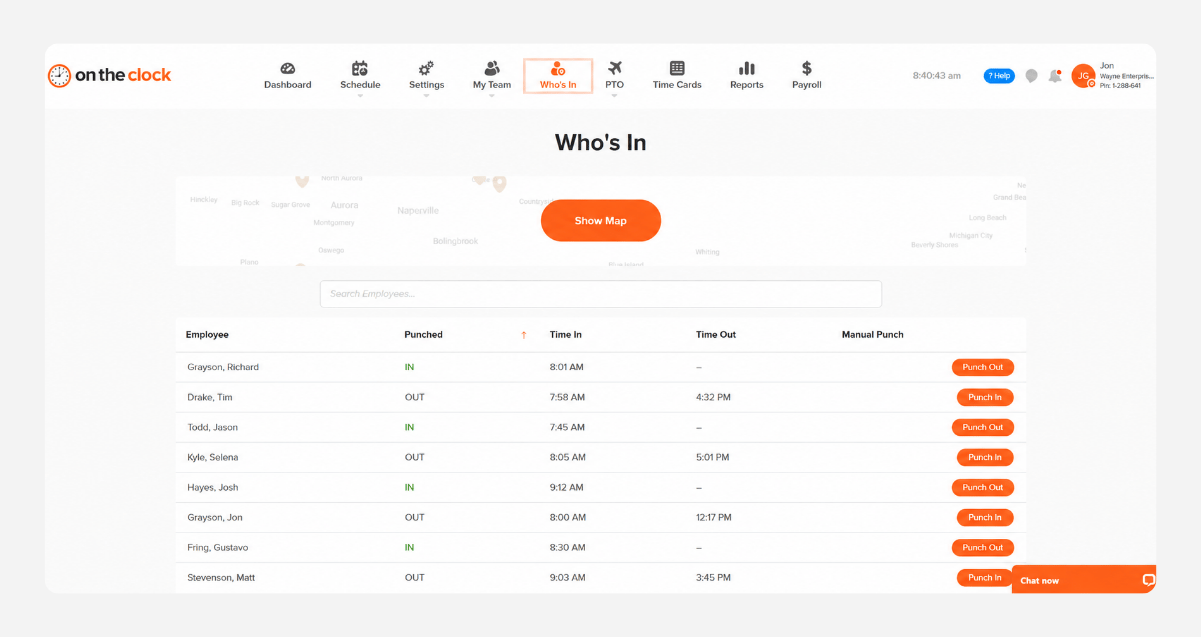
Your dashboard updates as punches come in. You can see who's clocked in, where they are, and how long they've been on each job from your phone, the office, or the road.
04
Approve and export to payroll in one click
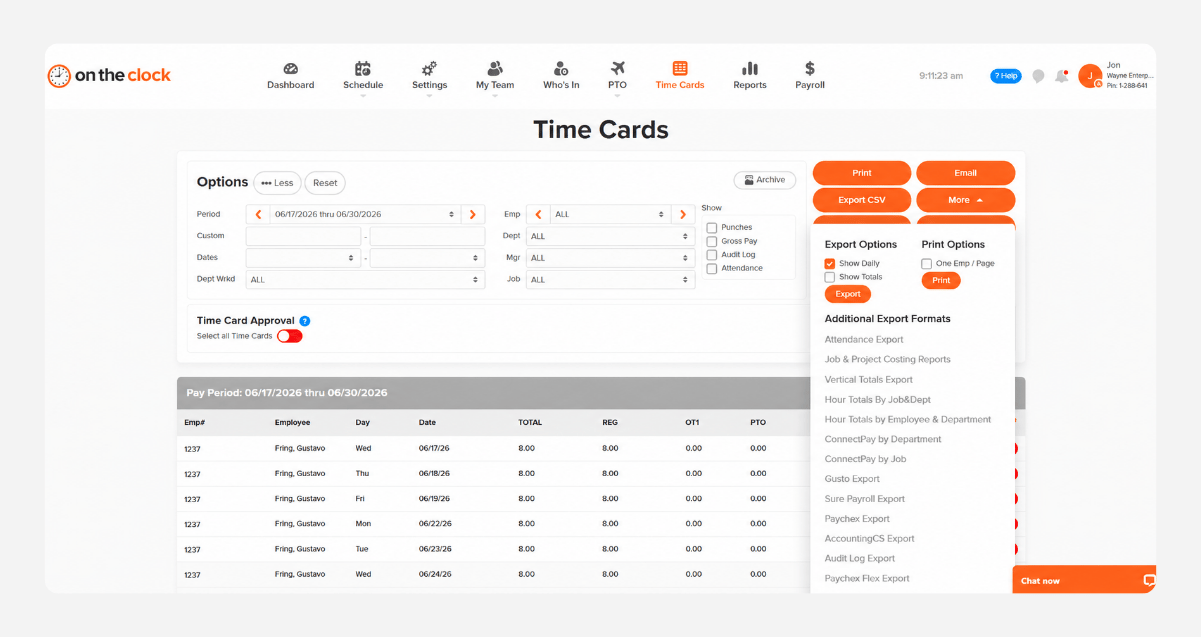
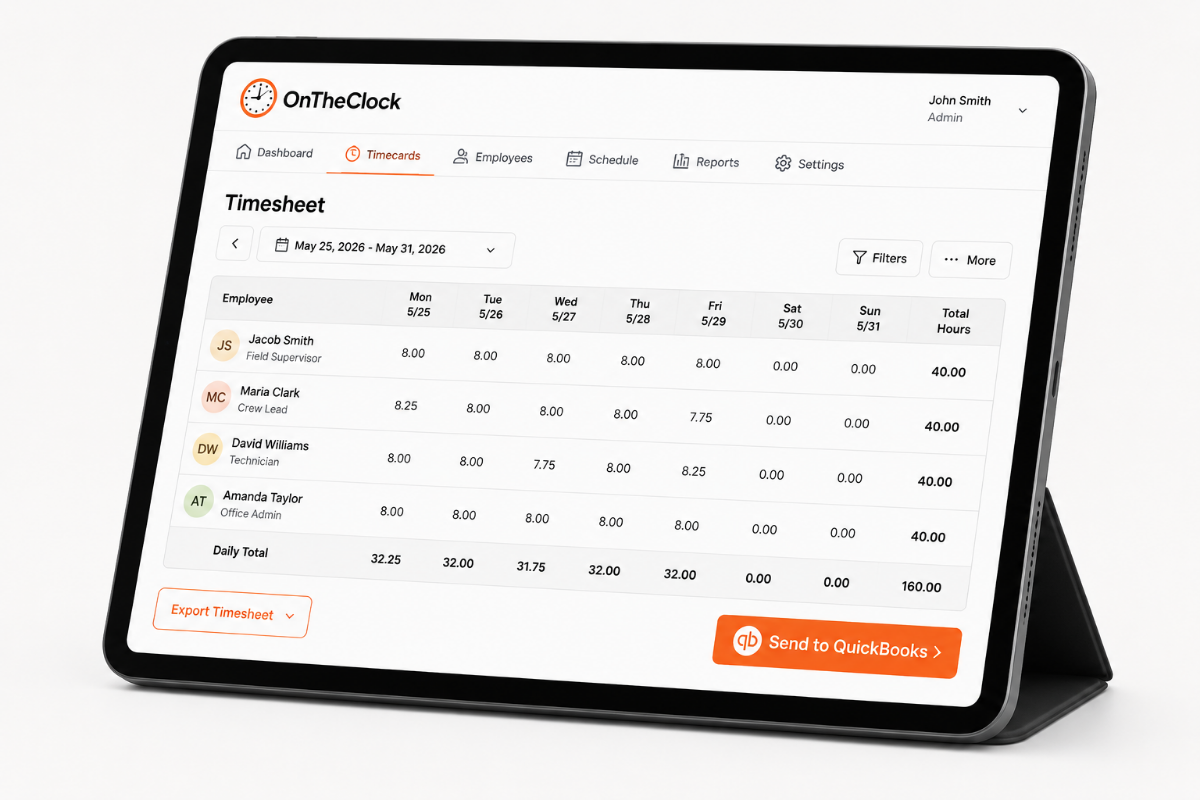
At the end of the week, review all hours in one place, make any corrections, and export to payroll. QuickBooks, Gusto, ADP, Paychex, and Square are all supported. No re-entering data or manual math.