
Skip to content

GPS time clock app

Know Who's Clocked In.

And Where.

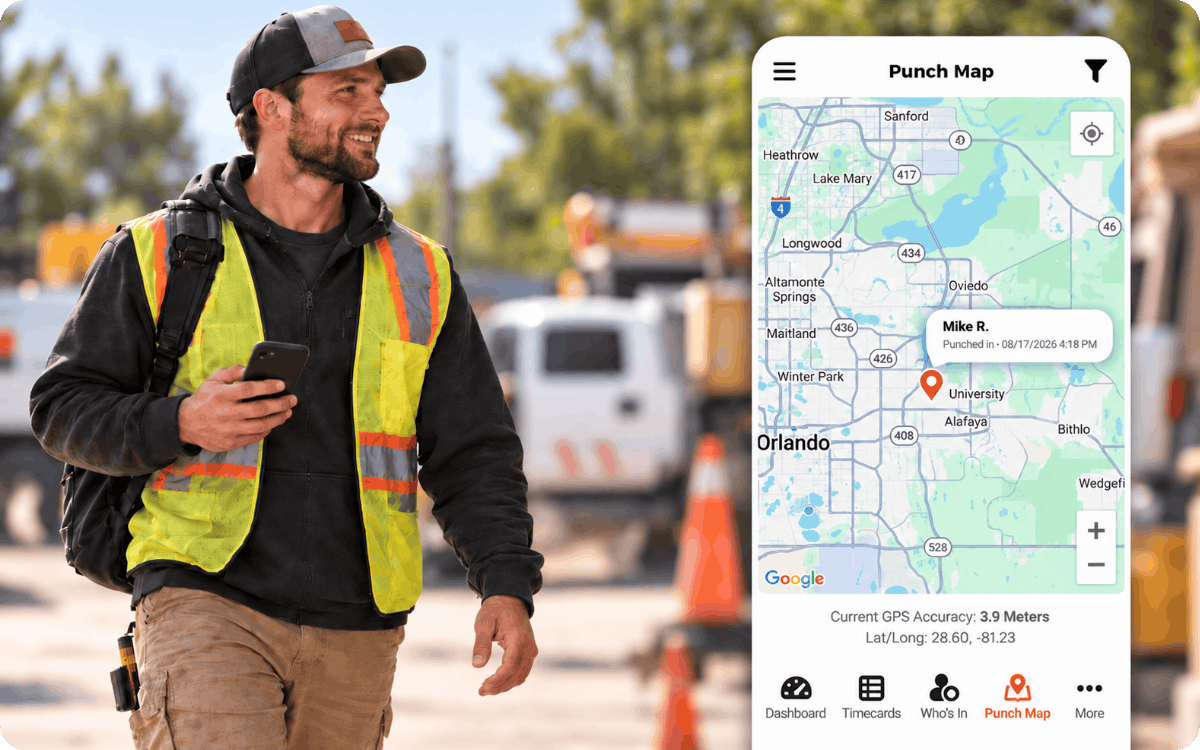
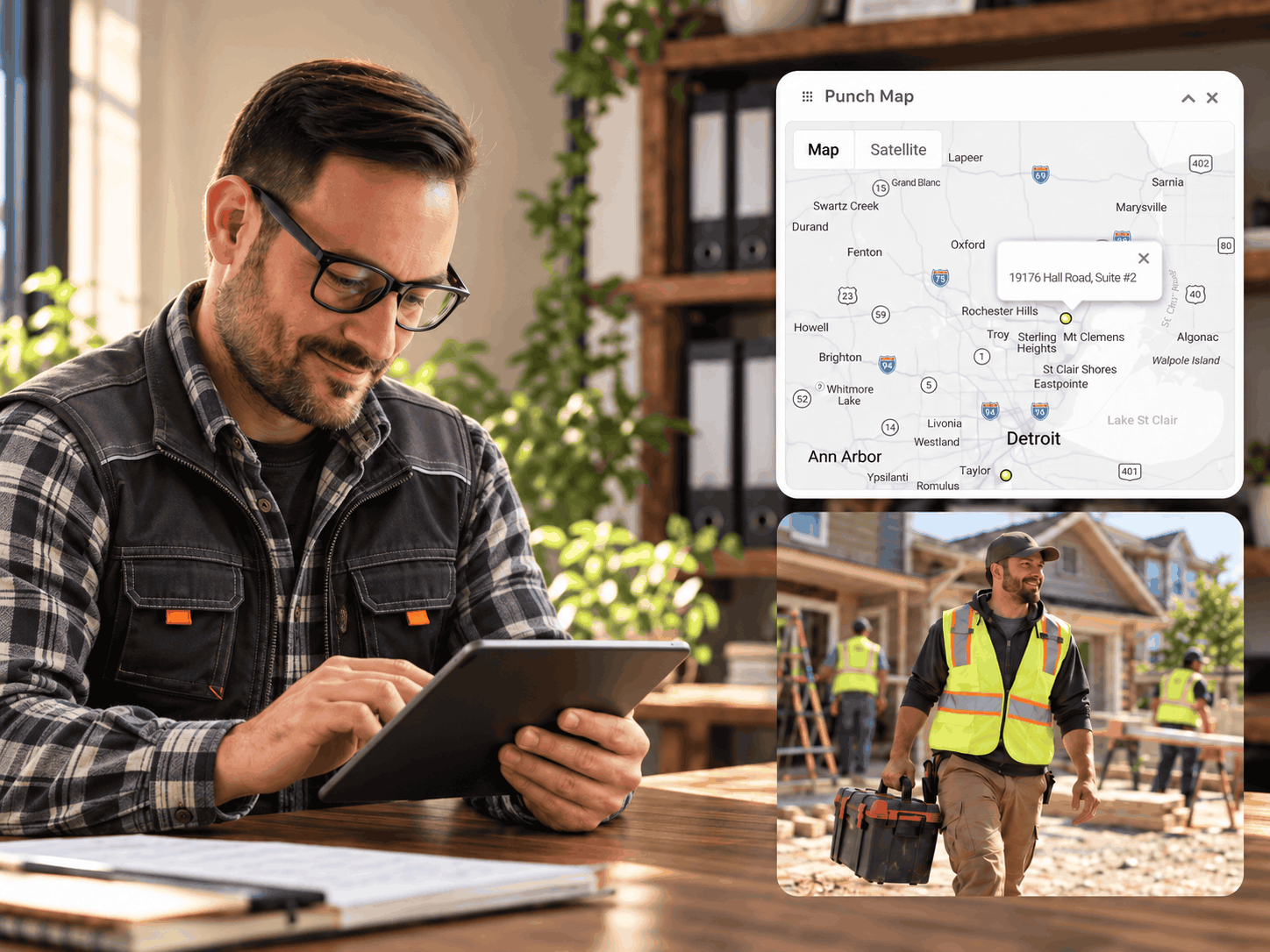
Take the guesswork out of managing teams from afar. OnTheClock's GPS time clock app shows where employees clock in and out, restricts punches to approved job sites, and protects their privacy with GPS tracking that stops when they're off the clock.

Free for 30 days. No credit card is needed at sign-up.

gps-time-clock-business-owner-punch-map-1
16,000+
Companies use OnTheClock
160,000+
Employees Punching in Daily
★★★★★
4.8/5
Capterra
★★★★★
4.5 / 5
G2

Who is a GPS time clock built for?

Whether your employees work at one location or travel between job sites, OnTheClock helps you track hours and confirm they're clocking in where they're supposed to.

Construction worker using OnTheClock on his phone while coworkers unload tools at a residential job site.
Mobile Teams

For teams working across multiple job sites

You can't be everywhere at once. GPS tracking and geofencing help you verify where they clock in and keep timecards accurate, whether they're working on construction sites, visiting customers, or making deliveries.


Urgent care employee using his phone to clock in.
On-site Teams

For teams working at one location

Let employees clock in from their phones while ensuring they're at the right location. Geofencing restricts punches to your workplace, eliminating the need for a physical time clock and its associated costs.

Landscaping crew unloading equipment beside a white pickup truck at a commercial property.
Multi-site Crews

For businesses managing multiple crews

Know where your crews are clocking in without making a single phone call. Employees punch in from their phones, while GPS tracking and geofencing help you verify they're at the right locations.

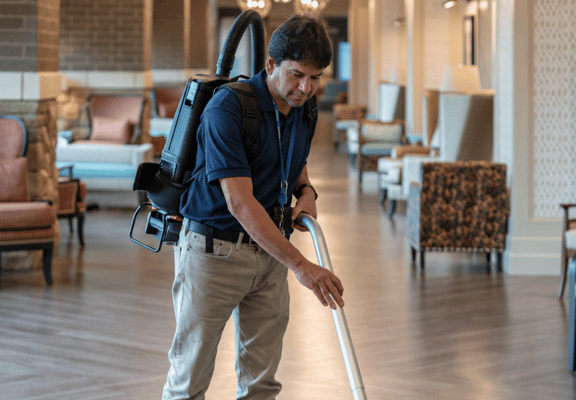
Cleaning crew arriving at an office after hours with a supply cart and vacuum cleaner.
Home Care and Cleaning

For cleaning crews working at client locations

GPS time tracking helps you verify where your cleaning crews clock in. Employees record their hours from their phones, giving you better visibility into visits across multiple locations.

GPS Time Clock for Cleaning Companies
HVAC technician using a tablet beside a white service van at a customer’s home.
Field Service Techs

For technicians moving from call to call

Employees clock in and out from their phones as they move between service calls, giving you a GPS location record for each punch without slowing down their day.

GPS Time Clock for Field Workers

How does OnTheClock’s GPS time clock work?

When employees clock in or out, OnTheClock uses their phones' GPS to check their locations. If you've enabled geofencing, the app verifies they're within an approved job site before accepting the punch.

  1. Enable GPS tracking for employees who need location verification.
  2. Set up geofences around your job sites and choose the allowed punch radius.
  3. Employees clock in and out using the OnTheClock mobile app for iPhone or Android.
  4. Punches occurring outside the approved area are blocked when geofencing restrictions are enabled.
  5. When enabled, the app records GPS points as employees move approximately every 200 meters.
  6. GPS tracking ends when employees clock out, and their hours are recorded in their time sheets for payroll.

You’ll need the iOS or Android app, location turned on, and a data or Wi-Fi connection. Accuracy matches the phone’s GPS.

9:41 Punch Locations Riverside job site Smith, John 3:00 PM to 4:00 PM

Try it: set the geofence size

Drag the slider to make the blue circle bigger or smaller.

"It was easy to learn, it was easy to implement it easy for the employees to understand."

Amie Brunkow, owner of Alta Vista Meat Co

3:35

Choose the right location tracking features for your team

Whether you want to verify where employees clock in, restrict punches to approved locations, or track movement during shifts, OnTheClock gives you options to fit your business.

Time Clock with GPS Punch Locations

See where employees clock in and out. OnTheClock records a phone's GPS location with each punch, giving you a location record you can review whenever questions arise about employee hours or attendance.

Best for: Businesses that need to verify punch locations without restricting them

Records location only
ontheclock-gps-time-clock

Time Clock with Geofencing

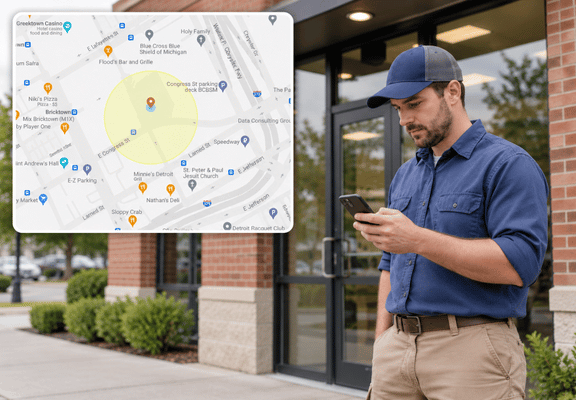
Set a virtual boundary around each job site to control where employees can clock in and out. If someone tries to punch outside an approved area, OnTheClock blocks the punch, helping you prevent off-site clock-ins and maintain more accurate time records.

Best for: Businesses that need to restrict punches to approved locations.

Blocks off-site punches
geofence-time-clock-employee-check-in

Time Clock with Breadcrumb Tracking

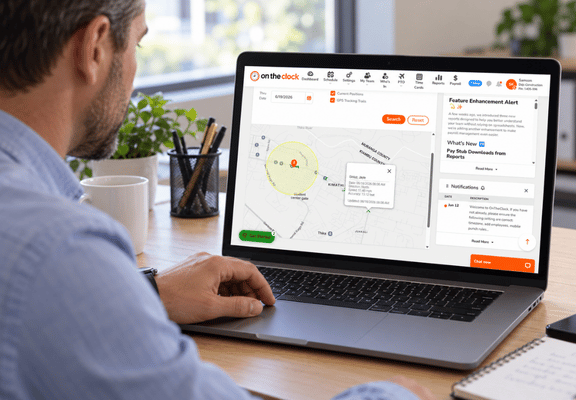
See where employees travel during their shifts without constantly checking in. While employees are clocked in, OnTheClock records GPS location points approximately every 200 meters of movement, creating a trail you can review on a map. Each point includes speed and direction information, providing additional insight into travel between job sites. Tracking stops when employees clock out.

Best for: Businesses that need visibility into employee travel during shifts.

Records location only
Manager reviewing employee GPS locations and tracking trails on OnTheClock’s dashboard from an office laptop.

Time Clock with Wi-Fi Restrictions

Limit clock-ins and clock-outs to your business's approved Wi-Fi network. Employees must connect to that network before punching in or out, helping prevent punches from home or other unauthorized locations. Unlike GPS-based geofencing, Wi-Fi restrictions use network connectivity to control where employees can punch.

Best for: Businesses with a fixed workplace and a reliable Wi-Fi network.

Blocks off-site punches
restaurant-employee-wifi-clock-in

Time Clock with Device Restrictions

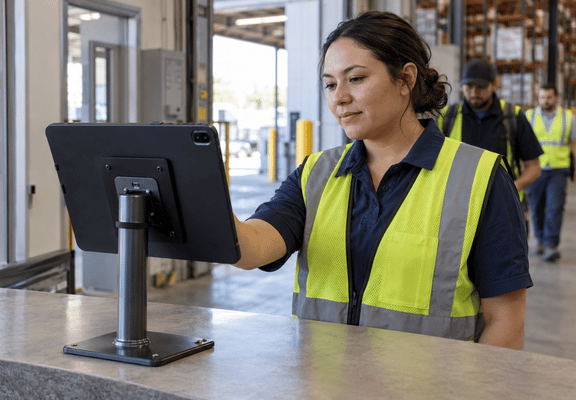
Choose which devices employees can use to clock in and out, such as a shared workplace computer. OnTheClock blocks punches from unapproved devices, helping you standardize how employees record their hours and prevent unauthorized devices from being used.

Best for: Businesses that want employees to clock in from designated devices.

Blocks off-site punches
Warehouse employee clocking in at a shared tablet kiosk, viewed from behind the tablet with its screen hidden.

What do businesses using OnTheClock GPS say?

Geographic boundaries
“Staff loves being able to clock in/out from their cell phones, I love the geographic boundaries setup.”
Suzanne H. OnTheClock customer
Three branches in Maryland
“We’re now able to track employees based on work sites.”
Matt S. MBS Keystone
Packrat Junk Removal

Time cards said 9 a.m. Security logs said 9:30 a.m.

GPS now confirms where the crew is while they’re on the clock.

Read the 1800 Pack Rat story
  • 4.5 / 5 on G2 from 205 reviews
  • 4.8 / 5 from 2,500 OnTheClock customer reviews
  • Named “Best simple paid time clock” by HiveDesk, September 2026

Which time tracking problems does a GPS time clock solve?

Inaccurate punches can lead to payroll errors and unnecessary labor costs. GPS tracking and location restrictions help you verify where employees clock in and prevent punches from unauthorized locations.

Worker in a safety vest using his phone inside a parked pickup truck at a residential job site.

Can I stop employees from clocking in before they arrive?

Yes. Set a geofence around each job site, and OnTheClock blocks clock-in attempts from outside the approved area. You control the size of each geofence, helping prevent employees from punching in before reaching their designated work location.

Employee holding two smartphones in a workplace break room beside staff lockers.

Can I stop employees from clocking in for each other?

GPS tracking, geofencing, and device restrictions can help discourage buddy punching by limiting where and how employees clock in. While these features don't verify employee identity on their own, they add safeguards that make unauthorized punches more difficult.

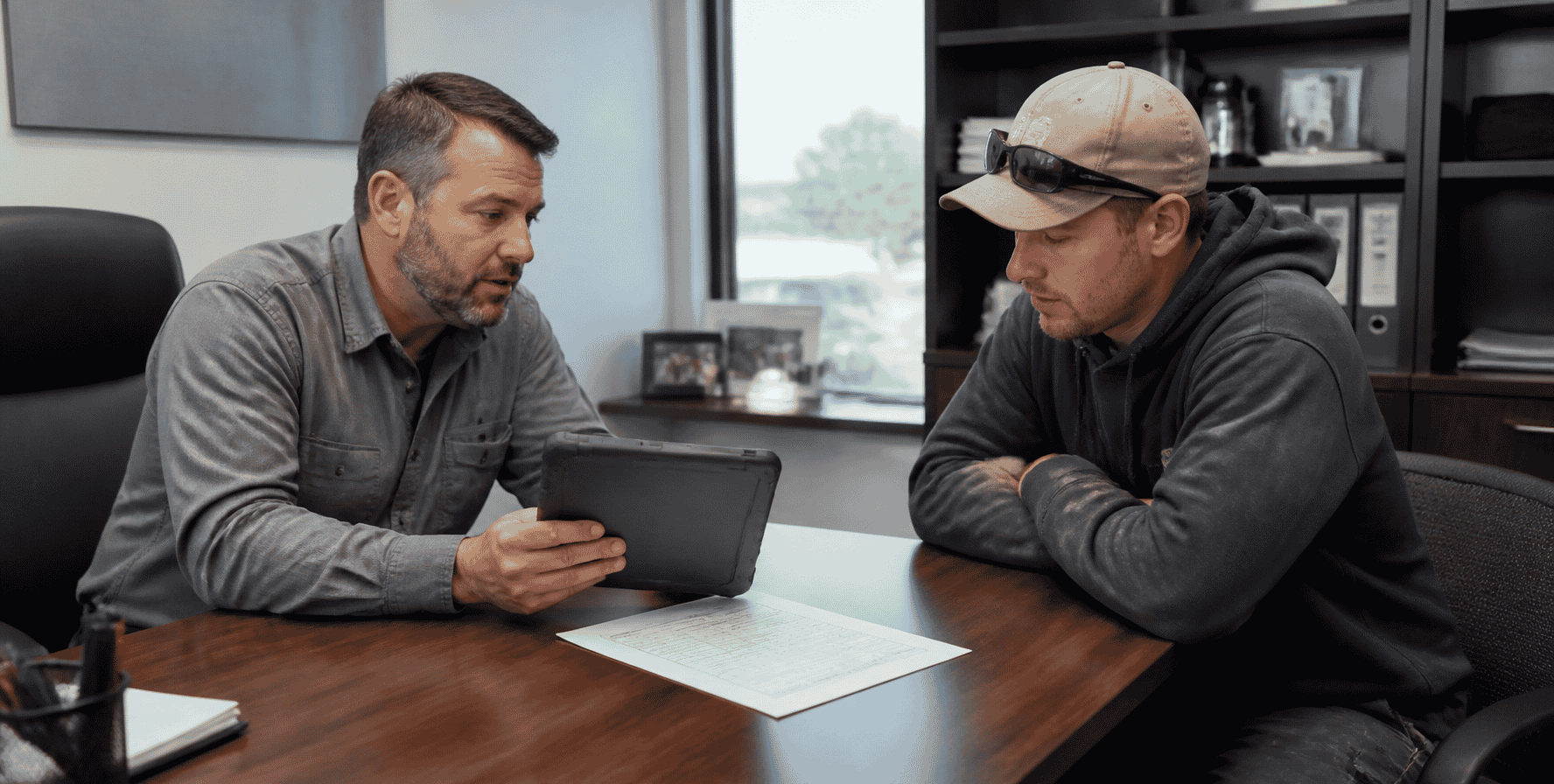
Manager and employee reviewing a tablet together across an office desk.

How can I resolve disputes about employee hours?

When questions arise about employee hours, GPS punch records give you more information to review. See where employees clocked in and out, compare those locations with their timecards, and review available breadcrumb tracking data for additional context.

How much does a GPS time clock cost?

OnTheClock costs $4 per employee per month, plus a $5 base fee. GPS tracking, geofencing, and breadcrumb tracking are included at no additional cost. No hidden fees, GPS add-ons, or higher-priced plans required.

Start with a free, 30-day trial. No credit card is needed at sign-up. Teams with more than 100 employees get Enterprise pricing.

Real people answer when you call. (888) 753-5999

Your monthly cost $45

Time tracking: $4 times 10 employees, plus a $5 base fee.

Start free trial

How does OnTheClock compare to other GPS time clocks?

Feature OnTheClock ClockShark QuickBooks Time Buddy Punch
GPS tracking Included Available · Standard and Pro Available Available
Geofence Included Not available Not available Available · Pro and Advanced
Breadcrumb trail Included Available Available Available · Add-on ($2/user)
Wi-Fi or IP restriction Included Not available Not available Available
Starting price $4/user/month + $5 base $9/user/month + $40 base $10/user/month + $20 base $4.99/user/month + $19 base

What else can OnTheClock do for your business?

GPS tracking is just the beginning. OnTheClock brings employee hours, breaks, scheduling, PTO, and payroll together in one easy-to-use system.

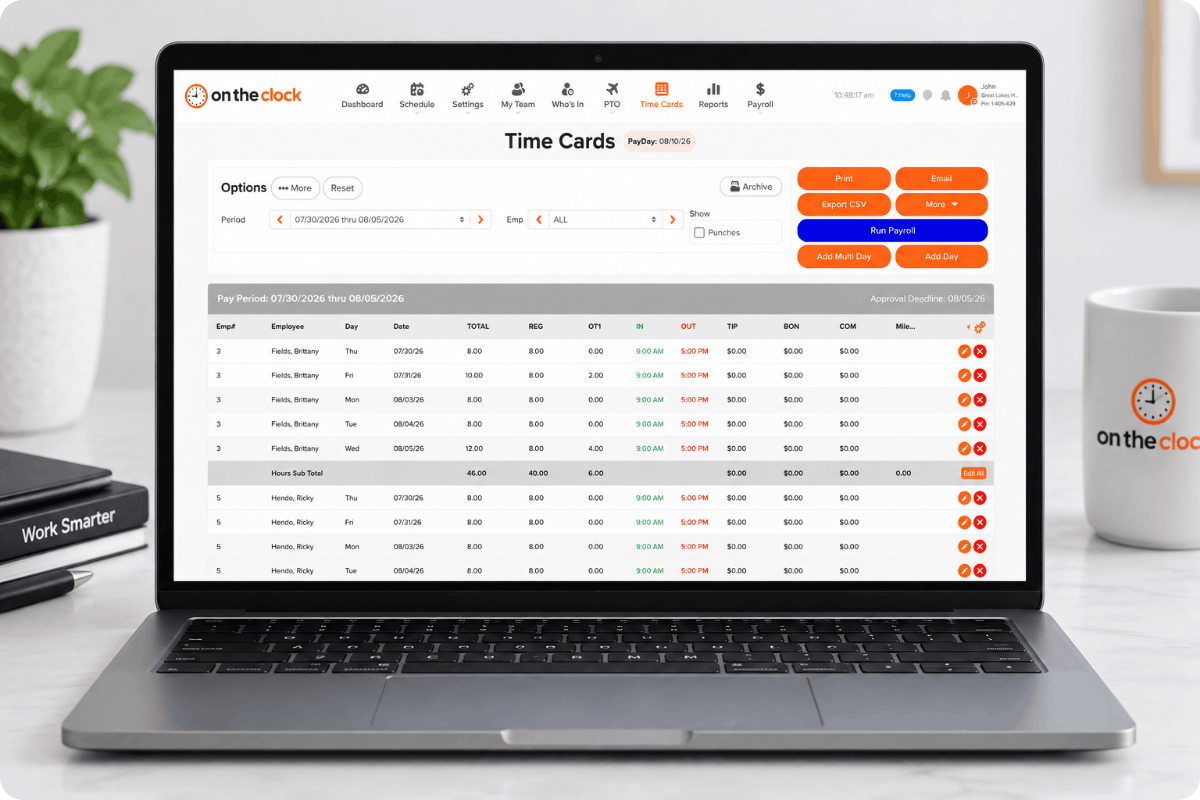
Review, edit, and approve employee timecards 

Review employee hours, correct missed punches, and approve timecards before payroll. OnTheClock calculates overtime based on your settings, while an audit trail records changes for added accountability. Spend less time reviewing hours and more time running your business.

ontheclock-timecards

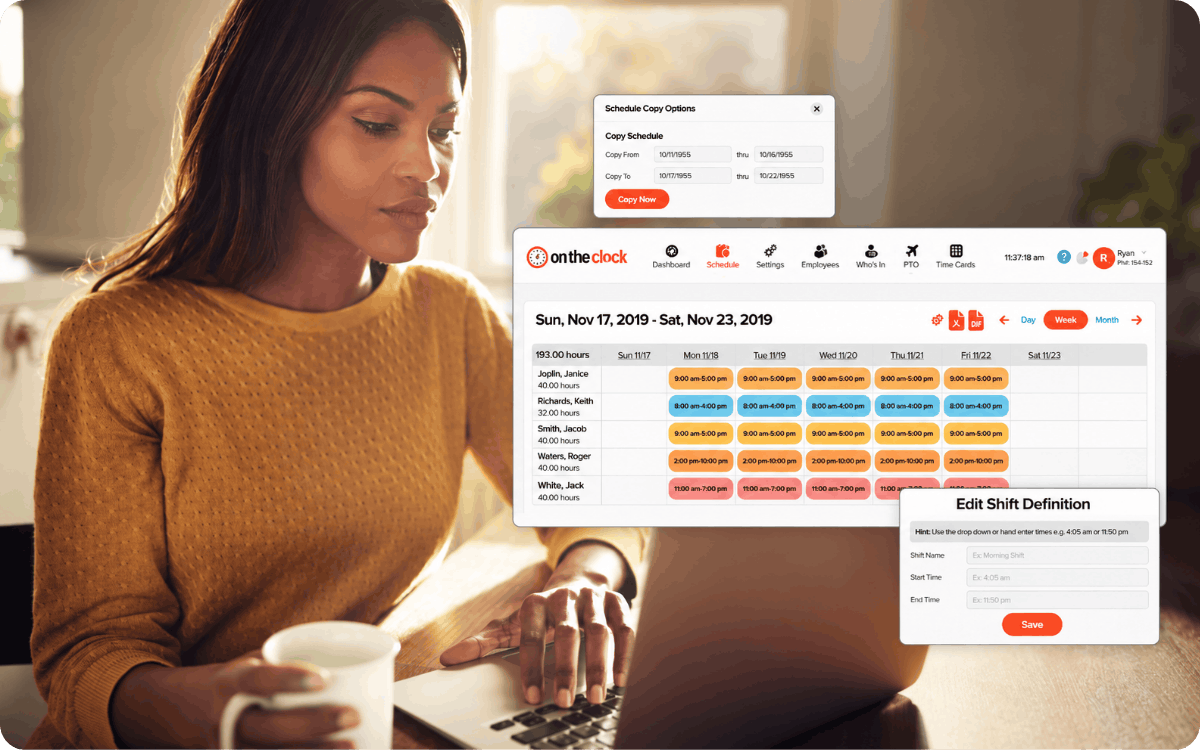
Build schedules your crew can count on

Create employee schedules with drag-and-drop tools, then copy previous schedules to save time each week. Review coverage before publishing and notify employees when shifts are posted or updated. Your team can check their schedules in the app, reducing calls, texts, and scheduling confusion.

employee-scheduling-dashboar

Prevent scheduling surprises with easier PTO management 

Employees can request time off and check their available PTO balances in one place. Set accrual and carryover rules to match your policies, review requests, and use the PTO calendar to plan around upcoming absences before they affect your schedule.

ontheclock-pto-tracking

Go from recorded hours to payday with fewer steps

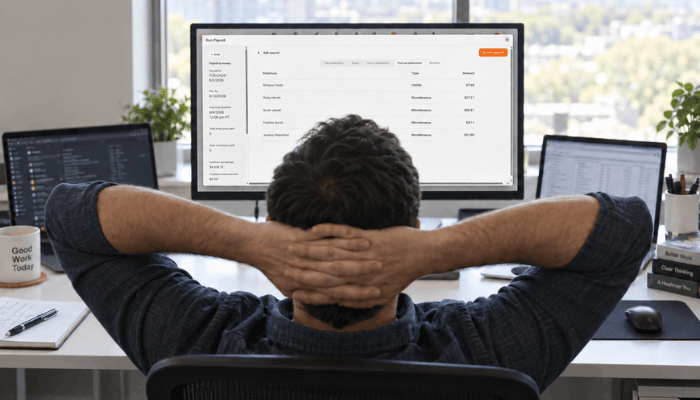
Add OnTheClock Payroll to turn approved employee hours into payroll without switching systems. This optional add-on includes unlimited payroll runs, direct deposit, automatic payroll tax filings, and year-end W-2s and 1099s. Manage timecards, PTO, and payroll together to save time and reduce manual data entry.

Reviewing-Payroll-Before-Submission

GPS time clock FAQs

What is a GPS time clock?

A GPS time clock is a time tracking app that records an employee's location when they clock in and out, using the phone’s GPS. Most also offer geofences that limit punches to approved sites and breadcrumb trails that map movement during a shift. Employers use them to confirm crews are on site and to keep payroll tied to real hours.

Is GPS included in every OnTheClock plan?

Yes. GPS tracking, geofencing, breadcrumb trails, and Wi-Fi and IP restrictions are part of the standard plan at $4 per employee per month plus a $5 base fee. You don’t pay an add-on fee or move to a higher plan to turn them on. Payroll is the only optional add-on.

What’s the difference between GPS tracking and geofencing?

GPS tracking records where an employee is. Geofencing decides where they’re allowed to punch. OnTheClock stamps every clock-in and clock-out with a location and drops a point every 200 meters while the employee is on the clock. The geofence is a boundary around a job site, and OnTheClock blocks any punch from outside it.

Which states require notice before tracking employees with GPS?

Connecticut, Delaware, New York, and Maine have workplace electronic-monitoring notice laws, though each one covers different things. California treats precise location as sensitive personal information. In every state, tell employees in writing what you track and when, and keep their sign-off. This isn’t legal advice, so check with an employment attorney.

Do employees need to keep the app open?

No. Employees open the app to clock in and out. While they’re clocked in, it records points in the background as they move, as long as location is turned on. At clock-out, location collection stops until the next shift.

Does the geofence block clock-outs too?

Yes, employees must be inside the geofence to clock in or out, and a manager can add a forgotten clock-out. 

Can employees see their own location history?

No. Employees can review their own punches and timecards in the OnTheClock app, but GPS location maps and breadcrumb tracking history are available to managers and administrators. Employees can also see when GPS tracking is enabled.

Get Started Today

Spend less time checking where your crew is

Set up OnTheClock in five minutes or less and see every punch on a map. Try it free for 30 days. No credit card is needed at sign-up.