

Jump to section
Try OnTheClock Free
Save time and make payroll effortless with our easy-to-use, affordable employee time tracking app.
Try It FreeKey Takeaways
- ✔OnTheClock is a strong pick for small medical practices. One plan at $5/month base plus $4/employee/month covers kiosk punches, IP and GPS limits, scheduling, PTO, and overtime alerts.
- ✔A shared front desk tablet can create attendance-verification challenges. Photos, PINs, and IP restrictions can help discourage unauthorized punches and support manager review.
- ✔Nonexempt staff carry real compliance risk. Covered nonexempt employees need accurate hours and break records; alerts can support compliance with applicable rules.
- ✔Mixed roles make payroll messy. Hourly clinical staff, front desk, and salaried providers all clock differently, so reliable time records and payroll exports reduce manual corrections.
- ✔Run two real quotes before you buy. Per-user and per-location pricing decide your true monthly cost, not the headline rate.
Can you easily verify how many hours your front desk clerk and medical assistants worked last week? For busy medical practices, tracking every punch and preparing accurate payroll can be challenging. The best time tracking software for a medical practice keeps two things honest at once: accurate hours for every nonexempt nurse, aide, and front desk clerk, and a clean handoff to payroll. That can reduce manual corrections and make payroll preparation more efficient.
A medical office runs on mixed hours. A nurse clocks in for a 7 a.m. shift, a medical assistant covers a split day, the front desk trades a lunch break, and a provider stays salaried on top of it all. When those punches live on paper or a shared screen, payroll night becomes a rebuild. Common challenges include unauthorized punches, overtime, and interrupted meal periods for nonexempt employees as well as reconciling time sheets across roles and locations.
One practice needs reliable break tracking. Another aims to discourage unauthorized front-desk punches. Below are seven picks, each matched to a real clinic situation, with OnTheClock first.
What Medical Practices Actually Want From Time Tracking
Medical practices need time records that are reviewable and identify the employee and, where appropriate, the role or job performed. That single need shapes almost every other choice on this list.
They also want hours that comply with labor law. Covered nonexempt staff may be entitled to overtime and applicable break protections, so managers need accurate weekly totals and meal-period records. Approved time records that flow into payroll reduce the need for manual data entry and corrections.
And they want one honest view of a mixed team. Hourly clinical staff, front desk clerks, and salaried providers all clock differently, so the right pick shifts with whichever gap you feel most.
Quick Picks: The Best Time Tracking Software for Medical Practices at a Glance
-
OnTheClock: Best for small medical practices
-
Deputy: Best for break and overtime management
-
When I Work: Best for front desk shift scheduling
-
Homebase: Best for free time tracking
-
Connecteam: Best for multilocation practices
-
Buddy Punch: Best for discouraging buddy punching
-
Jibble: Best free time tracking plan
How We Evaluated the Best Time Tracking Software for Medical Practices
We judged each tool on what actually matters in a clinic, not on feature-sheet length. We compared every option against the eight needs medical practices keep raising, what we call the OnTheClock Medical Practice Time Tracking Checklist:
-
Punch verification: photos, PINs, IP restrictions, or supported facial checks that help deter unauthorized punches.
-
Break and overtime rules: meal-break tracking and alerts that catch the 40-hour line for nonexempt staff.
-
Flexible punch methods: a front desk kiosk, a mobile app for floating staff, and a web punch.
-
Scheduling: drag-and-drop shifts for providers, nurses, and front desk coverage.
-
PTO tracking: time-off requests and balances for a team that books vacations months out.
-
Multilocation support: one clean view when a practice runs more than one office.
-
Payroll and accounting fit: clean exports to the tools you already run.
-
Honest pricing: a clear monthly cost that includes any base fees and paid add-ons.
OnTheClock earns the small-practice spot here because its time-tracking plan addresses these practical needs with kiosk and mobile punches, IP and GPS limits, scheduling, PTO, and overtime alerts, with none of the core features held back for a higher tier. That breadth at the base price is the basis for the small-practice label, not a ranking against the other picks. Each of the others serves its own situation best.
The Best Time Tracking Software for Medical Practices
Below are seven of the best time tracking software solutions for medical practices, with a recommended option for each situation. For each one, we cover who it fits best, where it stands out, and where it may not be the right move.

OnTheClock: Best for Small Medical Practices
Available on: Web, iOS, Android
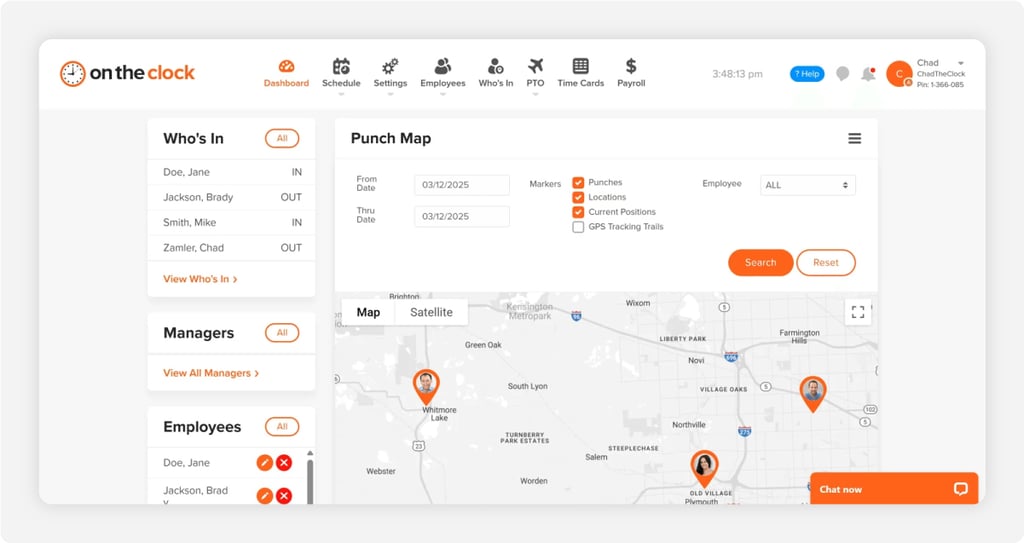
Why OnTheClock Is Best for Small Medical Practices
OnTheClock fits the family practice or specialty clinic that runs a small mixed team all day. It offers attendance records for review, scheduling, PTO tracking, and payroll-ready hours in its time-tracking plan. The buyer here is the office manager or owner, who also wears the payroll hat.
It meets every need on the base plan's checklist. Supported kiosk PINs or photos can help discourage buddy punching; configurable IP and GPS controls can help manage punch locations, and timecard review tools help managers identify missing punches before payroll. OnTheClock serves more than 16,000 companies. You can see how the same tools serve family practices and urgent care clinics in more detail.
Why OnTheClock Is Different
OnTheClock includes its core time-tracking, scheduling, and PTO features in one time-tracking plan at $5/month base plus $4/employee/month. A 12-employee practice pays $53/month for time tracking; full-service payroll is available separately.
Medical practices seeking simpler attendance, scheduling, and PTO management may appreciate having these functions together. The honest trade-off: punches need an internet or Wi-Fi connection, and the reporting is lighter than an enterprise suite built for deep workforce analytics.
Key Features
Pros
Cons
Pricing
- 30-day free trial, no credit card
- $5/month base plus $4/employee/month (see how OnTheClock pricing works)
- Optional full-service payroll: $40/month base plus $6/employee/month; one-time $250 implementation fee

Deputy: Best for Break and Overtime Management
Available on: Web, iOS, Android
Why Deputy Is Best for Break and Overtime Management
Deputy fits the practice with nonexempt clinical staff who clock real overtime and need their breaks tracked. Its configurable scheduling and break rules help managers review missed or irregular meal periods. The buyer is the manager who loses sleep over a wage claim.
Its standout is configurable labor-rule support, paired with a face-unlock kiosk on Core that helps deter unauthorized punching. The caution is the spend. Monthly plans carry a $30 a month minimum, and biometrics plus the deeper compliance tools sit on Core rather than Lite. You can weigh it against other options in our Deputy alternatives guide.
Key Features
Pros
Cons
Pricing
- Free trial available
- Lite $5 per user a month, Core $6.50 per user a month, Pro $9 per user a month; $30 a month minimum spend on monthly plans

When I Work: Best for Front Desk Shift Scheduling
Available on: Web, iOS, Android
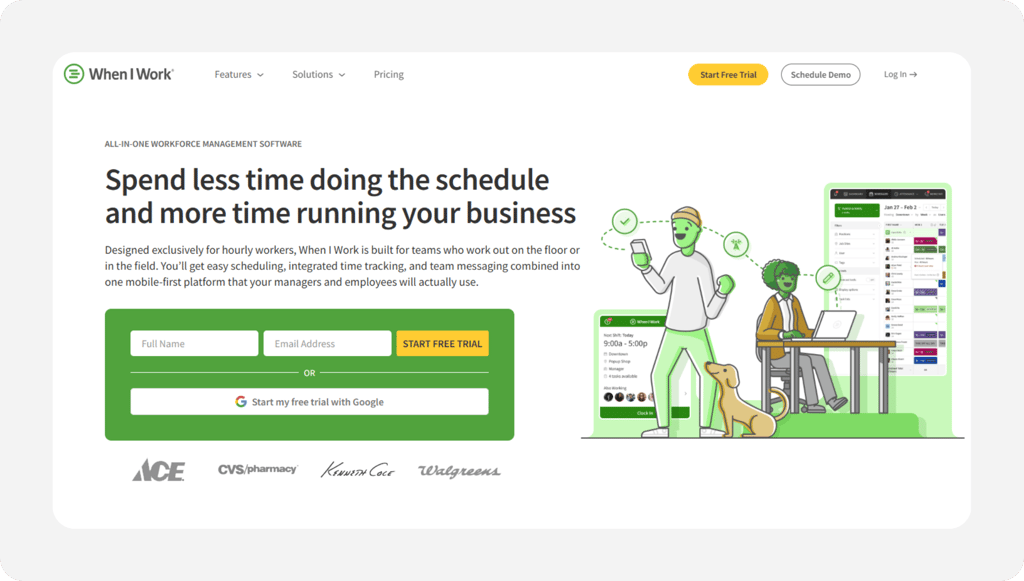
Why When I Work Is Best for Front Desk Shift Scheduling
When I Work fits the practice whose biggest headache is building the weekly schedule and covering call-outs. Staff swap shifts, claim open slots, and message the office from one app, so managers can coordinate front desk and clinical coverage more efficiently. The buyer is the manager who rebuilds the schedule every week by hand.
Its standout is simple, quick scheduling with shift swaps and multilocation views. The caution matters for this list: Time and attendance pricing depends on the selected configuration, and the compliance engine is lighter than Deputy's. See how it stacks up in our When I Work alternatives guide.
Key Features
Pros
Cons
Pricing
- 14-day free trial, no credit card
- Essentials $2.50/user/month, Pro $5/user/month, Premium $8/user/month; confirm the selected time-and-attendance configuration at checkout

Homebase: Best for Free Time Tracking
Available on: Web, iOS, Android
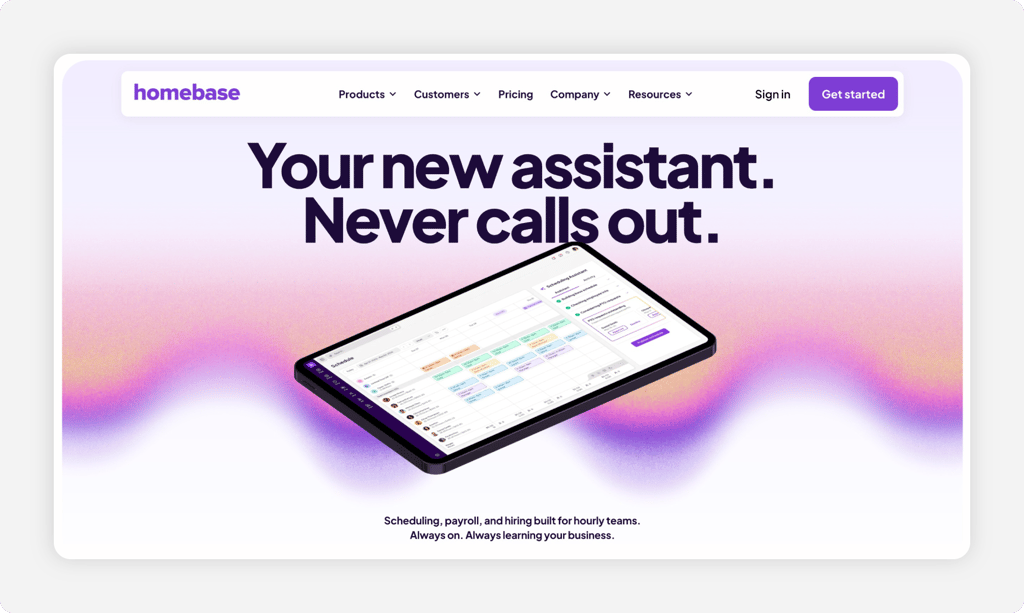
Why Homebase Is Best for Free Time Tracking
Homebase fits the single-office practice on a tight budget that still wants a real time clock. The free Basic plan covers one location and up to 10 employees, with clock-in on a tablet, computer, or POS device plus a weekly schedule. The buyer is the owner of a brand-new clinic counting every dollar.
Its standout is a genuinely free tier that does the basics well. The caution: The free plan is limited to one location and up to 10 employees. Advanced attendance controls vary by paid plan, and each office is billed separately.
Key Features
Pros
Cons
Pricing
- Free Basic plan for one location, up to 10 employees
- Essentials $30/location/month, Plus $70/location/month, All-in-One $120/location/month; optional payroll $49/month base plus $6/employee/month

Connecteam: Best for Multilocation Practices
Available on: Web, iOS, Android
Why Connecteam Is Best for Multilocation Practices
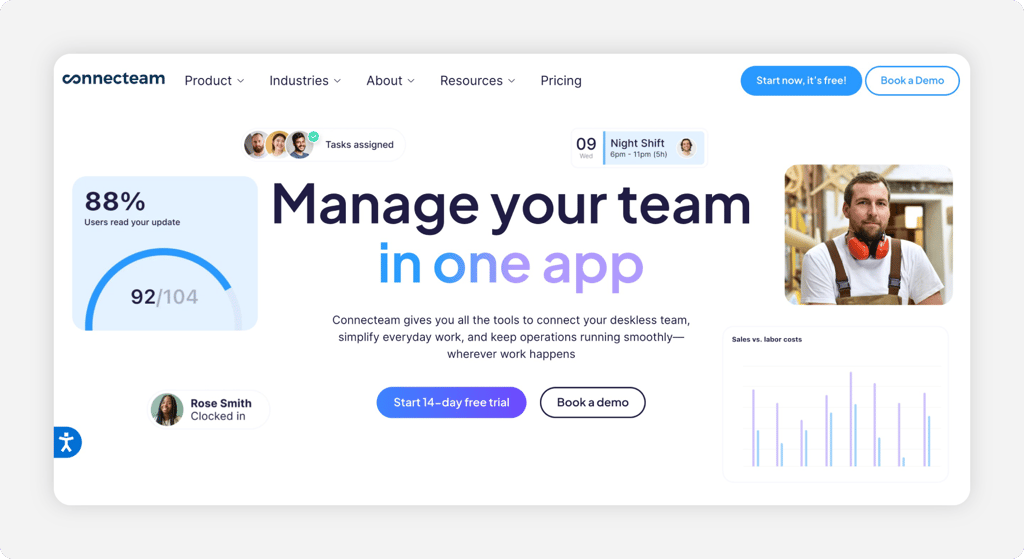
Connecteam fits the practice group running several offices that wants the whole staff in one app. The platform offers GPS-related punching, scheduling, communications, and time-off management, with features distributed across separate hubs. The buyer is the operations lead, juggling staff across multiple sites.
What stands out is the breadth for deskless teams and a free plan for up to 10 users. The caution shows up in the structure. Connecteam splits features across separate hubs, so a practice that wants time, chat, and HR may pay for more than one hub, and plan limits and selected hubs affect the available features.
Key Features
Pros
Cons
Pricing
- Free Small Business plan for up to 10 users
- Operations Basic $35/month for first 30 users, Advanced $59/month, Expert $119/month; additional users and separate paid hubs cost extra

Buddy Punch: Best for Discouraging Buddy Punching
Available on: Web, iOS, Android
Why Buddy Punch Is Best for Discouraging Buddy Punching
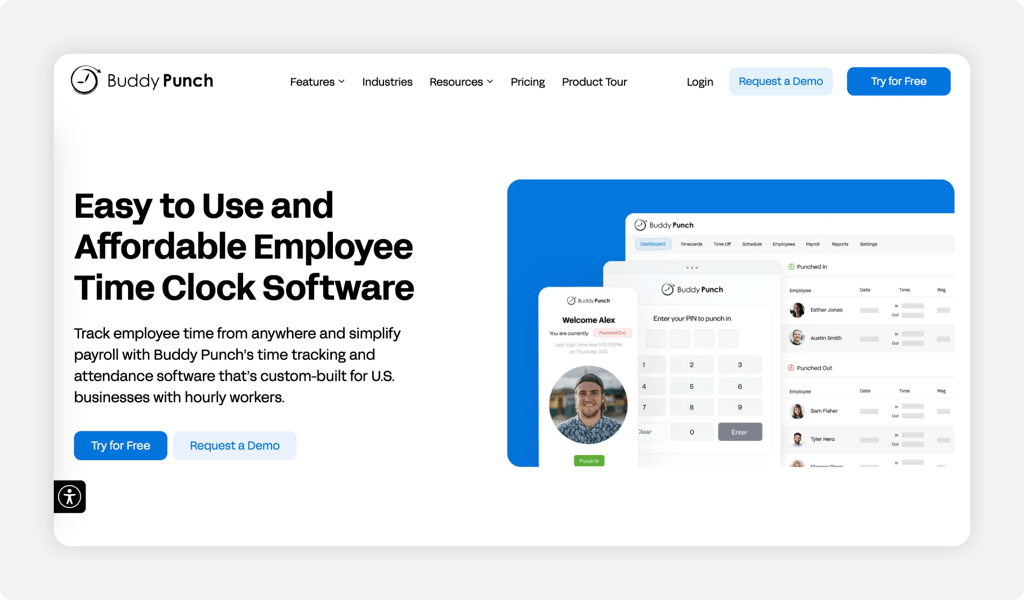
Buddy Punch fits the practice in which a shared front desk tablet tempts staff to clock in for each other. The name says it all. Supported Face ID and eligible photo-punch controls help managers review attendance and discourage unauthorized punching. The buyer is the manager tired of paying for hours nobody worked.
Its standout is that verification layer, paired with GPS coordinates on supported mobile punches and a clean, simple interface. The caution is the base fee. Each time-tracking plan has a $19 monthly base fee, and geofencing is included on Pro and Advanced or may be available as an add-on. See how it compares in our Buddy Punch alternatives guide.
Key Features
Pros
Cons
Pricing
- 14-day free trial, no credit card
- Starter $5.99/user/month, Pro $7.99/user/month, Advanced $13.99/user/month; each plus a $19/month base fee. Optional payroll $49/month base plus $8/user/month

Jibble: Best Free Option
Available on: Web, iOS, Android
Why Jibble Is the Best Free Option
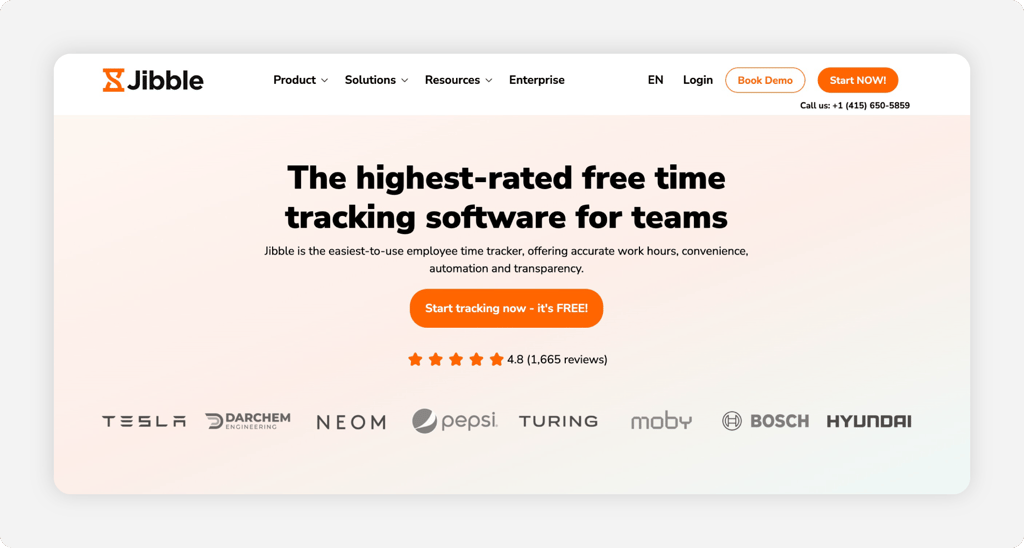
Jibble is the pick for a practice that wants a real time clock without a bill. Its free plan supports unlimited users for basic time tracking, while additional controls and advanced features depend on the selected subscription. The buyer is the office manager who needs accurate hours but has no budget line for tracking software.
Its standout is the free plan paired with face recognition and GPS, so supported attendance records can help managers review who punched and the device location. The honest caution is there's no built-in payroll, so payroll processing requires a separate provider. Export and integration methods, geofencing, and custom policy features depend on the selected plan.
Key Features
Pros
Cons
Pricing
- Free forever for unlimited users
- Essential $3.49/user/month, Growth $5.99/user/month, Pro $10.99/user/month
Side-by-Side Comparison
| Tool | Best For | Pricing | Key Strengths | Top Integrations |
|---|---|---|---|---|
| OnTheClock | Best for small medical practices | $5/month base + $4/employee/month | Kiosk, IP and GPS limits, scheduling, PTO | Gusto, QuickBooks, ADP, Paychex |
| Deputy | Break and overtime management | Lite $5/user/month; Core $6.50; Pro $9; $30 monthly minimum | Break planning, labor law compliance, biometrics | Gusto, QuickBooks, ADP |
| When I Work | Front desk shift scheduling | Essentials $2.50 to Premium $8/user/month; verify attendance configuration | Scheduling, shift swaps, GPS clock | QuickBooks, Gusto, Rippling |
| Homebase | Free time tracking | Free up to 10 employees at one location; Essentials $30/location/month | Free time clock, scheduling, location clock-in | Gusto, QuickBooks, ADP |
| Connecteam | Multilocation practices | Free up to 10 users; Operations Basic $35/month for first 30 | GPS clock, geofencing, chat, scheduling | QuickBooks, Gusto, Paychex |
| Buddy Punch | Discouraging buddy punching | Starter $5.99/user/month + $19 base | Supported Face ID, photo controls (Pro+), GPS | QuickBooks, Gusto, Paychex |
| Jibble | Free time tracking | Free; Essential $3.49/user/month | GPS and facial-recognition options by plan | Payroll exports and supported integrations |
Pricing and features reviewed October 2026. Standard U.S. monthly rates are shown where confirmed; base fees, add-ons, and plan restrictions may apply.
What's the Best Time Tracking Software for a Medical Practice?
The best option isn't the longest feature list; it's the one that fits how your practice actually runs. Start with the single question that bugs you most, then pick.
- Need attendance controls, scheduling, and PTO in one affordable plan? OnTheClock fits a small medical practice.
- Worried about overtime and missed breaks for nonexempt staff? Deputy offers configurable break and overtime tools.
- Just want the front desk to stop covering for each other? Buddy Punch offers photo and Face ID options on eligible plans.
The right tool removes friction from the problem you hit most, not the one a sales demo wants to show you.
What Is Medical Practice Time Tracking Software?
Medical practice time tracking software is a digital clock that records when your staff start and stop work and provides attendance information for manager review. It replaces paper, spreadsheets, and a shared sign-in sheet with time-stamped entries associated with employee accounts.
For this audience, it adds the parts a basic clock skips: a kiosk or photo punch that helps discourage buddy punching, break and overtime rules for nonexempt staff, and a clean export to payroll. The goal is more reviewable time records for payroll.
Who Needs Time Tracking Software in a Medical Practice?
Any practice with hourly staff benefits. Family practices, dental offices, urgent care clinics, physical therapy groups, and specialty offices all gain the most once they run more than a couple of nonexempt employees. The math changes the moment overtime and breaks enter the picture.
Think front desk clerks, medical assistants, nurses, and billing staff who clock real hours. If you're chasing missing punches, fixing time sheets, or worrying about a break violation, you're the audience.
Why Medical Practices Rely on Time Tracking Software
A medical office lives and dies by accurate hours, because payroll and compliance both ride on them. A wrong number means a short paycheck, a payroll fix, or a wage claim. Federal law backs this up: the Fair Labor Standards Act requires employers to keep accurate daily and weekly hours for every nonexempt worker.
The old way, paper and memory, breaks the moment a staffer disputes a check or a state auditor asks about meal breaks. A digital clock with reviewable attendance records reduces guesswork and gives you a record. See how OnTheClock handles online time tracking for a mixed clinic team.
Key Features Medical Practice Time Tracking Software Should Have
Before you compare prices, make sure any tool covers the basics for a clinic with mixed roles.
-
Punch verification: photos, PINs, IP restrictions, or supported facial checks that help deter unauthorized punches.
-
Break and overtime rules: meal-break tracking and alerts that catch the 40-hour line for nonexempt staff.
-
Front desk kiosk and mobile punch: a tablet at the desk and a phone clock for floating staff.
-
Scheduling and PTO: shift coverage for providers and nurses plus time-off tracking.
-
Multilocation view: one clean account when you run more than one office.
-
Payroll export: clean hours that move into Gusto, QuickBooks, ADP, or your own payroll.
How to Choose the Right Time Tracking Software for Medical Practices
Step 1: Count your staff and offices, then do the pricing math.
Start with real numbers. Count the hourly staff you run in a busy week and the offices they work in, because per-user and per-location pricing decide your true cost, not the headline rate.
Run two quotes side by side. A 12-person practice on OnTheClock is $5 base plus 12 times $4, so $53 a month. A free tool like Jibble tracks the same team at no cost, no matter the head count. Check each vendor's billable-user policy, especially if clinic staffing changes seasonally.
Step 2: Name the one problem that costs you most.
Pick one. Buddy punching, break and overtime compliance, payroll rework, and multi-office chaos each point to a different tool, and chasing all four at once leads to an overbuilt plan you won't use.
Write the top problem down before you demo anything. If it's time theft, prioritize punch-verification controls. If it's compliance, prioritize break and overtime rules. The named problem keeps a slick sales call from steering you toward features you don't need.
Step 3: Match the punch method to how your clinic works.
A front desk needs a tablet kiosk that accepts PINs or photos. Floating staff who move between rooms or offices need a one-tap phone punch. Some salaried providers may not need to clock in, depending on their classification and the practice's recordkeeping policies.
Test the punch on your real devices before you roll it out. A clock that's clumsy on a phone or tablet gets skipped, and a skipped punch is the missing hour you'll hunt for on payday.
Step 4: Lock down who is really punching.
This is where clinic dollars leak. A shared front desk tablet lets one person clock in for another, and those few minutes a day add up across the whole staff over a year.
Ask for a photo, PIN, facial check, or an IP limit that ties the office network to the punch. Tools like Buddy Punch and OnTheClock offer attendance controls that can discourage unauthorized punches and support manager review.
Step 5: Get overtime and break rules right for nonexempt staff.
Covered nonexempt employees generally qualify for overtime after 40 hours worked in a workweek under federal law, and some states have additional requirements for a paid or unpaid meal break for longer shifts. A clock that ignores this hands you a compliance risk.
Pick a tool that flags the 40-hour line before it hits and tracks meal periods. Deputy offers configurable break and scheduling rules, and OnTheClock sends overtime alerts in the base plan, so managers can review scheduling before overtime becomes unexpected; all overtime worked must still be paid.
Step 6: Plan for more than one office.
One office is simple. Two or more change the math, because some tools bill per location and others bill per user, and a multi-office practice can pay very differently under each.
If you run several sites, prioritize a single account that displays all offices at once. Connecteam offers configurable location-based punch controls, while a per-location tool like Homebase charges again for each address, so price the structure, not just the sticker.
Step 7: Check the payroll and accounting connection.
Trace one hour from punch to paycheck. Confirm the tool exports to the payroll you run, whether that's Gusto, QuickBooks, ADP, or Paychex, and run a test export during the trial.
If you use QuickBooks, confirm whether the time tracking software offers direct integration or requires a separate subscription or manual import. A file that needs hand-editing every week is a hidden labor cost, so price that time in too.
Step 8: Run a full pay period on a free trial before you commit.
When the trial permits, test one team through a full pay cycle, from punches to payroll. For shorter trials, request an extension or test payroll exports using sample data. OnTheClock offers a 30-day free trial without a credit card.
Time approvals, count missed punches, check how quickly support responds, and add up the true monthly cost with your actual headcount. The tool that survives one honest payroll run is the one to buy.
Tips for Implementing Time Tracking Software in a Medical Practice
-
Set up the front desk kiosk first. Lock in a PIN or photo punch before you invite staff, so initial punches include supported attendance records for review.
-
Train on the device staff will use. Your front desk punches on a tablet and your floating aides punch on a phone, so walk each group through the screen they'll actually tap.
-
Keep records for the legal minimum. The U.S. Department of Labor's recordkeeping rules generally require payroll records for at least three years and supporting timekeeping records for at least two years; other rules may require longer retention.
Frequently Asked Questions
What is the best time tracking software for medical practices?
OnTheClock is a strong option for small medical practices. One time-tracking plan at $5/month base plus $4/employee/month covers kiosk and mobile punches, IP and GPS limits, scheduling, PTO, and overtime alerts, with no core features held back for a higher tier. Practices that worry most about labor law may prefer Deputy for break compliance, while a brand-new clinic on a tight budget can start with Homebase for free.
How do medical practices stop staff from punching in for each other?
Supported PINs, photos, facial-recognition options, and IP restrictions can deter unauthorized punches and help managers investigate discrepancies, but none independently guarantees identity. Available controls vary by provider and plan.
Is there free time tracking software for a medical practice?
Yes. Homebase offers a free Basic plan for one location and up to 10 employees, with a time clock on a tablet or computer plus scheduling. Connecteam has a free plan for up to 10 users, with feature limits. Jibble also offers a free time-tracking plan for unlimited users. OnTheClock isn't free, but its 30-day trial with no credit card lets a practice run a full pay period at no cost before deciding.
Does time tracking software help a medical practice stay compliant with break and overtime rules?
Yes. The right tool can record meal periods and flag approaching overtime for covered nonexempt staff. Work performed during an otherwise unpaid meal period must be compensated under applicable rules. Deputy offers configurable break and scheduling tools, and OnTheClock sends overtime alerts as part of its base plan. Software supports accurate records, but compliance with federal and state labor law remains the practice's responsibility.
How much does time tracking software for a medical practice cost?
Most tools charge a per-user rate, often with a base fee. OnTheClock costs $5/month base plus $4/employee/month. Deputy offers plans from $5 to $9 per user/month, subject to a $30 monthly minimum, while Jibble is free forever for unlimited users. Homebase is free for one small office and then bills per location, while Connecteam offers a free plan for up to 10 users.
Does medical practice time tracking software connect to payroll?
Yes. OnTheClock exports to Gusto, QuickBooks, ADP, Paychex, and SurePayroll, and offers optional full-service payroll for $40/month base plus $6/employee/month, with a one-time $250 implementation fee. Jibble offers payroll exports and supported integration options, and Deputy connects to Gusto, QuickBooks, and ADP. Clean exports keep the same hours feeding both pay and your records.
Simplify Time Tracking for Your Medical Practice
Track employee hours, review attendance records, manage schedules, and prepare accurate time sheets for payroll with OnTheClock.
Start a free, 30-day trial without a credit card.