Key Takeaways
- ✔OnTheClock is the best pick for small nursing teams, with GPS, kiosk punching, scheduling, and overtime alerts in one $5 base plus $4 per user plan.
- ✔Rounding and buddy punching drain the budget. A few padded minutes per aide each shift adds up to thousands a month across a unit.
- ✔Overtime rules are stricter in care settings. Many facilities run the FLSA 8 and 80 plan, so the tool has to flag overtime by day and by period.
- ✔Pricing models differ. Some tools charge per user, some per location, so the cheap label flips once you count your team.
- ✔Test any tool through one full pay period before you commit.
Picture 20 aides on a skilled nursing floor, each clocked in seven minutes early and out seven minutes late through a shared station nobody watches. That's about 15 minutes a day per person. Across 22 working days at $20 an hour, you just paid for 110 hours of work that never happened, roughly $2,200 a month. For a nursing team, the best time tracking software does three things at once: it proves every nonexempt nurse and aide really worked the hours claimed, it flags overtime before it breaks the budget, and it hands payroll clean numbers.
Nursing runs on round-the-clock hours. An aide picks up a double, a charge nurse covers a night shift, a visiting nurse drives between three homes, and a salaried director floats over all of it. When those punches live on a hallway tablet or a paper sheet, payday becomes a rebuild. Reviewers on G2 and Capterra keep raising the same three pains: staff clocking each other in at a shared station, overtime and missed meal breaks that turn into compliance risk for nonexempt workers, and messy hours across shifts and locations that wreck payroll.
No single tool wins for every care setting. Below are seven picks, each matched to a real nursing situation, starting with the one for small teams.
What Nursing Teams Actually Want From Time Tracking
Nursing teams want proof first. A punch has to tie to one real person, not a station tablet that any aide can tap for a friend. That single need shapes almost every other choice here.
After proof comes the math. Night differentials, double shifts, and one nurse working two units at two rates all have to land right, then move into payroll without hand keying. The Department of Labor counts hours and overtime by the worker, and care settings carry their own rules, so the tool has to keep up.
And it has to survive a busy floor. The right pick shifts with what you need most: stopping buddy punching, staying compliant on breaks, or just ending the payroll scramble every other Friday.
Quick Picks: The Best Nursing Time Tracking Software at a Glance
-
OnTheClock: Best for small nursing teams
-
Connecteam: Best for home care and visiting nurses
-
Deputy: Best for break and labor law compliance
-
When I Work: Best for shift swapping across units
-
Homebase: Best free for a single facility
-
Buddy Punch: Best for buddy-punch proof
-
Jibble: Best free time tracking plan
How We Evaluated the Best Nursing Time Tracking Software
We judged each tool on what actually matters on a care floor, not on feature-sheet length. We compared every option against the seven needs nursing managers keep raising, what we call the OnTheClock Nursing Time Tracking Checklist:
-
Punch proof: a PIN, photo, geofence, or biometric so one aide can't clock in another.
-
Overtime and break compliance: flags overtime by day and period and tracks meal breaks for nonexempt staff.
-
Shift coverage: handles nights, doubles, and 24-hour schedules without breaking the math.
-
Punch method fit: a fixed kiosk for a facility, a phone with GPS for visiting nurses.
-
Multiple rates and differentials: one nurse on two units or a night differential lands correctly.
-
Payroll connection: clean exports to the payroll you already run.
-
Price for the team you have: the real monthly cost once you count heads or locations.
OnTheClock earns the small-team label here because it covers all seven of these needs in a single base plan: GPS and geofencing, kiosk punching, scheduling, PTO, and overtime alerts, with none of the core features held back for a higher tier. That breadth at the base price is the basis for the label, not a ranking against the other picks. Each of those serves its own situation best.
The Best Nursing Time Tracking Software
Below, the best nursing time tracking software, with the right pick for each situation. For each one, we cover who it fits best, where it stands out, and where it may not be the right move.

OnTheClock: Best for Small Nursing Teams
Available on: Web, iOS, Android
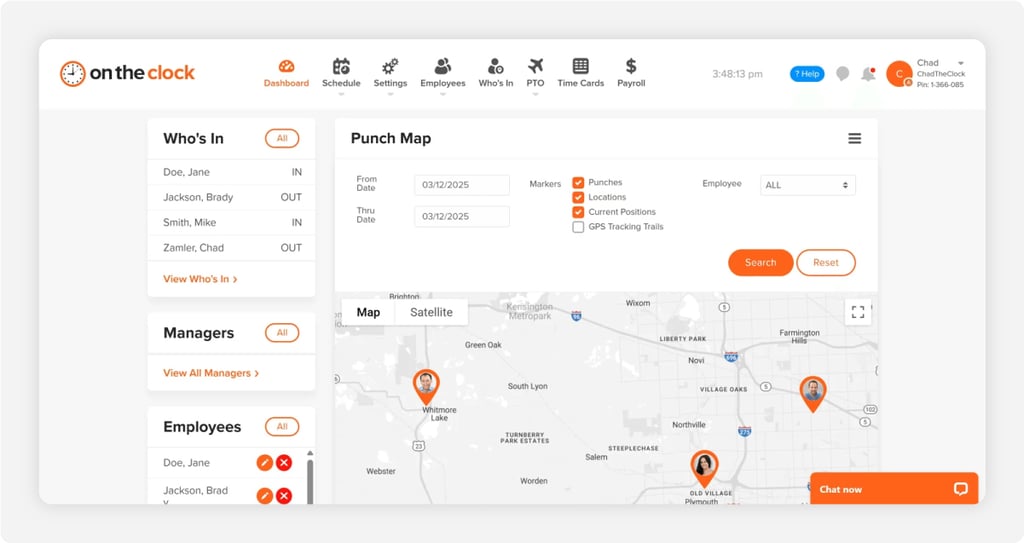
Why OnTheClock Is Best for Small Nursing Teams
OnTheClock fits the care home, clinic, or small agency that runs a mixed team all day and night. It proves who punched in, schedules the week, tracks PTO, and exports clean hours, all from one plan. The buyer here is the office manager or owner who wears the payroll hat too.
It meets every need on the checklist in the base plan. A kiosk with a PIN or photo stops buddy punching at the station, IP and GPS limits keep punches on site, and missed-punch alerts surface a problem before payday. More than 18,000 companies run on it, so the fit isn't theoretical. You can see how the same tools serve clinics and care offices in more detail.
Why OnTheClock Is Different for Nursing
One plan, no fine print. It's $5 base a month plus $4 per user, and the clinic features come included, not gated behind a pricier tier. A 15-person team pays $65 a month, and slow weeks don't sting because billing only counts active users.
Managers who got burned by a heavier platform tend to land here for the simplicity. The honest trade-off: punches need an internet or Wi-Fi connection, and the reporting is lighter than an enterprise suite built for deep workforce analytics.
Key Features
Pros
Cons
Pricing
- 30-day free trial, no credit card
- $5/month base plus $4 per user/month (see how OnTheClock pricing works)

Connecteam: Best for Home Care and Visiting Nurses
Available on: Web, iOS, Android
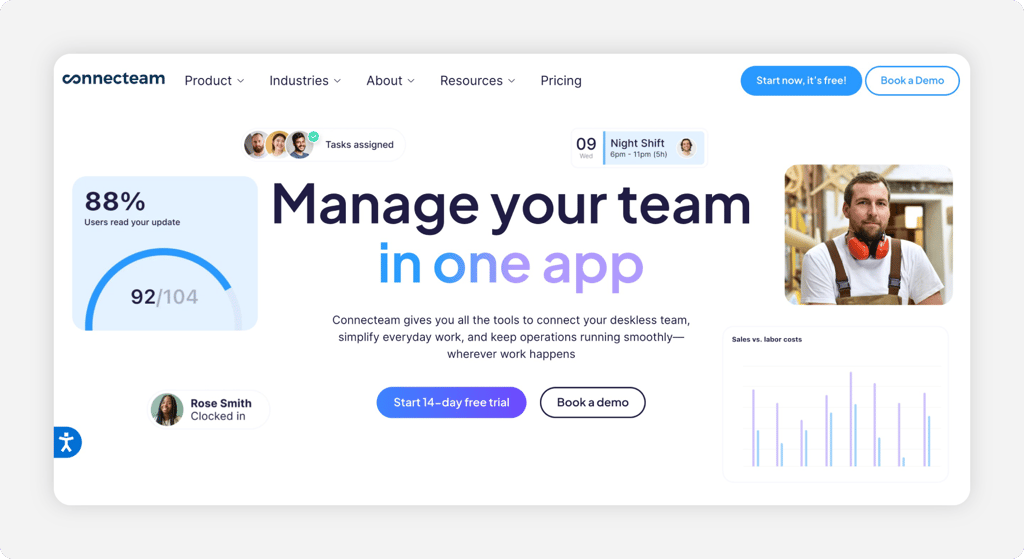
Why Connecteam Is Best for Home Care and Visiting Nurses
Connecteam fits the home care agency whose nurses work off site all day. A GPS time clock with geofencing ties a punch to the client's address, and chat, scheduling, and forms sit right next to it. The buyer is the operations lead tracking caregivers across town.
Where it stands out is breadth for deskless teams. The mobile clock sits next to messaging and checklists, so a visiting nurse logs the visit, fills a care note, and clocks out from one app. The caution shows up in the structure. Connecteam splits features across separate hubs, so an agency that wants time, communication, and HR may pay for more than one. You can compare it with other field tools through our When I Work alternatives guide.
Key Features
Pros
Cons
Pricing
- Free for life for up to 10 users; 14-day trial on paid plans
- Paid Operations plans start around $29 a month for up to 30 users, billed annually per hub

Deputy: Best for Break and Labor Law Compliance
Available on: Web, iOS, Android
Why Deputy Is Best for Break and Labor Law Compliance
Deputy fits the facility that lives or dies by break rules and overtime law. It plans paid and unpaid breaks, tracks them against the schedule, and flags compliance issues before they become a fine. The buyer is the manager who answers for labor law on a nonexempt nursing staff.
Where it stands out is built-in compliance and clean punch proof. Its kiosk uses biometric face-unlock to kill buddy punching, and geofencing keeps clock-ins on site. The caution is cost. Break and biometric tools you want sit on the Core plan, and a minimum monthly spend applies, so a tiny team pays more than the per-user rate suggests. See how it stacks up in our Deputy alternatives guide.
Key Features
Pros
Cons
Pricing
- 31-day free trial; $30 monthly minimum spend
- Lite $5, Core $6.50, Pro $9 per user/month

When I Work: Best for Shift Swapping Across Units
Available on: Web, iOS, Android
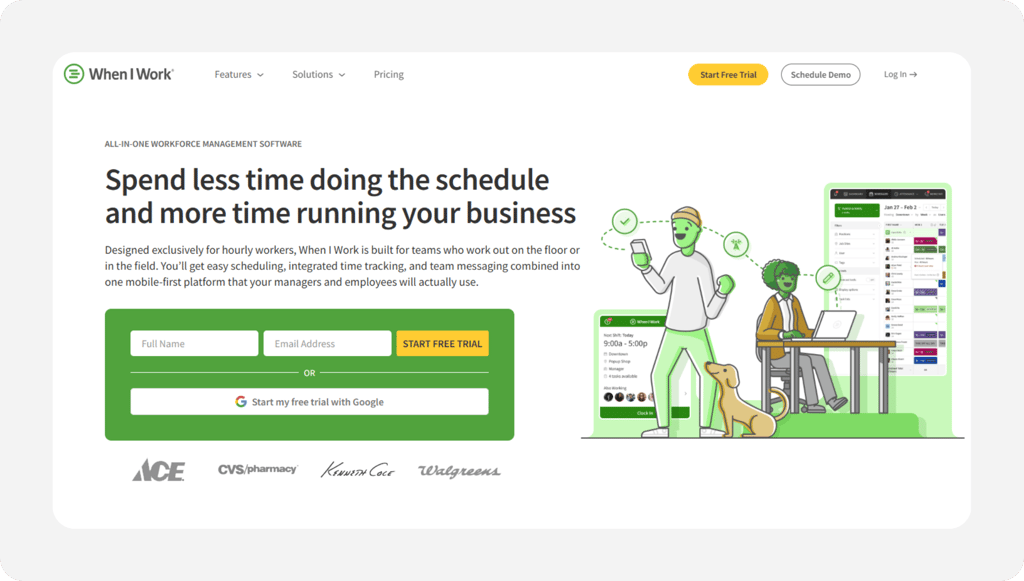
Why When I Work Is Best for Shift Swapping Across Units
When I Work fits the unit where coverage changes hour to hour. Staff post open shifts, pick up trades, and swap from a phone, and the manager approves it without a phone tree. The buyer is the charge nurse or scheduler juggling call-outs across departments.
Where it stands out is fast scheduling and team messaging built around the shift. Any device becomes a time clock, with GPS and geofencing on clock-in. The caution is the add-on math. Time tracking and attendance ride on top of the scheduling plan for an extra fee, so the time clock isn't part of the base price. Compare options in our When I Work alternatives guide.
Key Features
Pros
Cons
Pricing
- 14-day free trial
- $2.50 (single location) to $8 per user/month, plus a time and attendance add-on

Homebase: Best Free for a Single Facility
Available on: Web, iOS, Android
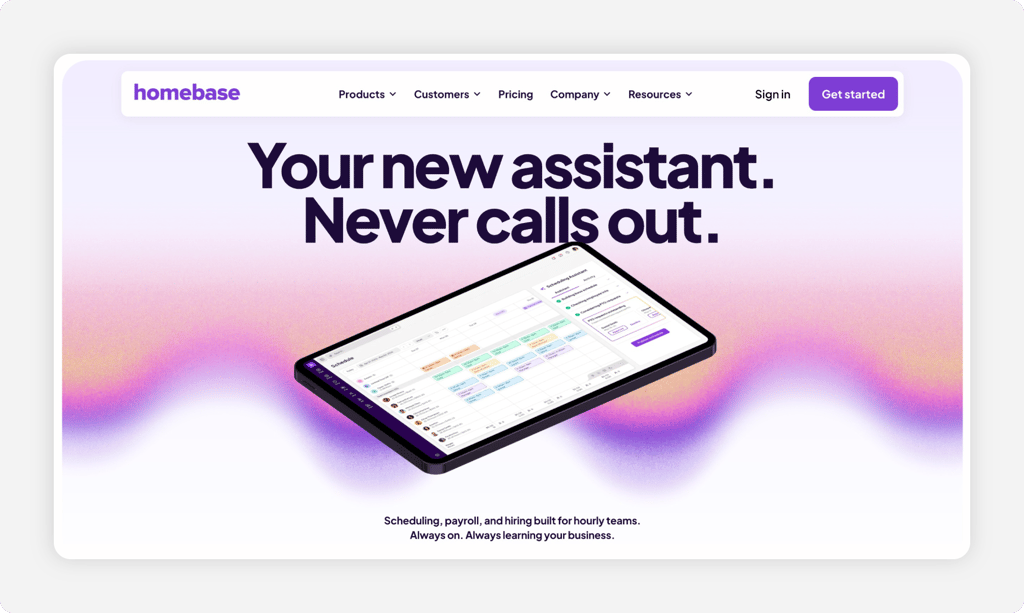
Why Homebase Is Best Free for a Single Facility
Homebase fits the single care home or clinic that wants a real time clock without a bill. The free Basic plan covers one location and up to 10 employees, with scheduling and clock-in on tablets, computers, and POS devices. The buyer is the owner of one small site watching every dollar.
Where it stands out is a free tier that actually tracks time, not a stripped trial. The caution is growth. Free stops at one location and 10 employees, location-based clock-in and photo capture sit on paid tiers, and pricing runs per location, so a second site doubles the line. Homebase prices the paid plans at $24.95 a location and up.
Key Features
Pros
Cons
Pricing
- Free Basic plan for 1 location, up to 10 employees
- Essentials $24.95, Plus $59.95, All-in-One $99.95 per location/month

Buddy Punch: Best for Buddy-Punch Proof
Available on: Web, iOS, Android
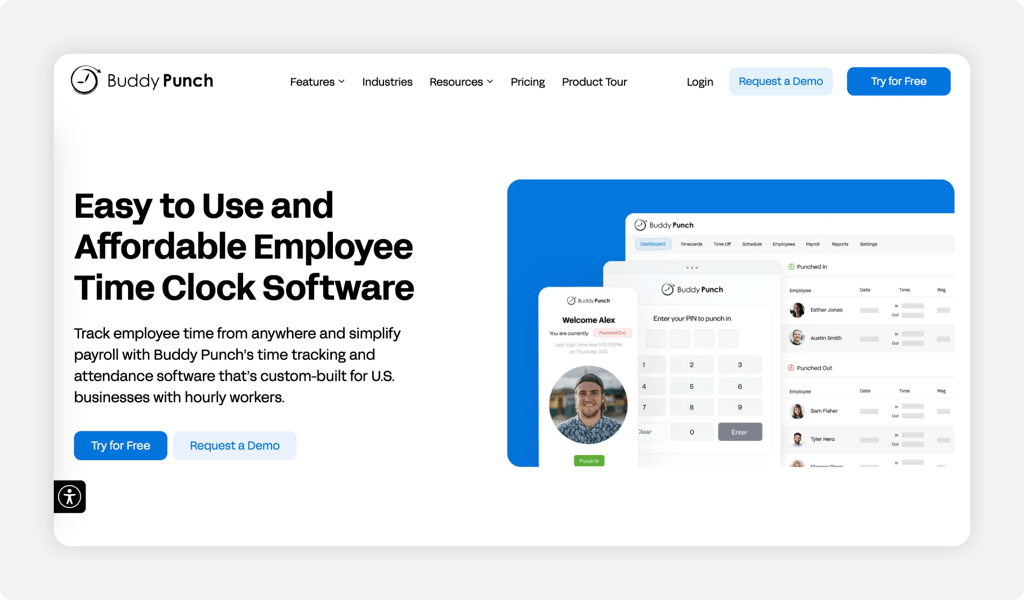
Why Buddy Punch Is Best for Buddy-Punch Proof
Buddy Punch fits the team where time theft at the station is the whole problem. Facial recognition, a photo on punch, and geofencing make sure the person clocking in is really there. The name says it all. The buyer is the manager done with one aide covering for another.
Where it stands out is layered punch proof in a simple tool. Facial recognition and PIN or kiosk punching come built in, and the interface stays easy for older staff. The caution is the price stack. A monthly base fee sits on top of the per-user rate, and real-time GPS and scheduling cost extra on the lower plans. Weigh it against other options in our Buddy Punch alternatives guide.
Key Features
Pros
Cons
Pricing
- 14-day free trial, no credit card
- $19 base plus Starter $5.49, Pro $6.99, or Enterprise $11.99 per user/month

Jibble: Best Free Option
Available on: Web, iOS, Android
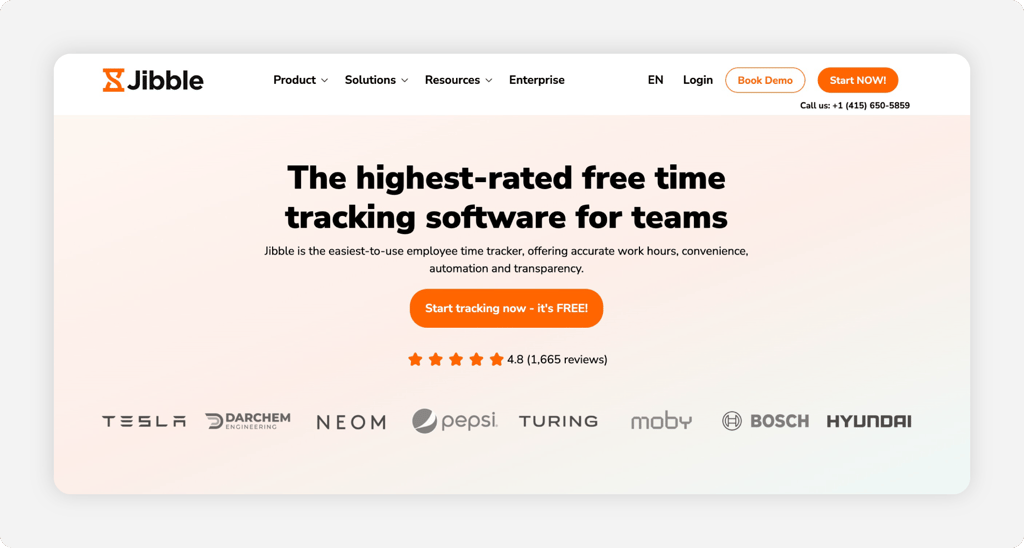
Why Jibble Is the Best Free Option
Jibble is the pick for a nursing team that wants a real time clock without a bill. It's free forever for unlimited people, so a whole unit or a small home care crew can clock in and out at no cost. The buyer is the charge nurse or office manager who needs accurate hours but has no budget for tracking software.
Its standout is the free plan paired with face recognition and GPS, so each punch ties to a real nurse at a real place. The honest caution is there's no built-in payroll, so you export hours to Gusto, QuickBooks, ADP, or Xero instead of running pay inside the app. The free plan also caps you at two geofences, and custom policies need a paid plan.
Key Features
Pros
Cons
Pricing
- Free forever for unlimited users
- Premium from $4.49 per user a month; Ultimate $7.99 per user a month
Side-by-Side Comparison
| Tool | Best For | Pricing | Key Strengths | Top Integrations |
|---|---|---|---|---|
| OnTheClock | Best for small nursing teams | $5 base + $4/user/month | Kiosk and GPS punch proof, scheduling, overtime alerts | Gusto, QuickBooks, ADP, Paychex, SurePayroll |
| Connecteam | Home care and visiting nurses | Free up to 10; ~$29/month for 30 (per hub) | GPS clock, forms, chat for off-site staff | Gusto, QuickBooks, Paychex |
| Deputy | Break and labor law compliance | $5 to $9/user/month ($30 minimum) | Break tracking, biometrics, compliance flags | Gusto, QuickBooks, ADP, Xero |
| When I Work | Shift swapping across units | $2.50 to $8/user/month + add-on | Open shifts, swaps, messaging, GPS clock | Gusto, QuickBooks, ADP, Rippling |
| Homebase | Free for a single facility | Free 1 location; $24.95+/location/month | Free time clock, scheduling, POS clock-in | Gusto, QuickBooks, Square, ADP |
| Buddy Punch | Buddy-punch proof | $19 base + $5.49 to $11.99/user/month | Facial recognition, PIN, geofencing | Gusto, QuickBooks, ADP, Paychex |
| Jibble | Free time tracking | Free; paid from $4.49/user | Face recognition, GPS, geofence clock-in | QuickBooks, Xero, Gusto, ADP |
Comparison data verified June 2026 against each vendor's own site; subject to change by respective providers.
What's the Best Time Tracking Software for Nursing?
The best option isn't the longest feature list. It's the one that fits how your team actually works. Start with one question: where do your nurses clock in?
That answer points you fast.
- Run a small care home or clinic, and OnTheClock covers proof, scheduling, and payroll exports in one base plan.
- Send nurses to homes all day, and Connecteam's GPS clock and visit forms fit the route.
- Answer for break and overtime law, and Deputy builds compliance into the schedule.
The right tool removes friction from the problem you hit most, then gets out of the way.
What Nursing Time Tracking Software Actually Does
Nursing time tracking software is a digital punch clock built for round-the-clock, hourly care teams. Staff clock in and out on a kiosk, tablet, or phone, and the system logs exact hours, breaks, and shifts against each person.
For a nursing team, it does more than count minutes. It ties a punch to one worker so nobody clocks in a coworker, splits hours by unit and rate, and ships clean numbers to payroll. Real hours in, correct pay out.
Who Needs Time Tracking in Nursing?
Any nursing employer with hourly staff benefits, and the math tips fast. Skilled nursing facilities, home care agencies, assisted living homes, hospice teams, and busy clinics all gain the most.
The threshold is simple. Once you pass a handful of nonexempt nurses or aides, or share one station across a shift, paper sheets and honor-system punches start costing real money. If you're chasing missed punches every payday, you're the audience.
Why Nursing Teams Lose Money Without Good Time Tracking
Care work happens across long shifts, night hours, and more than one site. Small errors there don't stay small. A few padded minutes per aide, multiplied across a 24-hour schedule, turns into thousands of dollars a month in hours nobody worked.
The old way also breaks on compliance. Many care settings use the FLSA 8 and 80 overtime plan, which counts overtime after eight hours in a day or 80 in a 14-day period, so manual math misses it. A real time clock flags overtime early and proves breaks, which protects both pay and the budget. You can pair it with employee scheduling so hours and shifts finally match.
Key Features Nursing Time Tracking Software Should Have
Before comparing prices, make sure any tool covers the basics a care team leans on.
-
Punch proof: a PIN, photo, geofence, or biometric so one aide can't clock in another.
-
Overtime and break tracking: flags overtime by day and period and records meal breaks for nonexempt staff.
-
Shift and night-hour support: handles doubles, nights, and differentials without breaking the math.
-
Mobile and kiosk options: a fixed station for a facility, a phone with GPS for visiting nurses.
-
Multiple pay rates: one nurse on two units lands at the right rate for each.
-
Payroll exports: clean hours into the payroll you already run.
How to Choose the Proper Time Tracking Software for Nursing
Step 1: Count your team and locations, then do the pricing math. Pricing splits two ways, and it changes the bill a lot. Per-user tools charge by head; per-location tools charge by site. A 25-person care home on a $4 per-user plan with a $5 base pays $105 a month. The same team on a per-location tool at $24.95 looks cheaper until you open a second home and the line doubles. Run your real headcount and site count before you compare a single feature.
Write down both numbers now: how many people punch, and how many addresses they punch from. A single facility and a home care agency with three territories will land on different tools even at the same headcount. The model, not the sticker price, decides the winner.
Step 2: Name your single biggest problem. Pick the one leak that hurts most: buddy punching, break and overtime compliance, or the payroll rebuild. Your answer points straight at a tool. If aides cover for each other at the station, Buddy Punch facial recognition or OnTheClock PIN and kiosk close that door. If labor law keeps you up at night, Deputy builds breaks into the schedule.
Don't try to solve all three at once. Fix the costliest one first, then confirm the tool handles the other two well enough. A clear top problem keeps you from paying for features you'll never turn on.
Step 3: Match the punch method to where nurses work. Decide where people actually clock in. A skilled nursing facility wants a fixed kiosk by the floor with a PIN or photo. A home care agency wants a phone punch with GPS that stamps the client's address. Test the method during a real shift change, when the hallway is busy and people are in a hurry.
If your team splits between a building and the field, pick a tool that does both from one account. OnTheClock and Connecteam both cover kiosk and mobile, so a mixed team doesn't run two systems.
Step 4: Check overtime and break compliance for nonexempt staff. Care settings carry stricter rules than a 9-to-5 office. Confirm the tool can run the FLSA 8 and 80 overtime plan if you use it, flag overtime before it happens, and track meal breaks that nonexempt nurses and aides are owed. The Department of Labor health care fact sheet spells out how hours worked count in this industry.
Ask each vendor to show the overtime setting, not just claim it. A tool that only counts weekly overtime will miss daily and period rules and leave you exposed. This is the step most generic time clocks fail.
Step 5: Handle multiple rates and night differentials. A nurse who floats between two units, or works a night differential, has to be paid right for each hour. Confirm the tool clocks one worker at more than one rate and keeps the differential straight. Then check that those rates carry through to the payroll export, not just the on-screen report.
Run a quick test with a sample double shift across two rates. If the totals come out clean, the tool can handle a real schedule. If they don't, you'll be fixing it by hand every period.
Step 6: Confirm the payroll connection. Check that the tool exports hours, overtime, and multiple rates to your payroll, whether that's Gusto, QuickBooks, ADP, Paychex, or SurePayroll. A free tool like Jibble exports approved hours straight to QuickBooks, with no per-user fee. OnTheClock also offers built-in payroll if you'd rather keep everything in one place.
A clean connection is where the time savings actually show up. The goal is one approval, then hours flow to pay without rekeying. Confirm the exact integration you need exists before you buy, not after.
Step 7: Run a free trial through one full pay period. Run the tool live through a real pay period, nights and weekends included, so you see punches, overtime, and the payroll export under pressure. Most picks here offer 14 to 31 days free, and OnTheClock gives 30 days with no credit card. Have your actual staff clock in, not just an admin testing on a laptop.
Watch what happens at the messy edges: a missed punch, a swapped shift, a double across two rates. The tool that handles your worst day, not your average one, is the one to keep.
Tips for Rolling Out Time Tracking in a Nursing Team
-
Start with one unit, not the whole building. Pilot the time clock on a single floor or shift, work out the kinks, then roll it wider with a short how-to the team can trust.
-
Train on the night shift too. The crew that works at 2 a.m. often gets skipped. Walk them through clock-in, breaks, and missed-punch fixes so the data holds overnight.
-
Set the rules to match labor law. Build your overtime plan and break rules into the tool from day one. The Department of Labor sets the federal floor, and many states stack stricter rules on top.
Frequently Asked Questions
What is the best time tracking software for nursing?
For small nursing teams, OnTheClock is the best fit. It puts kiosk and GPS punching, scheduling, PTO, and overtime alerts in one plan at $5 a month plus $4 per user. Home care agencies may prefer Connecteam, and compliance-heavy facilities may prefer Deputy, each matched to a specific situation in the list above.
How much does nursing time tracking software cost?
It depends on the model. Per-user tools run about $4 to $12 per user each month, while per-location tools like Homebase run free to about $100 per location. OnTheClock charges a $5 base plus $4 per user, so a 15-person team costs $65 a month. Count your team and locations before you compare.
Can time tracking software stop buddy punching in a care facility?
Yes. A PIN, photo capture, geofence, or biometric ties each punch to one real person, so an aide can't clock in a coworker. OnTheClock uses PIN, photo, and GPS, Deputy adds biometric face-unlock on its Core plan, and Buddy Punch leads with facial recognition.
Does nursing time tracking handle overtime and break compliance?
The right ones do. Many care settings use the FLSA 8 and 80 overtime plan, which counts overtime after eight hours in a day or 80 in a 14-day period. Pick a tool that flags overtime by day and period and tracks meal breaks for nonexempt staff. Deputy and OnTheClock both handle overtime alerts and break tracking.
Can one nurse clock in at two different pay rates?
Yes, with a tool that supports multiple rates. A nurse who floats between two units can clock each unit at its own rate, and the software keeps overtime and differentials straight. OnTheClock, Deputy, and Jibble all handle multiple pay rates.
Is there free time tracking software for a small nursing team?
Yes. Homebase offers a free Basic plan for one location and up to 10 employees, and Connecteam is free for life up to 10 users. Both include a real time clock. If you outgrow one site or 10 people, a low-cost per-user tool like OnTheClock often costs less than the next paid tier.