

Jump to section
Payroll Software That Clients Will Keep Using
OnTheClock combines time tracking and payroll in one simple platform, with transparent pricing, easy setup, and support your clients can trust.
Try It FreeYou recommended a payroll tool to a new client six weeks ago. Initially, it seemed like a solid fit, but since then, you've fielded four calls about employees who can't figure out how to clock in, two emails about a direct deposit that didn't go through on time, and one very frustrated owner asking if there's something simpler. You're now spending more time supporting their software than doing their books.
The best payroll software for accountants isn't always the one with the longest feature list. It's the one your clients can actually run without pulling you back in. This list covers 11 options across a range of business sizes, budgets, and complexity levels, so you can match the right tool to the right client and get back to work that actually pays.
Read on to learn:
- What to look for when evaluating payroll software from an accountant's perspective
- A breakdown of 11 tools with pricing, ratings, and a clear "Best for" label for each
- How to match the right platform to your typical client profile
| Software | Best for | Capterra Rating | Starting Cost | Free Trial? |
|---|---|---|---|---|
| OnTheClock | Accountants recommending an affordable, all-in-one time tracking and payroll platform to hourly clients | 4.7 | $5/month base fee + $4/employee/month; OnTheClock Payroll is $40/month + $6/employee | Yes, 30 days, no credit card required |
| Gusto | Full-service payroll with a dedicated accountant partner portal | 4.6 | $49/month base fee + $6/employee/month (Simple plan) | Yes, first month free |
| OnPay | Simple, all-inclusive payroll with strong support and no per-feature pricing surprises | 4.8 | $49/month base fee + $6/employee/month | Yes, first month free |
| Patriot Software | Budget-conscious clients with basic payroll needs | 4.8 | $37/month + $5/employee/month (Full Service) | Yes, 30 days, no credit card required |
| QuickBooks Payroll | Clients already running QuickBooks Online for accounting | 4.5 | $50/month base fee + $7/employee/month (Workforce Payroll) | Yes, 30 days |
| ADP RUN | Growing businesses that need payroll plus HR support, benefits, and compliance tools | 4.6 | Quote-based; most small businesses report $100 - $300/month | Yes, three months free (promotional) |
| Paychex Flex | Larger or more complex client payrolls with multistate compliance needs | 4.2 | Quote-based; base processing starts at approximately $45/month + $4/employee | No standard free trial; demo available |
| Thomson Reuters Accounting CS | CPA firms running payroll as a service for a large book of clients | 3.8 | Custom quote based on firm size, licensing requirements, and selected accounting and payroll services | No standard free trial; demo available |
| Wave Payroll | Sole proprietors and very small clients with straightforward, low-cost payroll needs | 4.1 | $40/month base fee + $6/employee/month | No standard free trial |
| Rippling | Tech-forward clients scaling quickly who want payroll, HR, and IT in one platform | 4.9 | Quote-based; approx. $35/month base + $8/employee/month, scales with modules | No; demo available on request |
| SurePayroll | Accountants looking to offer white-label payroll services under their own brand | 4.3 | $20/month base fee + per-employee fee; accounting integration is an additional $4.99/month | Yes, one month free |

OnTheClock
- Best for: Accountants recommending an affordable, all-in-one time tracking and payroll platform to hourly workforce clients
- Capterra rating: 4.7
- Starting cost: $5/month base fee + $4/employee/mo for time tracking; OnTheClock Payroll is $40/month + $6/employee
- Free trial: Yes, 30 days, no credit card required to sign-up
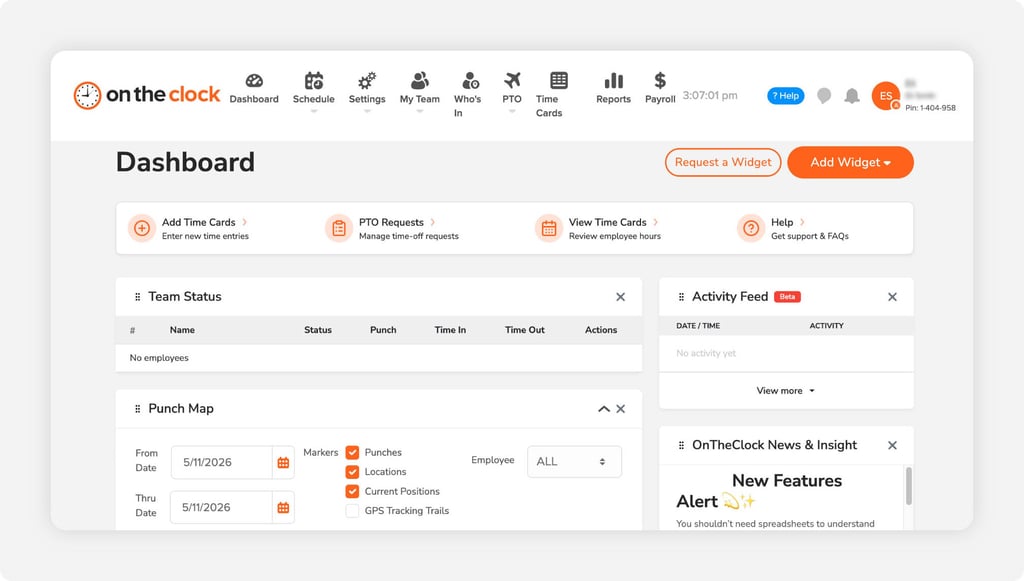
The tools that generate the fewest support calls tend to share one quality: Employees figure them out on their own. OnTheClock is built around that idea. It's a time tracking and payroll platform designed for small businesses with hourly or field-based teams, and it's the kind of tool you recommend once to a client and rarely hear about again. One Capterra reviewer with a 15-person crew put it plainly: "Very user-friendly. Our employees figured it out on their own with no training." For an accountant managing a dozen clients, that sentence is worth a lot.
The pricing is transparent and easy to justify. Time tracking runs $4/employee/month (plus a $5 base fee) with no feature tiers to decode. If a client wants to handle payroll in the same platform, OnTheClock Payroll adds $40/month plus $6/employee. Everything is visible on the pricing page before anyone picks up a phone, making it straightforward to quote clients upfront without a back-and-forth with a sales team.
For example, a business with 10 employees would pay $45 per month for OnTheClock's time tracking and scheduling software ($5 base fee plus $4 per employee). Adding OnTheClock Payroll costs another $100 per month ($40 base fee plus $6 per employee), bringing the combined subscription to **$145 per month**, plus a one-time $250 payroll implementation fee. For accountants working with hourly clients, this gives them a straightforward way to estimate the cost of managing employee hours, scheduling, and payroll within the same platform.
The 30-day free trial requires no credit card or demo call, so clients can test it against a real pay period before committing. That self-serve model matters for small business owners who don't want a salesperson involved before they've decided anything. And when something does go wrong, OnTheClock's U.S.-based live chat support resolves most issues in minutes, not days. For accountants whose reputation runs on the reliability of the tools they recommend, that backstop counts.
Key Features
Five things worth knowing before you recommend OnTheClock to aclient:
.png?width=208&height=47&name=Gusto-logo%20(1).png)
Gusto
- Best for: Full-service payroll with a dedicated accountant partner portal
- Capterra rating: 4.6
- Starting cost: $49/month base fee + $6/employee/month (Simple plan)
- Free trial: Yes, first month is free for new accounts
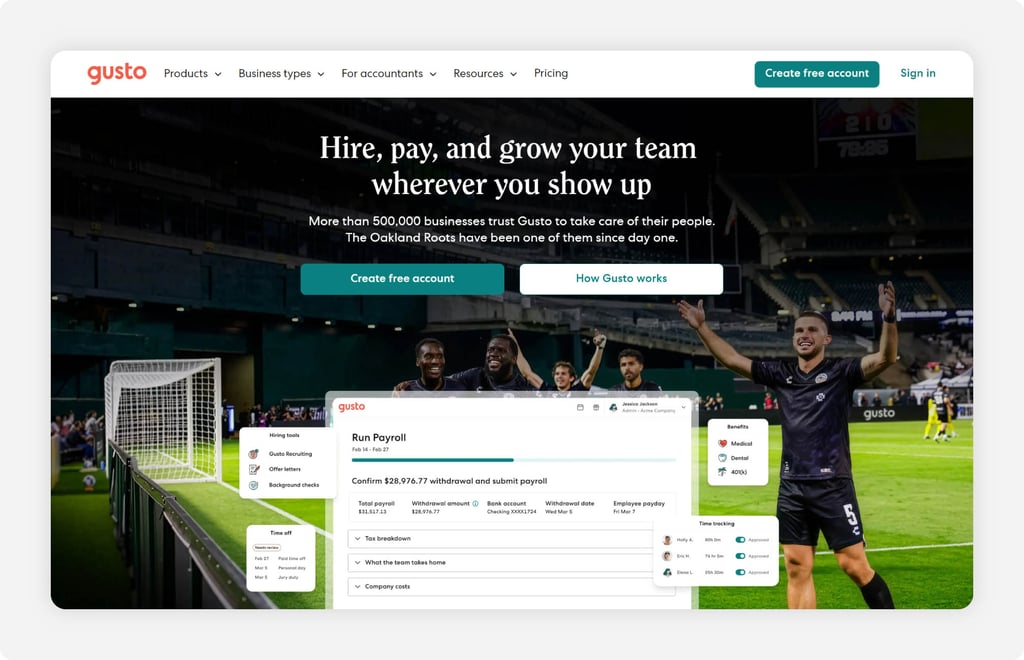
Gusto is one of the few payroll platforms that was built with accountants in mind from the start, not just small business owners. The Gusto Pro dashboard gives accounting partners a single place to manage all client payrolls, track deadlines, and surface insights without logging in and out of separate accounts.
As you add more clients, the partner program tiers up: Bronze, Silver, and Gold levels unlock progressively better perks, including up to 20% revenue share on clients you bring to the platform, free Gusto Plus payroll for your own firm, and access to a VIP support team at higher tiers. For accountants actively building a payroll services practice, that structure is worth paying attention to.
On the client side, Capterra reviewers consistently highlight ease of setup, the reliability of direct deposit, and clean integrations with QuickBooks, Xero, and FreshBooks. Running payroll is fast for most clients once the system is configured, and the employee self-service portal keeps workers from calling you to ask about pay stubs or W-2s.
The tradeoff worth flagging: Gusto's Simple plan starts at $49 per month plus $6 per person, while Plus costs $80 per month plus $12 per person. Plus includes additional capabilities such as employee scheduling, time tracking, and multistate payroll. For accountants working with hourly clients, the higher monthly and per-person costs are worth considering before recommending an upgrade.
Support is a mixed signal in the review data. Gusto scores well on Capterra (4.6) and G2 (4.6), but Trustpilot reviews skew negative, with recurring complaints about slow resolution when tax filing errors or W-2 issues arise. For routine payroll, most clients will never hit that ceiling. For clients where a payroll error could create a serious compliance problem, it's worth noting that the backstop isn't always fast.
Key Features
Here's what Gusto brings specifically for accountants managing multiple clients:

OnPay
- Best for: Simple, all-inclusive payroll with strong support and no per-feature pricing surprises
- Capterra rating: 4.8
- Starting cost: $49/month base fee + $6/employee/month
- Free trial: Yes, first month free
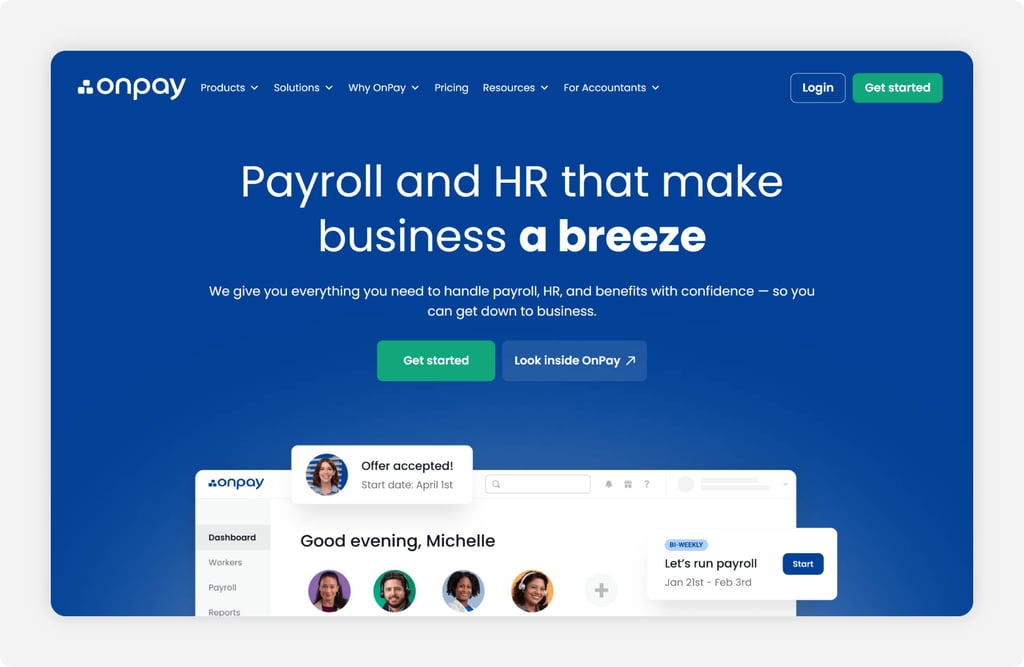
OnPay's core selling point is straightforward: one plan, one price, everything included. There are no tiers to navigate, no features gated behind an upgrade, and no per-state surcharge for multistate payroll. For accountants recommending a tool to clients who don't want to think about their software, that simplicity translates directly into fewer questions.
One Capterra reviewer summed it up: "It literally takes me two minutes per week to review and approve payroll." Another noted the pricing structure specifically: "I like their price structure of a base then as you go with the number of employees you have since my business is highly part-time and seasonal." That per-employee model scales predictably, which makes it easy to quote clients without caveats.
Support quality is where OnPay consistently pulls ahead in reviews. Capterra, G2, and Trustpilot all average around 4.8 stars, and reviewers frequently call out responsiveness and accuracy as the reasons they stayed. For accountants whose reputation is tied to the reliability of the tools they recommend, a platform with genuinely good support is worth a premium over one with a slicker interface but slower resolution times.
The tradeoffs are real but limited. OnPay doesn't have a native employer-side mobile app, which can frustrate clients who want to run payroll from their phones. It also doesn't have built-in time tracking, so clients with hourly workforces will need a separate tool. Pairing OnPay with OnTheClock for time tracking cleanly covers that gap, with hours exported to OnPay for payroll processing each period.
Key Features
Here's what makes OnPay a reliable recommendation for straightforward client payroll:

Patriot Software
- Best for: Budget-conscious clients with basic payroll needs
- Capterra rating: 4.8
- Starting cost: $17/month + $4/employee/month (Basic); $37/month + $5/employee/month (Full Service)
- Free trial: Yes, 30 days, no credit card required
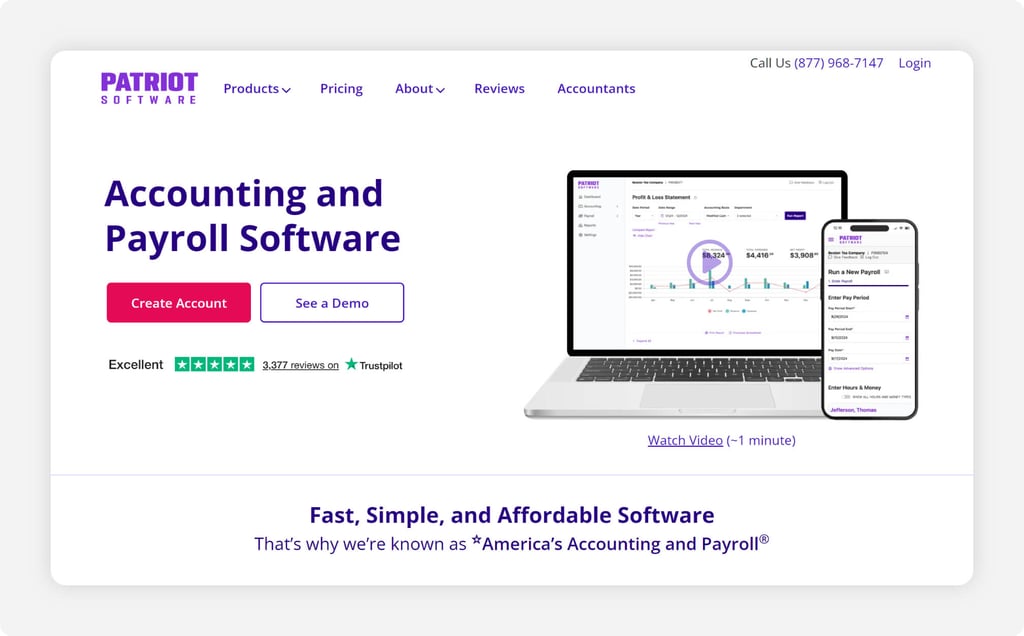
When an accountant is working with a client who has tight margins and simple payroll needs, the conversation usually starts with price. Patriot is the tool that wins that conversation. The Basic Payroll plan starts at $17/month plus $4 per employee, which is among the lowest published rates in this category. Full Service Payroll steps up to $37/month plus $5 per employee and adds automated tax filing and deposits, which is where most accountants will want to land their clients, so compliance doesn't become a manual task.
The distinction between those two tiers matters. Basic Payroll handles payroll runs and direct deposit, but the employer is responsible for calculating and filing its own payroll taxes. For an accountant who is already handling that work, Basic is fine. For a client that manages its own books and needs a fully hands-off solution, Full Service is the right call.
Capterra reviewers consistently rate Patriot near the top of the category for ease of use and support quality, with a 4.8 across more than 3,600 reviews. One reviewer noted: "I love how simple and straightforward Patriot Payroll is to use. It saves me so much time." Another flagged the one recurring limitation: Reporting features are basic compared to more expensive tools, which can matter for clients who need detailed labor cost analysis.
Patriot also offers a partner program with discounted pricing for accountants managing multiple clients, a multiclient dashboard, and additional resources built specifically for bookkeepers managing multiple small businesses. For accountants recommending payroll to price-sensitive clients who don't need a lot of complexity, Patriot is the most defensible, low-cost option on this list.
Key Features
Here's what makes Patriot worth recommending for the right client:

QuickBooks Payroll
- Best for: Clients already running QuickBooks Online for accounting
- Capterra rating: 4.5
- Starting cost: Workforce Payroll starts at $50 per month plus $7 per employee. Workforce Premium costs $88 per month plus $13 per employee, and Workforce Elite costs $134 per month plus $17 per employee. Accounting bundles and promotional rates are priced separately
- Free trial: Yes, 30 days
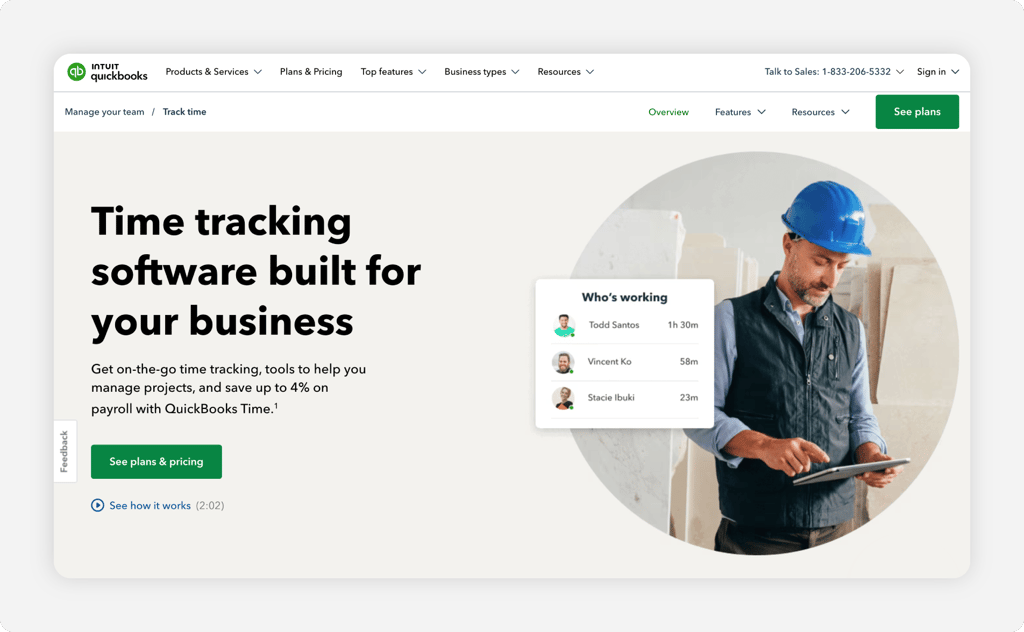
QuickBooks Payroll is a strong option for accountants whose clients already use QuickBooks Online for accounting. Payroll information can flow into the company's accounting records, reducing manual data entry and making reconciliation easier.
QuickBooks now offers three Workforce Payroll plans. The entry-level Workforce Payroll plan starts at $50 per month plus $7 per employee and includes full-service payroll, automated tax filing, and employee self-service features.
Businesses that need time tracking, employee scheduling, and additional HR tools can upgrade to Workforce Premium, which starts at $88 per month plus $13 per employee. Workforce Elite starts at $134 per month plus $17 per employee and adds more extensive workforce management features and expert assistance.
Accountants should distinguish standalone payroll subscriptions from QuickBooks Online accounting-and-payroll bundles. Promotional discounts may reduce the initial monthly base price, but ongoing costs depend on the selected plan and number of employees.
Key Features
Here's where QuickBooks Payroll earns its place for the right client.

ADP RUN
- Best for: Growing businesses that need payroll plus HR support, benefits, and compliance tools in one place
- Capterra rating: 4.6
- Starting cost: Custom quote based on employee count, payroll frequency, selected plan, and additional services.
- Free trial: Yes, three months free for new accounts (promotional, timing varies)
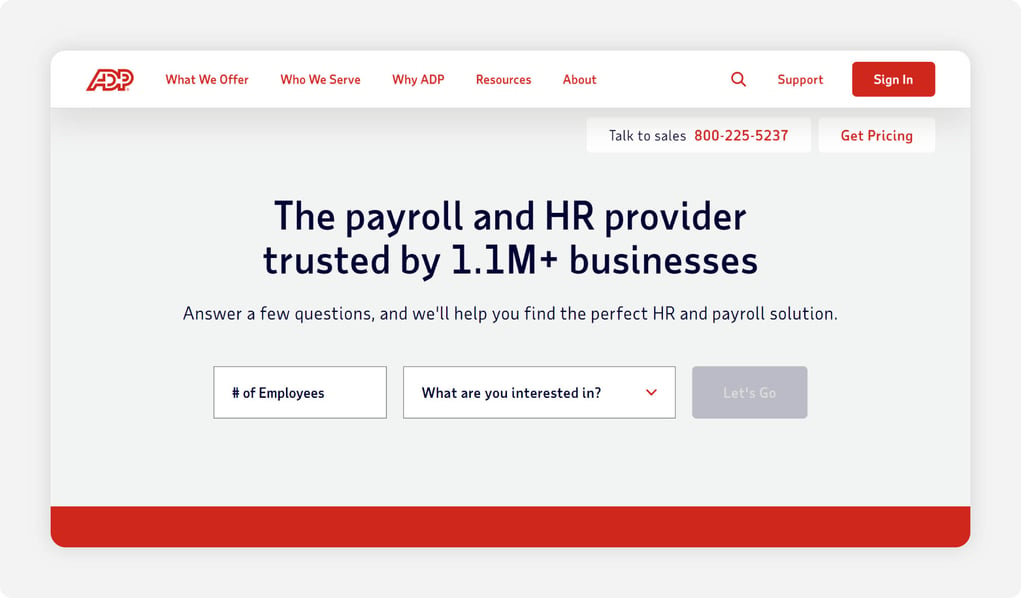
ADP RUN is the payroll choice for clients who have outgrown the simplicity of tools like Patriot or OnPay and need more than just payroll runs. Background checks are included on every plan, which is unusual in this category. HR support, multistate tax compliance, benefits administration, and a robust mobile app are all available within the RUN ecosystem, and the platform scales smoothly into ADP Workforce Now as a client's headcount grows beyond 50 employees. For a client who is actively hiring, operating in multiple states, or dealing with HR complexity, that growth path matters.
The tradeoff is price and process. ADP does not publish its pricing publicly. Every quote is custom and is based on employee count, payroll frequency, add-on modules, and how the negotiation goes. Most small businesses with fewer than 25 employees will pay more for ADP than Gusto, Patriot, or OnPay for equivalent functionality.
Multiple Capterra reviewers also flag that support calls can involve upselling to additional services, which is worth flagging to clients before they sign. That said, ADP's tax compliance infrastructure is among the most reliable in the industry, and the company assumes liability for penalties arising from its own errors, which is a meaningful backstop for clients in regulated industries or multistate operations.
For accountants, recommending ADP RUN makes the most sense when a client is already on a growth trajectory and needs a platform that won't require a migration in 18 months. For a client with five to 15 employees running straightforward payroll, simpler tools will deliver better value.
Key Features
Here's where ADP RUN earns its place for growing businesses:

Paychex Flex
- Best for: Larger or more complex client payrolls with multistate compliance needs
- Capterra rating: 4.2
- Starting cost: Custom quote; pricing varies based on employee count, payroll requirements, and selected services.
- Free trial: No standard free trial; demo available
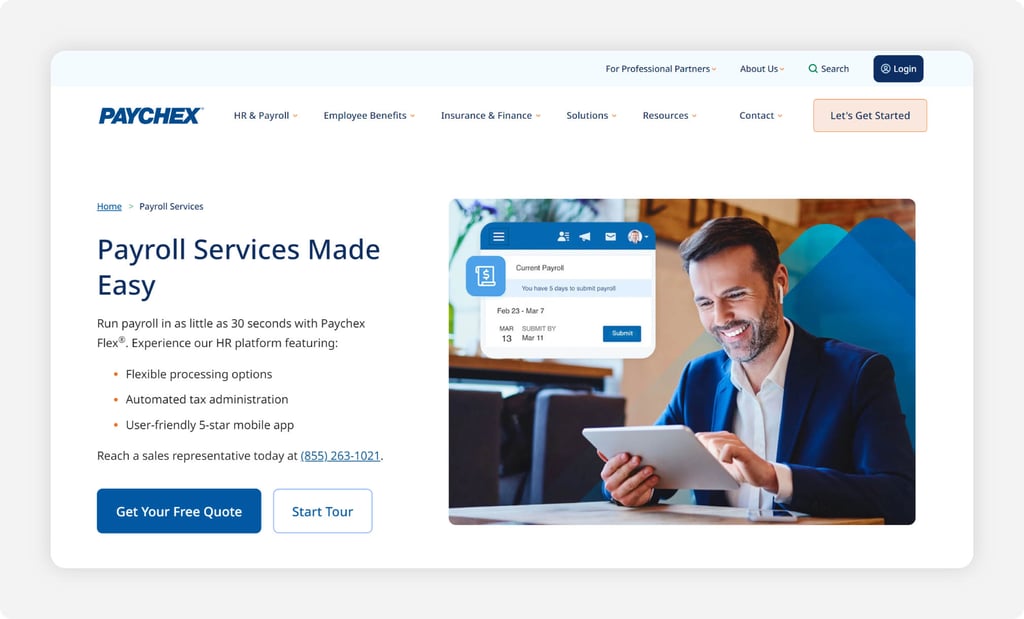
Paychex Flex sits in similar territory to ADP RUN: it's built for businesses that need more than basic payroll, and it prices accordingly. The platform covers payroll, tax compliance, time tracking, benefits administration, and HR tools across a range of plan tiers.
For accountants managing clients with multistate operations, complex pay structures, or a need for dedicated support, Paychex has the infrastructure to handle it. The platform integrates with QuickBooks and Xero for accounting reconciliation, and payroll data posts to the general ledger without manual journal entries.
Paychex also has an accountant partner program with dedicated support channels and tools for managing multiple client accounts, though it's less prominently structured than Gusto's tiered revenue-share model. Where Paychex differentiates from ADP is its dedicated account representative model, in which clients are assigned a specific contact rather than reaching a general support queue.
Capterra reviewers who cite this as a reason they stayed tend to be businesses where payroll complexity made that relationship feel worth the price. The flipside: When that representative changes or an error occurs mid-cycle, resolution timelines can extend. One Capterra reviewer described exactly that: A payment error that became "lengthy to get a resolution" once their assigned rep had moved on.
The honest framing for accountants: Paychex Flex is a strong recommendation for clients who are large enough to justify the cost, operate across multiple states, and value a dedicated point of contact over self-serve simplicity. For clients with fewer than 20 employees running routine payroll, the cost-benefit doesn't hold up as well compared to Gusto, OnPay, or Patriot.
Key Features
Here's what Paychex Flex brings for more complex client payrolls:

Thomson Reuters Accounting CS
- Best for: CPA firms running payroll as a service for a large book of clients
- Capterra rating: 3.8
- Starting cost: Custom quote based on firm size, licensing requirements, and selected accounting and payroll services
- Free trial: No standard free trial; demo available
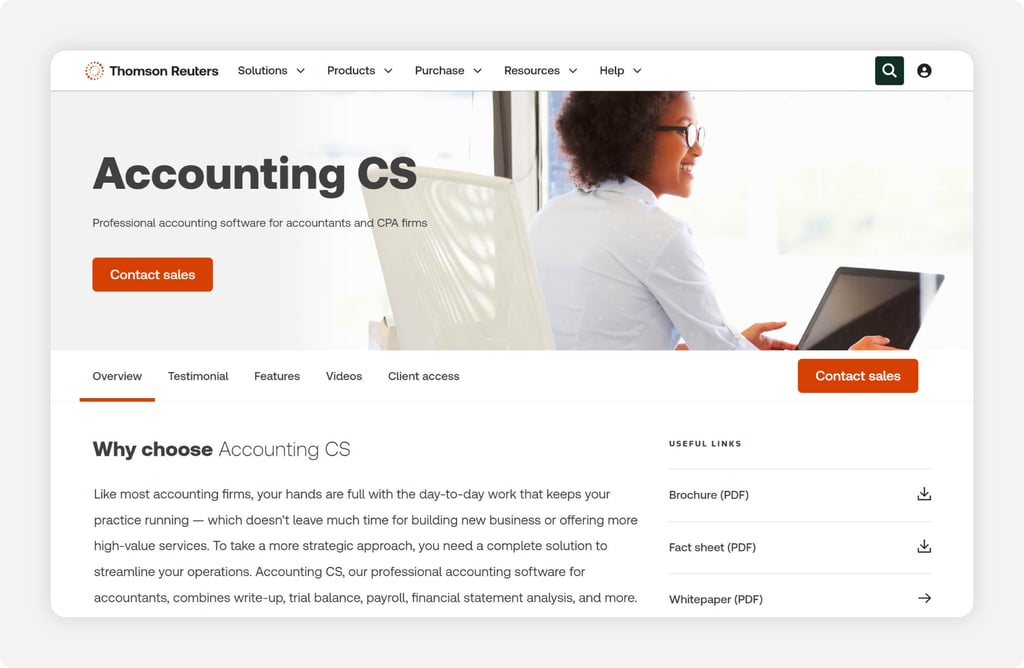
Thomson Reuters Accounting CS is a different category of tool from the rest of this list. It's not a platform you'd recommend to a small business client to run on their own. Rather, it's a payroll solution for accounting firms that run payroll as a billable service across a large number of clients, sitting inside a broader ecosystem that includes tax, trial balance, write-up, and financial statement tools.
For an accounting firm processing payroll for 50 or more client businesses, the integration across the CS Professional Suite creates genuine workflow efficiencies that general-purpose payroll tools don't match.
The compliance and reporting depth is the primary reason firms choose Accounting CS. Multientity support, certified payroll reporting, state-specific compliance, and seamless data flow into UltraTax CS for year-end filings are all included. Firms using the full CS suite describe real-time savings during tax season because client payroll data is already inside the same system as their tax returns.
The tradeoff is cost and complexity. Pricing is quote-based, implementation takes time, and the learning curve is steeper than simpler alternatives. For a sole practitioner or small bookkeeping firm with a handful of payroll clients, the cost-benefit doesn't hold up. For a mid-sized CPA firm where payroll is a core service line, it's worth a serious look.
Key Features
Here's what Thomson Reuters Accounting CS brings for professional accounting firms:

Wave Payroll
- Best for: Sole proprietors and very small clients with straightforward, low-cost payroll needs
- Capterra rating: 4.1
- Starting cost: $40/month base fee + $6/employee/month
- Free trial: No standard free trial
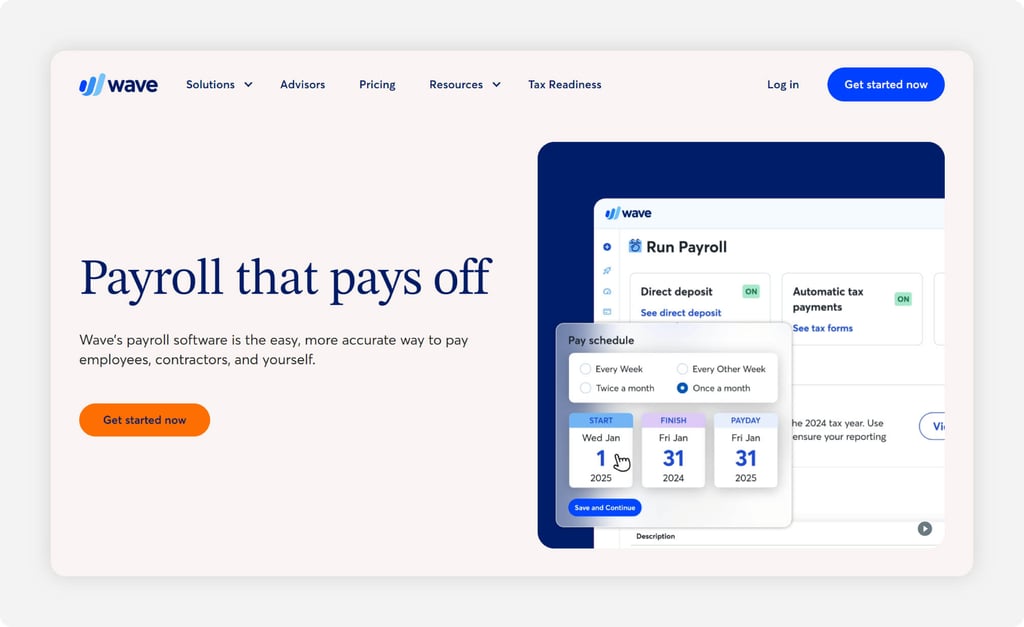
Wave Payroll makes the most sense in one specific situation: A client who is already using Wave's free accounting software and wants to add payroll without switching platforms. For a sole proprietor or a business with two or three employees running simple, consistent payroll, the combination works. Direct deposit, basic tax filing in supported states, and an employee self-service portal for pay stubs are all covered at a price point that's easy to justify for very small businesses.
The limitations surface quickly outside that narrow use case. Wave Payroll has relatively few third-party integrations, no native employer-side mobile app worth noting in reviews, and a support model that Capterra reviewers describe as thin when real problems arise.
G2 rates Wave Payroll at 4.1 out of 5, lower than every other tool on this list, and the review pattern reflects it: Straightforward payroll runs fine, but anything requiring support, customization, or integration beyond the basics creates friction. For clients who are growing, adding employees in multiple states, or running anything more complex than a simple weekly payroll, most accountants find they're recommending an upgrade within a year.
The honest recommendation for accountants: Wave Payroll works as a starting point for the smallest, simplest clients on your roster. It's not a long-term recommendation for anyone planning to grow.
Key Features
Here's where Wave Payroll holds its own for very small clients.

Rippling
- Best for: Tech-forward clients scaling quickly who want payroll, HR, and IT in one platform
- Capterra rating: 4.9
- Starting cost: Custom quote; pricing varies by employee count, selected modules, and platform requirements
- Free trial: No; demo available on request
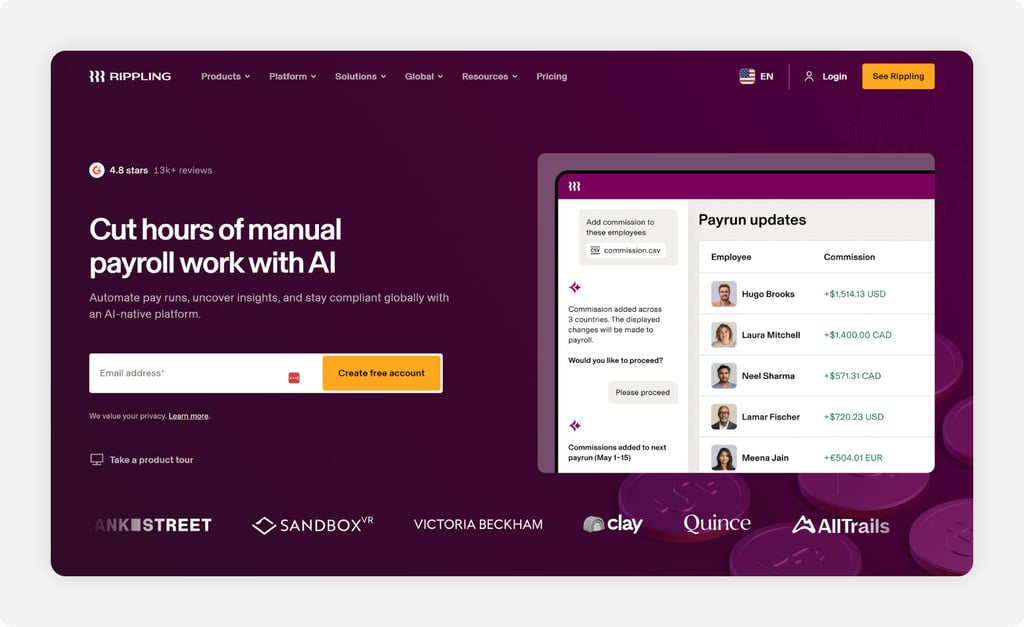
Rippling is built around a compelling idea: One employee record drives everything. When a new hire is added, payroll, benefits, device provisioning, and software access all update automatically from that single entry point. For a tech company with a distributed team, that eliminates an entire category of manual handoffs. The platform's Capterra rating of 4.9 reflects genuine enthusiasm from users who fit that profile, and the review sentiment around automation and unified workflow is consistently strong.
For accountants, the framing matters. Rippling is not a tool you'd recommend to a 12-person landscaping company or a medical practice with an office manager who just wants payroll to run on time. It's designed for businesses at the inflection point where simple tools have become a bottleneck and the complexity of a unified platform is justified by the operational gains.
The minimum viable use case is probably a business with 25 or more employees, a tech-comfortable HR or operations lead, and genuine pain around disconnected tools. Below that threshold, the implementation weight, modular pricing complexity, and support model (business hours chat only, no published phone line) create more friction than the automation eliminates.
Pricing is the most consistent complaint in the review data. Rippling doesn't publish rates, quotes are custom, and multiple Capterra and Trustpilot reviewers describe discovering the real total cost only after contracts were signed. For accountants recommending this platform, getting a full cost breakdown in writing before a client commits is worth flagging as a necessary step.
Key Features
Here's what Rippling offers for the right type of client:

SurePayroll
- Best for: Accountants looking to offer white-label payroll services under their own brand
- Capterra rating: 4.3
- Starting cost: $20/month base fee + per-employee fee; accounting integration is an additional $4.99/month
- Free trial: Yes, one month free
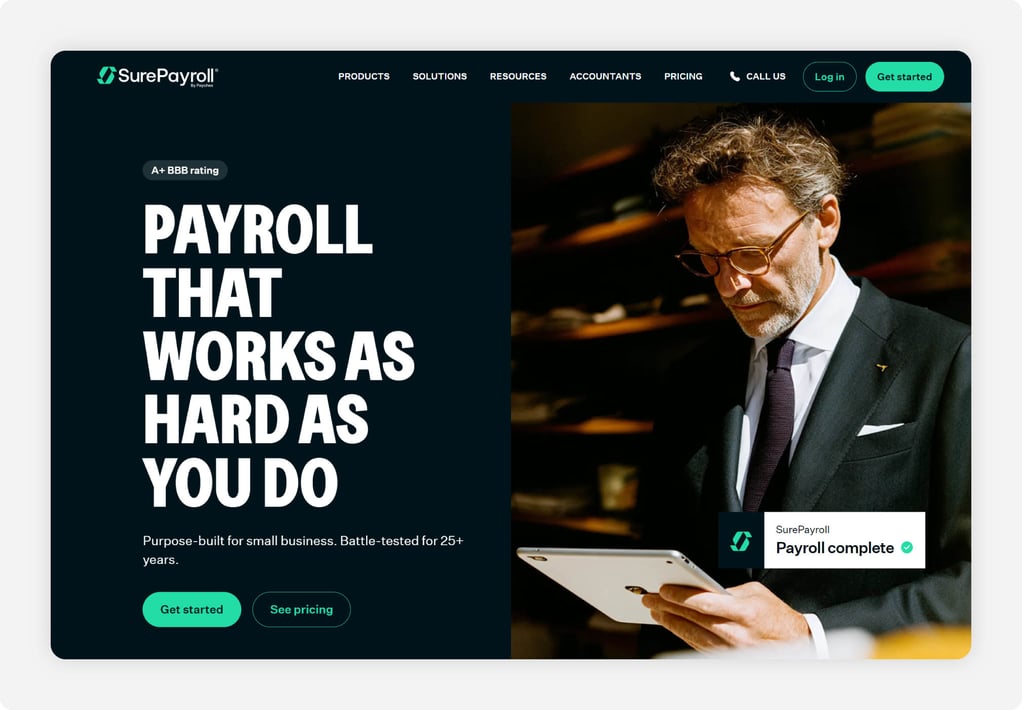
SurePayroll has a feature that no other tool on this list offers in quite the same way: A private-label option that lets accounting firms offer payroll to clients under their own firm's name and branding. For accountants building a payroll services practice, that's a meaningful differentiator. Clients see the firm's brand throughout the experience, reinforcing the relationship and keeping the accountant as the primary point of contact rather than a third-party vendor. SurePayroll is backed by Paychex, so the compliance infrastructure underneath the white-label experience is enterprise-grade, even if the price point is not.
On the core product, Capterra reviewers consistently call out ease of setup and intuitive payroll runs as strengths, and the platform's tax compliance is its highest-rated feature across review sites. The Full Service plan covers all federal, state, and local tax calculations, filings, and deposits, including W-2 and 1099 preparation, with a tax penalty guarantee if SurePayroll makes an error. Multistate payroll is a flat $9.99/month regardless of the number of states, which is notably cheaper than competitors who charge per additional state. For clients with employees spread across multiple states, that pricing structure is worth flagging.
The tradeoffs are real and worth disclosing to clients upfront. Accounting software integration costs extra ($4.99/month for QuickBooks or Xero sync), and several Capterra reviewers flag that add-on fees can accumulate beyond the initial quote. Customer support quality gets mixed marks with a meaningful minority of reviewers citing tax filing errors and slow resolution times. SurePayroll is a strong recommendation for clients running straightforward payroll who value simplicity, or for accountants who want to offer branded payroll services without building that infrastructure themselves.
Key Features
Here's what sets SurePayroll apart from the rest of this list.
What to look for in payroll software as an accountant
Multiclient management
The feature that matters most to accountants evaluating payroll software with client management capabilities rarely shows up in a product demo: How many separate logins does it take to manage 10 clients? Tools built for small business owners default to a single-account model, which means toggling between separate logins, dashboards, and notification streams for every client on your roster. That friction compounds quickly.
Gusto Pro, Paychex, and Thomson Reuters Accounting CS all offer dedicated accountant dashboards that consolidate client payrolls into a single view. Before recommending any tool to a client whose payroll you'll be managing, it's worth asking whether you'll be running it through a partner portal or the client's own account.
Integration with accounting software
Payroll data that doesn't flow automatically into the general ledger becomes a manual reconciliation task at the end of every pay period. For accountants already working in QuickBooks, Xero, or Sage, the payroll tool needs to connect cleanly so that payroll expenses, tax withholdings, and direct deposit transactions post without manual journal entries.
Most tools on this list integrate with at least QuickBooks and Xero, but the quality of those integrations varies. Some sync automatically after every run, while others require a manual export and import. Before a client commits to a platform, it's worth testing that integration against a real pay period rather than taking the vendor's word for it.
Ease of use for nontechnical employees
This is the concern that doesn't always make it into the sales conversation: If your client's employees can't figure out how to clock in or access their pay stubs, the accountant gets the call. A tool that's intuitive for the business owner to use but confusing for a 55-year-old warehouse worker or a part-time retail associate creates adoption problems that land in your inbox.
The best signal for ease of employee adoption isn't the product tour; it's what happens when employees are first handed the app. For OnTheClock, the consistent feedback from customer interviews is that employees figure it out on their own with no formal training. That's the bar worth holding other tools to.
Transparent, scalable pricing
Accountants need to accurately quote clients before recommending a tool. A platform with quote-only pricing or a complex add-on structure creates two problems: It's hard to give the client a realistic monthly cost upfront, and the actual bill often surprises them in months.
OnTheClock, Patriot, and OnPay all publish clear per-employee pricing with no hidden tiers. ADP, Paychex, and Rippling require a custom quote, and the final cost often exceeds the initial estimate once implementation fees and modules are factored in. When recommending a quote-based tool, getting the full cost breakdown in writing before a client signs is a step worth building into the process.
Support quality
When a payroll error happens on a Friday afternoon before a holiday weekend, the business owner calls their accountant, not the software vendor. That means support quality is partly the accountant's problem to manage. Tools with U.S.-based live support that resolves issues in minutes rather than days reduce the chance that a software problem becomes a client relationship problem.
OnTheClock's live chat support resolves most issues in three to four minutes. Gusto and OnPay both score well regarding support when it comes to routine issues. QuickBooks Payroll and SurePayroll draw more mixed feedback when tax filing errors or account-level problems require escalation. Before recommending any platform to a client with complex payroll or tight pay run deadlines, it's worth understanding what the support model actually looks like beyond the marketing page.
Compliance and audit trail
Every client payroll carries compliance risk: overtime calculations, break rules, PTO accrual policies, multistate filing deadlines, and year-end tax form accuracy. A tool that automates those calculations correctly is valuable. A tool that also maintains a timestamped audit trail of every transaction is essential when a client faces a wage dispute, a state audit, or an IRS inquiry.
Most full-service payroll platforms on this list include automatic tax filing and year-end form generation. The audit trail depth varies more than most buyers realize. For clients in regulated industries, healthcare, construction, or any business that has ever had a wage complaint, asking specifically about audit trail depth and export capability before recommending a platform is worth the extra conversation.
Start recommending a payroll platform your clients will actually stick with
For clients running hourly workforces, the tool worth starting with is OnTheClock. Time tracking and OnTheClock Payroll live on the same platform, pricing is published and straightforward, and the 30-day free trial requires no credit card or demo call. Clients can test it against a real pay period before spending a dollar, and if something goes wrong, U.S.-based live chat support resolves most issues in minutes. It's the kind of tool you recommend once and don't hear about again.
Looking for a payroll platform you can confidently recommend to your hourly workforce clients without fielding weekly support calls? OnTheClock is an affordable time tracking and payroll platform built for small businesses with transparent pricing, U.S.-based live chat support, and a 30-day free trial that requires no demo or credit card. Start your free trial.
Frequently Asked Questions About Payroll Software for Accountants
What is the best payroll software for accountants managing multiple clients?
The best option depends on how many clients you're managing and how involved you are in running their payroll day to day. Gusto Pro and Paychex both offer dedicated accountant dashboards that consolidate multiple client payrolls into a single login. For accountants whose clients run hourly workforces and need time tracking alongside payroll, OnTheClock combines both in one platform at a price point that's easy to justify to small business clients.
What should accountants look for when recommending payroll software to clients?
Four things tend to matter most: transparent pricing that's easy to quote upfront, a support model that resolves problems quickly, accounting software integrations that actually work, and an interface simple enough that employees adopt it without hand-holding. A tool that checks all four boxes rarely generates support calls, while a tool that misses even one of them often does.
Is there payroll software built specifically for bookkeepers?
Several platforms offer partner programs designed around a bookkeeper’s workflow, including Gusto, Patriot Software, and Paychex. These programs typically include discounted client pricing, a centralized dashboard for managing multiple accounts, and dedicated support channels. Patriot Software, in particular, gets strong marks from bookkeepers for its straightforward pricing tiers and U.S.-based support.
How much does payroll software typically cost for small business clients?
Payroll software pricing varies depending on the provider, number of employees, and features included. For example, Gusto Simple costs $49 per month plus $6 per person, OnPay starts at $49 per month plus $6 per worker, and QuickBooks Workforce Payroll starts at $50 per month plus $7 per employee. Other providers, including ADP RUN and Rippling, use custom pricing based on a business's needs.
Accountants should compare the total monthly cost rather than the advertised base price alone. Additional fees may apply for time tracking, employee scheduling, multistate payroll, HR services, accounting integrations, and year-end tax forms. The most useful comparison is the cost of running payroll for a client's actual employee count, including the services that business needs.
Can accountants offer payroll services under their own brand?
Yes. SurePayroll offers a private-label option that lets accounting firms deliver payroll to clients under the firm's own name and branding. This works well for practices building payroll as a standalone service line, since clients interact with the firm's brand rather than a third-party vendor. The compliance infrastructure underneath is backed by Paychex, so the experience is enterprise-grade even at a small business price point.