

Jump to section
Try OnTheClock Free
Save time and make payroll effortless with our easy-to-use, affordable employee time tracking app.
Try It FreeKey Takeaways
- ✔OnTheClock is a strong pick for small nursing teams, with GPS-related punch controls, kiosk punching, scheduling, and overtime alerts for $5/month base plus $4/employee/month.
- ✔Inaccurate time records can drive up costs. Review early and late punches to distinguish actual work from errors or unauthorized entries.
- ✔Certain health care employers have special overtime rules. Qualifying hospitals and residential care establishments may use an agreed-upon FLSA 8-and-80 system.
- ✔Pricing models differ. Some tools charge per user, some per location, so the cheap label flips once you count your team.
- ✔Test a full pay period when the trial allows before you commit.
Consider a nursing facility with 20 aides whose time records each contain 15 minutes of potentially inaccurate time per shift. Across 22 workdays, that is 110 hours, or $2,200 at $20 an hour. Reviewing discrepancies helps managers distinguish legitimate work from recording errors.
For a nursing team, the best time tracking software does three things at once: It creates reviewable attendance records, helps managers monitor overtime, and prepares accurate hours for payroll.
Nursing runs on round-the-clock hours. An aide picks up a double, a charge nurse covers a night shift, a visiting nurse drives between three homes, and a salaried director floats over all of it. When those punches live on a hallway tablet or a paper sheet, payday becomes a rebuild. Common timekeeping challenges include unauthorized punches, overtime and interrupted meal periods for nonexempt workers, and reconciling hours across shifts, roles, and locations.
No single tool wins for every care setting. Below are seven picks, each matched to a real nursing situation, starting with the one for small teams.
What Nursing Teams Actually Want From Time Tracking
Nursing teams need reviewable time records tied to employee accounts. Configurable attendance controls can discourage one employee from clocking in for another. That single need shapes almost every other choice here.
After proof comes the math. Night differentials, double shifts, and nurses working at multiple rates require accurate records and properly configured payroll calculations. The records should move into payroll without unnecessary manual entry. Employers must verify applicable overtime rules, including any qualifying 8-and-80 arrangement.
And it has to survive a busy floor. The right pick shifts with what you need most: stopping buddy punching, staying compliant on breaks, or just ending the payroll scramble every other Friday.
Quick Picks: The Best Nursing Time Tracking Software at a Glance
-
OnTheClock: Best for small nursing teams
-
Connecteam: Best for home care and visiting nurses
-
Deputy: Best for break and overtime management
-
When I Work: Best for shift swapping across units
-
Homebase: Best free for a single facility
-
Buddy Punch: Best for discouraging buddy punching
-
Jibble: Best free time tracking plan
How We Evaluated the Best Nursing Time Tracking Software
We evaluated each tool based on seven practical needs involving attendance, scheduling, overtime, payroll, and costs, organized using our OnTheClock Nursing Time Tracking Checklist:
-
Punch controls: PINs, photos, geofencing, or supported biometrics can help deter unauthorized punches.
-
Overtime and break management: review hours, track meal periods, and support the applicable daily, weekly, or 14-day overtime rules.
-
Shift coverage: handles nights, doubles, and 24-hour schedules without breaking the math.
-
Punch method fit: a fixed kiosk for a facility, a phone with GPS for visiting nurses.
-
Multiple rates and differentials: assign hours to appropriate jobs and verify correct calculations in payroll.
-
Payroll connection: clean exports to the payroll you already run.
-
Price for the team you have: the real monthly cost once you count heads or locations.
OnTheClock earns the small-team label because its time-tracking plan brings together GPS-related controls, kiosk punching, scheduling, PTO, and overtime alerts. Employers using special overtime arrangements or multiple pay rates should verify their payroll configuration separately. That breadth at the base price is the basis for the label, not a ranking against the other picks. Each of those serves its own situation best.
The Best Nursing Time Tracking Software
Here are seven time tracking software options for nursing teams, with a recommended choice for each situation. For each one, we cover who it fits best, where it stands out, and where it may not be the right move.

OnTheClock: Best for Small Nursing Teams
Available on: Web, iOS, Android
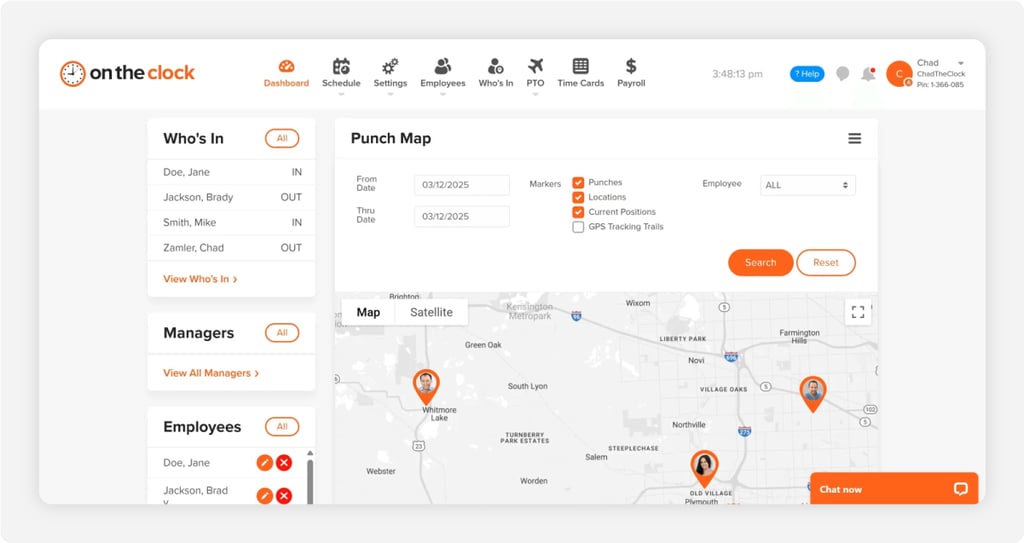
Why OnTheClock Is Best for Small Nursing Teams
OnTheClock fits the care home, clinic, or small agency that runs a mixed team all day and night. It provides reviewable attendance records, schedules the week, tracks PTO, and exports clean hours, all from one plan. The buyer here is the office manager or owner who wears the payroll hat too.
Its core time-tracking features address several needs on the checklist. Supported kiosk PINs or photos can help discourage buddy punching; IP and GPS limits can help manage supported punch locations, while time card reviews help managers identify missing punches before payroll. More than 16,000 companies trust OnTheClock. You can see how the same tools serve clinics and care offices in more detail.
Why OnTheClock Is Different for Nursing
OnTheClock includes core time tracking, scheduling, and PTO features in one plan for $5/month base plus $4/employee/month. A 15-employee team pays $65/month for time tracking, with optional full-service payroll priced separately.
Nursing teams seeking simpler time tracking, scheduling, and PTO management may appreciate having these functions together. The honest trade-off: punches need an internet or Wi-Fi connection, and the reporting is lighter than an enterprise suite built for deep workforce analytics.
Key Features
Pros
Cons
Pricing
- 30-day free trial, no credit card
- $5/month base plus $4/employee/month (see how OnTheClock pricing works)
- Optional full-service payroll: $40/month base plus $6/employee/month, with a one-time $250 implementation fee

Connecteam: Best for Home Care and Visiting Nurses
Available on: Web, iOS, Android
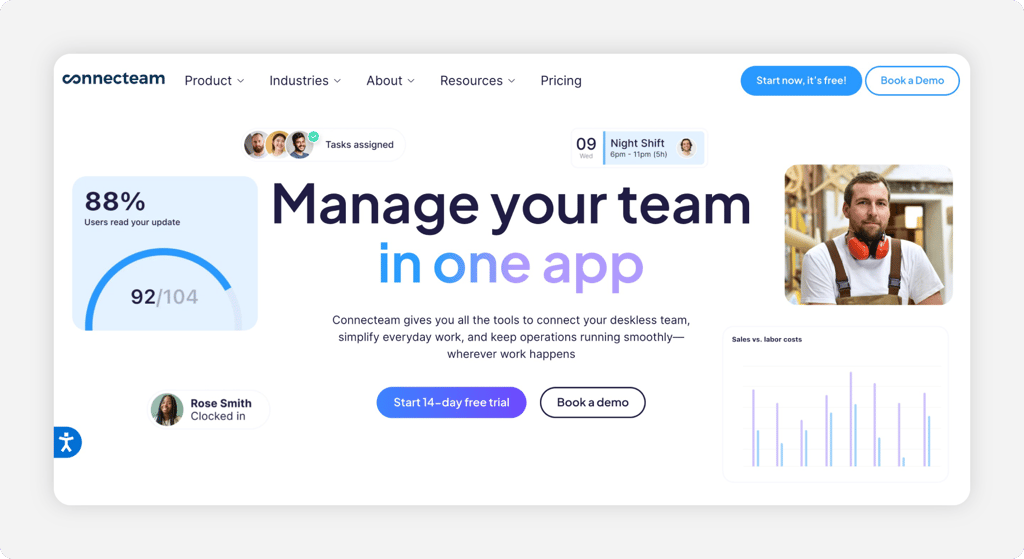
Why Connecteam Is Best for Home Care and Visiting Nurses
Connecteam fits the home care agency whose nurses work off site all day. GPS-related time records and geofencing can help managers review punches at approved locations. Scheduling, forms, and chat are available across its platform and may involve separate hubs. The buyer is the operations lead tracking caregivers across town.
Where it stands out is breadth for deskless teams. Visiting nurses can record hours, complete operational checklists, and coordinate assignments in supported workflows. Do not use workforce forms for protected patient information without verifying appropriate HIPAA safeguards. The caution shows up in the structure. Connecteam splits features across separate hubs, so an agency that wants time, communication, and HR may pay for more than one. You can compare it with other field tools through our Connecteam alternatives guide.
Key Features
Pros
Cons
Pricing
- Free for life for up to 10 users; 14-day trial on paid plans
- Operations Basic $35/month, Advanced $59/month, Expert $119/month for the first 30 users; additional users and separately purchased hubs cost extra

Deputy: Best for Break and Overtime Management
Available on: Web, iOS, Android
Why Deputy Is Best for Break and Overtime Management
Deputy fits the facility that lives or dies by break rules and overtime law. Its configurable scheduling, break, and overtime tools help managers review potential exceptions and support applicable requirements. The buyer is the manager who answers for labor law on a nonexempt nursing staff.
Its supported facial-recognition kiosk can help discourage unauthorized clock-ins, while configured location controls can support attendance review. The caution is cost. Advanced biometric and compliance tools sit on the Core plan, and a minimum monthly spend applies, so a tiny team pays more than the per-user rate suggests. See how it stacks up in our Deputy alternatives guide.
Key Features
Pros
Cons
Pricing
- Free trial available; $30 monthly minimum spend
- Lite $5, Core $6.50, Pro $9 per user/month

When I Work: Best for Shift Swapping Across Units
Available on: Web, iOS, Android
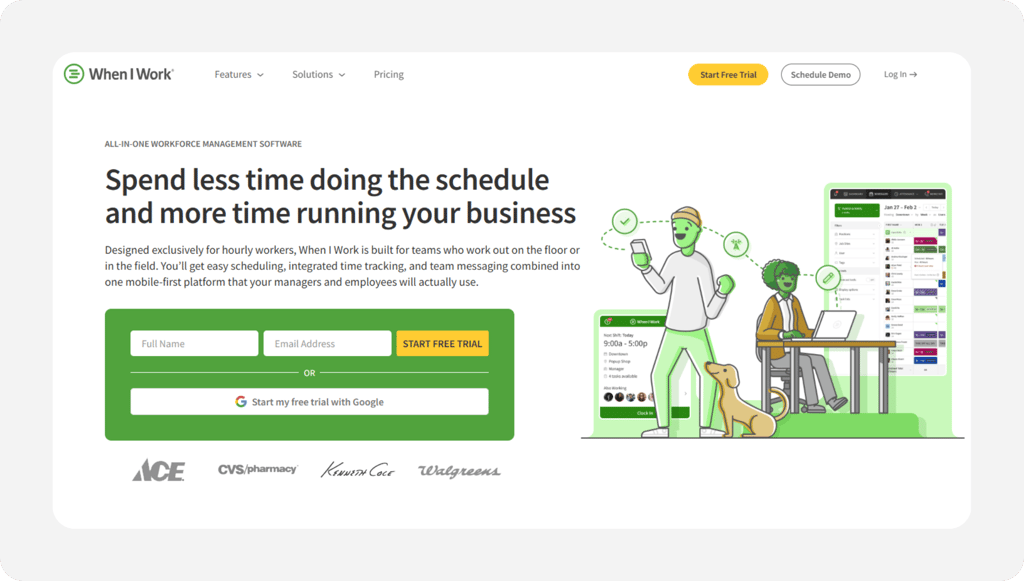
Why When I Work Is Best for Shift Swapping Across Units
When I Work fits the unit where coverage changes hour to hour. Staff post open shifts, pick up trades, and swap from a phone, and the manager approves it without a phone tree. The buyer is the charge nurse or scheduler juggling call-outs across departments.
Where it stands out is fast scheduling and team messaging built around the shift. Supported devices can record time, with GPS-related features depending on the selected time-and-attendance configuration. Pricing starts at $2.50 per user per month for single-location teams and $5 per user per month for multi-location businesses. When I Work's pricing page includes Time Tracking & Attendance in its plan-selection process, so confirm the final configuration and price for the features your team needs. Compare options in our When I Work alternatives guide.
Key Features
Pros
Cons
Pricing
- 14-day free trial
-
Plans start at $2.50 per user/month for single-location teams and $5 per user/month for multilocation teams; confirm final pricing based on your selected features.

Homebase: Best Free for a Single Facility
Available on: Web, iOS, Android
Why Homebase Is Best Free for a Single Facility
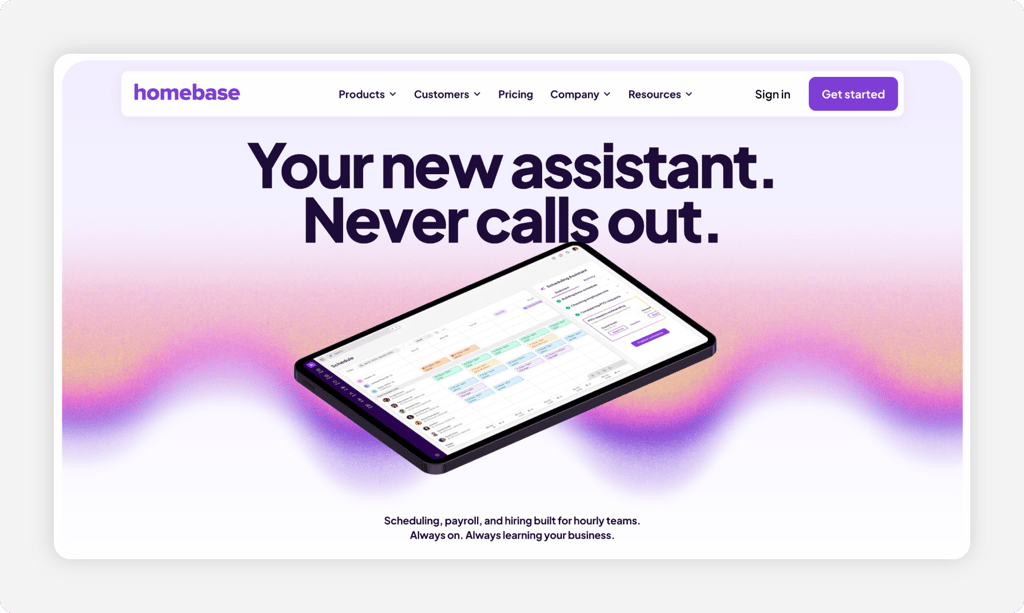
Homebase fits the single care home or clinic that wants a real time clock without a bill. The free Basic plan covers one location and up to 10 employees, with scheduling and clock-in on tablets, computers, and POS devices. The buyer is the owner of one small site watching every dollar.
Where it stands out is a free tier that actually tracks time, not a stripped trial. The caution is growth. Free stops at one location and 10 employees, location-based clock-in and photo capture sit on paid tiers, and pricing runs per location, so additional sites can increase costs. Homebase paid plans start at $30 per location/month.
Key Features
Pros
Cons
Pricing
- Free Basic plan for one location, up to 10 employees
- Essentials $30, Plus $70, All-in-One $120 per location/month
- Optional full-service payroll: $49/month base plus $6/employee/month

Buddy Punch: Best for Discouraging Buddy Punching
Available on: Web, iOS, Android
Why Buddy Punch Is Best for Discouraging Buddy Punching
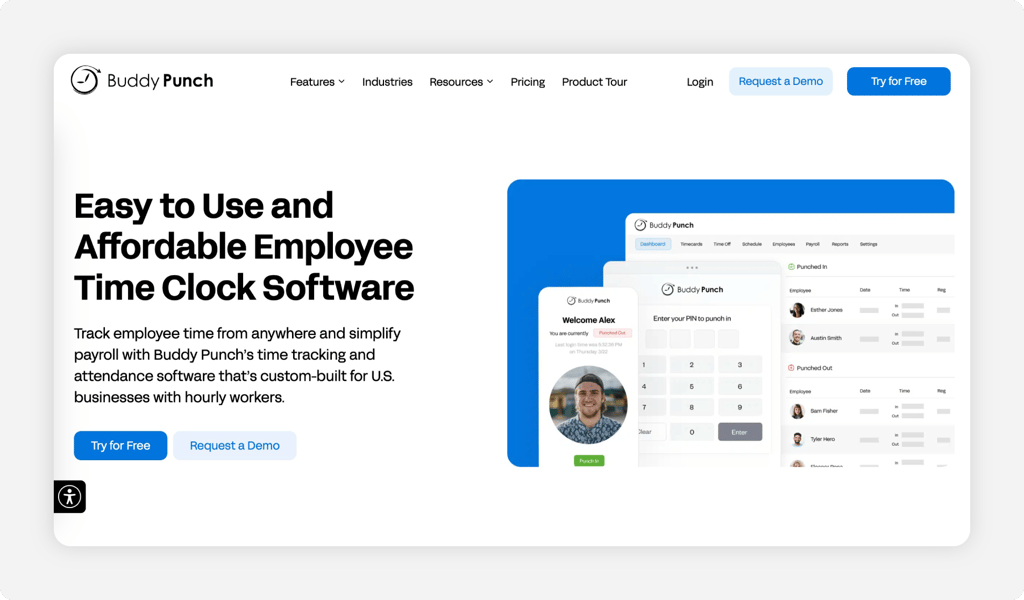
Buddy Punch fits the team where time theft at the station is the whole problem. Supported Face ID, eligible photo-punch controls, and geofencing can help managers discourage unauthorized punching and review discrepancies. The name says it all. The buyer is the manager done with one aide covering for another.
Where it stands out is a straightforward interface with multiple supported attendance controls. Webcam photo punches are available on Pro and Advanced, while device-supported Face ID and kiosk workflows depend on configuration. The caution is the price stack. A monthly base fee sits on top of the per-user rate, and some GPS and scheduling features require higher tiers or add-ons. Weigh it against other options in our Buddy Punch alternatives guide.
Key Features
Pros
Cons
Pricing
- 14-day free trial, no credit card
- Starter $5.99/user/month, Pro $7.99/user/month, Advanced $13.99/user/month; each plus a $19 monthly base fee

Jibble: Best Free Option
Available on: Web, iOS, Android
Why Jibble Is the Best Free Option
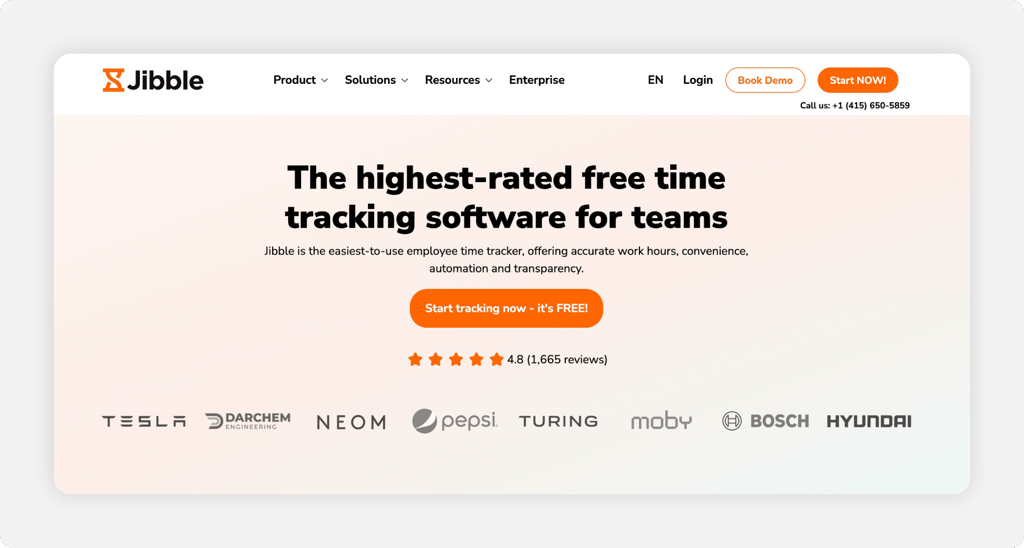
Jibble is the pick for a nursing team that wants a real time clock without a bill. Its free plan supports unlimited users for basic time tracking, while advanced features depend on the selected plan. The buyer is the charge nurse or office manager who needs accurate hours but has no budget for tracking software.
Supported facial-recognition and GPS records help managers review attendance, subject to device settings and plan limits. Payroll processing requires a separate provider, and export and integration methods vary. Geofencing and custom policy features depend on the plan.
Key Features
Pros
Cons
Pricing
- Free forever for unlimited users
- Essential $3.49/user/month, Growth $5.99/user/month, Pro $10.99/user/month
Side-by-Side Comparison
| Tool | Best For | Pricing | Key Strengths | Top Integrations |
|---|---|---|---|---|
| OnTheClock | Best for small nursing teams | $5/month base + $4/employee/month | Kiosk, GPS-related controls, scheduling, overtime alerts | Gusto, QuickBooks, ADP, Paychex, SurePayroll |
| Connecteam | Home care and visiting nurses | Free up to 10 users; Operations Basic $35/month for first 30 | GPS records, forms, chat across hubs | Gusto, QuickBooks, Paychex |
| Deputy | Break and overtime management | $5 to $9/user/month ($30 minimum) | Break management, supported biometrics, scheduling | Gusto, QuickBooks, ADP, Xero |
| When I Work | Shift swapping across units | From $2.50/user/month; multi-location plans from $5/user/month | Open shifts, swaps, messaging, GPS clock | Gusto, QuickBooks, ADP, Rippling |
| Homebase | Free for a single facility | Free 1 location; paid plans from $30/location/month | Free time clock, scheduling, POS clock-in | Gusto, QuickBooks, Square, ADP |
| Buddy Punch | Discouraging buddy punching | Starter $5.99/user/month + $19 base | Face ID, photo controls (Pro+), GPS | Gusto, QuickBooks, ADP, Paychex |
| Jibble | Free time tracking | Free; Essential $3.49/user/month | GPS and facial-recognition options by plan | Payroll exports and supported integrations |
Pricing and features reviewed October 2026. Standard U.S. monthly rates are shown where confirmed; base fees, add-ons, and plan restrictions may apply.
What's the Best Time Tracking Software for Nursing?
The best option isn't the longest feature list. It's the one that fits how your team actually works. Start with one question: where do your nurses clock in?
That answer points you fast.
- Run a small care home or clinic, and OnTheClock combines attendance controls, scheduling, and payroll-ready reports in one time-tracking plan.
- Send nurses to homes all day, and Connecteam offers mobile time tracking and operational forms for field teams.
- Concerned about break and overtime rules? Deputy offers configurable management tools.
The right tool removes friction from the problem you hit most, then gets out of the way.
What Nursing Time Tracking Software Actually Does
Nursing time tracking software is a digital punch clock built for round-the-clock, hourly care teams. Staff clock in and out on a kiosk, tablet, or phone, and the system logs exact hours, breaks, and shifts against each person.
For a nursing team, it does more than count minutes. It associates time records with employee accounts, supports attendance review, and can help allocate hours by job or unit. Employers should test how their payroll system handles multiple rates and differentials.
Who Needs Time Tracking in Nursing?
Any nursing employer with hourly staff benefits, and the math tips fast. Skilled nursing facilities, home care agencies, assisted living homes, hospice teams, and busy clinics all gain the most.
The threshold is simple. Once you pass a handful of nonexempt nurses or aides, or share one station across a shift, paper sheets and honor-system punches start costing real money. If you're chasing missed punches every payday, you're the audience.
Why Nursing Teams Lose Money Without Good Time Tracking
Care work happens across long shifts, night hours, and more than one site. Small errors there don't stay small. Small time-recording discrepancies can accumulate across many employees and shifts. Managers should investigate whether unusual punches reflect legitimate work or errors.
The old way also breaks on compliance. Qualifying hospitals and residential care establishments may use the FLSA 8-and-80 overtime system under a prior agreement or understanding. That system generally requires overtime after eight hours in a day or 80 hours in a 14-day period. Time tracking can provide records to review, but employers must verify payroll calculations and pay for work performed during interrupted unpaid meal breaks. You can pair it with employee scheduling so hours and shifts finally match.
Key Features Nursing Time Tracking Software Should Have
Before comparing prices, make sure any tool covers the basics a care team leans on.
-
Punch controls: PINs, photos, geofencing, or supported biometrics can help deter unauthorized punches.
-
Overtime and break tracking: records meal periods and supports the applicable daily, weekly, or 14-day overtime rules.
-
Shift and night-hour support: records nights and double shifts, with differential calculations verified in payroll.
-
Mobile and kiosk options: a fixed station for a facility, a phone with GPS for visiting nurses.
-
Multiple pay rates: tracks hours by job or unit so payroll can apply the correct rates.
-
Payroll exports: clean hours into the payroll you already run.
How to Choose the Right Time Tracking Software for Nursing
Step 1: Count your team and locations, then do the pricing math. Pricing splits two ways, and it changes the bill a lot. Per-user tools charge by head; per-location tools charge by site. A 25-person care home on a $4-per-user plan with a $5 base pays $105 per month. The same team on a per-location tool at $30 looks cheaper until you open a second home and the total cost can increase. Run your real headcount and site count before you compare a single feature.
Write down both numbers now: how many people punch, and how many addresses they punch from. A single facility and a home care agency with three territories will land on different tools even at the same headcount. The model, not the sticker price, decides the winner.
Step 2: Name your single biggest problem. Pick the one leak that hurts most: buddy punching, break and overtime compliance, or the payroll rebuild. Your answer points straight at a tool. If aides cover for each other at the station, Buddy Punch and OnTheClock offer configurable attendance controls that can discourage unauthorized punches. For labor-law concerns, Deputy offers break-management features.
Don't try to solve all three at once. Fix the costliest one first, then confirm the tool handles the other two well enough. A clear top problem keeps you from paying for features you'll never turn on.
Step 3: Match the punch method to where nurses work. Decide where people actually clock in. A skilled nursing facility wants a fixed kiosk by the floor with a PIN or photo. A home care agency may want a phone punch with GPS-related records, subject to location settings and accuracy. Test the method during a real shift change, when the hallway is busy and people are in a hurry.
If your team splits between a building and the field, pick a tool that does both from one account. OnTheClock and Connecteam both cover kiosk and mobile, so a mixed team doesn't run two systems.
Step 4: Check overtime and break compliance for nonexempt staff. Confirm the applicable legal requirements for your facility and employees. If your employer lawfully uses an agreed-upon FLSA 8-and-80 plan, verify that both time tracking and payroll handle daily and 14-day overtime correctly. Also track meal periods under applicable laws, including compensable work during interrupted unpaid breaks. The Department of Labor health care fact sheet spells out how hours worked count in this industry.
Ask each vendor to show the overtime setting, not just claim it. A tool that only counts weekly overtime may not meet state daily-overtime rules or a qualifying 8-and-80 arrangement. Test actual calculations before relying on the software.
Step 5: Handle multiple rates and night differentials. A nurse who floats between two units, or works a night differential, has to be paid right for each hour. Confirm the tool clocks one worker at more than one rate and keeps the differential straight. Then verify that payroll calculates the appropriate regular rate, including applicable shift differentials and overtime premiums.
Run a quick test with a sample double shift across two rates. If the totals come out clean, the tool can handle a real schedule. If they don't, you'll be fixing it by hand every period.
Step 6: Confirm the payroll connection. Check that the tool exports hours, overtime, and multiple rates to your payroll, whether that's Gusto, QuickBooks, ADP, Paychex, or SurePayroll. Jibble offers payroll export and integration options whose availability depends on the selected plan and provider. OnTheClock also offers built-in payroll if you'd rather keep everything in one place.
A clean connection is where the time savings actually show up. The goal is one approval, then hours flow to pay without rekeying. Confirm the exact integration you need exists before you buy, not after.
Step 7: Test a full pay period when the trial permits. When the trial allows, test a complete pay period, including nights, weekends, overtime, and payroll exports. For shorter trials, request an extension or use sample payroll data. OnTheClock offers 30 days free without a credit card. Have your actual staff clock in, not just an admin testing on a laptop.
Watch what happens at the messy edges: a missed punch, a swapped shift, a double across two rates. The tool that handles your worst day, not your average one, is the one to keep.
Tips for Rolling Out Time Tracking in a Nursing Team
-
Start with one unit, not the whole building. Pilot the time clock on a single floor or shift, work out the kinks, then roll it wider with a short how-to the team can trust.
-
Train on the night shift too. The crew that works at 2 a.m. often gets skipped. Walk them through clock-in, breaks, and missed-punch fixes so the data holds overnight.
-
Set the rules to match labor law. Build your overtime plan and break rules into the tool from day one. The Department of Labor sets the federal floor, and many states stack stricter rules on top.
Frequently Asked Questions
What is the best time tracking software for nursing?
For small nursing teams, OnTheClock is a strong option. It offers kiosk and GPS-related punch controls, scheduling, PTO, and overtime alerts in one plan at $5/month base plus $4/employee/month. Home care agencies may prefer Connecteam, and compliance-heavy facilities may prefer Deputy, each matched to a specific situation in the list above.
How much does nursing time tracking software cost?
Costs depend on the provider, plan, and billing basis. Homebase offers a free plan for one location and Essentials from $30/location/month. OnTheClock charges $5/month base plus $4/employee/month, so a 15-employee team costs $65/month for time tracking. Count your team and locations before you compare.
Can time tracking software stop buddy punching in a care facility?
Supported PINs, photos, facial-recognition options, and location restrictions can deter unauthorized punches and help managers investigate discrepancies. No single control independently guarantees identity, and features vary by vendor and plan.
Does nursing time tracking handle overtime and break compliance?
Software can support accurate hours and break records, but the employer remains responsible for compliance. Certain qualifying hospitals and residential care establishments may use the FLSA 8-and-80 system under a prior agreement or understanding, requiring overtime after eight hours in a day or 80 hours in a 14-day period. Otherwise, covered nonexempt employees generally receive federal overtime after 40 hours in a workweek, subject to additional state requirements. Verify the selected payroll configuration.
Can one nurse clock in at two different pay rates?
Some time tracking tools can associate hours with different units or pay-rate records. Employers should verify that their selected software and payroll integration correctly handle multiple rates, shift differentials, and overtime calculations.
Is there free time tracking software for a small nursing team?
Yes. Homebase offers a free Basic plan for one location and up to 10 employees, Connecteam offers a free plan for up to 10 users, and Jibble offers a free time-tracking plan for unlimited users. Compare monthly costs based on employee count, locations, base fees, and required features. OnTheClock offers a 30-day free trial, but its ongoing time-tracking plan is paid.