

Jump to section
Try OnTheClock Free
Save time and make payroll effortless with our easy-to-use, affordable employee time tracking app.
Try It FreeKey Takeaways
- ✔OnTheClock is the best pick for small staffing agencies. One plan at $5 a month plus $4 per user covers GPS punches, scheduling, PTO, and overtime alerts.
- ✔Your workers clock in at sites you don't control. GPS and geofencing prove a temp was really where the time sheet says.
- ✔One wrong number hits you twice. A bad punch becomes a wrong paycheck and a wrong client invoice on the same day.
- ✔Real free plans exist. Jibble covers unlimited users for free, and Connecteam is free for up to 10.
- ✔Set overtime rules before your first run. Pre-configured FLSA rules keep payroll exports clean and stop costly rework.
For staffing agencies, the best time tracking software does three things well: it shows where temps worked, captures every hour once, and sends clean numbers to payroll and the client invoice together. Put plainly, you need hours you can trust, caught the first time, that leave the system without a manual fix.
Most time tracking tools were never built for staffing. They assume your people clock in at one building, on one schedule, under one manager. Your workers don't. They scatter across client sites you don't control, and the client pays for those hours, so the client disputes them the moment they look off. The leak runs deep. Industry reviews put agency losses at 12 to 15% of gross margin once you add up billing disputes, time theft, and payroll rework. Run the small math too. Six padded minutes per shift across 25 placed workers at $20 an hour quietly bleeds about $1,000 a month.
No single tool wins for every agency. Below are seven picks, each matched to a real situation, starting with the one for small staffing agencies.
What Staffing Agencies Actually Want From Time Tracking
Agencies want proof, not guesses. When a client questions an invoice, you need to show who worked, where, and for how long, with a record the client can't wave away. That single need shapes every other choice on this list.
They also want hours that move cleanly into pay and billing. A temp roster changes weekly, overtime piles up fast on long placements, and the same hour feeds two ledgers at once. Strong GPS time tracking and pre-set overtime rules keep both sides honest before anyone cuts a check.
And they want it cheap to scale. You add and drop workers constantly, so per-user pricing and quick onboarding matter more than a long feature sheet. The right pick shifts with whichever of these you feel most.
Quick Picks: The Best Time Tracking Software for Staffing Agencies at a Glance
-
OnTheClock: Best for small staffing agencies
-
Connecteam: Best for distributed field crews
-
Deputy: Best for high-volume shift scheduling
-
Jibble: Best free option for agencies
-
Buddy Punch: Best for buddy punch prevention
-
When I Work: Best for last-minute coverage
-
Hubstaff: Best for remote back-office teams
How We Evaluated the Best Time Tracking Software for Staffing Agencies
We judged each tool on what actually matters when your people work at someone else's site, not on feature-sheet length. We compared every option against the eight needs staffing agencies keep raising, what we call the OnTheClock Staffing Agency Checklist:
-
Location proof: GPS and geofencing that confirm a temp punched in at the right client site.
-
Punch verification: photo, PIN, or biometric capture that stops buddy punching.
-
Mobile punching: a phone or tablet clock that works in the field without crashes.
-
Overtime alerts: daily and weekly flags that catch FLSA overtime before payday.
-
Clean payroll export: hours that leave the system ready for payroll, no manual fixing.
-
Client billing visibility: job, location, and cost views you can bill against.
-
Scheduling and coverage: fast shift building and swaps for a roster that changes weekly.
-
Total cost: the real base fee plus per-user math as you add and drop workers.
OnTheClock earns the small-agency slot here because it covers the whole checklist in one base plan: GPS and geofencing, kiosk and mobile punching, scheduling, PTO, and overtime alerts, with none of those held back for a higher tier. That breadth at $5 base plus $4 per user is the basis for the small-agency label, not a ranking against the other picks. Each tool below serves its own situation best.
The Best Time Tracking Software for Staffing Agencies
Below, the best time tracking software for staffing agencies, with the right pick for each situation. For each one, we cover who it fits best, where it stands out, and where it may not be the right move.

OnTheClock: Best for Small Staffing Agencies
Available on: Web, iOS, Android
Why OnTheClock Is Best for Small Staffing Agencies
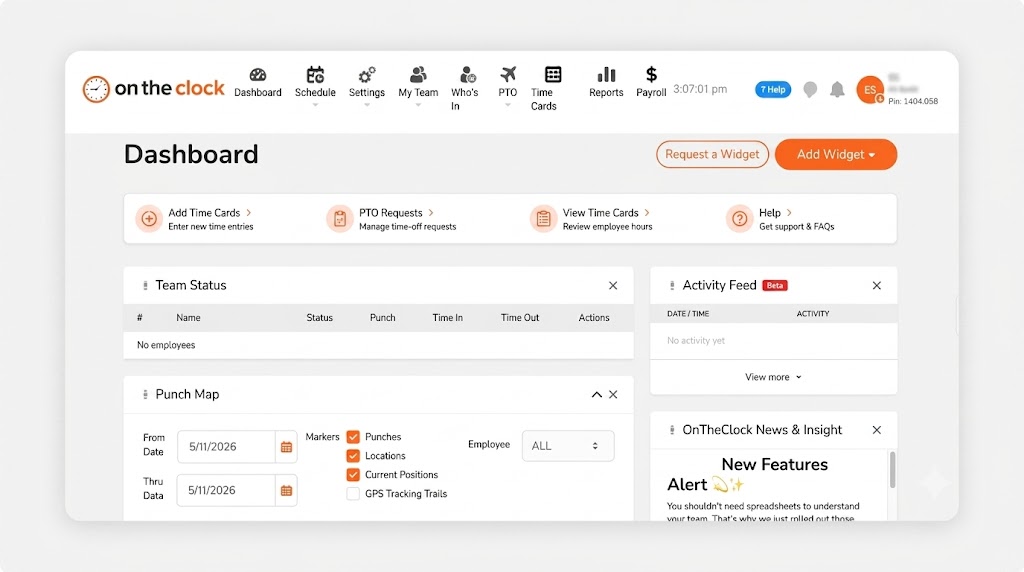
OnTheClock fits the lean agency that places hourly workers and runs a small back office. Picture a 20-person staffing shop sending temps to warehouses and event sites across town. The owner needs proof of hours and a clean payroll file, not a platform that takes a week to learn. OnTheClock gives a temp a punch button on their own phone, stamps it with GPS, and drops the hours onto a time sheet the office can approve in minutes.
It covers the full checklist in the base plan. GPS, geofencing, and IP rules confirm the punch location. Kiosk mode with a PIN handles shared sites. Overtime alerts flag the 40-hour line, and tip, bonus, and commission tracking come standard. Reviewers single out the support team, who answer by phone, chat, or email without a wait, which matters most on payroll night.
Why OnTheClock Is Different
One plan, no fine print. You pay a $5 base a month plus $4 per user, and the location controls, scheduling, PTO, and overtime tools are all included, not gated behind a pricier tier. For a 25-worker agency, that's $105 a month with every feature on. Need pay runs in the same place? Add OnTheClock Payroll for a $40 base a month plus $6 per employee.
It stays honest about the trade-off. Punches need an internet or Wi-Fi connection, so a job site with no signal needs the offline workaround or a kiosk tablet. Agencies that want deep custom dashboards may find the reporting lighter than a heavy enterprise suite. For most small staffing teams, the simple, low cost is the point. It integrates with Gusto, QuickBooks, ADP, Paychex, and SurePayroll for the rest.
Key Features
Pros
Cons
Pricing
- 30-day free trial, no credit card
- $5 base a month plus $4 per user (see how OnTheClock pricing works)
- Optional payroll: $40 base a month plus $6 per employee

Connecteam: Best for Distributed Field Crews
Available on: Web, iOS, Android
Why Connecteam Is Best for Distributed Field Crews
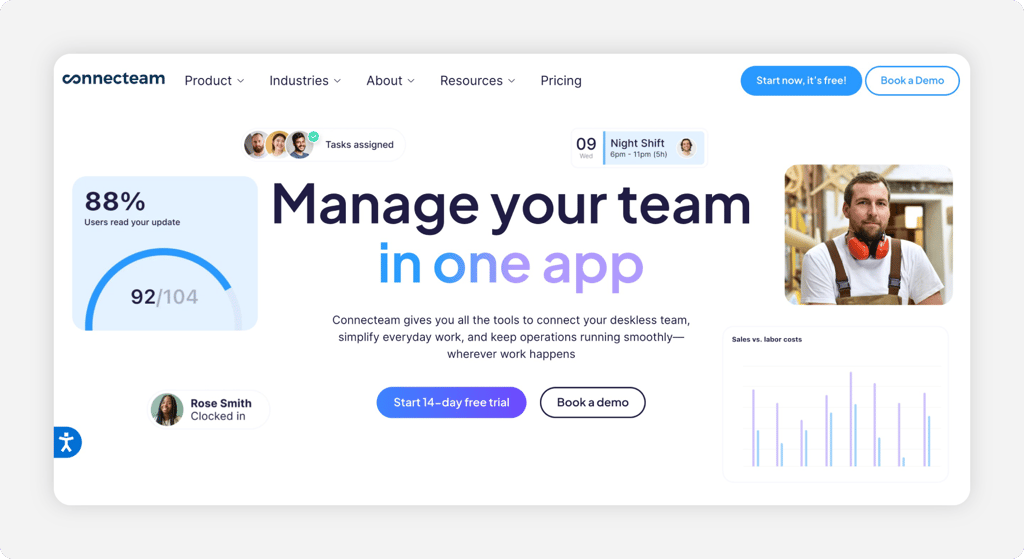
Connecteam fits the agency whose workers never see an office. Think of a crew placed across a dozen warehouses and job sites, all running off phones. The app puts a GPS time clock, schedules, chat, and forms in one place, so a temp clocks in, reads their shift, and gets a task without three separate logins. For deskless staffing at scale, that single mobile hub is the draw.
The catch sits in the tiers. Real-time GPS clock-in comes on the Basic plan, but geofencing and full time clock customization start on Advanced, and the cheapest paid tier covers your first 30 users before per-user fees kick in. The free Small Business Plan is generous, though it caps at 10 users, so a growing agency outgrows it fast. If you want a lighter punch tool, compare it against a simpler time clock first.
Key Features
Pros
Cons
Pricing
- Free Small Business Plan for up to 10 users
- Basic from $29 a month for the first 30 users (billed annually), then per user

Deputy: Best for High-Volume Shift Scheduling
Available on: Web, iOS, Android
Why Deputy Is Best for High-Volume Shift Scheduling
Deputy fits the agency that fills a wall of shifts every week. When you place hundreds of workers across rotating client sites, auto-scheduling and demand forecasting save real hours. Deputy builds shifts from your rules, fills open slots, and lets workers swap or claim coverage from the app. Its time clock then captures the punch against the schedule, so hours and shifts line up.
The honest cautions are tier and minimum. Basic time clocking sits on the $5 Lite plan, but biometric kiosks, auto-approvals, and advanced compliance start on Core at $6.50 per user. A $30 monthly minimum applies, so a tiny agency pays for capacity it may not use yet. Larger placement volumes are where Deputy pays off. If you're weighing it against a flat-rate punch tool, read our Deputy alternatives breakdown.
Key Features
Pros
Cons
Pricing
- 31-day free trial, no credit card
- Lite $5, Core $6.50, Pro $9 per user; $30 monthly minimum

Jibble: Best Free Option for Agencies
Available on: Web, iOS, Android
Why Jibble Is Best Free Option for Agencies
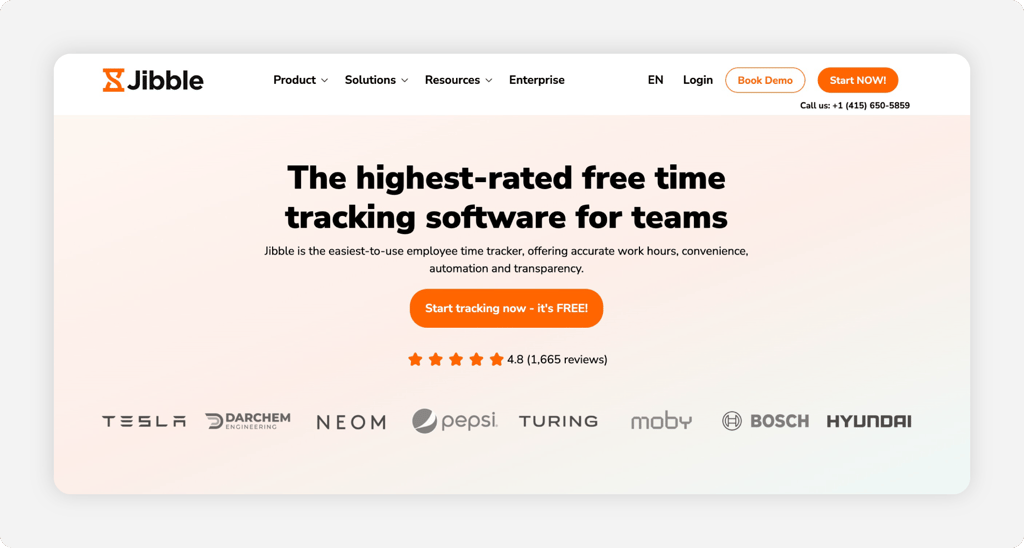
Jibble fits the new or budget-tight agency that still needs real proof of hours. The free plan covers unlimited users, and it includes GPS time tracking, face recognition, and two geofences without an upsell. For an agency placing its first 30 temps with no software budget, that's a working time clock at $0.
Know where free ends. Custom overtime policies, leave accruals, and unlimited geofences sit on the paid Premium plan at $4.99 per user a month. Jibble also has no built-in payroll, so you export hours to your pay provider rather than run pay inside it. For pure, cheap punch tracking with location proof, few tools match it.
Key Features
Pros
Cons
Pricing
- Free forever for unlimited users
- Premium from $4.99 per user a month; Ultimate $7.99 per user a month

Buddy Punch: Best for Buddy Punch Prevention
Available on: Web, iOS, Android
Why Buddy Punch Is Best for Buddy Punch Prevention
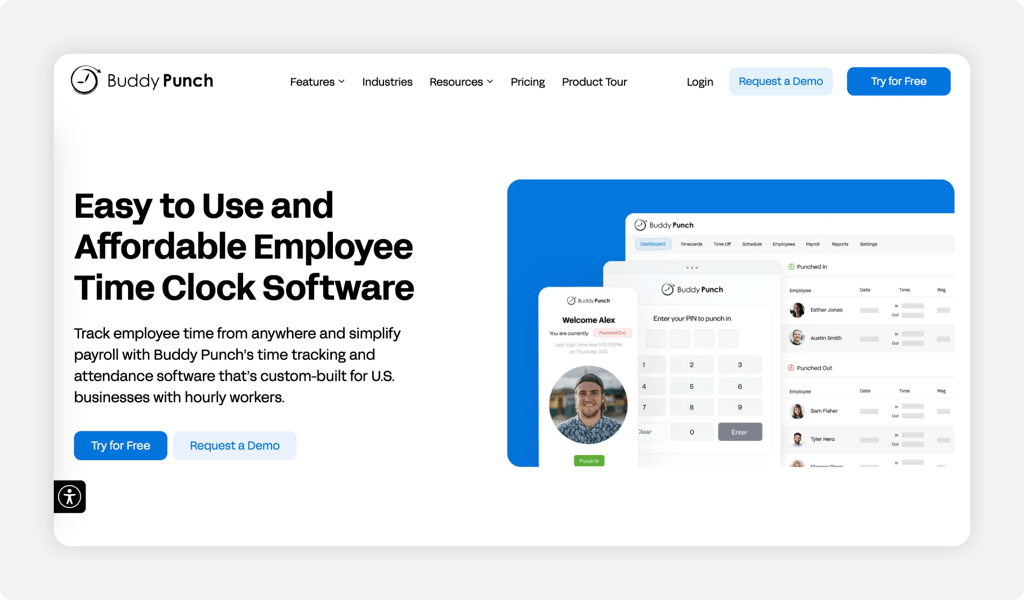
Buddy Punch fits the agency that keeps catching workers clocking in for each other. The name says it all. Every punch can require a photo or a facial recognition match, so a temp can't sign in for a no-show buddy. On a shared kiosk at a client site, that one check shuts down the most common form of time theft.
Watch the small-team math. A $19 base a month rides on top of the per-user price, so a five-temp agency feels it more than a 50-temp one. Geofencing starts on the Pro plan, and advanced GPS is a $2 per-user add-on. If you mainly want the photo proof, compare it with other photo-punch time clocks before you commit.
Key Features
Pros
Cons
Pricing
- 14-day free trial
- Starter $4.99 per user plus a $19 base a month (billed annually)

When I Work: Best for Last-Minute Coverage
Available on: Web, iOS, Android
Why When I Work Is Best for Last-Minute Coverage
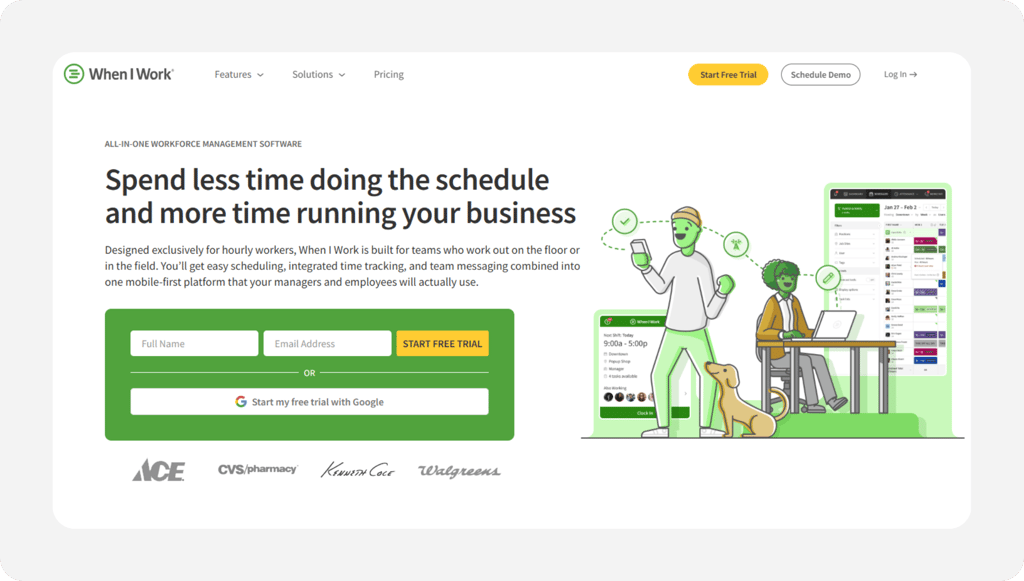
When I Work fits the agency that lives on no-shows and same-day fills. OpenShifts and quick shift swaps let a manager post an open slot and let qualified workers grab it from their phones. When a temp drops at 6 a.m., you fill the client's shift before the doors open. For coverage speed, the scheduling tools shine.
Read the pricing carefully. Pricing starts at $2.50 per user/month for single-location teams and $5 per user/month for multi-location businesses. When I Work includes scheduling, time and attendance, and team messaging in its current workforce-management plans.
So the clock you need for payroll proof costs extra beyond the headline rate. When I Work even keeps a dedicated staffing page, so the fit is real, just price the add-on in. It captures GPS punches once you turn it on.
Key Features
Pros
Cons
Pricing
- 14-day free trial, no credit card
- Scheduling from $2.50 per user a month; time and attendance is a paid add-on

Hubstaff: Best for Remote Back-Office Teams
Available on: Web, iOS, Android
Why Hubstaff Is Best for Remote Back-Office Teams
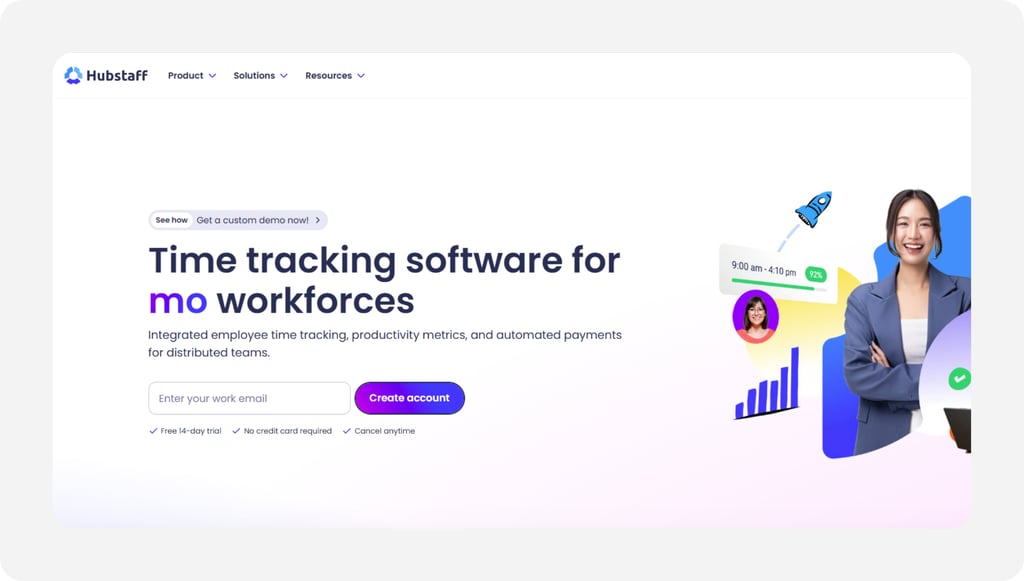
Hubstaff fits the agency placing remote workers who clock in at a desk, not a job site. Think recruiters, data-entry temps, or remote support staff billed by the hour. Hubstaff tracks time with activity and productivity insight, then ties those hours to project budgets and client invoices. For a back office that bills knowledge work, that visibility into a remote day is the draw.
Its standout is the invoicing and project-budget reporting built around tracked hours. The honest caution: the productivity screenshots can feel like heavy monitoring, so set expectations with your placed workers up front. GPS and scheduling sit on the Grow plan, and there's a two-seat minimum, even for a one-person test.
Key Features
Pros
Cons
Pricing
- 14-day free trial, no credit card
- Starter $4.99 per user a month (billed annually); GPS on the Grow plan at $7.50 per user
Side-by-Side Comparison
| Tool | Best For | Pricing | Key Strengths | Top Integrations |
|---|---|---|---|---|
| OnTheClock | Best for small staffing agencies | $5 base + $4/user | GPS, kiosk, scheduling, overtime alerts | Gusto, QuickBooks, ADP, Paychex |
| Connecteam | Distributed field crews | Free to 10; $29+ monthly | All-in-one mobile field app | Gusto, QuickBooks, Paychex |
| Deputy | High-volume shift scheduling | $5 to $9/user; $30 min | Auto-scheduling, forecasting | Gusto, QuickBooks, ADP, Xero |
| Jibble | Free option for agencies | Free; paid from $4.99/user | Free GPS and face recognition | QuickBooks, Xero, Gusto |
| Buddy Punch | Buddy punch prevention | $19 base + $4.99/user | Facial recognition punches | QuickBooks, Gusto, Paychex |
| When I Work | Last-minute coverage | From $2.50/user/month; multi-location from $5/user/month | OpenShifts and fast swaps | Gusto, QuickBooks, ADP |
| Hubstaff | Remote back-office teams | $4.99 to $10/user | Activity insight, invoicing, project budgets | QuickBooks, Gusto, PayPal, Deel |
Comparison data verified October 2026 against each vendor's own site; subject to change by respective providers.
What's the Best Time Tracking Software for Staffing Agencies?
The best option depends on where your hours leak, not on the longest feature list. Start with one question: what breaks most often on payroll night?
- Need every core feature in one cheap plan? OnTheClock fits small staffing agencies.
- Place remote back-office workers? Hubstaff tracks the workday and bills it.
- Have no software budget yet? Jibble tracks unlimited workers for free.
Match the tool to your biggest problem, and the rest of the decision gets easier.
What Is Time Tracking Software for Staffing Agencies?
Time tracking software for staffing agencies records when placed workers start and stop, where they punch, and how those hours roll up for pay and billing. It replaces paper sheets and client-signed slips with a digital record you can prove.
For agencies, it adds the parts a basic clock skips: GPS proof for off-site work, overtime flags for long placements, and exports that feed both payroll and the client invoice. The simple point is one trusted record, two clean outputs.
Who Needs Time Tracking Software at a Staffing Agency?
Any agency that bills a client for hours worked off-site needs it. The moment your margin depends on hours someone else can dispute, guesswork costs you money. The threshold is low, often as few as five placed workers.
Temp agencies, light-industrial staffing, healthcare and home-care placement, event and hospitality crews, and security firms all qualify. If you're chasing punches by text on payday, you're the audience.
Why Staffing Agencies Rely on Time Tracking Software
Your workers earn money on someone else's property. The client pays for those hours and will challenge any that look padded, so a vague time sheet turns into a billing fight you usually lose. Accurate punches with location proof end the argument before it starts.
The old way fails twice over. A missed punch becomes a wrong paycheck and a wrong invoice on the same day, and federal rules expect you to keep accurate hour records anyway. The U.S. Department of Labor requires employers to keep complete and accurate time records under the FLSA recordkeeping rules. Good software keeps those records for you and exports them clean to scheduling and payroll.
Key Features Staffing Agency Time Tracking Software Should Have
Before you compare prices, make sure any tool covers the basics that staffing actually needs.
-
GPS and geofencing: proof a temp punched in at the right client site.
-
Photo or biometric punches: a check that stops buddy punching on shared kiosks.
-
Mobile clock-in: a reliable phone punch for workers who never see your office.
-
Overtime alerts: daily and weekly flags that catch the 40-hour line before payday.
-
Clean payroll export: hours that move to pay and billing without a manual fix.
-
Job and location tags: cost views you can bill each client against.
How to Choose the Proper Time Tracking Software for Staffing Agencies
Step 1: Count your placements and active sites, then do the pricing math. Start with real numbers. Count the workers you place in a busy week and the client sites they cover, because per-user pricing decides your true cost, not the headline rate.
Run two quotes side by side. A 25-worker agency on OnTheClock pays a $5 base plus $4 per user, or $105 a month, with every feature on. The same 25 workers on Hubstaff Grow, the tier that unlocks GPS, run $7.50 per user, or about $188 a month.
Now factor churn. You add and drop temps constantly, so favor tools that bill only for active users and let you remove a worker without a penalty.
Step 2: Name the single problem that costs you most. Pick one. Disputed client hours, buddy punching, and payroll-night rework each point to a different tool, and chasing all three at once leads to an overbuilt plan you won't use.
Be honest about the dollars. If clients trim 5% off your invoices for unprovable hours, location proof pays for itself fast. If a no-show buddy punch slips through twice a month, photo or facial verification is your lever.
Write the top problem down before you demo anything. It keeps a slick sales call from selling you features that don't fix your leak.
Step 3: Match the punch method to where temps actually work. Field crews need a phone punch. A shared client site needs a kiosk with a PIN or a photo. An office placement may only need a web clock.
Most agencies mix all three. OnTheClock, Connecteam, and Deputy each support mobile, kiosk, and web punching, so one account can cover a warehouse crew and a front desk placement at once.
Test the punch on a cheap Android tablet or two before you roll it out. The device that fails at the loading dock is the one that creates the missed punch you're trying to prevent.
Step 4: Check location proof for client billing. This is the staffing-specific step. GPS stamps the punch with a location, and geofencing blocks a clock-in outside the client's approved zone, so the hours you bill match the place the work happened.
Confirm which tier unlocks it. Geofencing comes standard on OnTheClock and Jibble, sits on Deputy's Core plan, and on Hubstaff's Grow plan. That tier gap can change your real monthly cost by hundreds.
Ask each vendor for a sample GPS report you could hand a client. If it's clear enough to settle a dispute, it's clear enough to keep.
Step 5: Pre-configure overtime rules before your first run. Overtime errors are the most common payroll complaint reviewers raise. Long placements push temps past 40 hours fast, and the Fair Labor Standards Act requires at least time and a half for those hours, per the U.S. Department of Labor.
Set the rules before payday, not after. A tool with daily and weekly overtime alerts, like OnTheClock, warns you while you can still adjust a schedule rather than eat the cost.
Map your state rules too. Some states add daily overtime past eight hours, so confirm the software can hold both the federal and the state line for nonexempt workers.
Step 6: Confirm the payroll and invoicing export path. Trace one hour from punch to paycheck to invoice. The hours have to leave the system clean, because a wrong number here pays a worker wrong and bills a client wrong at the same time.
Check the named integrations. OnTheClock exports to Gusto, QuickBooks, ADP, Paychex, and SurePayroll, while Hubstaff connects to QuickBooks, Gusto, PayPal, and Deel. If you want pay in the same tool, OnTheClock Payroll adds it for a $40 base plus $6 per employee.
Run a test export during the trial. A file that needs hand-editing every week is a hidden labor cost no demo will mention.
Step 7: Test the tool through a full pay period before you commit. A 14-day or 30-day trial only proves something if you run real punches through it. Put a small crew on it for one complete pay cycle, punch to payroll.
Watch the rough edges. Time how long approvals take, count the missed punches, and check whether the support team answers fast when a punch goes wrong on payday.
Then add up the true monthly cost with your real headcount. The right tool feels boring by the end of the trial, because nothing broke.
Tips for Implementing Time Tracking Software at Your Staffing Agency
-
Onboard temps in batches. Send a one-page punch guide with the placement confirmation, so a new worker can clock in on day one without a call to your office.
-
Set geofences per client site first. Draw the approved zone before the crew arrives, so the first punch already carries location proof you can bill against.
-
Lock overtime and break rules early. Configure them before your first payroll run and check them against the federal overtime standard, so the export comes out clean.
Frequently Asked Questions
What is the best time tracking software for staffing agencies?
OnTheClock is the best time tracking software for small staffing agencies. One plan at $5 base a month plus $4 per user covers GPS punches, geofencing, kiosk mode, scheduling, PTO, and overtime alerts, with no features held back for a higher tier. Larger agencies may prefer Deputy for scheduling or Hubstaff for remote back-office teams.
How do staffing agencies track hours for temps at client sites?
Agencies use a mobile app or a shared kiosk with GPS and geofencing. The worker punches in on a phone or tablet, the software stamps the location, and a geofence blocks any clock-in outside the client's approved zone. That gives you proof the hours happened where the time sheet says.
Does time tracking software prevent buddy punching at staffing agencies?
Yes. Photo capture, PIN kiosks, and facial recognition confirm who actually clocked in. Buddy Punch builds its whole product around facial recognition, while OnTheClock offers PIN and kiosk punches plus GPS. These checks stop a worker from clocking in for an absent coworker.
Can time tracking software handle overtime for temp workers?
Yes, when you set the rules first. Tools like OnTheClock calculate daily and weekly overtime and send alerts before payday. The Fair Labor Standards Act requires at least time and a half past 40 hours in a week, so pre-configured rules keep your payroll export accurate for nonexempt temps.
How much does time tracking software for staffing agencies cost?
Most tools charge a base fee plus a per-user rate. OnTheClock is $5 base a month plus $4 per user. Deputy runs $5 to $9 per user with a $30 minimum, and Hubstaff runs $4.99 per user on Starter, with GPS on the Grow plan at $7.50 per user. Jibble offers a free plan for unlimited users.
Does staffing agency time tracking software integrate with payroll?
Yes. OnTheClock exports to Gusto, QuickBooks, ADP, Paychex, and SurePayroll, and offers its own payroll add-on for a $40 base plus $6 per employee. Hubstaff connects to QuickBooks, Gusto, PayPal, and Deel. Clean payroll exports keep the same hours feeding both pay and client billing.
Track Every Temp Hour With Proof
Stop chasing punches and disputing invoices. Give your staffing agency GPS-verified hours that export clean to payroll and client billing.
No credit card required, and you'll be set up in minutes.
