Skip to content

Cloud-Based Time Clock Software

A Cloud-Based Time Clock With Nothing to Install

No hardware, server, or IT setup. Just create an account, and your team can start clocking in.
No credit card required
Cancel anytime
5-minute setup

cloud-based-time-clock
16,000+
Companies rely on OnTheClock Every day
160,000+
Employees Punching in Daily
★★★★★
4.8
Capterra
★★★★★
4.5
G2

Your Punch Clock Shouldn't Need a Repair Budget


If you're still running an on-premise time clock and dealing with a machine that jams and a server that needs updates, it might be time to evolve into modern times. A cloud-based time clock skips all of that. OnTheClock runs entirely online, so there's no box to maintain and no data sitting on a single error-prone machine.

Why Businesses Are Moving to a Cloud-Based Time Clock


  • Nothing to install: No server, software download, or IT setup. Create an account, and you're up and running.
  • Works on any device: Employees clock in from a phone, tablet, computer, or shared kiosk.
  • Automatic backups: Your time data lives securely in the cloud.
  • Access from anywhere: Check who's clocked in and run payroll on any device, anywhere.
  • Always up to date: New features and fixes roll out automatically.
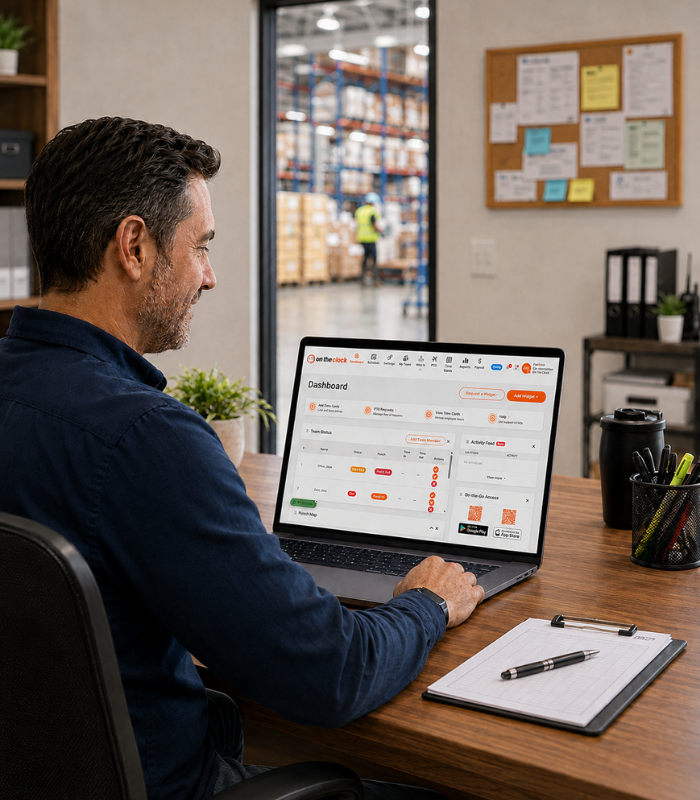
cloud-based-time-clock-dashboard-manage
How it works
01
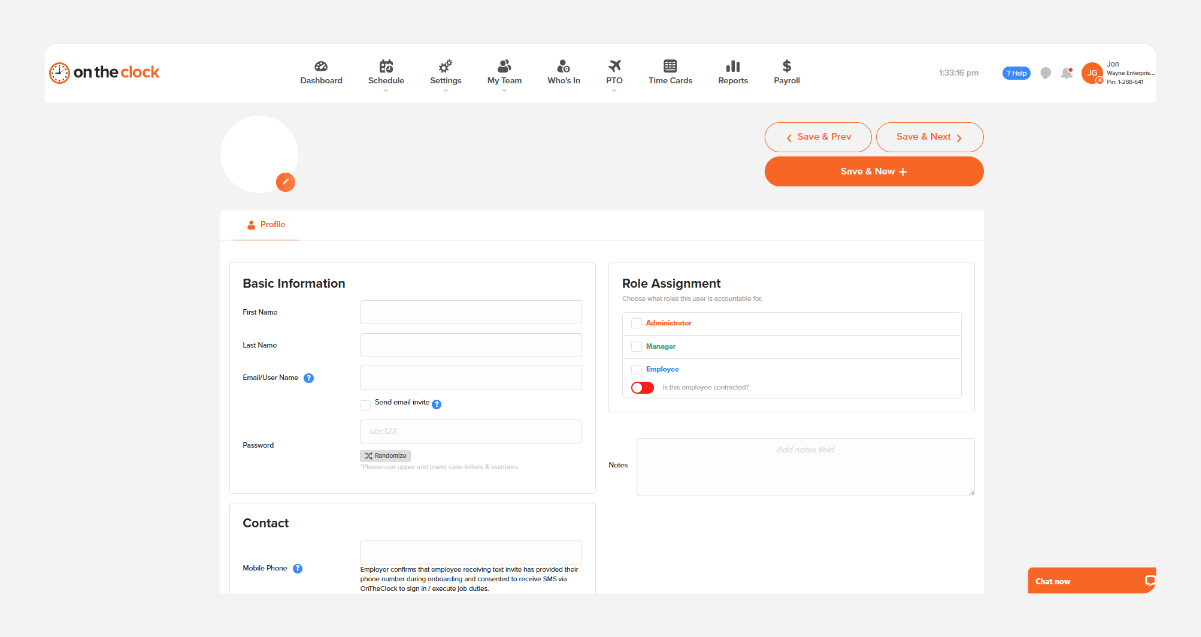
Create your account and add your team

Sign up, add your employees, and set your pay rules for things like overtime and breaks. This takes most owners about 15 minutes, and your team can start clocking in the same day from a phone, tablet, computer, or shared kiosk.
cleaning-crew-add-team-member
02
Employees clock in from any device
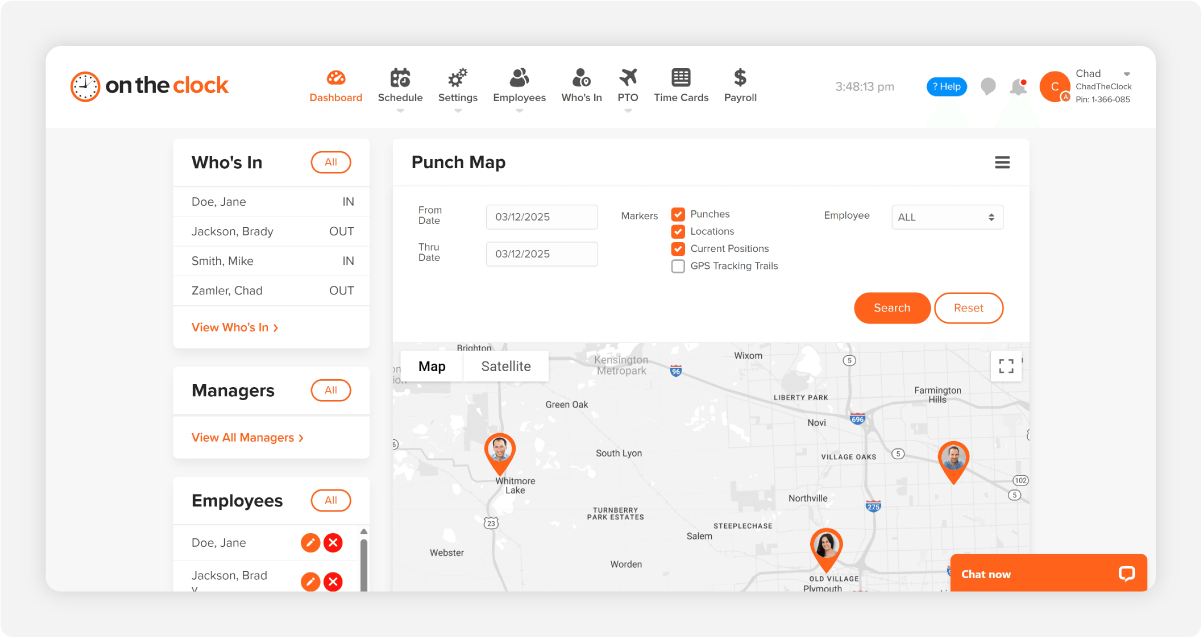
Each employee opens the OnTheClock app or a browser and taps clock in. If you want extra accountability, turn on GPS tracking or geofencing, which are both included at no cost.
cleaning-crew-gps-who-is-in
03
Watch hours update in real time from anywhere
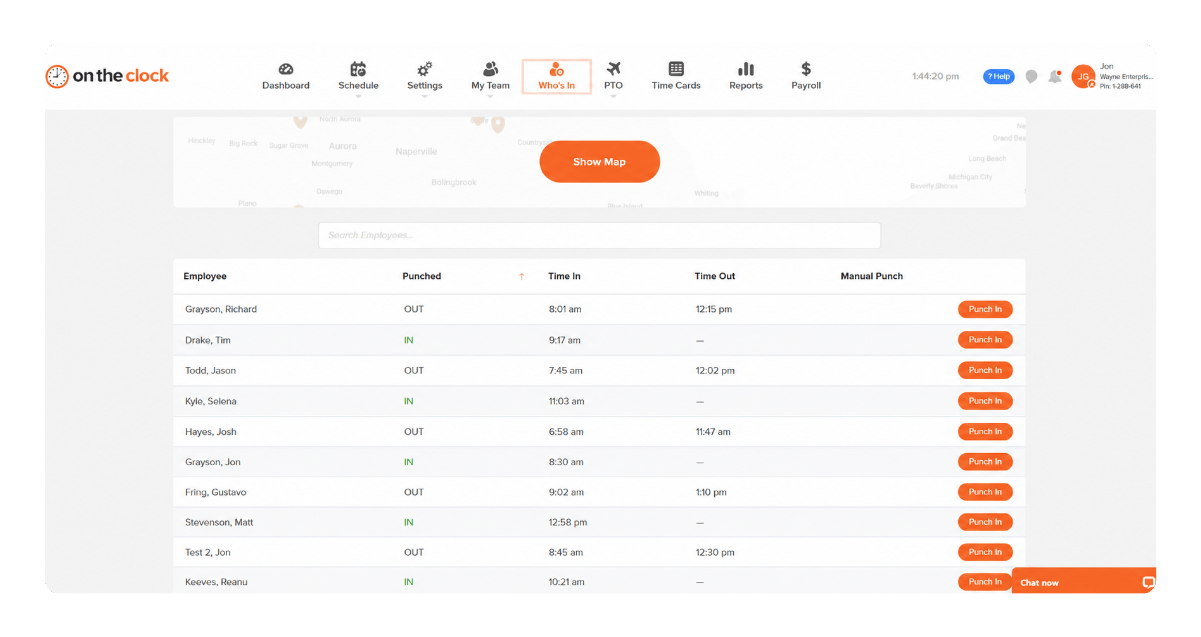
Your dashboard shows who's clocked in, who's on break, and how many hours each person has logged today, in real time. Check it from your phone at home or your laptop at the office, since everything runs in the cloud.
b12c23e0-de9f-4556-99fe-fc955f820d04
04
Approve and sync to payroll in one click
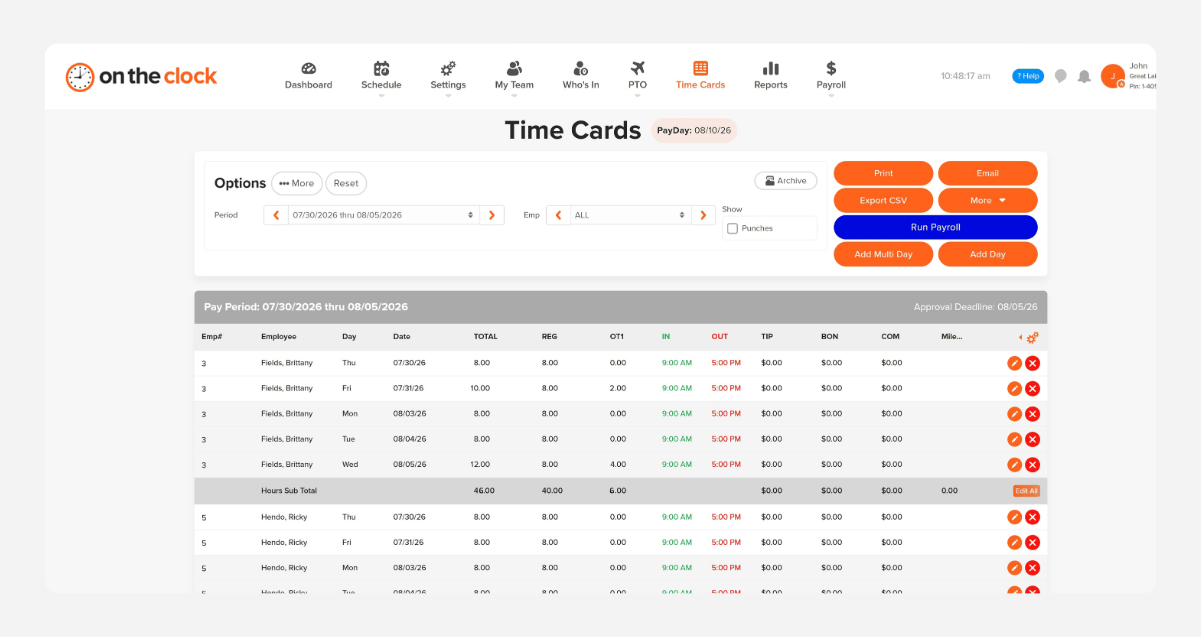
At the end of the pay period, review hours, approve them in one place, and push straight to payroll. QuickBooks, Gusto, ADP, Paychex, and Square are all supported, so there's no manual reentry and nothing to reconcile by hand.
payroll-export-screenshot-1
How OnTheClock compares
Feature OnTheClock uAttend TimeTrak
Starting price $5/month + $4/employee Hardware cost + monthly fee Contact for pricing
Hardware required None Yes (biometric terminal)  Optional 
Setup  Self-serve, same day   Ships hardware, requires setup   Requires a demo 
 Best for 
Small businesses that want to skip hardware entirely and get payroll built in  Businesses that want biometric hardware alongside cloud access   Mid-sized operations already evaluating enterprise time and attendance systems 
Photo capture at clock-in    Included   Not available  Included
OnTheClock is best for small businesses that want a cloud-based time clock with GPS tracking, anywhere access, automatic updates, job-level reporting, payroll integrations, transparent pricing, and real customer support.

What Our Customers Say 

★★★★★
"I looked at quite a few time card systems - including ones that were more expensive. OnTheClock was the best bang for the buck. I love how employees have it on their phone for easy punch in and punch out. Add tasks to know what people are working on and attribute time to it. If someone forgets to punch in or out, it is easy to fix and have hours recalculate. This is an excellent tool for keeping track of employee and contractor hours."

MR
Merance
★★★★★
"We only have a couple of contract employees, but this saves me a lot of time in figuring checks. A+"

KF
Kathy Fortner
★★★★★
"OnTheClock is a great tool for any small business or independent contractor to manage time spent on projects. I highly recommend it - especially to any independent contractors out there!"

JN
James Nichols
Transparent pricing

Simple pricing. No feature tiers. No surprises.

OnTheClock charges $4 per active employee per month plus a $5 base fee. That's it. Every feature, including GPS tracking, geofencing, scheduling, PTO management, audit trails, and payroll exports, is included from day one.
$0 /mo
0 active employees

Need payroll, too?

Need payroll too? OnTheClock Payroll runs $40/month plus $6 per employee with direct deposit, automated tax calculations, and the same dashboard your crew already uses for time tracking.

There are no feature upgrades. No plan switching. No "GPS is a Pro feature" surprises.
Start your free 30-day trial
No credit card required at sign-up.

 Common Questions About OnTheClock's Cloud-Based Time Clock 

No. OnTheClock runs on devices you already have: phones, tablets, or computers. A tablet kiosk is optional, not required.
 Yes. Your time data is backed up automatically, so you're not relying on a single machine or server. 
 No. OnTheClock requires an internet or Wi-Fi connection to clock in or access your dashboard. 
 No. OnTheClock does not import historical time data from other solutions. 
 You can reach OnTheClock's U.S.-based support team by live chat, phone, and email, typically resolving issues in three to four minutes. 

Stop guessing where every hour went

OnTheClock is a cloud-based time clock built for small businesses that want to track hours, manage PTO, and run payroll without installing anything. More than 16,000 businesses use OnTheClock, all from the cloud.

Try it free for 30 days. No credit card is required at sign-up. No demo is needed.