

Jump to section
Try OnTheClock Free
Save time and make payroll effortless with our easy-to-use, affordable employee time tracking app.
Try It FreeKey Takeaways
- ✔OnTheClock is the best pick for small dental practices. One plan at $5 a month plus $4 per user covers punches, scheduling, PTO, and overtime alerts.
- ✔A shared front desk computer invites bad punches. Selfies and facial recognition can help verify who clocked in, while individual PINs help identify the employee account used.
- ✔Practice management software may lack advanced time tracking. A dedicated time clock can help flag overtime before payday and reduce manual corrections.
- ✔Check the payroll connection first. A clock that exports to QuickBooks, Gusto, ADP, or Paychex ends payroll-night retyping.
- ✔Pricing was reviewed against official vendor websites in October 2026. Compare standard monthly subscription costs, confirm applicable add-ons, and test available free trials before choosing a platform.
The best time clock software for dental offices captures every hour from the front desk, the hygiene bays, and the operatories, then hands payroll one clean total. Accurate hours, verified punches, no Monday cleanup.
It's 5:50 p.m. on a Friday. Marisol runs the front office at a four-chair family practice, and she's closing out the week. One hygienist stayed late on a crown seat and forgot to clock out. A new assistant never clocked in at all. So Marisol is texting two people, squinting at a paper sheet, and guessing at start times. Payroll is due Monday. Here's the small math that makes it sting. Seven padded minutes per shift across eight hourly staff at $22 an hour quietly costs about $410 a month.
No single tool fits every practice the same way. We matched seven solutions to seven situations, starting with the pick for small dental practices.
What Dental Offices Actually Want from a Time Clock
Dental offices want one thing first: accurate hours that don't need a Monday rebuild. The day runs on appointments, not punch discipline. A hygienist running behind on a late patient shouldn't blow up the whole pay period.
They also want proof. Front desk staff, assistants, and hygienists often clock in from one shared computer, so the tool should support punch verification, such as selfies or facial recognition; PINs can identify accounts but may be shared. A clock that links to employee scheduling saves even more time, since the front desk roster and the punches finally match.
The right pick shifts with what you need most. A solo practice with five staff leans toward a free or affordable per-user plan. A group with three offices needs roles, permissions, and location proof that holds up across sites.
Quick Picks: The Best Time Clock Software for Dental Offices at a Glance
-
OnTheClock: Best for small dental practices
-
Homebase: Best free plan for one office
-
When I Work: Best for shift scheduling
-
Buddy Punch: Best for stopping buddy punching
-
Deputy: Best for multilocation dental groups
-
QuickBooks Time: Best for practices on QuickBooks
-
uAttend: Best for a biometric wall clock
How We Evaluated the Best Time Clock Software for Dental Offices
We judged each time clock by what actually matters in a busy practice, not by feature-sheet length. We compared every option against the eight needs dental offices keep raising using what we call the OnTheClock Dental Office Checklist:
-
Verified punches: selfies or facial recognition to help prevent buddy punching at a shared desk; PINs alone can be shared.
-
Front desk fit: a fast kiosk or tablet punch that doesn't slow down check-in.
-
Overtime handling: daily and weekly overtime alerts before the hours post.
-
Break tracking: records that meet state meal and rest break rules.
-
Role-based pay: different rates for hygienist, assistant, and front desk on one card.
-
PTO and sick leave: requests, accruals, and balances in one place.
-
Payroll connection: clean exports to QuickBooks, Gusto, ADP, or Paychex.
-
Price for a small team: total monthly cost for a five- to 15-person practice.
OnTheClock earns the top spot for small practices because it covers all eight of these needs in a single base plan: verified punches, scheduling, PTO, overtime alerts, role-based pay, and payroll exports, with none of those features held back for a higher tier. That depth at the base price is the basis for the small-practice label, not a ranking against the other picks. Each of those serves its own situation best.
The Best Time Clock Software for Dental Offices
Here are the best time clock software solutions for dental offices with the right pick for each situation. For each one, we cover whom it fits best, where it stands out, and where it may not be the right move.

OnTheClock: Best for Small Dental Practices
Available on: Web, iOS, Android
Why OnTheClock Is Best for Small Dental Practices
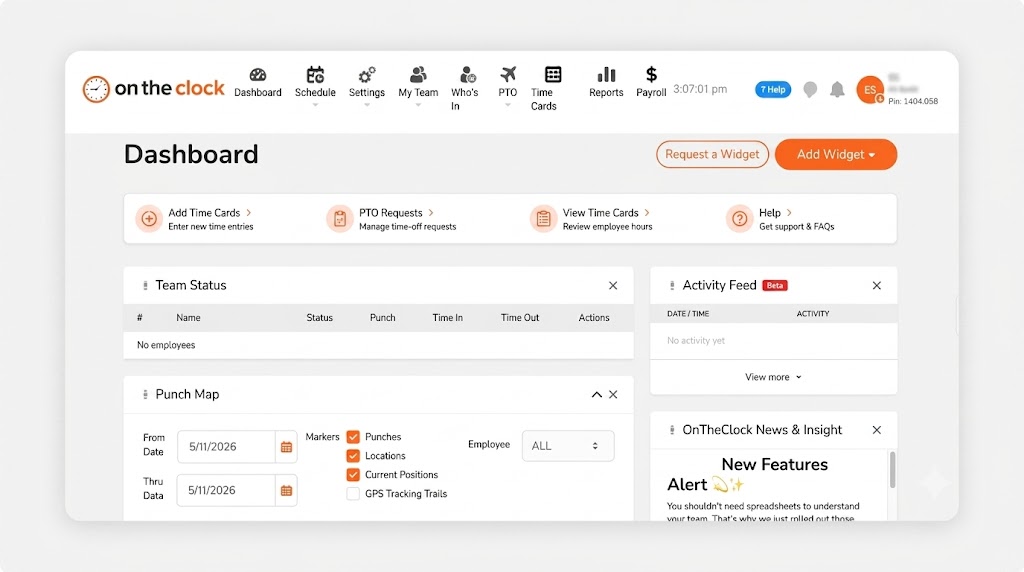
OnTheClock fits the practice that runs lean and wants payroll done quickly. Picture a four-chair office with two hygienists, two assistants, and a front desk lead. Staff punch from the front desk iPad, the office computer, or their phones, and the manager sees who's on the clock from one screen.
It meets every need on the Dental Office Checklist in the base plan. Selfies, GPS, and office restrictions add verification to punches, so a late crown seat never turns into a guessing game. Scheduling, PTO, overtime alerts, and role-based pay for hygienists, assistants, and front desk staff all come built in. More than 16,000 companies use OnTheClock, and it has earned strong customer ratings on review platforms.
Why OnTheClock Is Different
There's one plan and no feature gates. You pay a $5 base fee per month plus $4 per user, and verified punches, scheduling, PTO, and overtime alerts are included. For a 10-person practice, that's $45 a month, with nothing locked behind an upgrade.
It's a lighter tool than a full enterprise suite, and that's the trade-off. OnTheClock requires an internet or Wi-Fi connection to record punches, which can be an issue if your front desk network goes down. Its reporting is simpler than enterprise platforms, too, and payroll is a paid add-on. For a small practice that just wants clean hours, that's a fair deal. Want tighter punch proof at the desk? See the time clock with GPS.
Key Features
Pros
Cons
Pricing
- 30-day free trial, no credit card
- $5/month base plus $4 per user/month (see how OnTheClock pricing works)
- Optional payroll: $40/month base plus $6 per employee/month, with a one-time $250 implementation fee

Homebase: Best Free Plan for One Office
Available on: Web, iOS, Android
Why Homebase Is the Best Free Plan for One Office
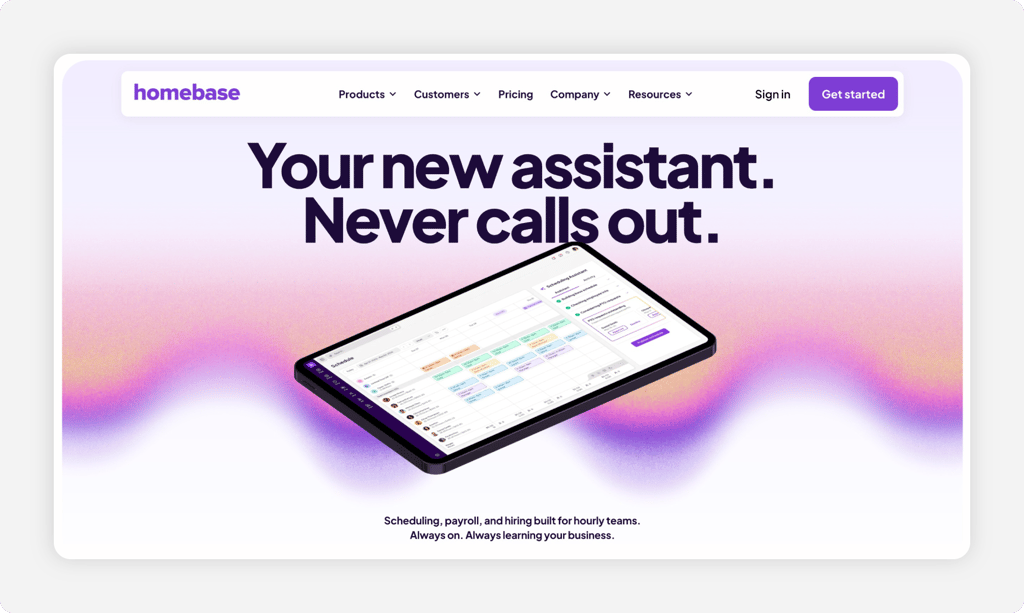
Run one office and want to start free? Homebase is built for that. The free Basic plan covers one location and up to 10 employees with scheduling and time tracking included. For a solo dentist with a small team, that's a real clock at no cost.
The value for one office is real. Staff clock in on a tablet, computer, or POS device, and the paid tiers add photo capture and location-based punches to verify who showed up. Pricing is the honest downside. Homebase charges per location, so the moment you open a second office, costs climb and the free plan no longer covers you. Paid plans start at $30 per location per month, with unlimited employees per paid location.
Key Features
Pros
Cons
Pricing
- Free Basic plan: one location, up to 10 employees
- Essentials: $30 per location/month, with unlimited employees
- Payroll add-on: $49/month base fee plus $6 per employee paid/month

When I Work: Best for Shift Scheduling
Available on: Web, iOS, Android
Why When I Work Is Best for Shift Scheduling
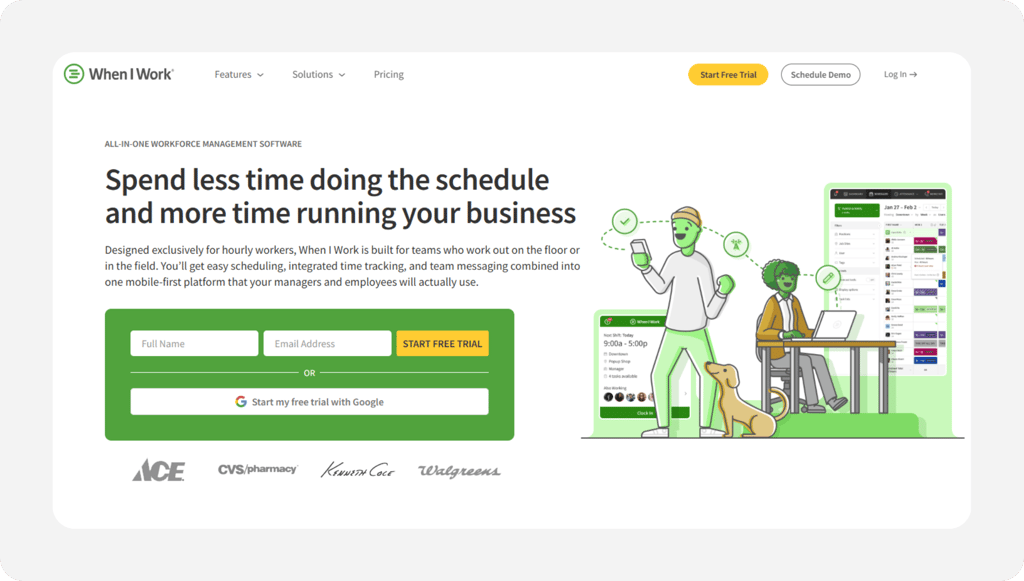
Scheduling is where When I Work shines. If you juggle part-time hygienists, floating assistants, and front desk coverage across changing days, its scheduling is fast and clean. Staff swap shifts, set availability, and pick up open slots from their phones.
Shift swaps and team messaging keep coverage tight when a hygienist calls out. When I Work also offers time-and-attendance tools alongside scheduling. Essentials starts at $2.50 per user/month, while Pro and Premium offer additional workforce management features. Confirm the final time and attendance price during signup. For a deeper look, see our When I Work review.
Key Features
Pros
Cons
Pricing
- 14-day free trial, no credit card
- Essentials: $2.50/user/month; Pro: $5/user/month; Premium: $8/user/month. Verify the total monthly cost with time and attendance enabled

Buddy Punch: Best for Stopping Buddy Punching
Available on: Web, iOS, Android
Why Buddy Punch Is Best for Stopping Buddy Punching
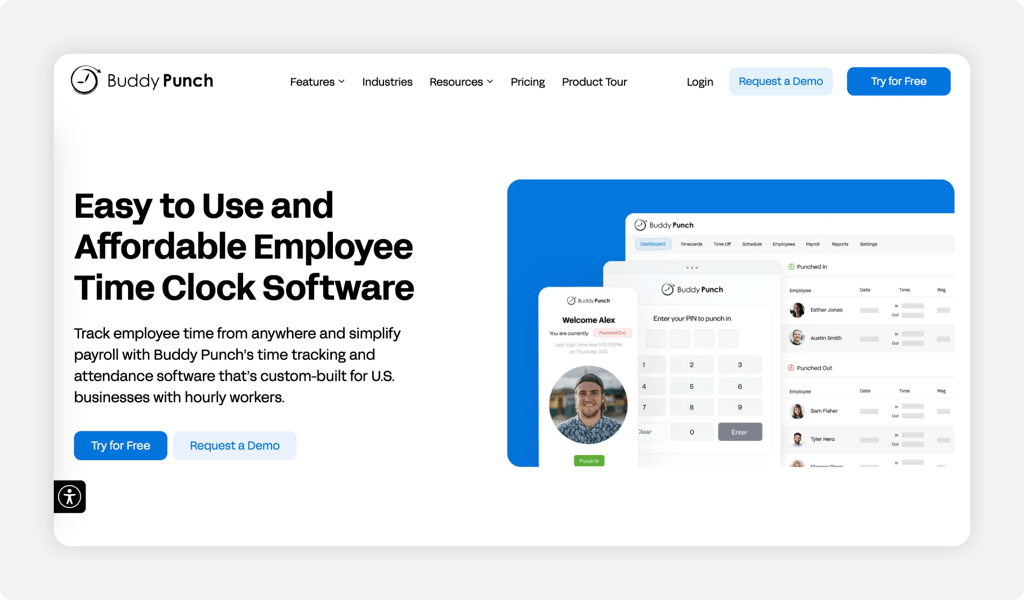
Suspect padded hours? Buddy Punch puts proof on every punch. When staff share one front desk computer, it's easy for one person to clock in another. Buddy Punch makes each punch carry evidence.
Identity verification is Buddy Punch's biggest strength. Its Pro plan supports webcam photos, shared-device PIN punching, and QR code scanning, giving managers additional ways to verify employee punches. It holds a 4.8-star rating on Capterra and G2. The base fee is the drawback. Every plan adds a $19 base charge on top of the per-user price, which nudges the real cost up for a small team. See our Buddy Punch alternatives for a cost comparison.
Key Features
Pros
Cons
Pricing
- Free trial available, no credit card is required at sign-up
- Starter: $5.99/user/month plus $19/month base fee; Pro: $7.99/user/month plus $19/month base fee; Advanced: $13.99/user/month plus $19/month base fee

Deputy: Best for Multilocation Dental Groups
Available on: Web, iOS, Android
Why Deputy Is Best for Multilocation Dental Groups
Deputy is built for the dental group that runs several offices and needs one view of all of them. If you manage three or four locations with shared hygienists and floating staff, Deputy keeps hours, roles, and permissions straight across sites.
It stands out for scale. Core adds biometric time clocking, demand forecasting, and labor budgeting, while Pro offers advanced permissions and reporting for multisite operations. One caution sits at the floor. Deputy sets a minimum monthly spend of $30 per invoice, so a very small practice pays more than the per-user rate suggests. See our Deputy alternatives if you run a single office.
Key Features
Pros
Cons
Pricing
- 31-day free trial, no credit card required at sign-up
- Lite: $5/user/month; Core: $6.50/user/month; Pro: $9/user/month. $30 minimum monthly invoice

QuickBooks Time: Best for Practices on QuickBooks
Available on: Web, iOS, Android
Why QuickBooks Time Is Best for Practices on QuickBooks
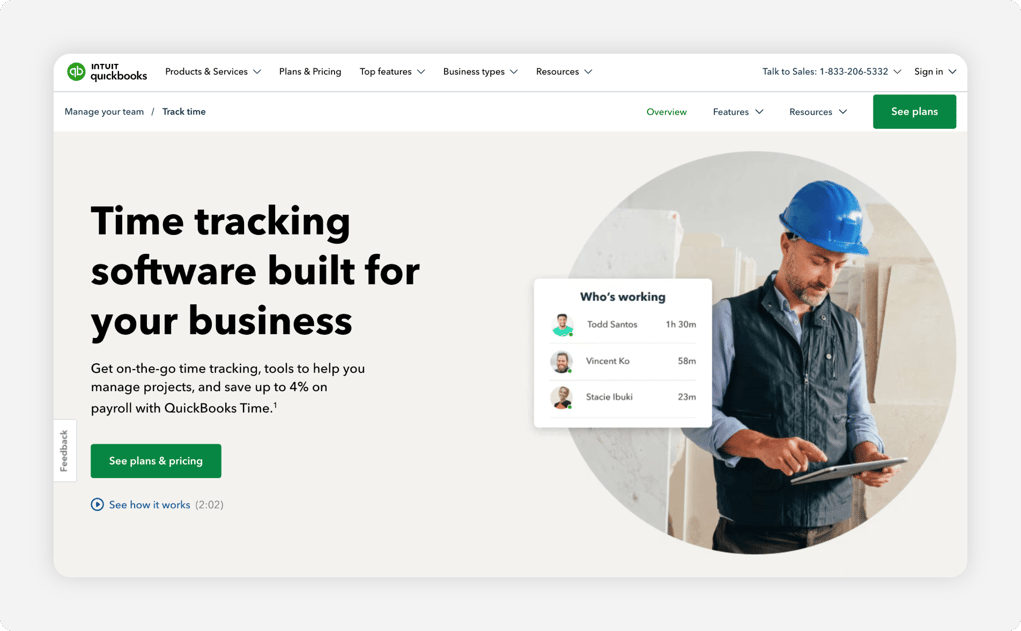
Already run payroll and books in QuickBooks? QuickBooks Time keeps hours in the same place. If your accountant lives in that ecosystem, hours flow straight into QuickBooks Payroll with no export step, which trims payroll-night work to minutes.
That tight sync is the draw, plus a kiosk, GPS, and mobile punches. Cost is the real concern. Premium costs $20 per month plus $10 per user, while Elite costs $40 per month plus $12 per user. A QuickBooks Online subscription is also required, adding to the total cost. If you don't use QuickBooks, the value drops quickly. Compare options in our QuickBooks Time alternatives article.
Key Features
Pros
Cons
Pricing
- 30-day free trial
- Premium: $20/month base plus $10 per user/month
- Elite: $40/month base plus $12 per user/month
- QuickBooks Online subscription is required

uAttend: Best for a Biometric Wall Clock
Available on: Web, iOS, Android, physical clocks
Why uAttend Is Best for a Biometric Wall Clock
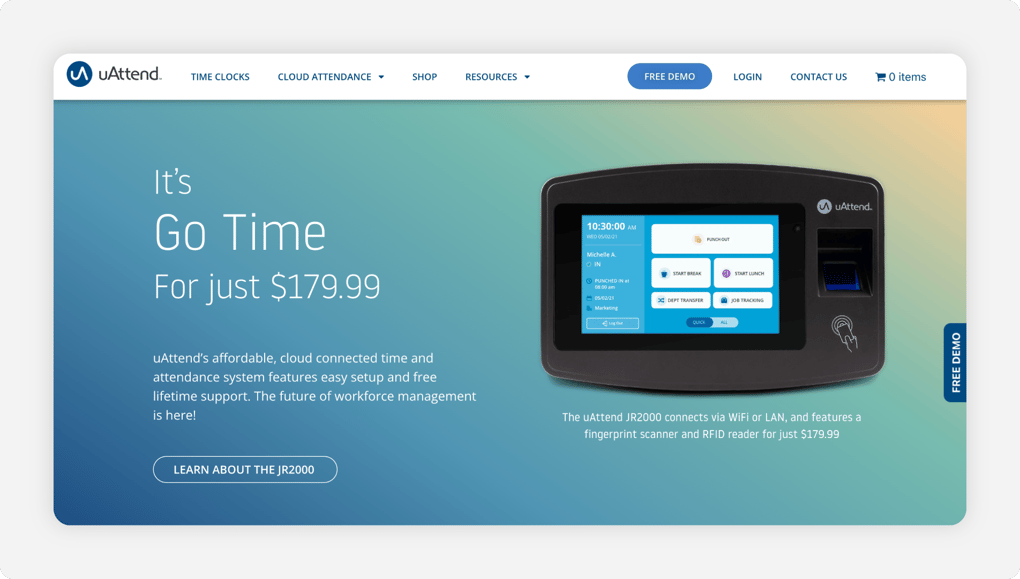
Some dental offices prefer a physical time clock near the break room instead of relying exclusively on an app. uAttend pairs cloud-based software with fingerprint and facial recognition wall clocks, giving employees a designated place to clock in and out.
Hardware is the difference. The biometric clock ties each punch to a real person, which is hard to fake, and the cloud dashboard pulls every punch into one report. The model is the trade-off. Subscriptions are priced by employee count, while physical time clocks are purchased separately, so the upfront cost is higher than an app-only tool. Pricing starts at $29 per month for one to nine employees.
Key Features
Pros
Cons
Pricing
- 30-day free trial
- From $29/month for one to nine employees; physical clocks sold separately
Side-by-Side Comparison
| Tool | Best For | Pricing | Key Strengths | Top Integrations |
|---|---|---|---|---|
| OnTheClock | Small dental practices | $5 base + $4/user/month | All features in base plan, verified punches, role pay | QuickBooks, Gusto, ADP, Paychex |
| Homebase | Free for one office | Free for up to 10 employees; paid from $30/location/month | Free single-office plan, scheduling, photo punch | QuickBooks, Gusto, ADP, Square |
| When I Work | Shift scheduling | From $2.50/user/month; confirm attendance pricing | Strong scheduling, shift swaps, messaging | QuickBooks, Gusto, ADP, Paychex |
| Buddy Punch | Stopping buddy punching | From $5.99/user/month + $19 monthly base fee | Webcam photos, PIN kiosk, and QR scanning on Pro | QuickBooks, Gusto, ADP, Paychex |
| Deputy | Multilocation dental groups | From $5/user/month ($30/month min) | Multisite view, biometric clocking on Core, forecasting | QuickBooks, Gusto, ADP, Xero |
| QuickBooks Time | Practices on QuickBooks | Premium: $20 base + $10/user/month | Native QuickBooks sync, kiosk, GPS | QuickBooks, Gusto |
| uAttend | A biometric wall clock | From $29/month (one to nine staff) | Fingerprint and facial wall clocks | QuickBooks, ADP, Paychex, Gusto |
Comparison data reviewed October 2026 against official vendor websites. Pricing reflects standard monthly subscriptions, excluding promotional discounts. Prices and features are subject to change.
What's the Best Time Clock Software for Dental Offices?
The best option isn't the longest feature list; it's the one that fits your office. Most small practices want verified hours, simple pricing, and a clean handoff to payroll.
Start with one question: Where does your week break down?
- Want every need covered in one cheap plan? OnTheClock fits a small practice.
- Run one office and want a free start? Homebase covers it.
- Fighting padded punches at a shared desk? Buddy Punch offers additional methods to verify punches.
The right tool removes friction from the problem you hit most, so payroll stops eating your Monday.
What Dental Time Clock Software Actually Does
Dental time clock software records when your staff start and stop work, then turns those punches into payroll-ready hours. Staff clocks in from a front desk tablet, a computer, or a phone, and the system stamps each punch with a time and, depending on the tool, additional verification information.
For a dental office, it adds the parts a basic practice management clock skips. It tracks overtime, meal and rest breaks, PTO, and different pay rates for hygienists, assistants, and front desk staff. The simple point: One accurate record, ready for payroll, with no rebuild.
Who in a Dental Office Needs Time Clock Software?
Any practice with hourly staff benefits, and the math changes quickly once you pass a few employees. A solo dentist with one assistant can track hours by hand. A practice with five or more hourly people cannot, at least not without errors.
Hygienists, dental assistants, front desk staff, sterilization techs, and office coordinators are usually nonexempt hourly workers. If you're chasing missed punches, fixing time sheets every Monday, or guessing at overtime, you're the audience this software serves.
Why Dental Offices Rely on Time Clock Software
Accuracy protects your margin. A dental office runs on tight schedules and thin admin time, so an hour spent rebuilding the week is an hour stolen from patients and billing. Punch verification can reduce the need for manual checks.
The old way fails because it leans on memory and paper. A hygienist forgets to clock out after a late patient, an assistant skips a punch, and the front desk fills gaps from texts. A real clock catches missed punches, flags overtime early, and keeps records you can stand behind. Practices already using time tracking for dental offices close payroll before they leave for the night.
Key Features Dental Time Clock Software Should Have
Before comparing prices, make sure any tool covers the basics a practice actually needs.
-
Verified punches: a selfie or facial recognition to help deter buddy punching.
-
Front desk kiosk: a fast tablet or computer punch that fits real patient flow.
-
Overtime alerts: daily and weekly warnings before staff cross 40 hours.
-
Break tracking: records that meet your state's meal and rest break rules.
-
Role-based pay rates: separate rates for hygienist, assistant, and front desk.
-
Payroll exports: clean handoff to QuickBooks, Gusto, ADP, or Paychex.
How to Choose the Proper Time Clock Software for Your Dental Office
Step 1: Count your staff, roles, and offices
Start with the numbers that drive price. Count your hourly staff, the roles they cover, and how many offices you run. A solo practice with six staff pays very differently than a group with three locations.
Do the simple math. OnTheClock for eight staff is $5 plus eight times $4, or $37 a month. A tool with a base fee, like Buddy Punch, adds $19 a month on top of the per-user rate. At $5.99 per user/month, Buddy Punch Starter costs $66.92 per month for eight employees. Knowing your count now saves a surprise later.
Step 2: Name your single biggest time tracking problem
Pick the one leak that costs you most. For many practices, it's buddy punching at a shared front desk, or hours that go missing after a late patient.
Be honest about it. If staff clock in for each other, consider selfies, a fingerprint reader, or facial recognition at the punch. A PIN alone may be shared. If hours vanish, you need auto punch-outs and missed-punch alerts. Choose the tool that fixes that problem first.
Step 3: Match the punch method to your front desk
Your office layout decides the punch. A shared front desk suits a tablet kiosk or a computer punch. A practice that wants a fixed spot may prefer a biometric wall clock like uAttend.
Think about flow. Check-in is busy, so the punch has to take seconds, not minutes. Confirm the tool supports the method your team will actually use between patients, whether that's a kiosk, a phone, or a wall unit.
Step 4: Handle overtime and state break rules
Dental days run long, and overtime sneaks up after a packed schedule. A few late seats over the course of a week can push a part-time hygienist past 40 hours without anyone noticing until payroll.
Get ahead of it. Under the FLSA, covered, nonexempt employees generally earn at least 1.5 times their regular rate for hours worked beyond 40 in a workweek. Some states have additional overtime requirements. Many states also set their own meal and rest break rules, so pick a clock with overtime alerts and break tracking that keep records clean.
Step 5: Confirm the payroll connection
The clock is only half the job. Hours have to reach payroll without retyping, or you trade one chore for another.
Match the tool to your payroll. If you use QuickBooks, Gusto, ADP, or Paychex, pick a clock that exports cleanly to it. OnTheClock connects to all of those, and QuickBooks Time syncs natively if your books already live in QuickBooks.
Step 6: Plan around your practice management software
Many dental offices use practice management software that may include basic employee time tracking. However, those systems do not always provide the overtime calculations, break tracking, and multiple pay-rate options needed for payroll.
Decide how the two fit. A dedicated time clock handles the labor side while your practice software runs the schedule and charts. Keep the time clock as the single source for paid hours, so there's no second number to reconcile.
Step 7: Set roles and pay rates before you launch
Dental teams mix pay rates, so set them once and let the clock do the work. A hygienist, an assistant, and a front desk lead each earn a different rate, and part-time or PRN staff add more lines.
Build it right the first time. Enter each person's role and rate, configure overtime and break rules, and review the calculated hours before each payroll run. Proper setup can reduce recurring payroll corrections. That setup hour saves hours of fixes later.
Step 8: Run a free trial through one full pay period
Never buy on a demo alone. Run the tool through one real pay period with your actual staff and a normal patient schedule.
You'll see what a slideshow hides: how fast the punch is at a busy check-in, whether missed punches get caught, and whether hours export cleanly to payroll. Several options, including OnTheClock, offer free trials without requiring a credit card. Take advantage of these trials to evaluate the software before making a purchase.
How to Roll Out Time Clock Software in Your Dental Office
-
Train at a morning huddle. Walk staff through a punch in five minutes before the first patient. Hands-on beats a long manual.
-
Set the rules up front. Turn on verified punches, early-punch blocks, and overtime alerts from day one, so good habits start early.
-
Post the labor law basics. Share the overtime rules with your team. The U.S. Department of Labor explains overtime pay in its Fact Sheet #23 on overtime.
Frequently Asked Questions
What's the best time clock software for dental offices?
For small dental practices, OnTheClock is the best fit. It covers verified punches, scheduling, PTO, and overtime alerts in a single plan for $5 per month plus $4 per user. Larger groups may prefer Deputy for multiple offices, and practices already on QuickBooks may prefer QuickBooks Time.
How much does dental time clock software cost?
Most tools run $2.50 to $10 per user a month, and some add a base fee. OnTheClock is $5 a month plus $4 per user. Homebase offers a free plan for one office with up to 10 employees, while Buddy Punch and QuickBooks Time charge a base fee in addition to the per-user rate.
How does a time clock stop buddy punching at the front desk?
It ties each punch to a person. Selfies and facial recognition can provide visual evidence of who clocked in, while individual PINs identify employee accounts but may still be shared. OnTheClock includes selfie and device controls in its base plan, while Buddy Punch offers additional verification methods and uAttend supports biometric wall clocks.
Can a time clock handle different pay rates for hygienists and assistants?
Yes. The best tools let you set a separate rate for each role or person, so a hygienist, an assistant, and a front desk lead each get paid correctly. OnTheClock supports role-based pay rates, and part-time, per-diem, and PRN staff clock in the same way as full-time employees.
Does dental time clock software work with my practice management system?
It works alongside it. Your practice software runs the schedule and charts, while the time clock tracks paid hours, overtime, and breaks that a basic built-in clock often skips. Keep the time clock as the single source for payroll hours, then export to QuickBooks, Gusto, ADP, or Paychex.
Does a time clock help dental offices follow labor laws?
Yes. Accurate punch records, break tracking, and overtime alerts help you meet federal and state labor law. The records also give you proof if a wage or overtime question ever comes up, which matters when long patient days push staff past 40 hours in a week.
Stop reconciling time sheets every Monday.
Give your dental office a time clock that fits real patient flow and hands payroll clean hours.
No credit card is required at sign-up, and you'll be set up in minutes.
