

Jump to section
Try OnTheClock Free
Save time and make payroll effortless with our easy-to-use, affordable employee time tracking app.
Try It FreeKey Takeaways
- ✔OnTheClock is the top pick for small therapy practices. Kiosk punching, scheduling, PTO, and overtime alerts sit in one $5 base plus $4 per user plan.
- ✔A shared front desk invites bad punches. Photo capture, PIN kiosks, and Face ID prove who actually clocked in between sessions.
- ✔Real free plans exist. Jibble covers unlimited users for free, and Homebase covers one location with up to 10 employees.
- ✔Check the payroll connection before anything else. A clock that syncs with Gusto, QuickBooks, or ADP ends payroll-night retyping.
- ✔Every price below came from each vendor's own site in June 2026. Run your trial through one full pay period before you commit.
The best time tracking software for therapists earns its keep at one moment: payroll day, when every hour from the front desk, the billing nook, and the therapy room has to add up without a guess.
How many hours did your practice actually pay for last week? If you reached for a paper sheet to answer, you already know the problem.
A counseling office runs on overlapping hourly roles. The receptionist clocks in at 8:55 a.m. The intake coordinator covers a late session, and a massage therapist or a PT aide floats between rooms. When those hours live on sticky notes and memory, payroll night turns into detective work, and a few padded minutes per shift add up to real money.
No single tool fits every practice the same way. We matched seven to seven situations, starting with the pick for small practices.
What Therapists Actually Want From Time Tracking
Accuracy without slowing the day down. That's the whole ask, and it sits on top of nearly every G2 and Capterra review of the tools below.
Four complaints repeat:
- Punches that show up when nobody was working.
- Hours scattered across the front desk and the back office.
- Payroll night spent rebuilding the week by hand.
- Constant manual corrections to fix missed or duplicate punches.
One verified record clears most of that. Practices already running digital time tracking for medical practices close payroll before they leave for the night.
Quick Picks: The Best Time Tracking Software for Therapists at a Glance
-
OnTheClock: Best for small therapy practices
-
Homebase: Best for single-location practices
-
Jibble: Best free for unlimited users
-
When I Work: Best for scheduling hourly clinical staff
-
Buddy Punch: Best for stopping buddy punching
-
QuickBooks Time: Best for practices already on QuickBooks
-
Connecteam: Best for multilocation therapy groups
How We Evaluated the Best Time Tracking Software for Therapists
We scored each tool against eight needs a therapy office raises, not against feature-sheet length. We call the set the OnTheClock Therapy Practice Checklist:
-
Punch accuracy: Does it prove who clocked in, not just when?
-
Shared-desk fit: Can a kiosk or PIN handle staff rotating through one front desk?
-
Payroll sync: Do hours reach Gusto, QuickBooks, or ADP without retyping?
-
Scheduling: Can you build clinical and reception shifts in the same tool?
-
PTO tracking: Does it log time off and accruals for hourly staff?
-
Overtime and breaks: Does it flag overtime and meal breaks for nonexempt workers?
-
Ease of use: Can a part-time office manager run it without training?
-
Total cost: What's the real monthly price for a small practice?
Pricing splits these tools more than features do. Some run free for a small team, some charge per user, and a couple add a flat base fee on top. The comparison table below lists every verified price side by side, so you can match the model to your head count before you trial anything.
OnTheClock meets all eight needs in its base plan, with no core feature held behind a higher tier.
The Best Time Tracking Software for Therapists
Below, the best time tracking software for therapists, matched to the practice each one fits. For every tool: who it suits, where it leads, and where it falls short.

OnTheClock: Best for Small Therapy Practices
Available on: Web, iOS, Android
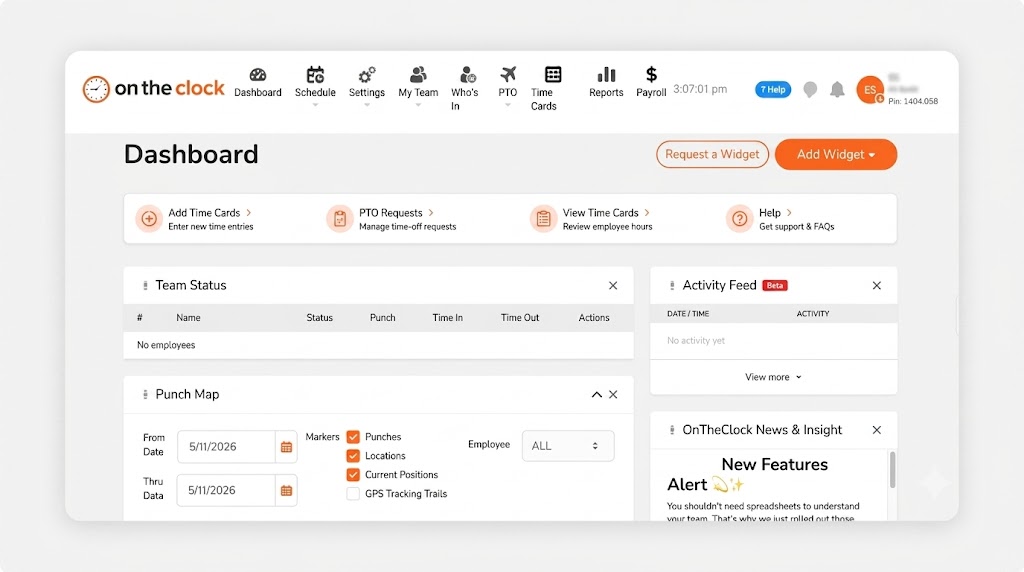
Why OnTheClock Is Best for Small Therapy Practices
OnTheClock fits the owner who runs intake, covers the desk, and still closes payroll after the last client leaves. One tablet at the front becomes a kiosk. Clinicians punch from the phone. Every hour lands in one place. The typical buyer is an office manager or a clinician-owner with five to 20 hourly staff.
It clears all eight checklist needs in the base plan. Kiosk and mobile punching, drag-and-drop employee scheduling, PTO, overtime alerts, and payroll integrations ship standard. One reviewer on the OnTheClock site called it the system with "the most features for the price."
Why OnTheClock Is Different
One plan, no fine print. You pay $5 base plus $4 per user a month (and that $4 is the full per-seat cost, not a teaser rate that jumps at renewal). Features come included, not gated. A six-person practice pays $29 a month, and the trial runs 30 days with no credit card.
OnTheClock needs an internet or Wi-Fi connection to punch. It also runs lighter on deep project-cost reporting than enterprise field tools, which a desk-based practice rarely opens.
Key Features
Pros
Cons
Pricing
- 30-day free trial, no credit card
- $5/month base plus $4 per user/month (see how OnTheClock pricing works)

Homebase: Best for Single-Location Practices
Available on: Web, iOS, Android
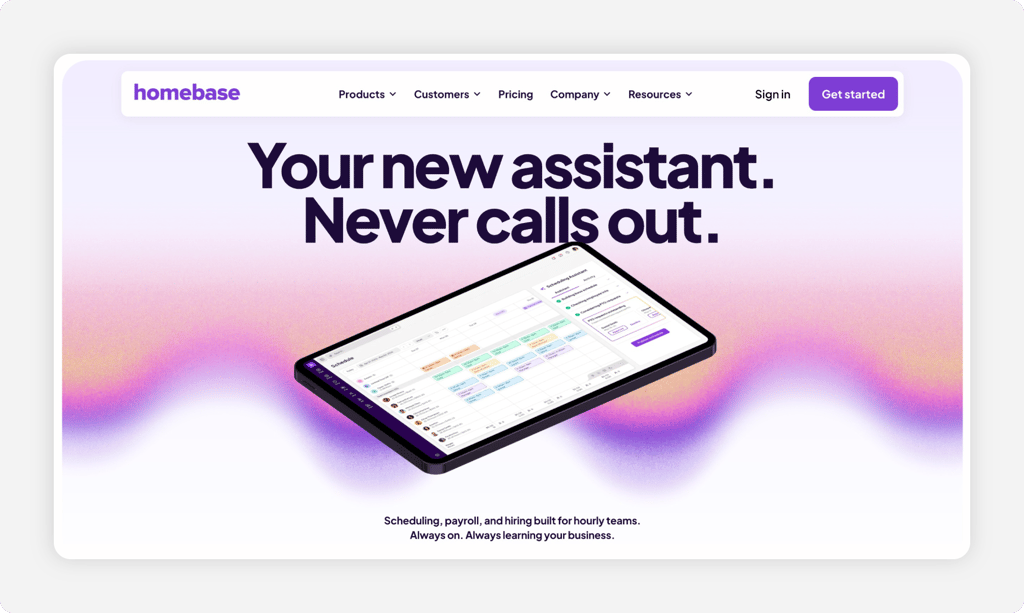
Why Homebase Is Best for Single-Location Practices
Homebase is free for one location with up to 10 employees. That covers a solo counseling office or a small PT clinic under one roof. A tablet, a computer, or a POS device turns into a time clock, and a snapshot photo can fire at each punch.
The cost climbs the moment you grow. Homebase prices per location, so a second site doubles the bill. Payroll stays an add-on even on the top plan, and reviewers note it tracks time to the nearest minute, not the second.
Key Features
Pros
Cons
Pricing
- Free Basic plan: one location, up to 10 employees
- Essentials $24 per location/month billed annually, or $30 month to month; payroll add-on $39 base plus $6 per employee

Jibble: Best Free for Unlimited Users
Available on: Web, iOS, Android
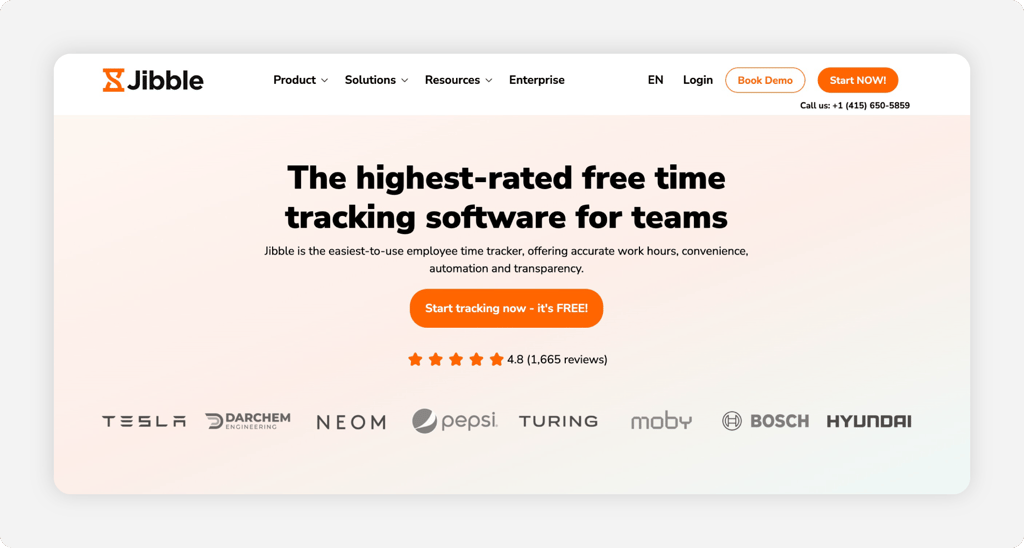
Why Jibble Is Best Free for Unlimited Users
Jibble's free plan covers unlimited users. Core time tracking, kiosk mode, facial recognition, and GPS stay free for good, so a practice adding seasonal aides keeps everyone on the free tier with no head count to watch.
Facial recognition at zero cost is the standout (and it's matching a face to a saved staff profile, not running it against any outside database). The limits are real. There's no built-in payroll, so you export hours or rely on an integration. PTO accruals, multilevel approvals, and live location sit behind paid tiers, and support opens with a chatbot.
Key Features
Pros
Cons
Pricing
- Free plan: unlimited users, core time tracking
- Premium $3.49 per user/month billed annually ($4.99 month to month); Ultimate $6.99 per user/month annually

When I Work: Best for Scheduling Hourly Clinical Staff
Available on: Web, iOS, Android
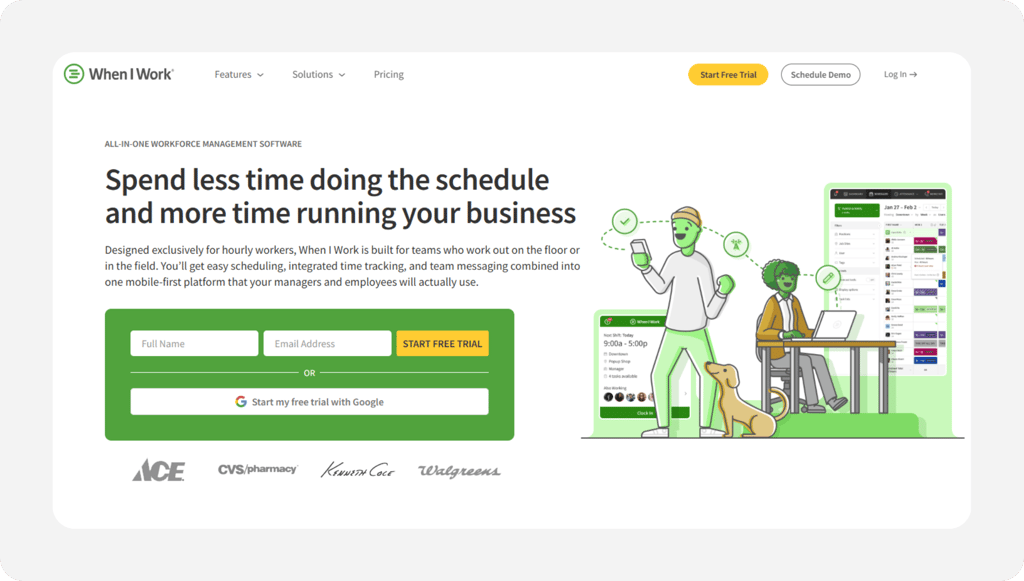
Why When I Work Is Best for Scheduling Hourly Clinical Staff
When I Work leads on the schedule. Rotating clinicians, shift swaps, open shifts, coverage gaps: its scheduling engine handles all of it from the app, and the schedule links to attendance once you switch it on.
Time tracking and attendance is a paid add-on stacked on the base scheduling plan, so the real price runs above the sticker. Reviewers flag mobile app bugs and missed clock-out alerts, and there's no offline punching. Our full When I Work review has the rest.
Key Features
Pros
Cons
Pricing
- 14-day free trial
- $2.50 to $8 per user/month for scheduling, with time and attendance added on

Buddy Punch: Best for Stopping Buddy Punching
Available on: Web, iOS, Android
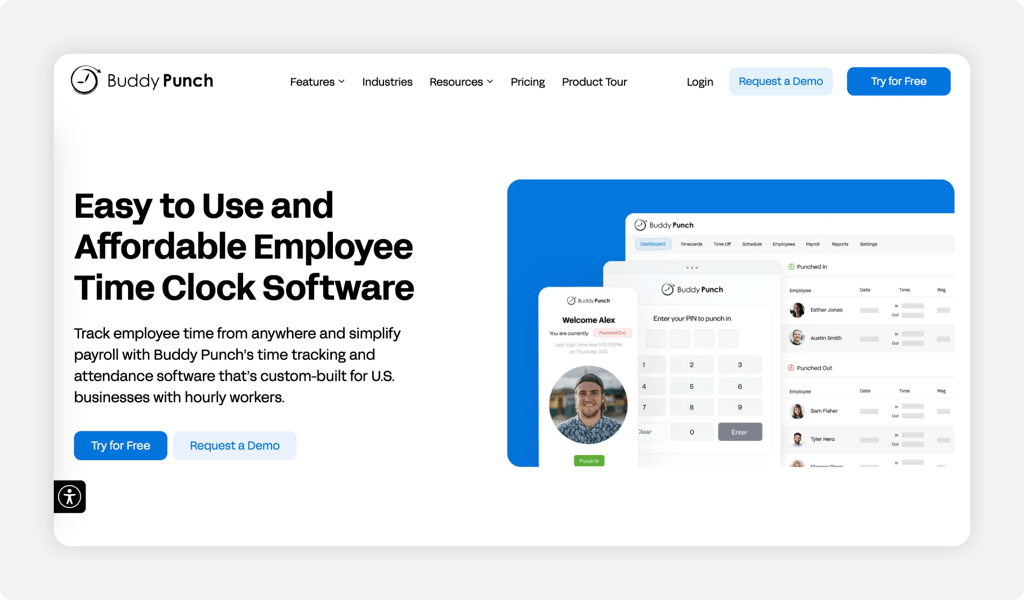
Why Buddy Punch Is Best for Stopping Buddy Punching
Buddy Punch verifies identity at the punch. A webcam photo fires at each clock-in, Face ID confirms the person, and the staffer getting paid is the one who showed up. For a busy reception desk where people cover for each other, that proof settles a dispute fast.
The verification works. PIN and kiosk punching come standard, and geofencing arrives on the higher tiers. The costs add up, though. Every plan carries a $19 monthly base fee, there's no free plan, and GPS, geofencing, and the webcam live on the Pro tier and above. Reviewers also report no offline mode and the occasional slow load.
Key Features
Pros
Cons
Pricing
- 14-day free trial, no free plan
- Starts at $5.49 per user/month plus a $19 base fee (Starter, month to month); webcam and geofencing on the Pro tier

QuickBooks Time: Best for Practices Already on QuickBooks
Available on: Web, iOS, Android
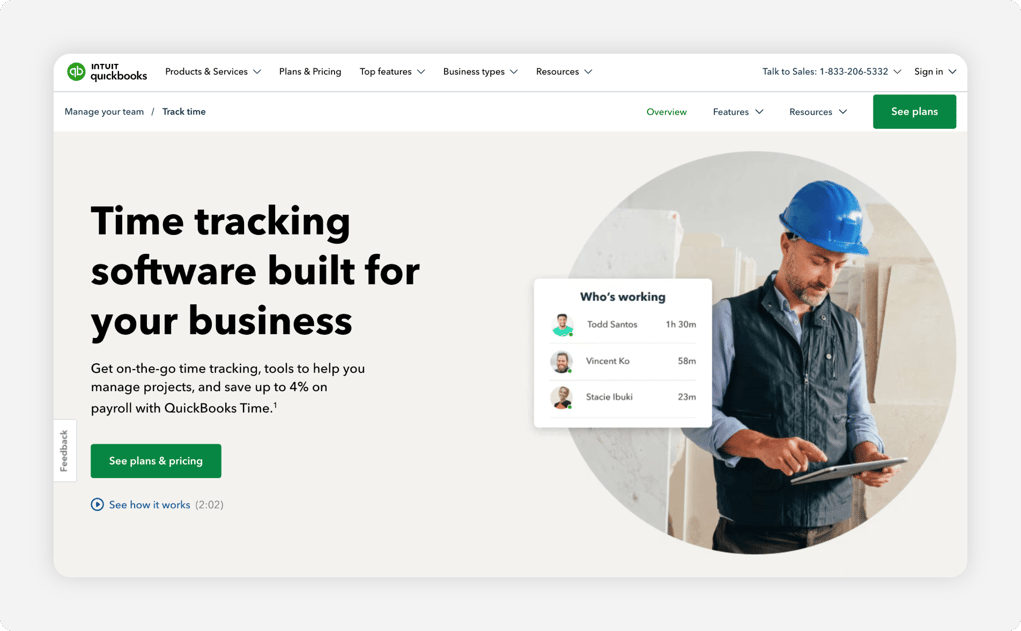
Why QuickBooks Time Is Best for Practices Already on QuickBooks
QuickBooks Time pays off when your books already live in QuickBooks. Hours flow into payroll and the ledger with no second system to reconcile. A time kiosk, GPS, mileage, and photos on time sheets all ship inside it.
The fit is narrow by design. It requires a QuickBooks Online subscription, which makes it the priciest pick here for a standalone clock. Reviewers report app crashes, slow support, and approvals that route through a single person. Our QuickBooks Time alternatives guide covers leaner options.
Key Features
Pros
Cons
Pricing
- 30-day free trial; QuickBooks Online account required
- Time Premium $20/month base plus $8 per user/month; Time Elite $40/month base plus $10 per user/month

Connecteam: Best for Multilocation Therapy Groups
Available on: Web, iOS, Android
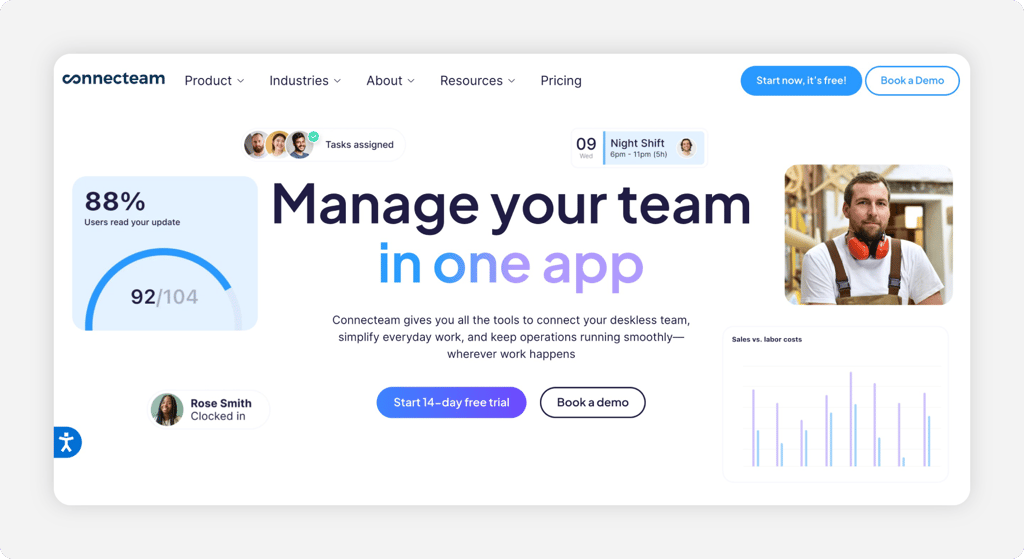
Why Connecteam Is Best for Multilocation Therapy Groups
Connecteam is built for a group spread across sites. GPS clock-ins, scheduling, team chat, and checklists all run from one mobile-first app for staff who rotate between offices. Its fixed price for the first 30 users keeps a growing roster's cost flat.
Weigh two cautions. Connecteam splits features across three separate hubs, which muddies the pricing, and it has no built-in payroll. Reviewers mention a setup curve and battery drain from background GPS.
Key Features
Pros
Cons
Pricing
- Free Small Business Plan for up to 10 users
- Operations Hub paid plans start at $29/month for the first 30 users (billed annually)
Side-by-Side Comparison
| Tool | Best For | Pricing | Key Strengths | Top Integrations |
|---|---|---|---|---|
| OnTheClock | Best for small therapy practices | $5 base + $4/user/month | Kiosk, scheduling, PTO, overtime alerts in base plan | Gusto, QuickBooks, ADP |
| Homebase | Single-location practices | Free, then $24/location/month | Free one-location plan, photo capture | Gusto, QuickBooks, Square |
| Jibble | Free for unlimited users | Free, then $3.49/user/month | Free unlimited users, facial recognition | QuickBooks, Slack, Teams |
| When I Work | Scheduling hourly clinical staff | $2.50 to $8/user/month + add-on | Shift swaps, open shifts, messaging | Gusto, QuickBooks, ADP |
| Buddy Punch | Stopping buddy punching | $5.49/user/month + $19 base | Webcam photo and Face ID on punches | Gusto, QuickBooks, Paychex |
| QuickBooks Time | Practices already on QuickBooks | $20 base + $8/user/month | Tight QuickBooks sync, kiosk, GPS | QuickBooks, Gusto |
| Connecteam | Multilocation therapy groups | Free, then $29/month for 30 users | GPS across sites, scheduling, chat | Gusto, QuickBooks, Paychex |
Comparison data verified June 2026 against each vendor's own site; subject to change by respective providers.
What's the Best Time Tracking Software for Therapists?
The best tool is the one that fixes your worst payroll-day problem. Not the longest feature list.
Start with the part that breaks most often.
- Want every core feature in one plan? OnTheClock fits a small practice.
- Want to start free under one roof? Homebase or Jibble fit.
- Tired of punches you can't trust? Buddy Punch verifies each one.
- Running several sites at once? Connecteam holds them together.
What Is Time Tracking Software for Therapists?
Time tracking software for therapists is a digital clock for hourly staff. It records start and stop times, then turns those punches into time sheets payroll can use.
Staff clock in from a tablet kiosk, a phone, or a computer. The tool adds what paper can't: verified punches, automatic overtime math, PTO balances, and a clean payroll export.
Who Needs Time Tracking Software for Therapists?
Any therapy practice that pays by the hour needs it once a few people share a desk. The threshold is roughly three or four hourly workers, the point where you stop remembering everyone's hours.
Counseling offices, physical therapy clinics, occupational and speech therapy groups, and massage practices all qualify. If you chase scattered hours every Friday, you're the audience.
Why Therapists Rely on Time Tracking Software
Margins are thin and the roles overlap. Front desk, billing, aides, and clinicians clock different schedules in the same small space, so accuracy ties straight to payroll cost.
Most owners run payroll after the last client leaves, which is exactly when tired eyes round numbers and miss a punch. A digital clock with verified punches and PTO tracking replaces the paper sheet with one shared record.
Key Features Time Tracking Software for Therapists Should Have
Cover the basics before you compare prices.
-
Verified punches: Photo, PIN, or facial recognition to prove who clocked in.
-
Kiosk mode: One tablet at the front desk that any staffer can use.
-
Payroll sync: A clean export to Gusto, QuickBooks, or ADP.
-
Scheduling: Build reception and clinical shifts in the same place.
-
PTO and overtime: Automatic balances and overtime flags for nonexempt staff.
-
Simple reporting: Time sheets a part-time manager can read at a glance.
How to Choose the Proper Time Tracking Software for Therapists
Step 1: Count your team and locations, then do the math.
Two numbers decide the pricing model. How many hourly people you pay, and how many offices you run.
A per-user tool like OnTheClock charges by head. A per-location tool like Homebase charges by site. Run a real example. A single office with six hourly staff pays $29 a month on OnTheClock, the $5 base plus six times $4. The same six on a per-location free plan might cost nothing at one site, yet a second office doubles that per-location bill while the per-user price barely moves. Map your own numbers first.
Step 2: Name the one problem you're solving first.
Buy a fix, not features. Write down the single thing that goes wrong most on payroll day.
Punches you can't trust point to photo or Face ID verification. Schedule chaos points to scheduling. Scattered hours point to a shared kiosk that puts everyone on one record. A second location points to a multisite tool. Match the spend to the one answer that costs you the most.
Step 3: Match the punch method to your front desk.
A therapy office isn't a job site. Most staff clock in from one shared workstation between clients, so a tablet kiosk with a PIN or photo usually fits reception.
Think about who else punches and where. A massage therapist or a PT aide moving between rooms may prefer the mobile app. Pick a tool that runs both a fixed kiosk and a phone, so nobody waits on one device.
Step 4: Check the payroll connection.
This step saves your evenings. Clean hours have to reach payroll without retyping, so confirm the export before you sign up.
OnTheClock syncs with Gusto, QuickBooks, ADP, Paychex, and SurePayroll. A tight QuickBooks link helps if your bookkeeper already works there. Federal law requires you to keep accurate records of hours worked for nonexempt employees, so a clean digital trail covers you in an audit.
Step 5: Decide whether you need scheduling and PTO too.
A clock that only records punches solves half the problem. A tool that bundles scheduling and PTO removes a second spreadsheet.
Built-in scheduling shows coverage at a glance, and PTO tracking keeps the time-off request on the same record as the hours. Run those in email and a separate calendar, and you reconcile them by hand every cycle.
Step 6: Confirm it handles overtime and breaks for nonexempt staff.
Hourly therapy staff are almost always nonexempt. Overtime and meal-break rules apply, so the clock should flag overtime as it builds and log breaks automatically.
Overtime stacks the moment someone passes 40 hours in a week. A good clock alerts you while it builds, not after payroll runs. Check that overtime alerts and break tracking ship standard, since labor law penalties cost far more than the feature.
Step 7: Trial it through one full pay period.
A demo looks clean. A real pay period tells the truth.
Run the free trial across two full weeks so you see a complete cycle: daily punches, a time-off request, an overtime case, and the payroll export. Put your actual front desk staff on it, not just the owner. The export should drop into payroll without a single manual edit.
Tips for Implementing Time Tracking Software at Your Practice
-
Start with the front desk. Set up the kiosk where staff already gather, and walk each receptionist through one punch before go-live.
-
Write down your overtime and break rules. Enter them once so the tool enforces them every pay period.
-
Run both systems for one cycle. Keep the paper sheet alongside the new clock for a single pay period, then compare totals before you cut over.
-
Keep clean records from day one. Accurate hours protect you in a wage dispute, and federal wage law sets the baseline for what to track.
Frequently Asked Questions
What is the best time tracking software for therapists?
For most small practices, OnTheClock is the best time tracking software for therapists. It puts kiosk punching, scheduling, PTO, and overtime alerts in one base plan at $5 a month plus $4 per user. Larger or multisite groups may prefer Connecteam, and budget-first offices can start free with Jibble or Homebase.
How much does time tracking software for a therapy practice cost?
Most tools run from free to about $10 per user a month. OnTheClock costs $5 a month plus $4 per user. Jibble and Homebase offer real free tiers. Buddy Punch adds a $19 monthly base fee, and QuickBooks Time needs a QuickBooks Online subscription.
Can time tracking software stop buddy punching at the front desk?
Yes. Photo capture, PIN kiosks, fingerprint readers, and facial recognition all verify who actually clocked in. Buddy Punch and Jibble lead on photo and Face ID, and OnTheClock offers kiosk and fingerprint options. Any of these ends the practice of one staffer punching in for another.
Does time tracking software work for both clinicians and front desk staff?
Yes. The right tool handles a fixed kiosk for reception and a mobile app for staff who move between rooms or sites. Look for one that supports both, so a clinician finishing a late session and a receptionist at the desk can both punch without waiting on one device.
Will it connect to my payroll provider?
The strong options do. OnTheClock syncs with Gusto, QuickBooks, ADP, Paychex, and SurePayroll, so hours move into payroll without retyping. Confirm your specific provider is supported before you sign up, since a missing connection means manual entry every cycle.
Is there free time tracking software for therapists?
Yes. Jibble offers a free plan for unlimited users with core time tracking and facial recognition. Homebase is free for one location with up to 10 employees, and Connecteam is free for up to 10 users. Paid plans add payroll syncs, deeper reporting, and multisite tools.
Give your practice one clean record of every hour.
Start tracking time free and close payroll without the Friday guesswork.
No credit card required, and you'll be set up in minutes.
