

Jump to section
Try OnTheClock Free
Save time and make payroll effortless with our easy-to-use, affordable employee time tracking app.
Try It FreeKey Takeaways
- ✔OnTheClock is the top pick for small fleets: GPS punch records, geofencing, scheduling, PTO, and mileage entries in one $5 base plus $4 per user plan.
- ✔An ELD won't run your payroll. Hours of Service logs satisfy the DOT, but they don't capture punches, breaks, PTO, or overtime for paychecks.
- ✔Verify the punch, not the time sheet. GPS stamps, photo capture, and geofences prove who started the route, where, and when.
- ✔Dead zones eat punches. If your routes lose signal, pick a tool with offline punching, like Jibble, and test it on your worst route.
- ✔Every price below was verified on each vendor's own site in June 2026. Trial your pick through one full pay period.
For a fleet that pays by the hour, the best time tracking software for transportation does three things: proves when the route started, proves where it started, and moves those hours into payroll untouched. Everything else is decoration. If a tool can't nail those three, it doesn't matter how pretty the dashboard looks.
Picture Dawn, the dispatcher at a nine-van courier outfit in Memphis. It's Friday, 4:50 p.m., and she's rebuilding the week from memory. Rico's time sheet says he started at 6:00 a.m. Tuesday, but the yard gate didn't open until 6:35. Two drivers texted their hours instead of punching. One forgot Thursday entirely. Dawn will spend her evening reconciling texts, gate logs, and guesswork, and somebody will still get paid for time they didn't drive.
No single tool fixes every fleet the same way. We matched seven to seven situations, starting with the pick for small fleets.
What Transportation Companies Actually Want From Time Tracking
Proof, mostly. Owners and dispatchers tell review sites the same story across G2 and Capterra: drivers start their shifts at different times, in different places. Tying it all together so everyone gets paid for the right hours takes real effort. A GPS time clock ends the guessing because every punch carries a timestamp and a location.
The second want is fewer leaks. Buddy punching, early punches, and rounded-up time sheets siphon payroll a few minutes at a time. The American Payroll Association has reported that buddy punching touches roughly three out of four U.S. employers, and a fleet that pays for 30 unworked minutes a day loses real money every month.
The third want is simple math at payroll time. Hours should land in Gusto, QuickBooks, or ADP without retyping. Which tool delivers all three depends on your fleet, and that's what the list below sorts out.
Quick Picks: The Best Time Tracking Software for Transportation at a Glance
-
OnTheClock: Best for small fleets
-
Timeero: Best for mileage reimbursement
-
Buddy Punch: Best for punch verification
-
Connecteam: Best for driver communication
-
Jibble: Best free plan
-
When I Work: Best for shift-scheduled depots
-
Hubstaff: Best for driver GPS tracking
How We Evaluated the Best Time Tracking Software for Transportation
We judged each tool on what actually matters between the yard and the last stop, not on feature-sheet length. We compared every option against the eight needs transportation companies keep raising, what we call the OnTheClock Transportation Checklist:
-
Mobile GPS punch: A clock-in drivers will actually use from the cab, with a location stamp on every punch.
-
Punch verification: Photo capture, PIN, fingerprint, or device limits that prove who punched.
-
Location proof: Geofences or breadcrumb trails that confirm the punch happened at the yard, not the kitchen table.
-
Yard and road coverage: A kiosk for the depot plus a mobile app for the route.
-
Overtime alerts: A warning while the week can still be fixed, not after payroll closes.
-
Scheduling and PTO: Shifts, routes, and time-off requests in the same app as the punches.
-
Payroll connection: Hours that flow to Gusto, QuickBooks, ADP, or Paychex without retyping.
-
Honest pricing: A monthly bill you can predict from headcount alone, with no surprise add-ons.
OnTheClock earns the top spot because it covers all eight needs in a single base plan: GPS punch recording, geofencing, fingerprint and device restrictions, kiosk mode, overtime calculations, scheduling, PTO, and eight payroll connections. None of it is held back for a higher tier. That breadth at $5 plus $4 per user is the basis for the small-fleets label, not a ranking against the other picks. Each of those serves its own situation best.
The Best Time Tracking Software for Transportation
Below, the best time tracking software for transportation, with the right pick for each situation. For each one, we cover who it fits best, where it stands out, and where it may not be the right move.

OnTheClock: Best for Small Fleets
Available on: Web, iOS, Android
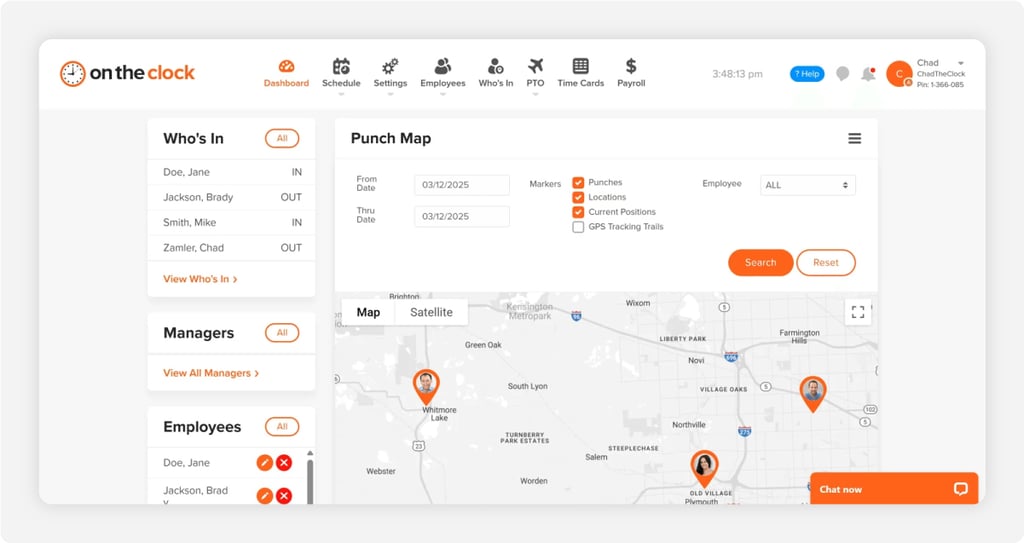
Why OnTheClock Is Best for Small Fleets
Run nine vans out of one yard and you don't need an enterprise workforce platform. You need every driver punching from a phone with a GPS stamp, a kiosk by the dispatch window for the dock crew, and clean time sheets on Friday. OnTheClock does exactly that job for more than 16,000 companies, and customers rate it 4.8 stars across 2,500 reviews.
The whole Transportation Checklist sits in one plan. GPS punch recording, breadcrumb trails, geofencing, fingerprint punching, device and Wi-Fi restrictions, overtime calculations, drag-and-drop shift scheduling, and PTO tracking all come standard. Drivers can also log tips, bonuses, and mileage right on their time cards, so reimbursements ride along with hours instead of living in a separate spreadsheet. You can start a 30-day free trial without a credit card and have the team punching the same afternoon.
Why OnTheClock Is Different
No fine print. A 10-person fleet pays $5 plus 10 times $4, which is $45 a month, and that number includes the GPS, the geofencing, the scheduling, and the PTO. Want paychecks handled too? Optional OnTheClock Payroll adds unlimited runs, direct deposit, and tax filings for $40 a month plus $6 per employee.
Plenty of fleet owners have been burned by a platform that gated geofencing or scheduling behind a pricier tier. OnTheClock doesn't do tiers. The honest trade-off: it needs an internet or Wi-Fi connection to punch, and mileage is logged by the driver rather than calculated from GPS automatically.
Key Features
Pros
Cons
Pricing
- 30-day free trial, no credit card
- $5/month base plus $4 per user/month (see how OnTheClock pricing works)

Timeero: Best for Mileage Reimbursement
Available on: Web, iOS, Android
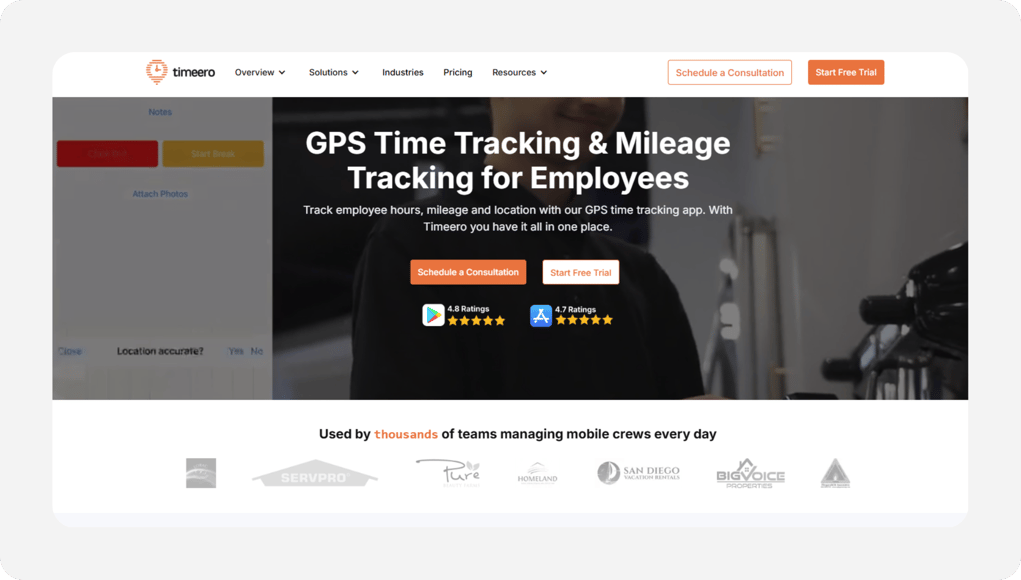
Why Timeero Is Best for Mileage Reimbursement
Every mile a driver logs by hand is a mile somebody will argue about later. Timeero kills that argument by tracking time, GPS location, and mileage together in one app, even on its cheapest plan. Fleets that reimburse personal-vehicle drivers get the cleanest mileage records of any tool on this list. Think medical couriers, sales routes, and last-mile contractors.
The standout is automation. Auto clock-in and clock-out starts the shift when the driver enters a job site, and the Segmented Tracking add-on breaks one workday into every stop, with travel time and distance between each. One caution from reviewers on G2 and Capterra: constant GPS can drain older phones faster, and spotty coverage can leave gaps in the trail. Budget a charger per cab.
Key Features
Pros
Cons
Pricing
- 14-day free trial, no credit card
- Basic $6 per user/month (up to 10 users), Pro $9, Premium $12; about 17% less on annual billing, no base fee

Buddy Punch: Best for Punch Verification
Available on: Web, iOS, Android
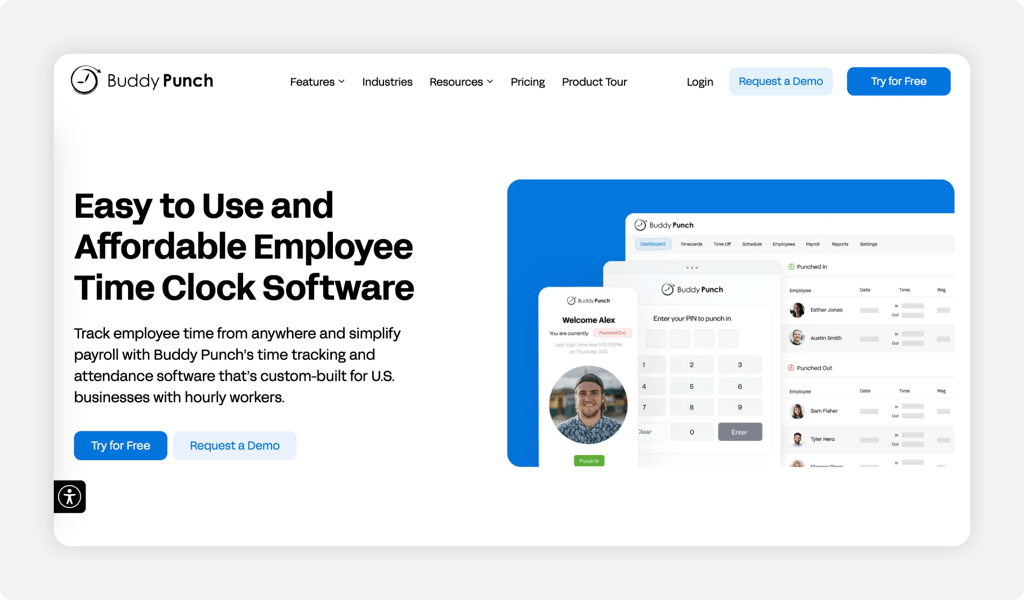
Why Buddy Punch Is Best for Punch Verification
Who actually punched in at 5:00 a.m.? Buddy Punch is built to answer that one question beyond doubt. GPS coordinates ride on every punch in every plan, Face ID verification works on iOS from the Starter tier. The Pro plan adds webcam photos on punches plus PIN and QR kiosk modes for the depot. The name says it all.
For a fleet that suspects time theft, that stack of proof pays for itself fast. Know this going in: the $19 monthly base fee stings on small teams, and the strongest verification tools, photos and geofences, sit in the Pro tier. Fleets comparing options can read our breakdown of Buddy Punch alternatives before deciding.
Key Features
Pros
Cons
Pricing
- 14-day free trial, no credit card; no free plan
- Starter $5.49 per user/month plus $19 base; Pro $6.99 plus $19 (less on annual billing)

Connecteam: Best for Driver Communication
Available on: Web, iOS, Android
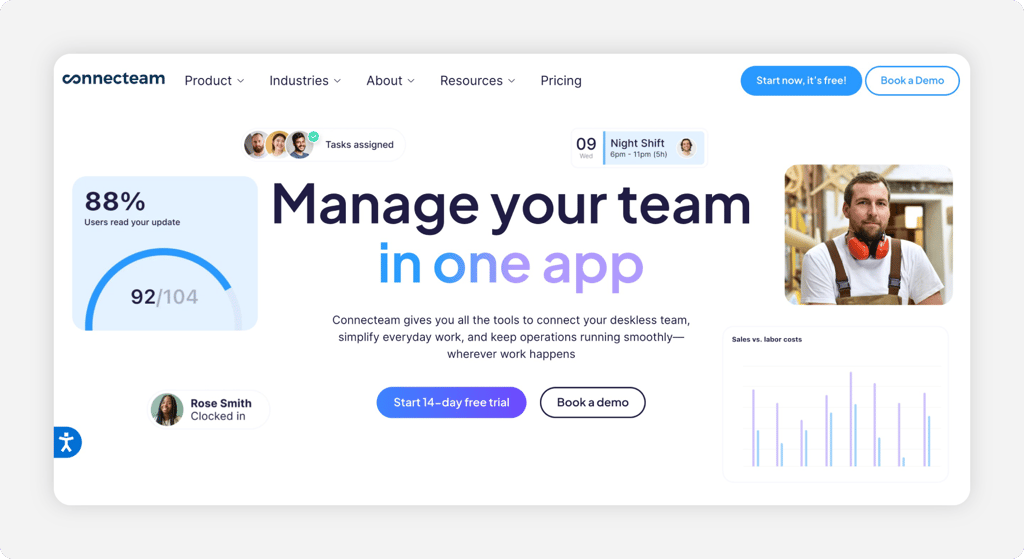
Why Connecteam Is Best for Driver Communication
Your drivers don't share a break room. They share a group text, and that's where route changes, vehicle checklists, and schedule swaps go to die. Connecteam wraps a real punch clock, with kiosk mode and GPS location stamps, inside a work app. The same app handles chat, forms, checklists, and task assignments. One login replaces four apps.
Small fleets get a rare gift here: the Small Business Plan is free for life for up to 10 users, with the full feature set included. The catch comes at the edges. There's no offline punching, so dead-zone routes lose coverage, and geofencing starts on the Advanced tier. See how it stacks up in our list of Connecteam alternatives.
Key Features
Pros
Cons
Pricing
- Small Business Plan free for up to 10 users; 14-day free trial
- Operations Basic $35/month (or $29 billed annually) for the first 30 users, then $1 per extra user

Jibble: Best Free Plan
Available on: Web, iOS, Android
Why Jibble Is Best Free Plan
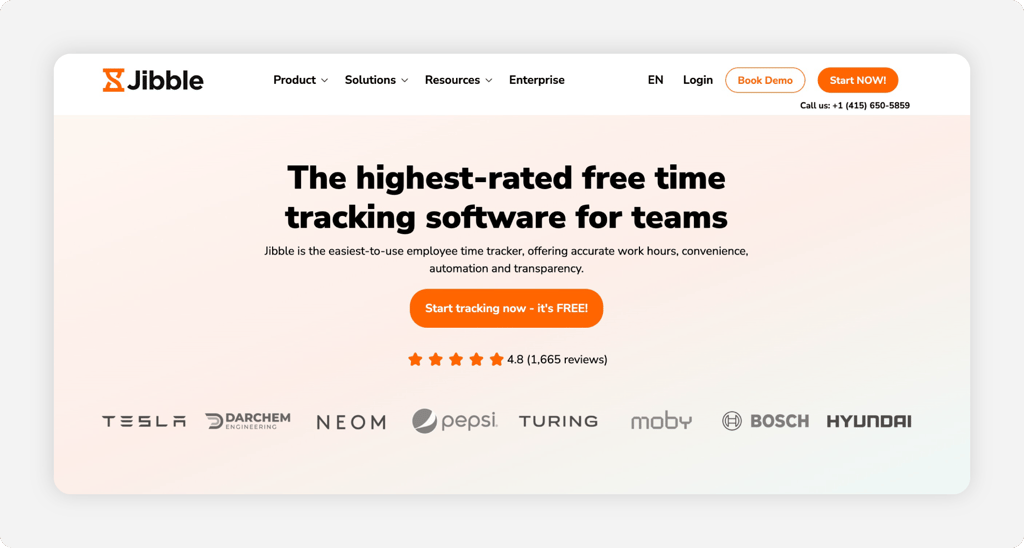
Free, for as many drivers as you can hire. Jibble's free plan has no user limit and still includes GPS time tracking, face recognition, a kiosk, and offline punching that stores time on the phone until the signal comes back. For a two-truck outfit or a courier startup watching every dollar, that's a real time clock at zero cost.
The free tier caps you at two geofences, one kiosk, and one work schedule, so multistop fleets outgrow it. The bigger gap: shift scheduling is still marked "coming soon" on Jibble's own plans page, so you'll build the route schedule somewhere else. Our full Jibble review walks through where the free plan ends.
Key Features
Pros
Cons
Pricing
- Free forever for unlimited users; 14-day full-feature trial
- Premium $5.99 per user/month ($4.49 billed yearly); Ultimate $10.99 ($7.99 billed yearly)

When I Work: Best for Shift-Scheduled Depots
Available on: Web, iOS, Android
Why When I Work Is Best for Shift-Scheduled Depots
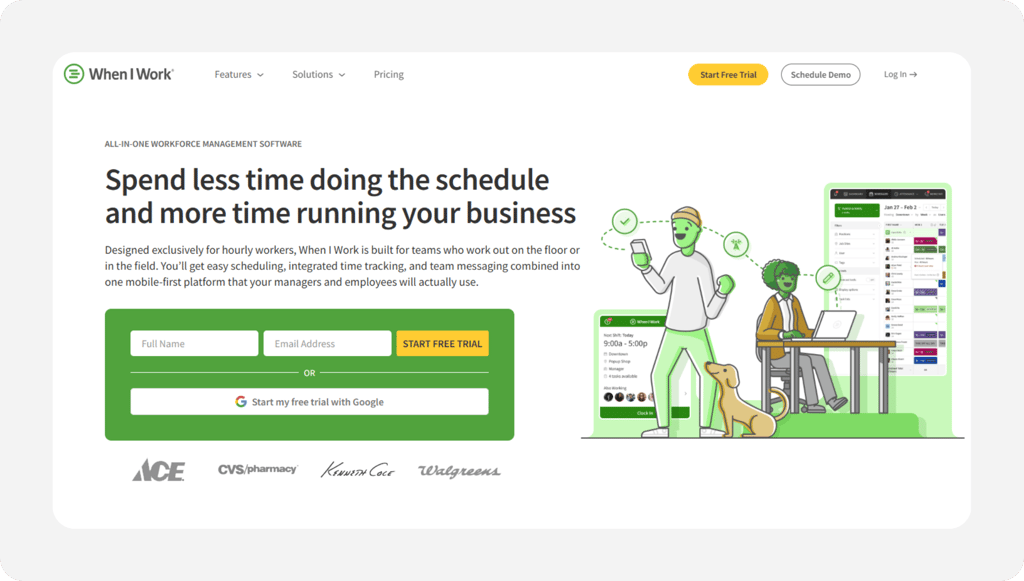
Some transportation teams live and die by the shift board. Shuttle services, dock crews, and dispatch desks that rotate people through fixed shifts will feel at home here. When I Work starts with auto scheduling, shift swaps, and open shifts, then layers GPS and geofence clock-ins on top so the schedule and the punches finally agree.
The caution flips the usual script. Time tracking is the add-on here, toggled on at signup with its own per-user charge that the pricing page doesn't publish. Scheduling-first fleets won't mind. Punch-first fleets should compare our When I Work alternatives list first.
Key Features
Pros
Cons
Pricing
- 14-day free trial, no credit card
- Essentials $2.50 per user/month, Pro $5, Premium $8; Time Tracking & Attendance add-on priced at signup

Hubstaff: Best for Driver GPS Tracking
Available on: Web, iOS, Android
Why Hubstaff Is Best for Driver GPS Tracking
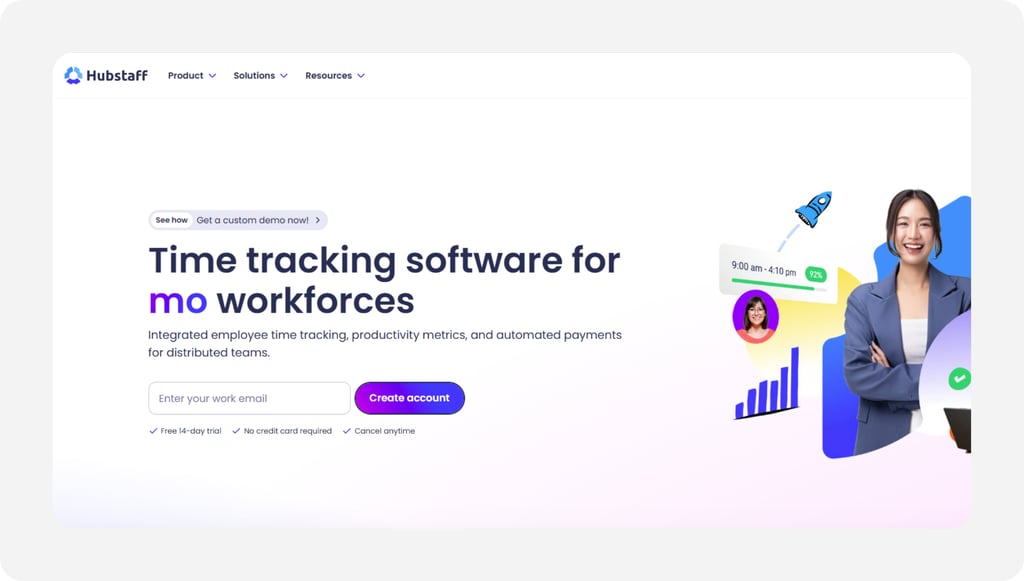
Hubstaff fits the fleet that wants to see where every driver is during the route. Set each stop or yard as a job site, and the app auto clocks a driver in and out as they arrive and leave. The GPS trail shows the path between stops, so a thin route log turns into a record you can stand behind. For a dispatcher tracking a dozen vans across town, that live location view is the draw.
Its standout is the hands-free job-site geofencing that runs while a driver moves. The honest caution: GPS, scheduling, and geofencing all sit on the Grow plan, not the cheapest tier, and the productivity screenshots can feel like heavy monitoring for a driver on the road. There's also a two-seat minimum, even for a one-person test.
Key Features
Pros
Cons
Pricing
- 14-day free trial, no credit card
- Starter $4.99 per user a month (billed annually); GPS on the Grow plan at $7.50 per user
Side-by-Side Comparison
| Tool | Best For | Pricing | Key Strengths | Top Integrations |
|---|---|---|---|---|
| OnTheClock | Best for small fleets | $5 base + $4/user | GPS punches, geofencing, scheduling, PTO, and mileage entry in one plan | Gusto, QuickBooks, ADP, Paychex, SurePayroll |
| Timeero | Mileage reimbursement | $6 to $12/user, no base fee | Automatic GPS mileage, auto clock-in, segmented route tracking | QuickBooks, payroll integrations (Pro) |
| Buddy Punch | Punch verification | $5.49 to $11.99/user + $19 base | GPS on every punch, photo capture, Face ID, kiosk modes | QuickBooks, ADP, Gusto, Paychex |
| Connecteam | Driver communication | Free up to 10 users; $35 a month first 30 users | Punch clock plus chat, forms, and checklists in one app | QuickBooks, Gusto, Paychex |
| Jibble | Free plan | Free; paid from $5.99/user | Unlimited free users, offline punching, face recognition | QuickBooks Online, Xero, Slack |
| When I Work | Shift-scheduled depots | $2.50 to $8/user + attendance add-on | Auto scheduling, shift swaps, GPS clock-ins tied to shifts | Payroll and POS integrations |
| Hubstaff | Driver GPS tracking | $4.99 to $10/user | GPS job sites, geofencing, live fleet view | QuickBooks, Gusto, PayPal, Deel |
Comparison data verified June 2026 against each vendor's own site; subject to change by respective providers.
What's the Best Time Tracking Software for Transportation?
The best option isn't the longest feature list; it's the one that fixes the friction your fleet hits most. Start with one question: where do your hours go wrong?
- If punches go missing between the yard and payroll, OnTheClock puts GPS punching, scheduling, and PTO in one $5 plus $4 per user plan.
- If mileage reimbursement starts arguments, Timeero tracks miles automatically from GPS.
- If you doubt who's punching, Buddy Punch stacks photos, Face ID, and GPS on every punch.
- If the budget is zero, Jibble's free plan covers unlimited drivers.
Pick for the problem, and the rest of the features come along for the ride.
What Is Time Tracking Software for Transportation Companies?
It's a digital punch clock built for people who don't work at a desk. Drivers clock in and out from a phone app, a depot kiosk, or a web browser, and each punch records the time plus a GPS location. The software adds the hours, applies overtime rules, and sends finished time sheets to payroll.
For a fleet, it replaces three failure-prone habits at once: the paper sign-in sheet at the yard, the "started at 6" text message, and the Friday-night spreadsheet. It also stays in its lane. DOT Hours of Service logs live in your ELD; payroll hours live here.
Who Needs Transportation Time Tracking Software?
Any operation paying hourly people who start work away from a supervisor's line of sight. Courier and last-mile fleets, moving companies, shuttle and charter services, tow operators, and freight outfits with dock crews all fit. So does the office side: dispatchers and loaders are usually owed overtime even when drivers aren't.
The math turns at about three hourly employees. Below that, you can eyeball the hours. Above it, every untracked week risks paid-but-unworked minutes, missed overtime, and reimbursement disputes. If you're chasing texted hours every Friday, you're the audience.
Why Transportation Companies Rely on Time Tracking Software
Margins ride on labor. A six-driver fleet where each driver picks up five padded minutes a day pays for 30 unworked minutes daily. At $20 an hour, that's $10 a day and roughly $2,600 a year, gone without anyone breaking a rule loudly enough to notice.
Accurate punches also carry legal weight. Federal law requires employers to keep records of hours worked each day and week for nonexempt staff, and reconstructed guesses don't hold up well in a wage dispute. A time clock builds the record automatically. Fleets that also need punch hardware comparisons can see our roundup of the best time clock software for transportation.
Key Features Transportation Time Tracking Software Should Have
Before comparing prices, make sure any tool on your shortlist covers the basics:
-
Mobile GPS punch: One-tap clock-in from the cab with a location stamp.
-
Punch verification: Photos, PINs, fingerprints, or device limits that stop buddy punching.
-
Geofencing: Punches allowed at the yard and job sites, not from the couch.
-
Overtime alerts: A flag on Wednesday, not a surprise on payday.
-
Offline or kiosk backup: A way to punch when the route loses signal or the phone dies.
-
Payroll integration: Direct sync with Gusto, QuickBooks, ADP, or Paychex.
How to Choose the Proper Time Tracking Software for Transportation Companies
Step 1: Count your people and run the monthly math.
Write down three numbers: hourly drivers, hourly yard and office staff, and locations. Pricing models punish different shapes of fleet, so the same tool can be the cheapest option for your competitor and the priciest one for you. Per-user pricing with a small base fee favors small teams. Flat-rate pricing favors bigger ones.
Take a 10-person fleet. OnTheClock runs $5 plus 10 times $4, or $45 a month. Timeero Basic runs $60. Buddy Punch Starter runs $19 plus $54.90, or about $74. Hubstaff Grow, the tier that unlocks GPS, runs $7.50 per user, or about $75. Jibble and Connecteam would charge that same fleet nothing. Now run the math again at the headcount you expect in two years, because the cheap option at 10 users isn't always the cheap option at 30.
Don't forget billing rules. OnTheClock only counts employees active within 20 days of the billing date, which helps fleets that flex seasonal drivers up and down.
Step 2: Name the leak you're plugging first.
Every fleet buys time tracking to stop one specific bleed. Maybe it's buddy punching at the depot. Maybe it's the driver whose "8 hours" never matches the route log. Maybe it's overtime that nobody sees until the check is cut. Name yours out loud before you shop, because each leak points to a different winner.
Padded punches call for GPS stamps and geofences. Identity doubts call for photo or fingerprint verification. Overtime surprises call for alerts that fire midweek. A fleet losing 30 unworked minutes a day at $20 an hour leaks about $217 a month. Compare that with a $45 software bill and the decision stops feeling like an expense.
Step 3: Match the punch method to the route.
Drivers who start at the yard can punch a kiosk on a tablet by the dispatch window. Drivers who start from home need a mobile GPS punch. Mixed fleets need both, and the tool has to allow both without an extra fee.
Test the worst case, not the best one. Have your most remote driver punch from the far end of their route during the trial. If your routes cross dead zones, offline punching like Jibble's, which stores the punch and syncs later, beats a tool that simply fails. Connecteam, for contrast, needs a live connection to record time.
Step 4: Decide how much location proof you need.
There are three levels. A GPS stamp on each punch proves where the shift started and ended. A geofence blocks punches outside approved sites. Breadcrumb trails record the route while the clock runs. More proof costs more, and it also asks more of your drivers' phones and goodwill.
Most small fleets only need the first two, and OnTheClock includes both in its base plan. Reserve breadcrumbs for reimbursement disputes, customer billing fights, or lone-worker safety. Whatever level you pick, tell drivers in writing what's tracked and when tracking stops.
Step 5: Check the overtime rules for every role.
Transportation payroll has a twist most industries never see. Under the FLSA's motor carrier exemption, many drivers, driver's helpers, loaders, and mechanics on large interstate vehicles aren't owed overtime at all. But dispatchers, office staff, and anyone working vehicles of 10,000 pounds or less usually keep full overtime rights.
That split means one fleet can have exempt and nonexempt people on the same crew. Your time tracking still has to record everyone's hours, flag the nonexempt people near 40, and keep records a Department of Labor auditor would accept. Pick a tool with per-employee overtime settings, and have a payroll pro confirm who's exempt before you trust the labels.
Step 6: Confirm the payroll connection.
Retyping hours is where errors breed. The whole point of a time clock dies if Friday still involves copying numbers into payroll by hand, so check the integration list against the payroll you actually run, not the one you might switch to someday.
OnTheClock syncs with Gusto, QuickBooks, ADP, Paychex, SurePayroll, and Thomson Reuters. Hubstaff connects to QuickBooks, Gusto, PayPal, and Deel. Jibble pushes hours to QuickBooks Online and Xero. If your provider isn't on a vendor's list, ask about CSV export before signing, and time the full punch-to-paycheck flow during your trial.
Step 7: Settle how you'll handle mileage.
Fleets that reimburse personal vehicles need mileage records that survive an argument. Decide up front whether driver-entered miles are good enough or whether you need GPS-calculated distance. Driver-entered is simpler and cheaper. GPS-calculated is harder to dispute.
OnTheClock lets drivers log mileage right on their time cards, which keeps miles and hours in one record. Timeero calculates miles automatically from the GPS trail and can suggest the shortest route for comparison. Hubstaff maps the GPS trail between job sites for a route record. Match the tool to how often reimbursement actually gets contested at your company.
Step 8: Trial your pick through one full pay period.
A demo shows you the dashboard. Only a real pay period shows you the missed punches, the dead zones, the driver who refuses the app, and whether Friday actually got shorter. Every finalist here offers a free trial, and OnTheClock gives you 30 days with no credit card.
Run the trial for real. Every driver punches, every day, including the skeptics. Process payroll from the tool's time sheets at the end. If the numbers reconcile and nobody mutinied, buy it. If not, you just saved a year of the wrong subscription.
Tips for Implementing Time Tracking Software at Your Transportation Company
-
Tell drivers what's tracked before day one. GPS rumors kill rollouts. Put it in writing: location records only between clock-in and clock-out, nothing after hours. Drivers who know the boundaries punch without a fight.
-
Train at the yard, not by email. Ten minutes at the Monday dispatch meeting beats a PDF nobody opens. Have every driver punch in and out once on their own phone while someone can answer questions.
-
Map your exemptions first. Before setting overtime alerts, sort which employees fall under the motor carrier exemption and which keep overtime rights, using the Department of Labor's Fact Sheet #19 on the motor carrier exemption as your starting point.
Frequently Asked Questions
What is the best time tracking software for transportation?
OnTheClock is the best fit for most small fleets because GPS punch records, geofencing, scheduling, PTO, and mileage entries all come in one plan at $5 a month plus $4 per user. Fleets with other priorities have better matches: Timeero for automatic mileage reimbursement, Jibble for a free plan with unlimited users, and Hubstaff for live driver GPS tracking.
Can drivers clock in without cell service?
Some tools can, some can't. Jibble's offline mode stores punches on the phone and syncs them when the signal returns, while Connecteam needs an active internet connection to record time. If your routes cross dead zones, test offline punching on your worst route during the free trial.
Do truck drivers get overtime pay?
Many don't. The FLSA's motor carrier exemption removes federal overtime protection from drivers, driver's helpers, loaders, and mechanics whose work affects the safety of large commercial vehicles in interstate commerce. Dispatchers, office staff, and employees working vehicles of 10,000 pounds or less usually keep their overtime rights, so accurate hour records still matter across the company.
How much does time tracking software cost for a small fleet?
A 10-person fleet pays about $45 a month with OnTheClock ($5 base plus $4 per user), $60 with Timeero Basic, about $74 with Buddy Punch Starter, and about $50 with Hubstaff Starter ($4.99 per user a month, two-user minimum). Jibble's free plan and Connecteam's Small Business Plan would cost that same fleet nothing. All prices were verified on vendor sites in June 2026.
Is it legal to track drivers with GPS during work hours?
Tracking location through a work app during paid hours is broadly legal in the United States, and every tool on this list records location only while the employee is clocked in. Play it straight anyway: tell drivers in writing what's tracked, when tracking stops, and why, and check your state's notice rules before turning on breadcrumb trails.
Does an ELD replace time tracking software for payroll?
No. An electronic logging device records Hours of Service duty status for DOT compliance, and it doesn't capture punch times, breaks, PTO, or overtime for paychecks. Fleets that run both keep DOT logs in the ELD and payroll hours in a time clock app, and the two records serve different audits.
Stop Paying for Hours Nobody Drove
Give every driver a GPS punch clock, see the whole fleet's hours in one place, and send clean time sheets to payroll on Friday.
No credit card required, and you'll be set up in minutes.
