

Jump to section
From Clock-In to Payroll in One Click
Over 18,000 businesses trust OnTheClock to track time, stop buddy punching, and send accurate hours straight to QuickBooks and ADP.
Try It FreeKey Takeaways
- ✔The best apps in this category let you test with your actual crew before committing. OnTheClock offers a 30 day trial with no credit card required at sign-up; Rippling and Paychex won't show you a price without a phone call.
- ✔GPS and geofencing are non-negotiable for field teams. If employees work off-site, location-verified clock-ins aren't a nice-to-have; they're the whole point.
- ✔Base fees, per-location charges, and features locked behind higher tiers can double your actual cost. Run the math on the plan you'd actually use, not the headline number.
- ✔The right app depends on your industry. Restaurants need scheduling and tip logic, construction crews need job costing and remote teams need activity tracking. A general-purpose tool often leaves one of those groups underserved.
- ✔Payroll integration quality varies widely. Two apps can both list QuickBooks as an integration, while one syncs cleanly and the other dumps raw hours that need cleanup. Test the connection with a real pay period during the trial.
It's Friday at 4:45 p.m., and the texts start rolling in. "Worked 7 to 3:30, took a half hour for lunch." One guy swears he was on site by 6:55 a.m. Another hasn't sent anything yet, which means you'll be calling him Saturday morning. If that's how hours reach payroll at your business, a clock-in/clock-out app will probably pay for itself in the first month.
The difficult part is choosing the right one. Some apps are built around restaurant shifts. Some only make sense if you already run QuickBooks. A few are free right up until you need the feature you came for, like GPS.
We reviewed 18 of them with small businesses in mind, focusing on where employees can punch in, how cleanly the hours flow to payroll, and what each one actually costs once you add your whole crew.
Read on to learn:
- What separates a clock-in/clock-out app worth paying for from one that creates new busywork
- How 18 tools compare on pricing, Capterra ratings, and the type of business each fits best
- The criteria to check before you commit, from GPS accountability to free trial terms
Compare the 18 best clock-in/clock-out apps
| Software | Best For | Capterra Rating | Starting Cost | Free Trial? |
|---|---|---|---|---|
| OnTheClock | Small businesses needing GPS-verified clock-ins with payroll-ready data | 4.7 | $5/month base + $4/employee/month | Yes: 30 days, no credit card required |
| Homebase | Restaurants and retail teams needing scheduling and time tracking together | 4.6 | Free plan; paid from $30/month per location | Yes: 14 days |
| Connecteam | Mobile-first teams wanting an all-in-one crew app | 4.6 | Plans start at $29/month for the first 30 users when billed annually. | Yes: 14 days |
| Clockify | Teams looking for a free starting point | 4.8 | Free for unlimited users; paid plans start at $3.49/user/month | Yes: Seven days of paid features |
| When I Work | Shift-heavy businesses focused on scheduling | 4.5 | $2.50/user/month (time tracking is an add-on) | Yes: 14 days, no credit card |
| ClockShark | Construction and field crews needing job costing | 4.7 | $42/month base + $9.50/user/month | Yes: 14 days, no credit card |
| Buddy Punch | Small businesses wanting facial recognition clock-ins | 4.8 | $19/month base + $4.99/user/month (annual) | Yes: 14 days |
| Deputy | Hospitality and retail with compliance needs | 4.6 | Starts at $5/user/month | Yes: 31 days |
| Gusto | Businesses wanting time tracking and payroll in one | 4.6 | $49/month + $6/person (time tracking requires Plus: $80/month + $12/person) | No standard trial |
| QuickBooks Time | Teams already running QuickBooks | 4.7 | $20/month base + $10/user/month | Yes: 30 days |
| Timeero | Field teams needing mileage and GPS tracking together | 4.5 | From $4/user/month (up to 10 users) | Yes: 14 days, no credit card |
| 7shifts | Restaurant teams with tip tracking needs | 4.7 |
Free plan; Essentials from $49.99/location/month (monthly billing) |
Yes |
| Rippling | Fast-growing businesses consolidating HR and payroll | 4.9 | Custom quote required; public pricing not available | No (demo and quote process) |
| Sling | Budget-conscious teams needing basic scheduling | 4.6 | Free for up to 30 users; paid from $1.70/user/month (annual) | Yes: 15 days |
| Paychex Flex | Larger businesses wanting HR support alongside time tracking | 4.2 | Quote-based | No |
| ExakTime | Construction companies needing strict compliance | 4.0 | From $9/user/month + base fee | Yes |
| Jibble | Teams wanting a free GPS clock-in option | 4.8 | Free plan; paid from $4.99/user/month (annual) | Yes, plus a free plan |
| Hubstaff | Remote or hybrid teams tracking hours and activity | 4.6 | From $4.99/user/month (annual, 2-user minimum) | Yes: 14 days |

OnTheClock
- Best for: Small businesses needing GPS-verified clock-ins with payroll-ready data
- Capterra rating: 4.7
- Starting cost: $5/month base fee + $4/employee/month
- Free trial: Yes: 30 days, no credit card is required at sign-up
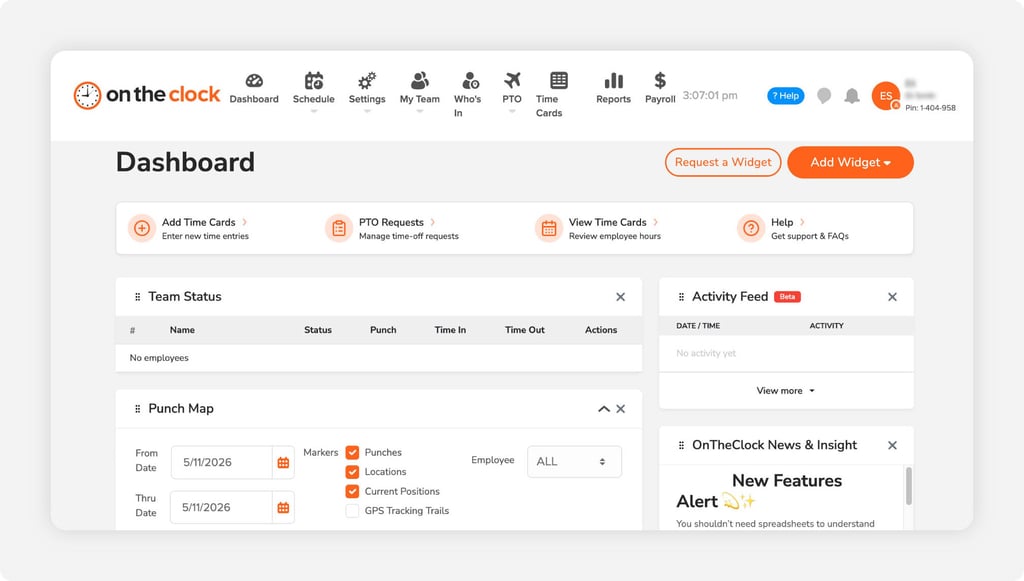
OnTheClock ensures employees clock in from the job sites rather than their couches, and the hours flow straight to payroll. GPS tracking and geofencing are the standouts for field- and shift-based teams. Set a radius around each job site, and employees can only punch in once they're physically there, which ends the honor system without turning you into the boss who interrogates people about their whereabouts. The record speaks for itself.
At $5 a month plus $4 per employee, every core time tracking feature is included in the base plan from day one. No tiers to decode or surprise add-on fees for the GPS you assumed was included. More than 18,000 businesses use it, and the appeal holds whether you run a plumbing crew or a pediatric clinic.
Employees tend to need little or no help getting started. As one Capterra reviewer put it, staff learned the app on their own, a theme that comes up repeatedly from owners who expected pushback from less tech-comfortable crews and never got any. The 30-day free trial requires no credit card and no demo call, so you can test it with your actual team before committing.
Key Features
Three features do the heavy lifting for most OnTheClock customers:

Homebase
- Best for: Restaurants and retail teams needing scheduling and clock-ins together
- Capterra rating: 4.6
- Starting cost: Free plan; paid plans from $30/month per location
- Free trial: Yes: 14 days
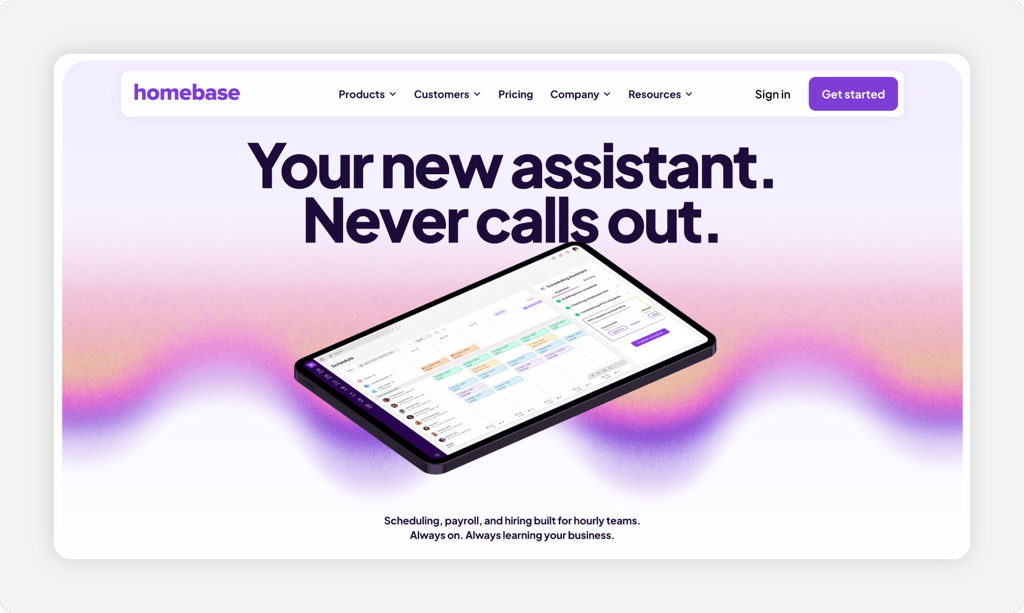
Homebase built its following in restaurants and retail, where the schedule changes weekly, and half the staff wants to swap a shift by Thursday. The app handles scheduling, the time clock, and team messaging in one place, so when a shift changes, the person picking it up gets notified and clocks in against the updated schedule. For a café manager juggling 14 part-timers, that connection between the schedule and the clock is the whole point.
The free Basic plan covers one location and up to 10 employees, making Homebase a common first stop for smaller teams. The catch shows up when you grow. Paid plans are priced per location rather than per employee, so a cleaning company serving five client sites pays five times the rate of a single storefront with the same headcount. Payroll is a separate add-on, too.
Capterra reviewers consistently call out the value for single-location teams and the convenience of having built-in messaging, though some report app glitches and frustration with payroll features that sit behind upgrades. Worth a hard look if you run one busy location. Run several, and the math deserves scrutiny.
Key Features
Here's where Homebase earns its spot for shift-based teams:

Connecteam
- Best for: Mobile-first teams wanting an all-in-one crew app
- Capterra rating: 4.6
- Starting cost: Free for up to 10 users; Operations Basic starts at $29/month billed annually or $35/month with monthly billing for the first 30 users
- Free trial: Yes: 14 days
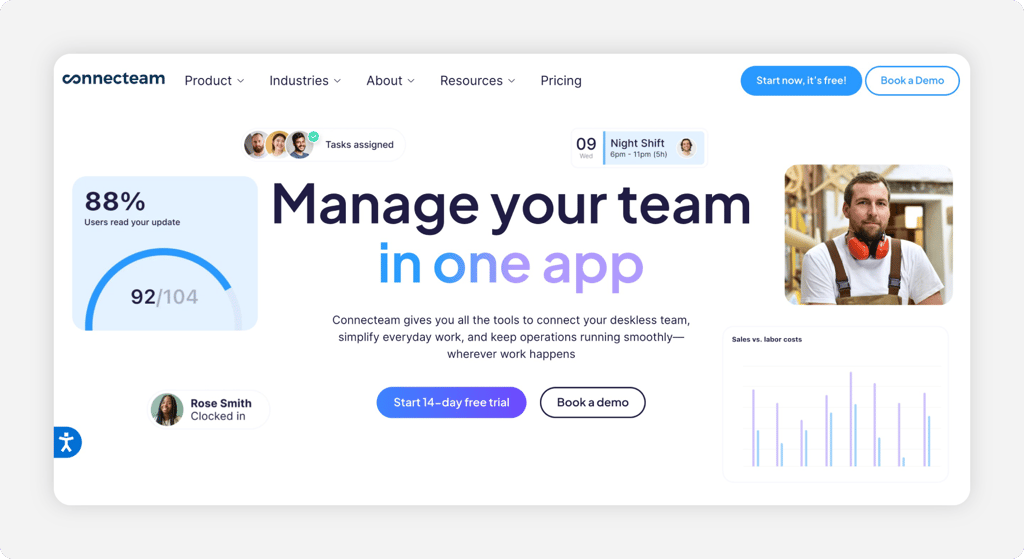
Connecteam wants to be the only app your deskless crew ever opens. The time clock sits alongside forms, checklists, training modules, and team chat, all designed phone-first for people who don't sit at a computer. A janitorial company can have employees clock in with GPS, complete a site checklist, and report a broken fixture without leaving the app.
Pricing is where you need to slow down. Connecteam offers separate Operations, Communications, and HR hubs. The Operations Basic plan starts at $29 per month with annual billing ($35 month-to-month) for the first 30 users, but businesses needing features across multiple hubs may face additional costs.
Connecteam offers a free Small Business Plan for up to 10 users, along with a separate free Limited plan for teams of 11–30 employees. The free offerings can be useful for smaller teams, although feature availability differs from paid plans.
Reviewers consistently rate the mobile experience highly, and field employees tend to adopt it quickly because the interface looks more like a consumer app than business software.
Key Features
A few things stand out in a crowded all-in-one field:

Clockify
- Best for: Teams looking for a free starting point
- Capterra rating: 4.8
- Starting cost: Free plan; paid plans from $4.99/user/month
- Free trial: Yes: seven days of paid features
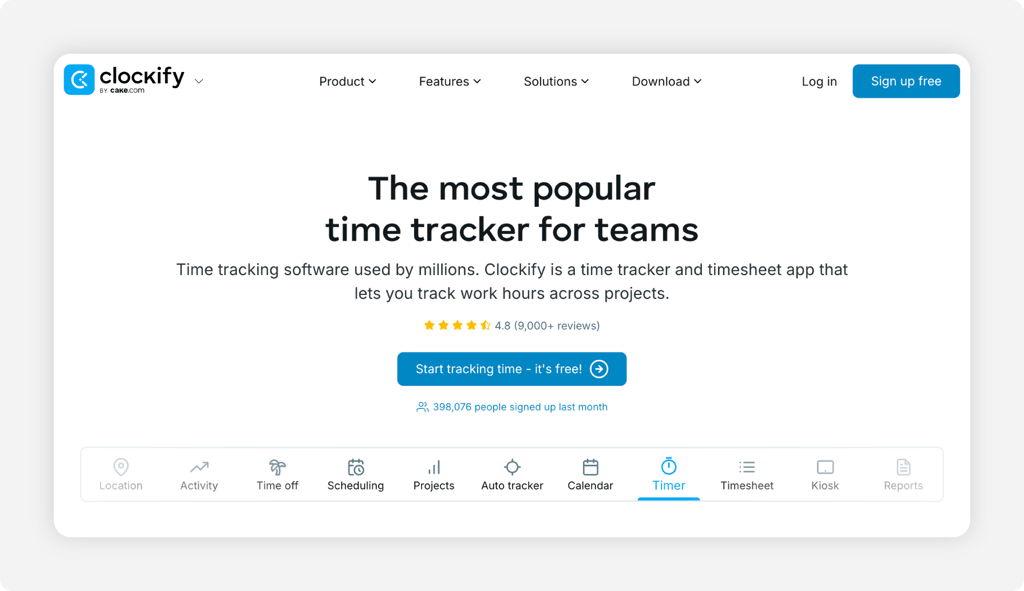
Clockify is usually the first app people try, because the free plan has no user limit. Unlimited employees, unlimited projects, and basic timesheets all cost zero dollars. For a small office team that just needs to know who worked when, that might be all you ever need, and its 4.8 Capterra rating across more than 9,000 reviews says plenty of people stop right there.
The ceiling appears the moment your team leaves the building. GPS tracking, kiosk mode, and the features that keep field crews honest live on paid plans, and payroll connections require exports or higher tiers. Clockify started life as a project time tracker for freelancers and agencies, and it still fits that world better than it fits a landscaping crew spread across six job sites.
Reviewers on Capterra praise the free tier and the simple interface, and the most common complaint follows directly from the first point: The features that made them shop for time tracking software in the first place turned out to be paid. If your needs are simple and office-bound, start here. If GPS matters, budget for a paid plan from day one or consider a tool built around it.
Key Features
What keeps Clockify on every shortlist:

When I Work
- Best for: Shift-heavy businesses focused on scheduling
- Capterra rating: 4.5
- Starting cost: Essentials from $2.50/user/month; time and attendance features included
- Free trial: Yes: 14 days, no credit card is required at sign-up
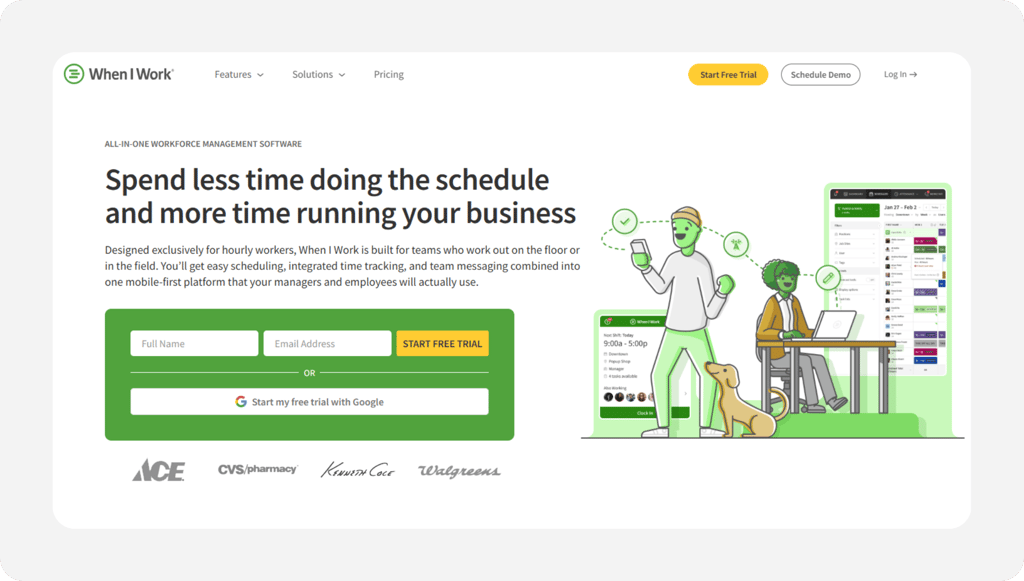
When I Work approaches the problem from the scheduling side. The product is built for businesses where building next week's schedule is the bigger headache, and the time clock exists to confirm that the schedule happened. Employees see shifts, swap them, and pick up open ones from their phones, with managers approving from theirs.
At $2.50 per user per month for the Essentials plan, it's the cheapest serious entry point in this roundup. Read the fine print, though: Several features are offered as add-ons rather than part of the base plan, so the real cost of using When I Work as a clock-in/clock-out app is higher than the headline number. Price the bundle you'd actually buy before comparing.
The mobile app gets strong marks from Capterra reviewers, especially for employee self-service. Shift reminders reduce no-shows, and staff handles most swaps without a manager touching anything. Complaints center on occasional app crashes and templates that don't bend far for unusual schedule patterns.
Key Features
When I Work earns its keep in three places:

ClockShark
- Best for: Construction and field crews needing job costing
- Capterra rating: 4.7
- Starting cost: $42/month base + $9.50/user/month
- Free trial: Yes: 14 days, no credit card
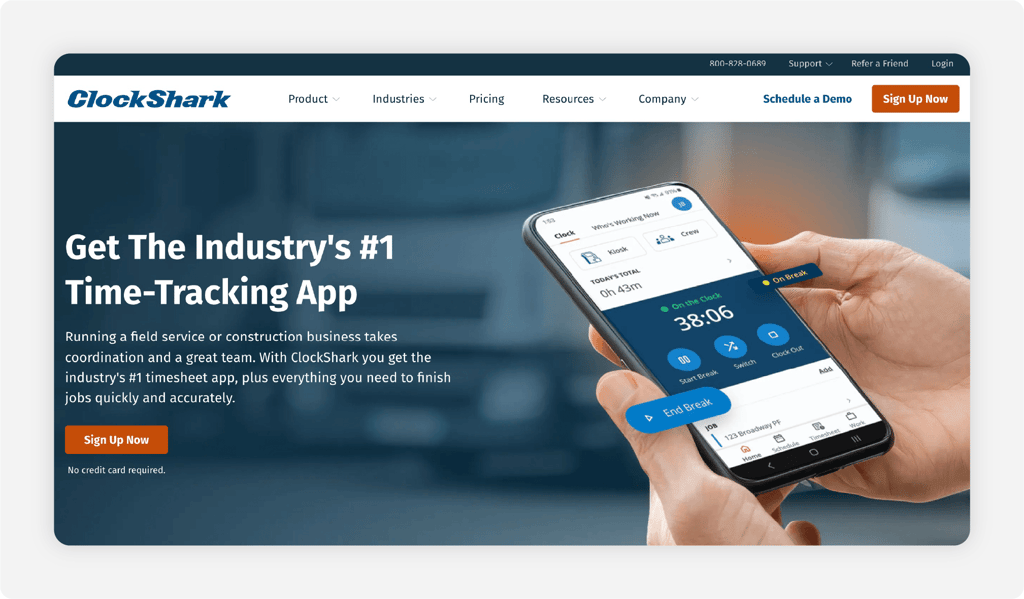
ClockShark was built for the trades, and it shows in the details. Employees clock in to a job and a task, so by Friday, you know exactly how many labor hours went into the Henderson remodel versus the strip mall buildout. For contractors bidding future work off past job costs, that breakdown is worth real money.
The price reflects the specialization. At $42 per month plus $9.50 per user, a 10-person crew costs $137 per month on the Standard plan, compared with $45 for the same team using OnTheClock. PTO tracking and advanced job costing are available on ClockShark's Pro plan, which costs $63 per month plus $11.50 per user. The tradeoff is straightforward: deeper construction-specific tools at a noticeably higher price.
Capterra reviewers rate it 4.7 and frequently praise how easily field crews take to the app, with GPS tracking and customer support cited as consistent strengths. The recurring gripe is the cost curve as crews grow, along with reporting that some users find it hard to customize.
Key Features
For field service companies, these are the draw:

Buddy Punch
- Best for: Small businesses wanting facial recognition clock-ins
- Capterra rating: 4.8
- Starting cost: $19/month base + $4.99/user/month (annual billing)
- Free trial: Yes: 14 days
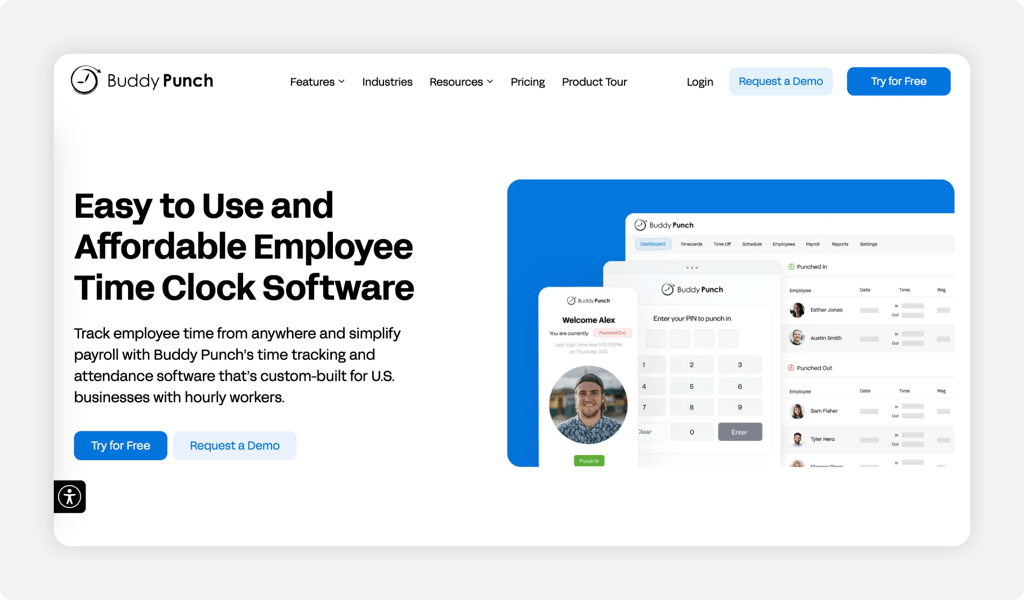
Buddy punching, where one employee clocks in for another who hasn't arrived, costs businesses real payroll dollars and is nearly impossible to prove with a paper system. Buddy Punch eliminates it with facial recognition: The camera confirms the person clocking in is the person getting paid.
Not every employee needs the full biometric treatment, so QR codes and four-digit PINs are available as simpler clock-in options for staff who'd rather not scan their face every morning. The 4.8 Capterra rating reflects a product reviewers describe as reliable and easy to roll out, with GPS and location rules adding accountability for mobile staff.
On price, be aware of the base fee. Buddy Punch charges $19 per month plus per-user fees ranging from $4.99 for Starter to $12.99 for Advanced with annual billing. Facial recognition requires a higher-tier plan, so businesses should compare the features included at each price point.
Key Features
The accountability toolkit is the story here:

Deputy
- Best for: Hospitality and retail with compliance needs
- Capterra rating: 4.6
- Starting cost: From $5/user/month
- Free trial: Yes: 31 days
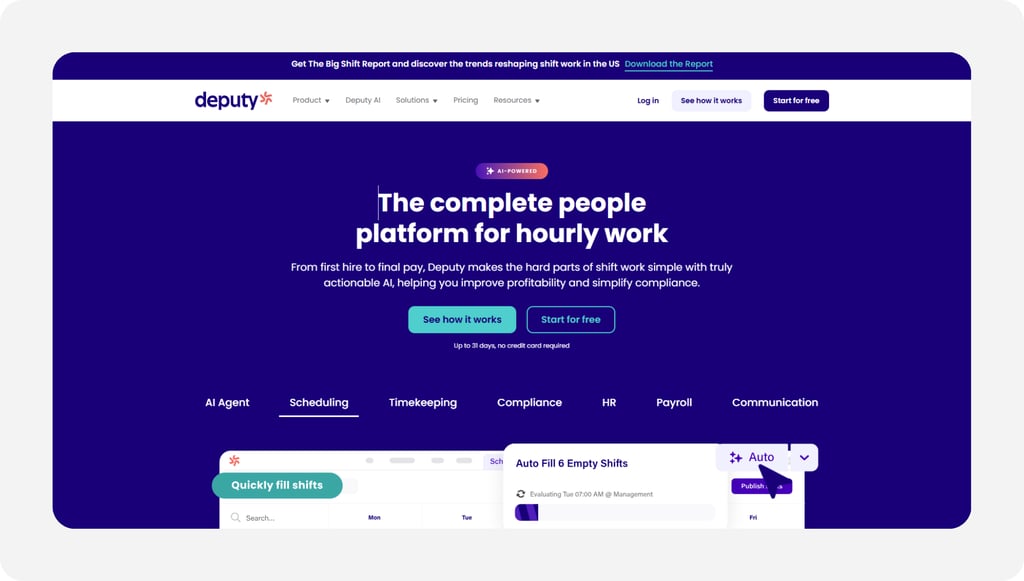
Deputy's edge is compliance depth. If your state requires a meal break after five hours, Deputy prompts the employee and documents whether the break occurred. For restaurants and retailers in states like California, where missed-break penalties add up quickly, automation is the difference between a clean audit and an expensive one.
Plans start at $5 per user per month, with auto-scheduling arriving at $6.50 and the full compliance stack at $9. Model the total carefully before buying. Reviewers note the price creeps once you add the features you actually need.
The 31-day free trial is longer than most and doesn't require a card. Capterra reviewers give the scheduling automation high marks, though some report occasional punch sync lag, so test with your own devices before committing.
Key Features
Deputy stands out for rule-heavy workplaces:
.png?width=173&height=40&name=Gusto-logo%20(1).png)
Gusto
- Best for: Businesses wanting time tracking + payroll in one
- Capterra rating: 4.6
- Starting cost: $49/month + $6/person; time tracking requires the Plus plan at $80/month + $12/person
- Free trial: No standard free trial
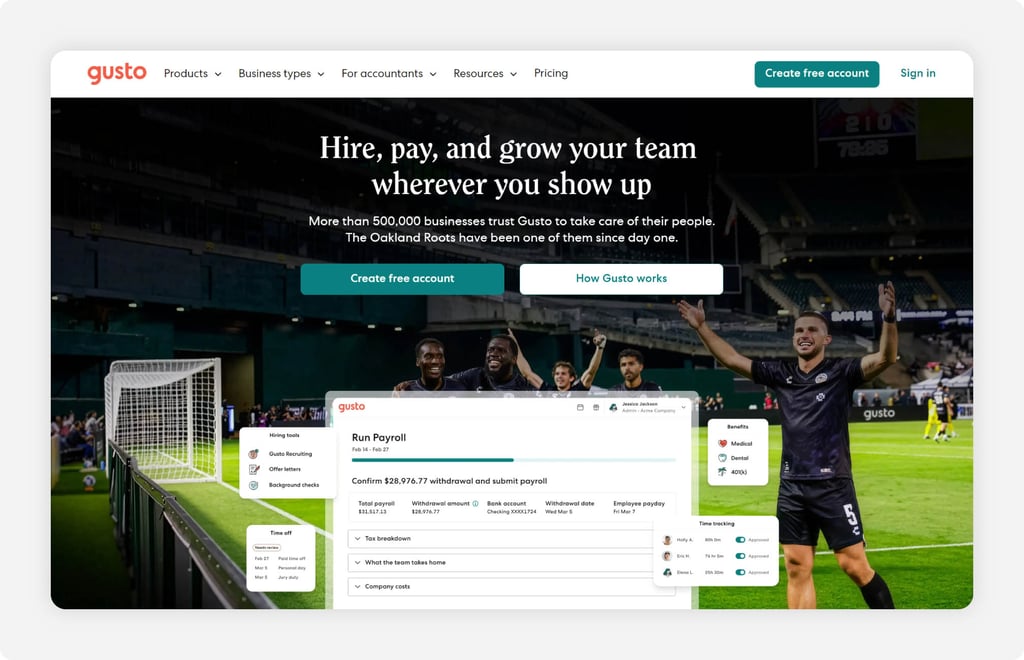
Gusto comes at this list from the opposite direction. It's a payroll company first, with time tracking attached, rather than a time clock that exports to payroll. For a business that wants one vendor, login, and support number for both hours and paychecks, that consolidation has obvious appeal, and Gusto's payroll product is genuinely well-liked, with automated tax filing and unlimited payroll runs on every plan.
Context matters if you're shopping for a dedicated clock-in and clock-out app, though. Time tracking isn't included in Gusto's $49 Simple plan. You need Plus, at $80 a month plus $12 per person, to track hours, and the time clock itself is more basic than the purpose-built tools on this list. No geofenced punch restrictions, limited field-crew accountability, and the mobile experience trails apps designed around the punch.
Capterra reviewers rate the platform 4.6 and consistently praise the payroll experience, while feedback on the time tracking module specifically tends to describe it as adequate. Fair summary: buy Gusto for payroll and accept the time clock, rather than the other way around.
Key Features
The reasons businesses pick Gusto anyway:

QuickBooks Time
- Best for: Teams already running QuickBooks
- Capterra rating: 4.7
- Starting cost: $20/month base + $10/user/month (Premium)
- Free trial: Yes: 30 days
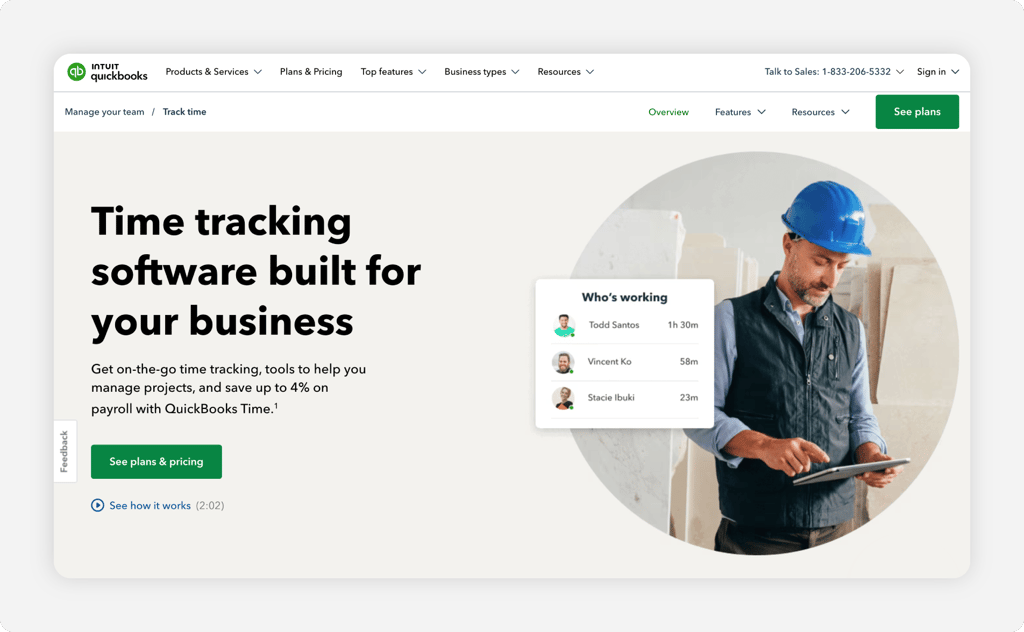
If your books already live in QuickBooks, QuickBooks Time (formerly known as TSheets) is the path of least resistance. It integrates directly with QuickBooks Online and QuickBooks Payroll, so approved hours show up where your bookkeeper expects them, with job codes and overtime classifications intact. For the thousands of small businesses whose accountants insisted on QuickBooks years ago, that's the entire pitch.
It's a capable time clock in its own right. Mobile punching, GPS tracking, a kiosk mode for shared devices, and scheduling are all there, and the 4.7 rating across nearly 7,000 Capterra reviews is among the highest in this roundup, with customer support drawing particular praise.
The cost takes some honest math. QuickBooks Time Premium costs $20 per month plus $10 per user, bringing the monthly total to $120 for a team of 10 employees, before any additional subscriptions or applicable discounts. By comparison, OnTheClock's time tracking plan costs $45 per month for the same team and integrates with QuickBooks. The trade-off is between the depth of QuickBooks' native integration and a lower monthly time tracking cost.
Key Features
What QuickBooks users get for staying in the family:

Timeero
- Best for: Field teams needing mileage + GPS tracking together
- Capterra rating: 4.5
- Starting cost: From $4/user/month (Basic, up to 10 users)
- Free trial: Yes: 14 days, no credit card
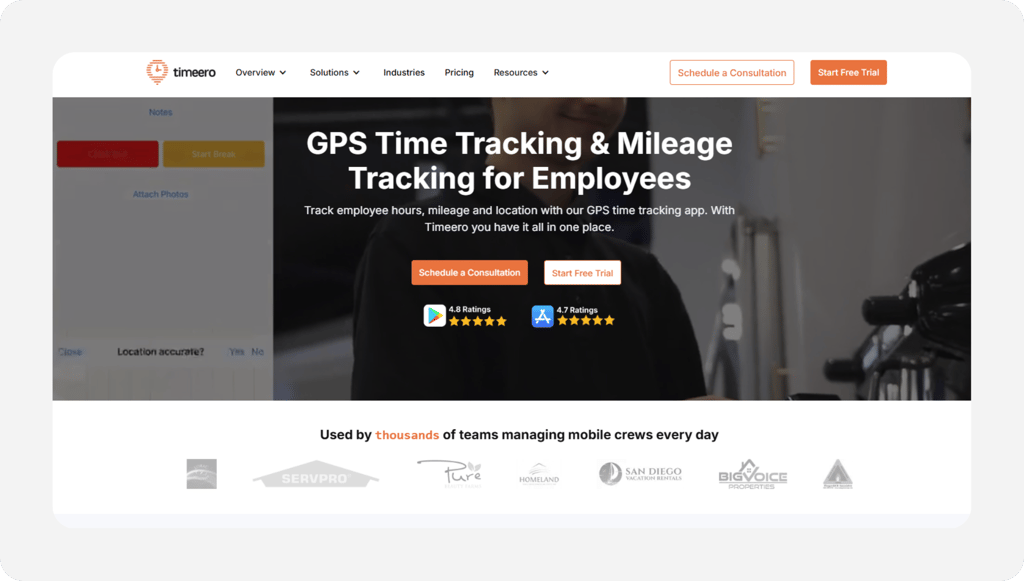
Timeero answers a question most time clocks ignore: What happened between the punches? Alongside GPS clock-ins, it tracks mileage automatically, which matters for home health agencies, delivery operations, and any field business that reimburses drive time or bills travel to a job. One app records both hours and miles, so reimbursement stops depending on an employee's odometer reading.
The GPS goes deeper than a simple geofence. Breadcrumb tracking records the route an employee actually traveled while clocked in with timestamps along the way. Standard geofencing tells you someone was inside the circle when they punched; breadcrumbs tell you where the truck went for the next six hours. For a business that's been burned by padded drive time, that visibility settles arguments before they start.
Pricing starts at $4 per user per month on the Basic plan, which caps at 10 users; growing teams move to the $8 Pro tier. Capterra reviewers rate it 4.5 and frequently single out the support team, with the main caveats being a thinner feature set outside its GPS and mileage specialty.
Key Features
Timeero's specialty is the road:

7shifts
- Best for: Restaurant teams with tip tracking needs
- Capterra rating: 4.7
- Starting cost: Free plan; Essentials from $49.99/location/month (monthly billing)
- Free trial: Yes
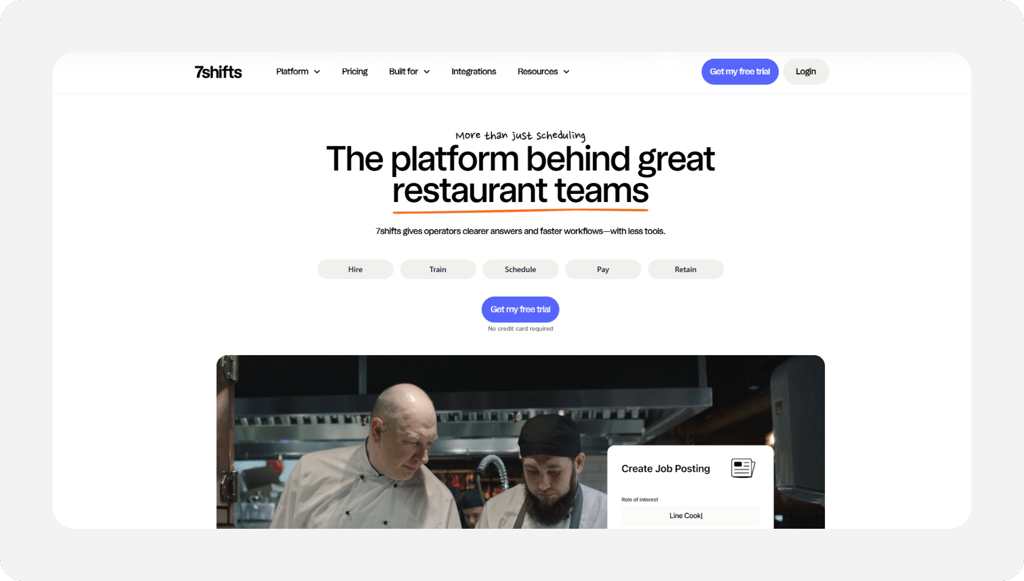
7shifts is restaurant software, full stop. Tip pooling, labor cost forecasting against POS sales data, and scheduling built around server sections and kitchen stations are included. The time clock understands things generic apps don't, like the difference between a tipped and non-tipped role, and the free Comp plan covers a single location with up to 15 employees, generous enough to run a real restaurant on.
Paid plans are priced per location, with Essentials starting at $49.99 per month with monthly billing for up to 30 employees. Premium costs $149.99 per month with monthly billing and supports unlimited employees.
The specialization cuts both ways. Reviewers rate it 4.7 on Capterra and consistently praise how naturally it fits restaurant operations, but a retail store, clinic, or field crew would be paying for tip management and prep-shift logic that it will never touch. Run a restaurant? Shortlist it. Run anything else? Find another option on this list.
Key Features
Built for the back of house and the front:

Rippling
- Best for: Fast-growing businesses consolidating HR + payroll
- Capterra rating: 4.9
- Starting cost: Custom quote required; public pricing not available
- Free trial: No (demo and quote process)
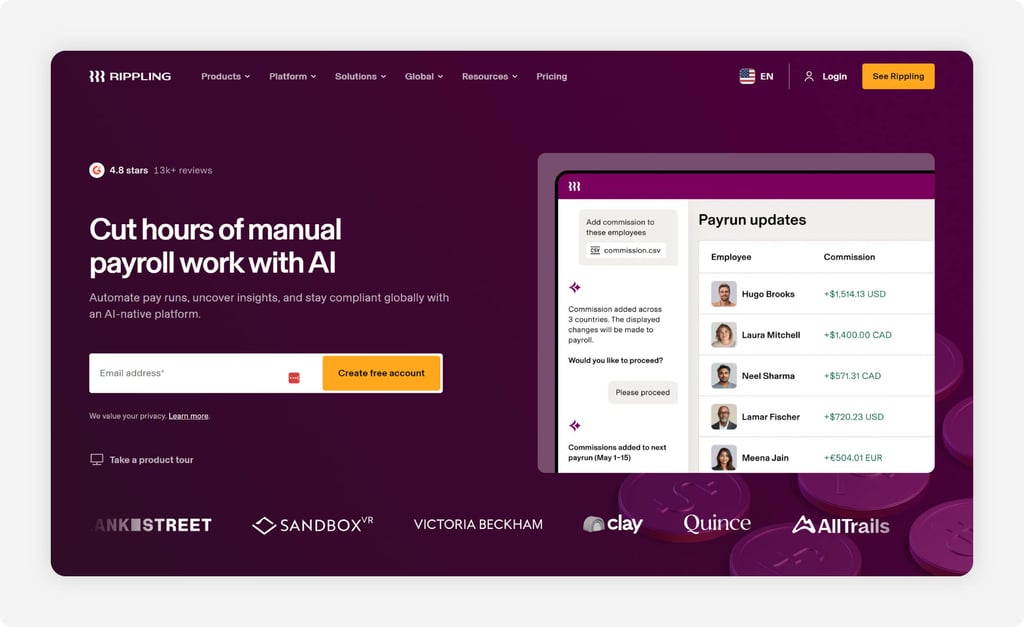
Rippling sells a bigger idea than a time clock. Payroll, HR, benefits, IT, and time tracking all hang off one employee record, so hiring someone once sets up their payroll, laptop, software logins, and time clock access in a single flow. For a business growing from 25 employees to 100, eliminating that administrative duplication is genuinely valuable, and the 4.9 Capterra rating across 4,600 reviews reflects how well the platform delivers on it.
Time tracking, though, is a module within the larger system rather than a product you can buy on its own. Rippling doesn't publicly disclose a standard starting price. Businesses must request a custom quote based on the products and services they need.
There's no self-serve trial; you book a demo and wait for a quote. That sales process alone disqualifies Rippling for a lot of the small businesses reading this. If you want to try software on Tuesday and be running payroll with it by Friday, this isn't that. If you're scaling quickly and tired of gluing six systems together, it's worth the demo.
Key Features
The case for the all-in-one approach:

Sling
- Best for: Budget-conscious teams needing basic scheduling
- Capterra rating: 4.6
- Starting cost: Free for up to 30 users; paid from $1.70/user/month (annual billing)
- Free trial: Yes: 15 days
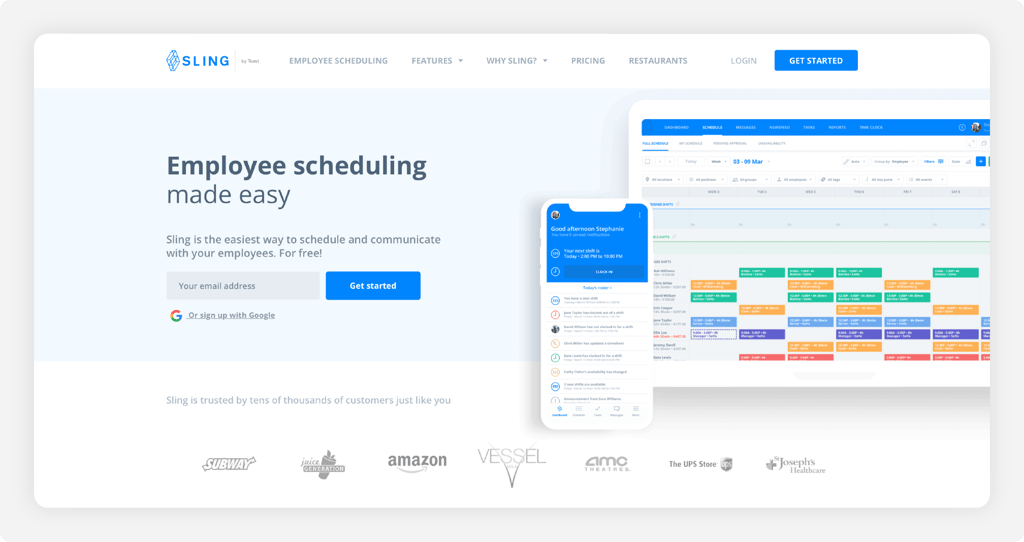
Sling's free plan is the most generous scheduling tier on this list: up to 30 users get shift scheduling, availability tracking, time-off requests, and team messaging at no cost. For a coffee shop or small gym that mostly needs to stop building schedules in Excel, that might honestly be enough, and the per-user pricing stays flat no matter how many locations you run.
The relevant catch for this article: The free plan doesn't include a time clock. You can schedule shifts for free, but tracking whether people actually showed up requires the Premium plan, which starts at $1.70 per user per month on annual billing. Even with paid GPS features, they’re basic compared to field-focused tools, and payroll connections are thinner than most competitors here.
Capterra reviewers rate it 4.6, with the free tier and shift-swap features drawing the most praise and mobile sync hiccups the most complaints. Sling fits a specific buyer well: An on-site, shift-based team that wants scheduling first and a simple punch clock second, all at the lowest possible price.
Key Features
Where Sling delivers for the money:

Paychex Flex
- Best for: Larger businesses wanting HR support alongside time tracking
- Capterra rating: 4.2
- Starting cost: Quote-based
- Free trial: No
Paychex Flex belongs on this list for businesses that need benefits administration, HR compliance guidance, retirement plans, and time tracking from one vendor. Paychex has spent decades serving exactly that buyer. Many plans come with a dedicated payroll specialist, which some businesses value enough to pay a premium for.
None of the pricing is public. Every quote is custom, built from your headcount and the services you select, and the sales process involves actual salespeople. Capterra's research notes that HR buyers commonly budget around $74 per user per month for the platform, several multiples of any per-user price on this list, though your quote depends heavily on which modules you take.
The 4.2 Capterra rating is the lowest of the 18 tools here, with reviewers praising the dedicated rep model and the breadth of services, while citing slow issue resolution and inconsistent service as recurring frustrations. For a 10-person crew that just needs clock-ins and clean payroll data, this is more vendor than the job requires.
Key Features
What you're actually buying with the quote:

ExakTime
- Best for: Construction companies needing strict compliance
- Capterra rating: 4.0
- Starting cost: From $9/user/month + base fee
- Free trial: Yes
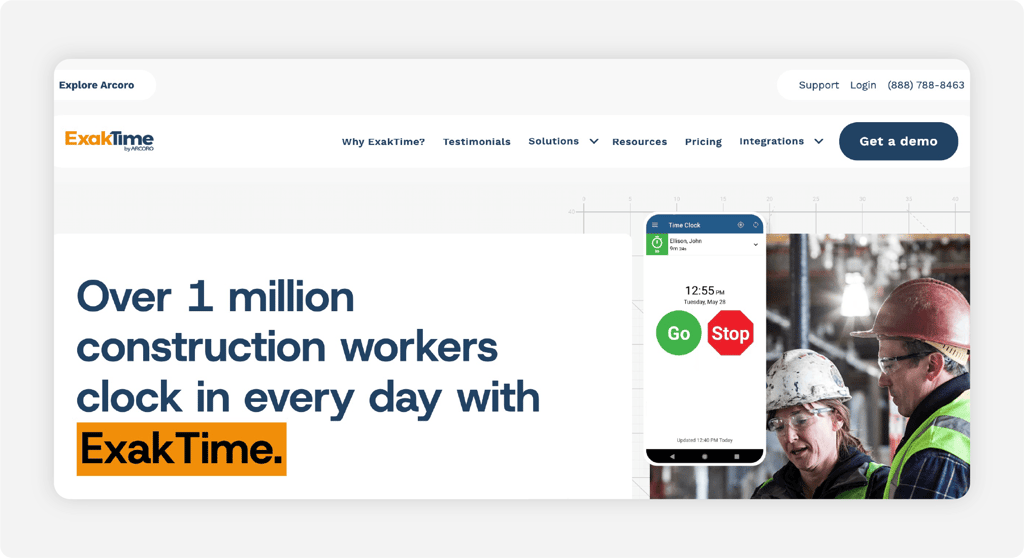
ExakTime has been tracking construction time since 1999, back when its hardware time clocks were bolted to job site trailers. The modern version keeps that DNA: rugged kiosk options that survive a job site, photo verification on every punch, and cost-code tracking detailed enough to satisfy a government contract auditor. Certified payroll exports for prevailing-wage work help lock in core customers.
That's also who it's for. With pricing from around $9 per user per month plus a base fee, ExakTime is priced and built for established construction firms with compliance requirements, not a four-person remodeling crew. The parent company, Arcoro, sells it as part of a broader construction HR suite, and the sales motion reflects that.
Its 4.0 Capterra rating sits below the other tools here. Reviewers like the field-friendly punch experience and cost-code depth, while the most common complaints involve dated software and integrations that required middleware to connect to their accounting systems. If certified payroll is a contractual requirement, ExakTime earns its keep. If it isn't, lighter tools cost less.
Key Features
Compliance-grade tracking is the niche:

Jibble
- Best for: Teams wanting a free GPS clock-in option
- Capterra rating: 4.8
- Starting cost: Free for unlimited users; Essential $3.49/user/month, Growth $5.99/user/month, Pro $10.99/user/month
- Free trial: Permanent free plan available; paid-plan trial availability not verified
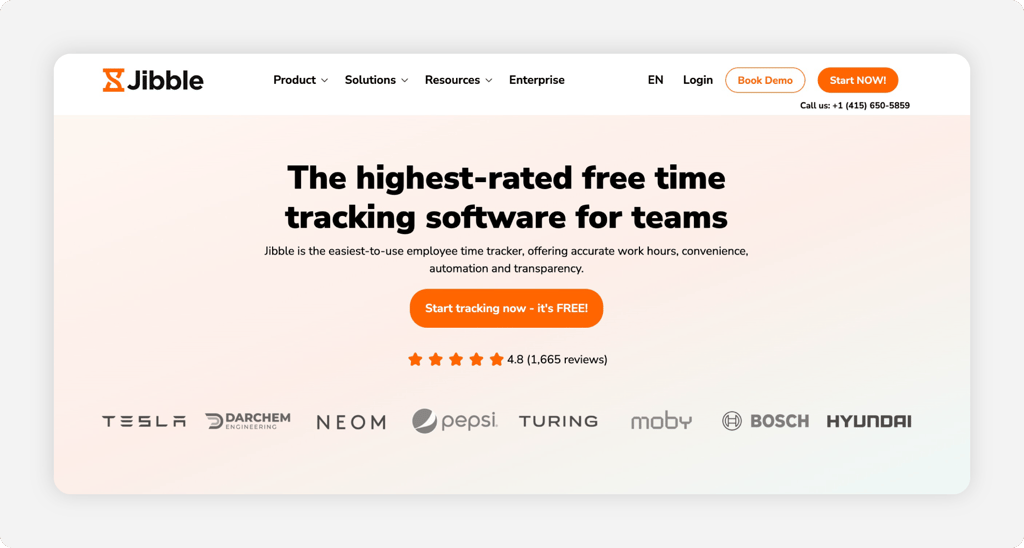
Jibble's free plan includes GPS tracking. Almost every competitor locks location features behind a paid tier, so a free plan with unlimited users, GPS-tagged punches, and even facial recognition is genuinely rare. For a small crew that needs location-verified clock-ins on a zero budget, Jibble is close to the only honest answer.
The free tier has edges, and you'll find them as you grow. You're limited to two geofences, while features such as timesheet approvals and advanced team management require paid plans. Jibble's free plan covers unlimited users with no expiration date. Teams that need more can upgrade to Essential for $3.49 per user per month, Growth for $5.99, or Pro for $10.99, with monthly billing.
Capterra reviewers rate it 4.8 and consistently describe a free plan that delivers on its promises. Complaints cluster around occasional sync delays in the mobile app and reporting that takes effort to bend into shape. As a no-cost starting point for a field team, it's hard to argue with.
Key Features
A lot of capability at zero dollars:

Hubstaff
- Best for: Remote or hybrid teams tracking hours + activity
- Capterra rating: 4.6
- Starting cost: From $4.99/user/month (annual billing, two-user minimum)
- Free trial: Yes: 14 days
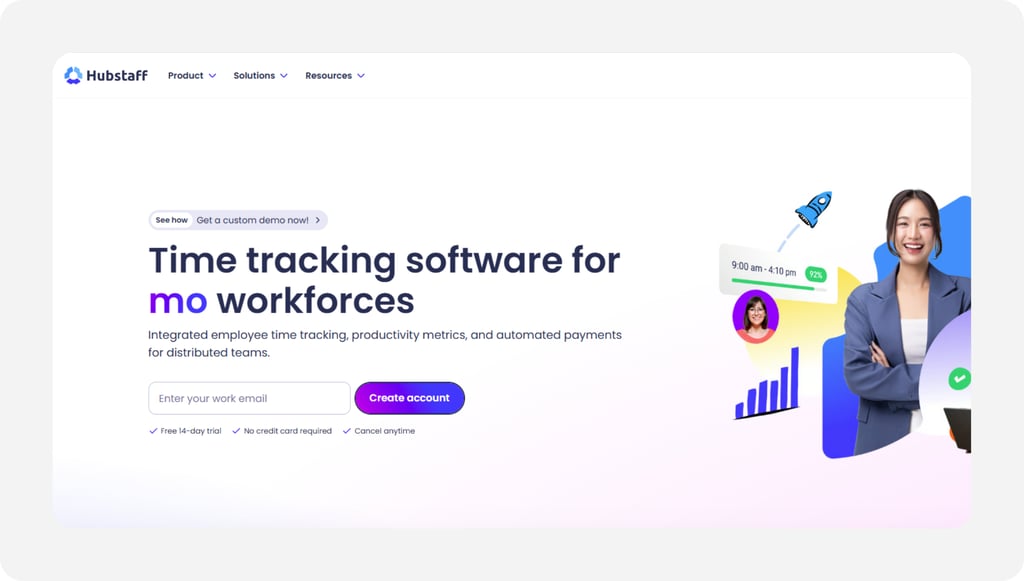
Hubstaff combines a time clock with activity monitoring: This is optional screenshots, app and URL tracking, and activity rates based on keyboard and mouse movement, plus GPS for mobile staff. For a business managing remote contractors or a distributed team, it rarely sees in person, that visibility answers the question, "What am I actually paying for?" in a way punch times alone can't.
Be careful matching the tool to the team. For hourly, in-person employees, screenshot monitoring tends to read as surveillance, and even Capterra reviewers who like the product mention the intrusion factor. A landscaping crew or front desk staff doesn't need its activity scored; it needs a clean punch and accurate hours. Hubstaff's sweet spot is the workforce you can't see, not the one in the next room.
Plans start at $4.99 per user per month on annual billing with a two-user minimum, and GPS features are available only on higher tiers. The 4.6 rating across 1,600 Capterra reviews reflects strong marks for tracking accuracy and reporting depth, with support quality drawing the most criticism.
Key Features
Built for teams you manage from a distance:
What to look for in a clock-in/clock-out app
Not every clock-in/clock-out app is built for small businesses, and the gap between a capable tool and the right one shows up fast once you're live with it. The features below are the ones that actually move the needle and reduce your administrative burden.
GPS tracking and geofencing
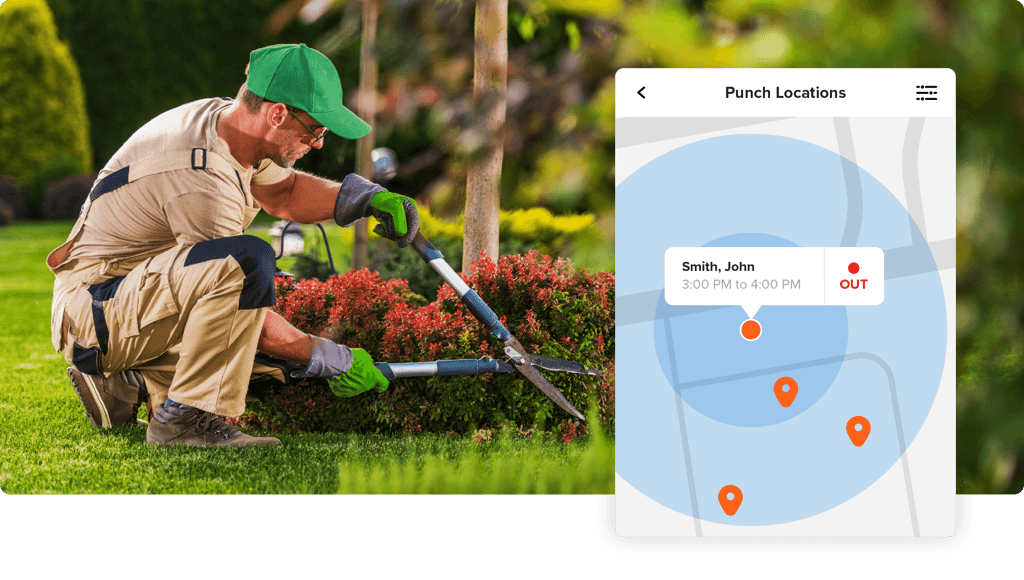
GPS removes the honor system entirely for field-based and remote crews, and it builds a defensible record if hours are ever disputed by an employee, a client, or a labor board. Geofencing takes it one step further: Employees can only clock-in when they're physically within a set radius of the job site. Punch from the driveway at home, and the app simply won't accept it.
OnTheClock includes geofencing at its standard price, and tools like Timeero and Connecteam offer it as well. If your crew works anywhere other than under your roof, treat this as a requirement rather than a nice-to-have.
Ease of use for employees
The best GPS-enabled app on the market fails if your crew won't open it. Every abandoned time tracking rollout follows the same script: The owner loved the features; the employees found it confusing; and within a month, everyone drifted back to texting hours.
"Easy" means two or three taps to punch in. Your clock-in/clock-out software should require no training session, and employees should be able to use whatever phone they already own (including the cracked Android from 2021).
Payroll integration
A clock-in/clock-out app should remove the data-entry step between time tracking and payroll. If someone still retypes hours into your payroll system every other Friday, the app has only moved the work around.
Look for direct connections to the payroll tools small businesses actually run: QuickBooks, Gusto, ADP, and Paychex cover most of the market. And know that integration quality varies a lot by tool.
Two apps can both list QuickBooks on their integrations page, while one syncs job codes and overtime cleanly, and the other dumps raw hours that need cleanup. Test your specific payroll connection during the trial with a real pay period before you commit.
Free trial availability
Hourly small business owners prefer to run software with their crews before buying. A free trial with no credit card or demo call signals that the product will sell itself once you've used it.
Some vendors offer 14 days, some require a card that auto-bills if you forget to cancel, and a few skip trials entirely in favor of sales demos and custom quotes. OnTheClock offers 30 days free with no credit card or demo requirement, which stands out in a category where Rippling and Paychex won't even show you a price without a phone call.
Pricing transparency
Hidden fees are the most common pricing complaint in this category: Base fees that don't appear until checkout, features that move to higher tiers mid-contract, and per-location charges that multiply quietly as you grow. The fix is to favor tools that publish clear per-employee pricing on their websites.
OnTheClock, Clockify, and Jibble all post their numbers publicly, so you can calculate your exact monthly cost before talking to anyone. Quote-based vendors, like Paychex, bundle more services into the price, and for some larger businesses, that bundle makes sense.
Just go in knowing the trade-off: You're giving up the ability to comparison-shop on price, and that's rarely an accident on the vendor's part.
Accountability features
Buddy punching is an awkward problem because confronting it means accusing someone. Verification features solve it structurally, so you don’t have to do that. Photo capture takes a picture of each punch, biometric tools match a fingerprint, and facial recognition automatically confirms a person’s identity, so the system enforces honesty rather than the manager.
OnTheClock offers photo capture at each clock-in, and Buddy Punch makes facial recognition its signature feature. Think of these features as protection for the honest majority rather than surveillance of everyone.
The employee who shows up on time every day has nothing to lose from a system that proves it. If trust has been a documented problem at your business, this is a feature to consider.
Stop chasing timecards and start trusting your payroll data
The 18 tools above all have great options for different businesses, so review your criteria to find the best fit. Replace paper timecards, honor-system check-ins, and end-of-week text messages with GPS-verified clock-ins that go straight to payroll. OnTheClock is an affordable employee clock in/clock out and payroll platform built for hourly teams, field crews, and shift-based workplaces. Start your free, 30-day trial now.